3-in-1 Module: Video from Server, File Manager, CKEditor Full
3-in-1 module: Video, File Manager, CKEditor Full — an indispensable solution for convenient work with content
This module combines three powerful tools that greatly simplify content management in your store or website:
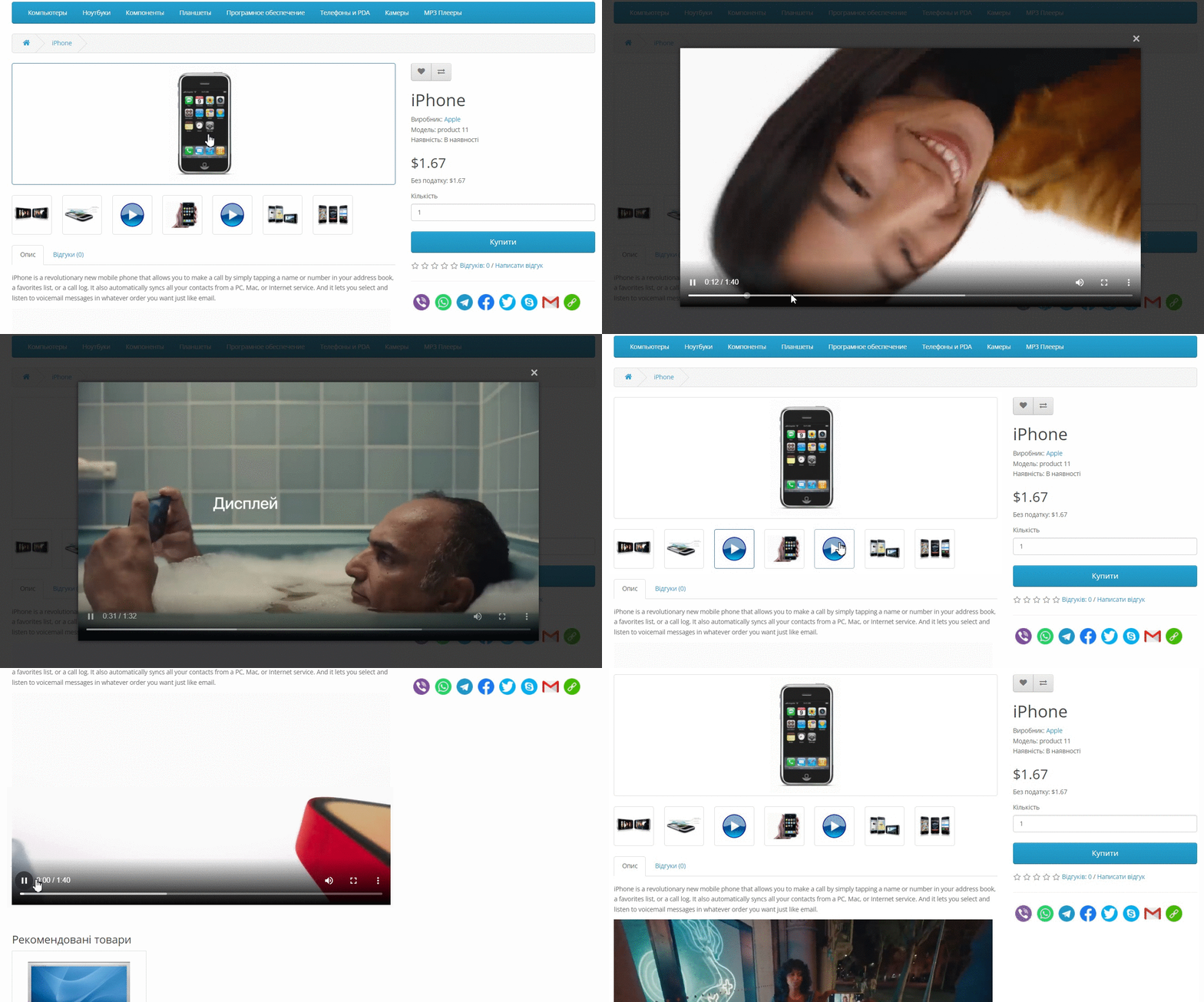
✅ HTML Video - Easily add videos as images
Does not create new tables — all videos are stored in existing
imagetables.Add videos directly to your server or hosting as easily as images.
Mixed queue option: upload videos and photos in any order.
No limits on quantity — insert as many videos as you need.
Embed videos in product descriptions, articles, blogs, etc.
Much faster and more convenient than posting videos via YouTube.
Support for a custom icon for videos in the style of your website.
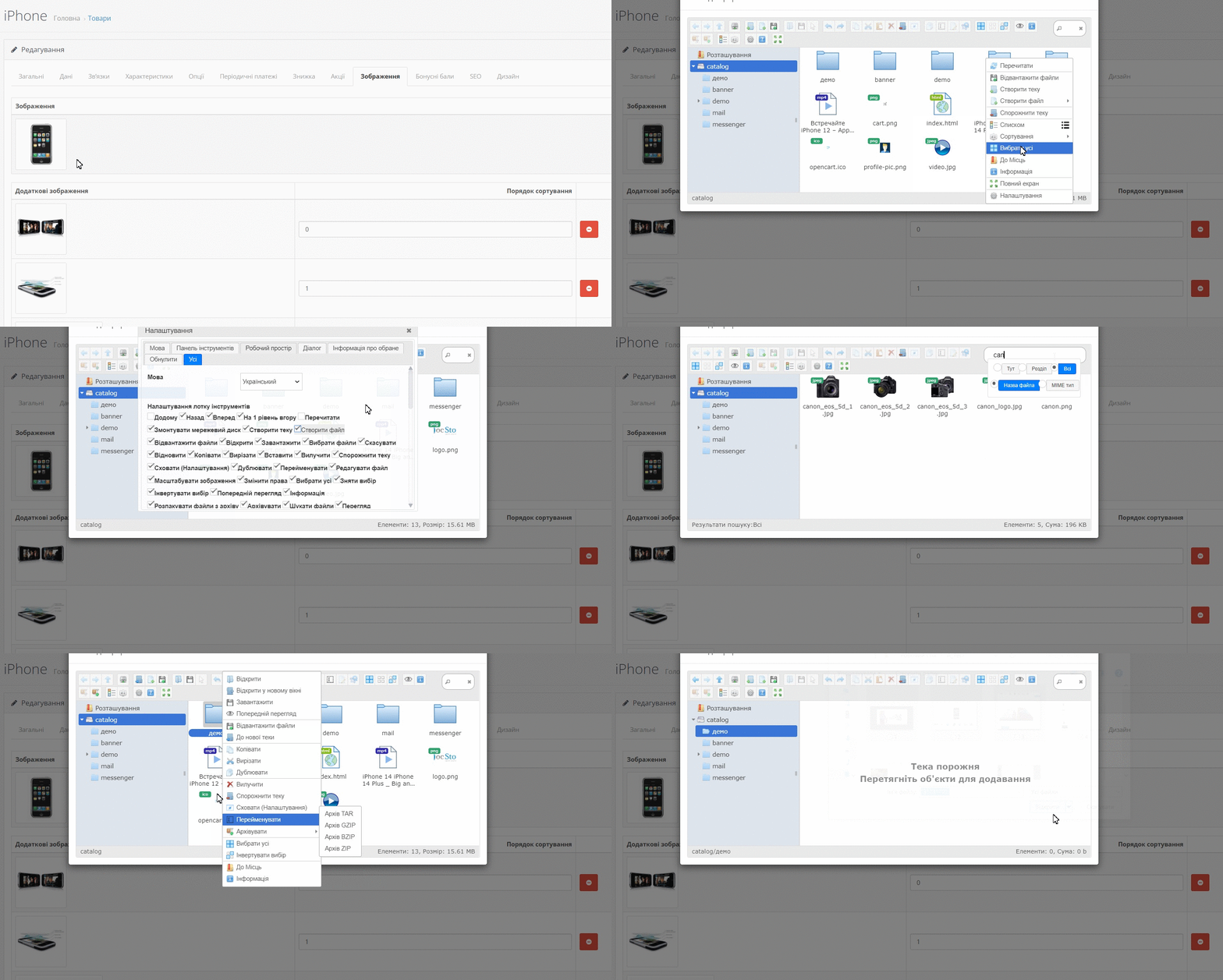
✅ Powerful file manager — maximum control
Instantly search for files by name or part of the name.
Convenient directory structure for organizing files.
Create and edit folders without leaving the manager.
Image editing: resize, crop, add/change background, or rotate original.
Bulk upload: support for multi-upload of files and entire folders.
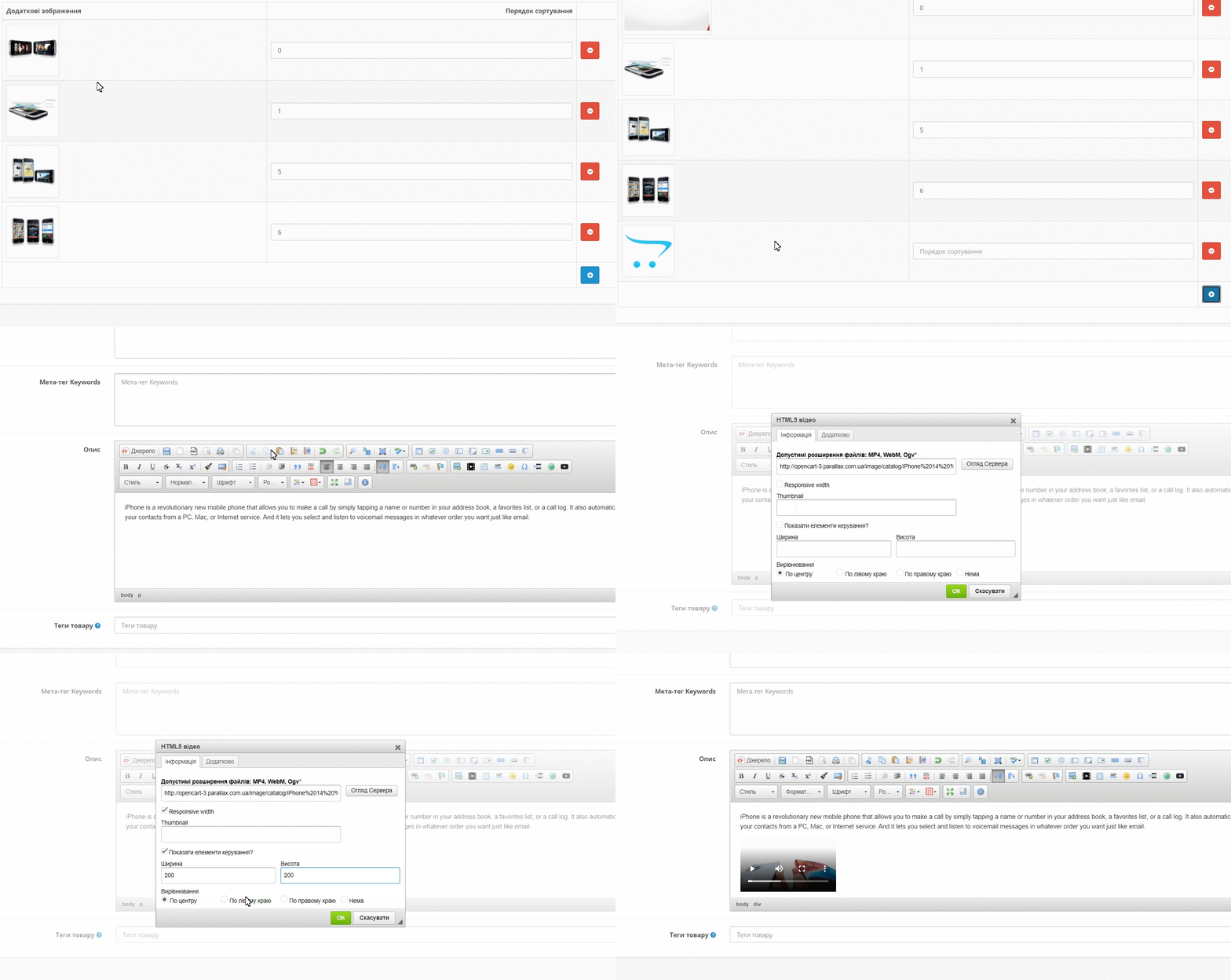
✅ CKEditor Full - advanced editor without limitations
Works multilingually — automatically adapts to the admin panel language.
Available on all admin pages: products, articles, modules, etc.
More than 80 tools for professional work with text and HTML.
File manager integration: upload photos, videos, documents directly from the editor.
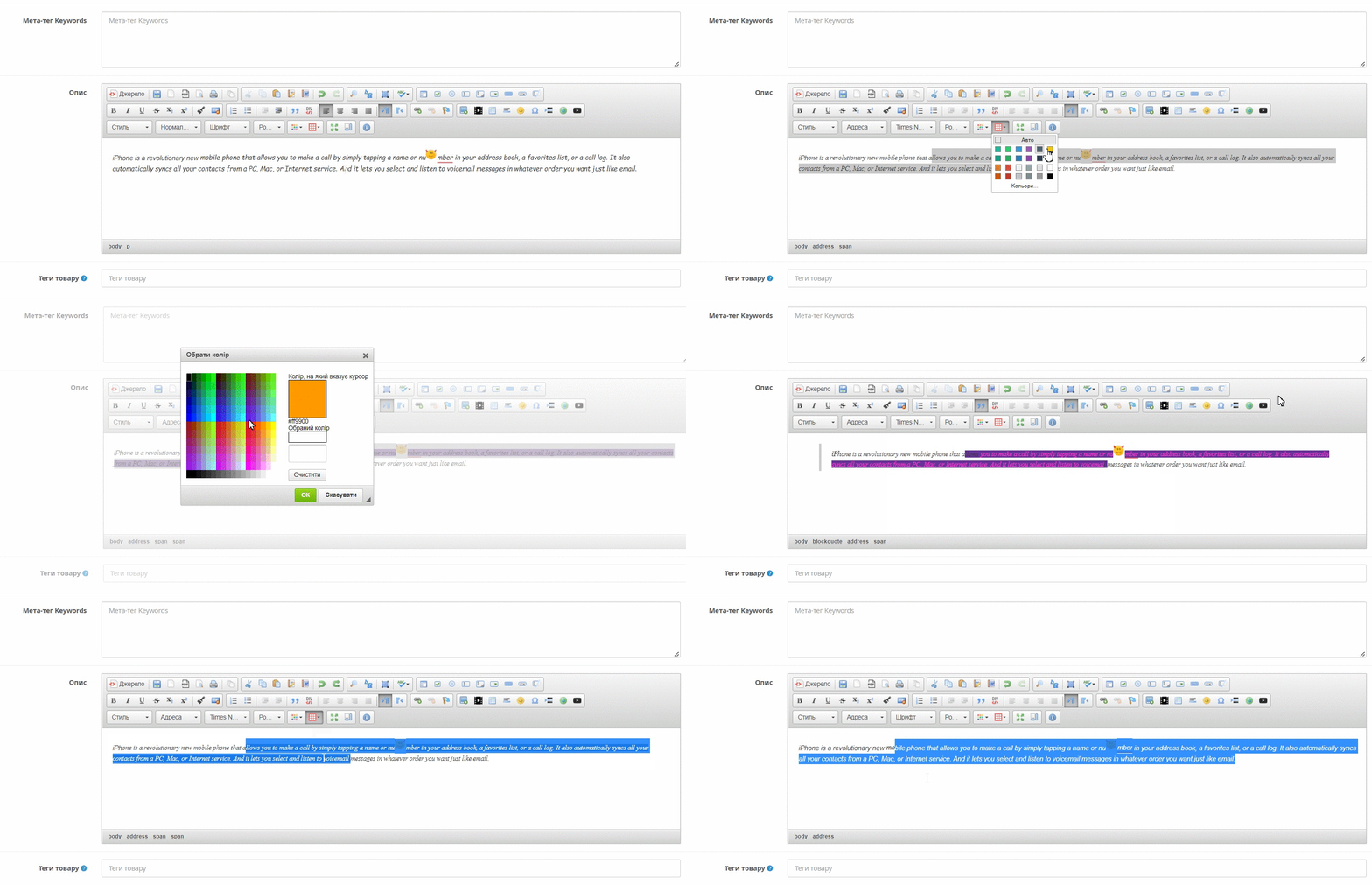
With this module, content management becomes fast, convenient and modern. Install and forget about restrictions!
Please note that the module was developed and works on standard open source without changes. For non-standard builds, you may have to make adaptations (It is not included in the price of the module)
The module is sold "AS IS" and does not include free technical support.
There are no reviews for this product, be the first to leave your review.
No questions about this product, be the first and ask your question.
Module installation instructions:
- Before performing any actions related to installing an add-on in Opencart, we recommend creating a backup copy of all site files and the store database ;
- Install the localcopy fix (if you don't have it installed yet)
- Download the module file for the desired Opencart version from our website ( Follow the installation instructions if there are any in the module archive );
- Then go to the "Installing add-ons/extensions" section and click on the " Download " button;
- Select the downloaded file and wait for the module to be fully installed and for the text "Application installed successfully" to appear;
- After that, go to " Application Manager " and update the modifiers by clicking the " Update " button;
- After these actions, you need to add the rights to view and manage the module in the " User Groups " section for the administrator or other users you select by clicking " Select All ".
-
Can I embed videos from my own server or hosting?
-
Can I download videos directly from my computer, without YouTube?
-
Is bulk file upload supported?
-
Does CKEditor Full work in all sections of the admin panel?