
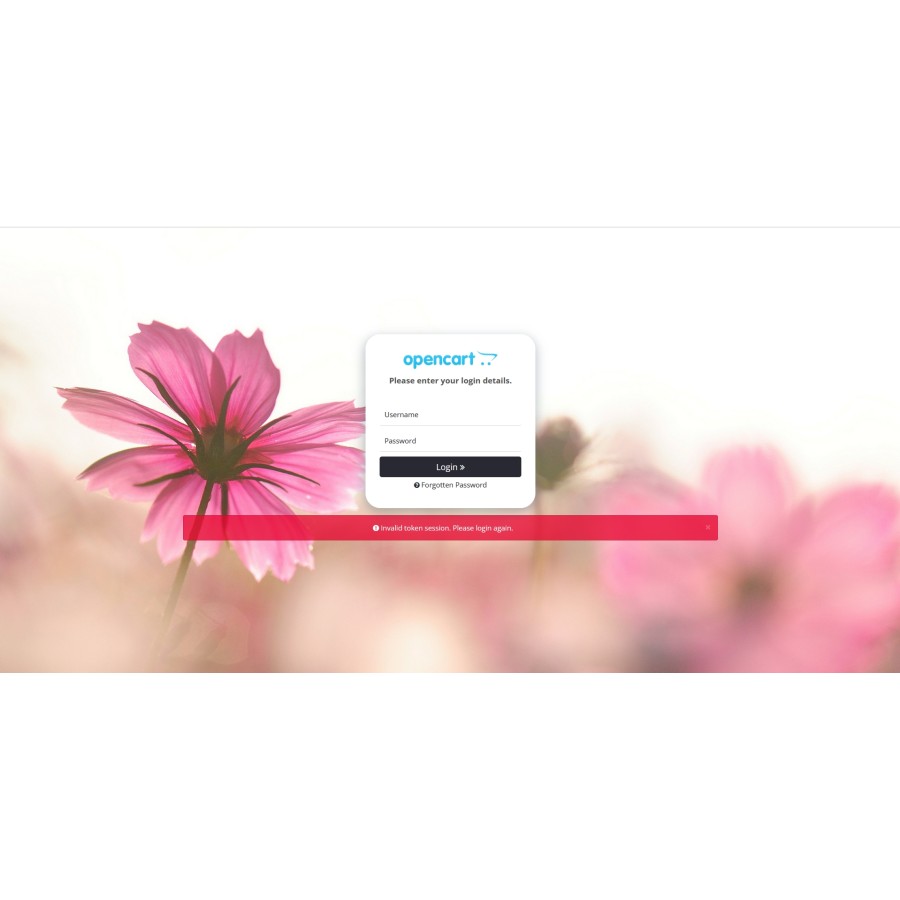


Template Admin Login Page and Password Recovery Page for OpenCart
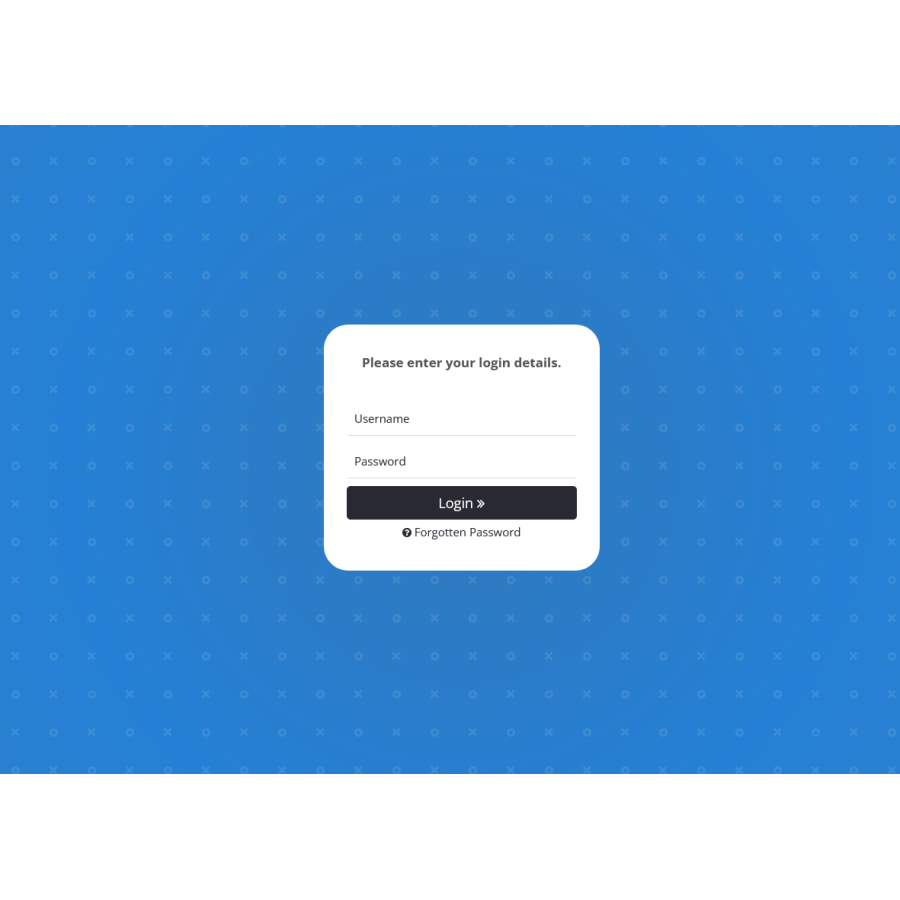
Admin Login Pro is a compact module that allows you to improve the appearance and personalize the login page to the administrative panel.
One of the main advantages of Admin Login Pro is its responsive design, which ensures excellent display on both desktop and mobile devices. This means that you can conveniently and seamlessly access your admin panel from any device at any time.
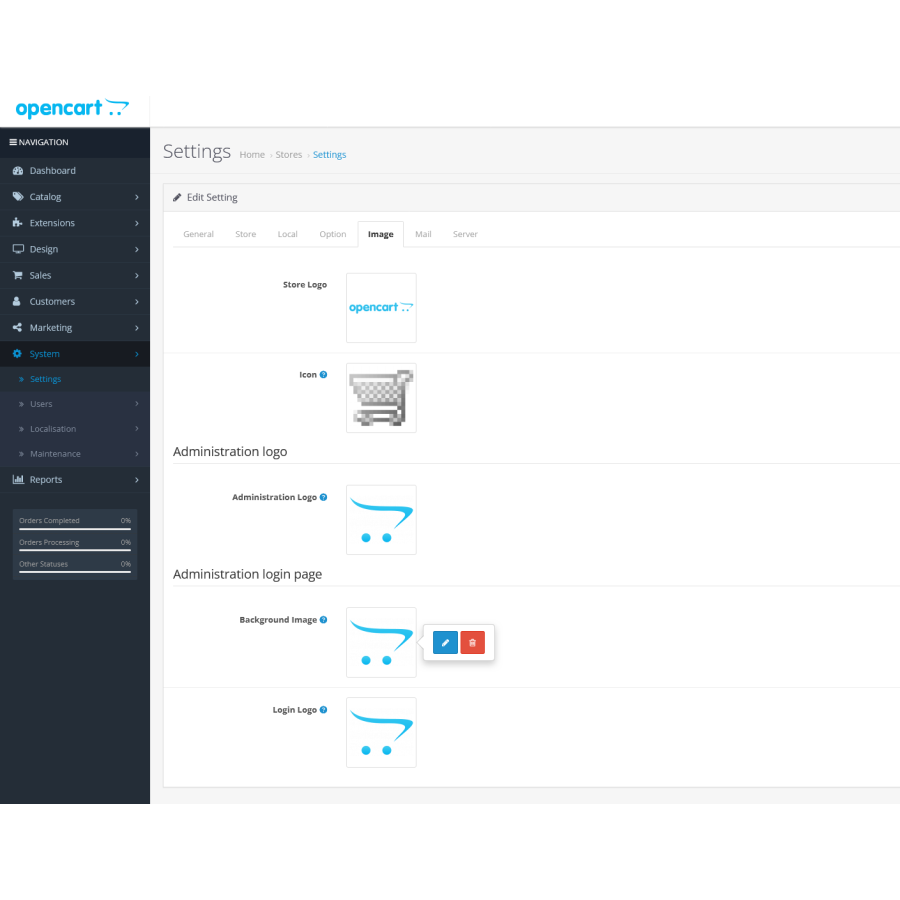
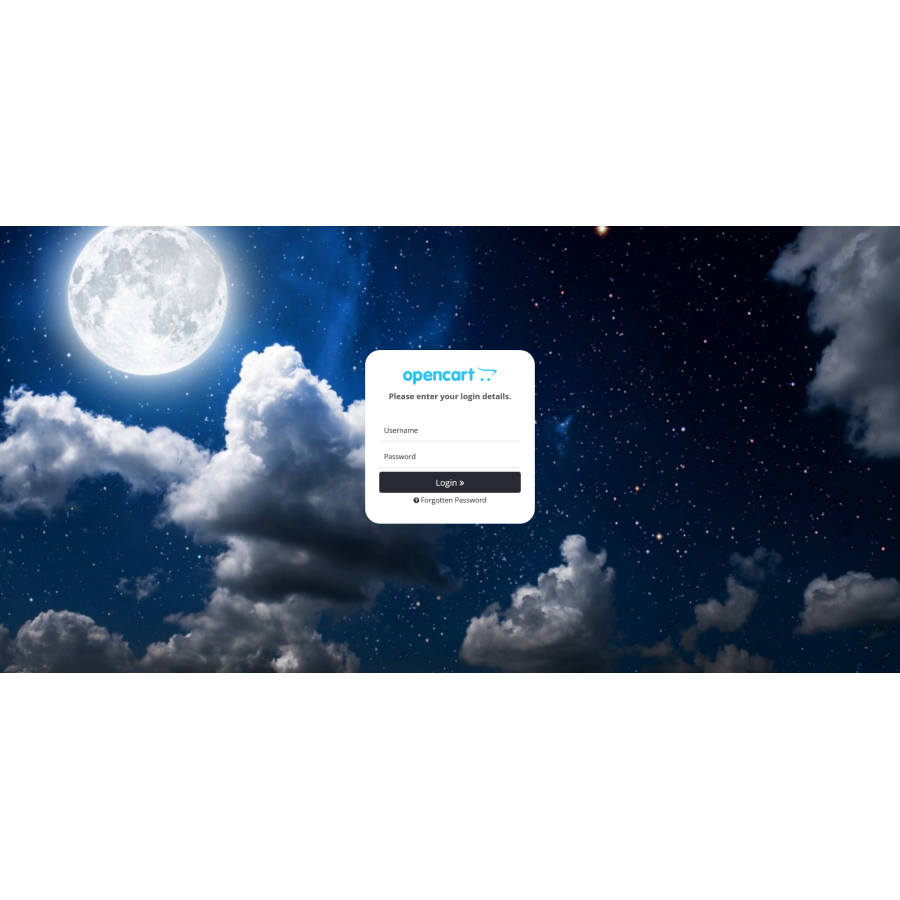
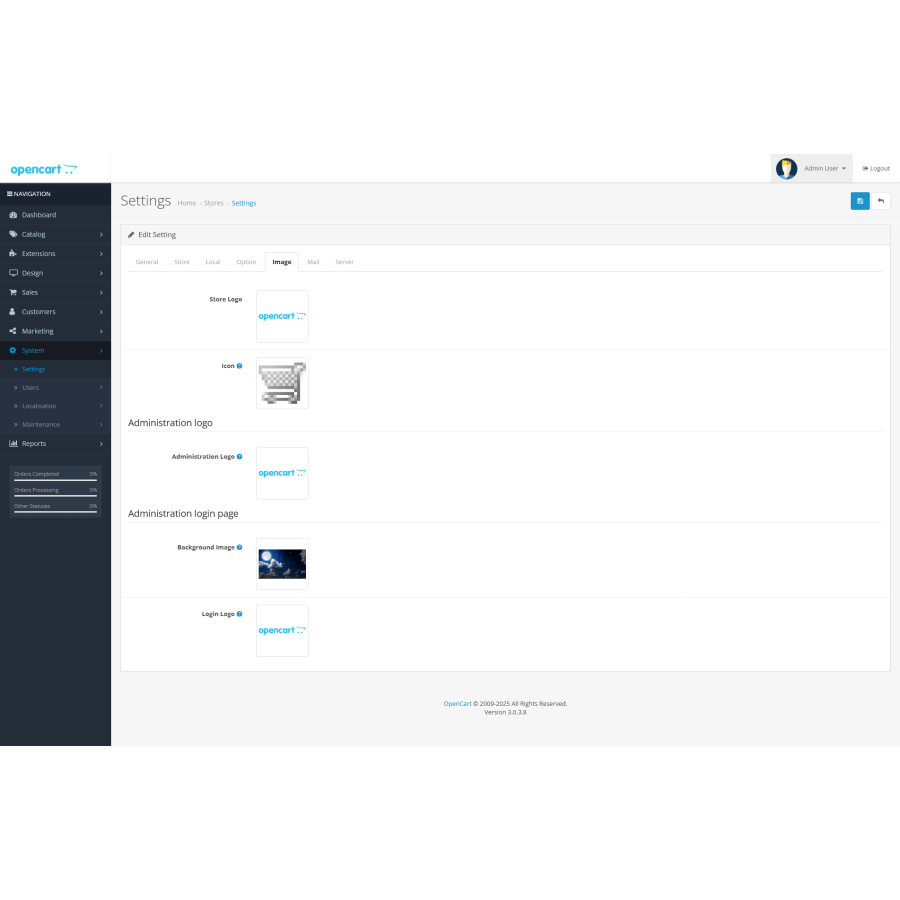
With Admin Login Pro, you can set your own image for your login page. This allows you to create a unique and attractive look that reflects your brand or personal preferences. You can choose an image from your gallery or upload a new one, which will help you create a memorable and stylish interface.
The module also provides the ability to upload your own logo instead of the standard one. This allows you to make the administrative panel more professional and recognizable to users. The logo will blend perfectly with your brand, creating an authoritative impression.
All these features make Admin Login Pro a great choice for those looking to increase personalization and improve the look and feel of their OpenCart admin panel. The module is suitable for businesses of any size and industry, providing a great user experience for administrators.
Main characteristics of the module:
- Adaptive design
- Ability to add your own background image
- Support for uploading your own logo
- Additionally: adding a logo to the admin panel pages
- Installation through OCMOD
- Does not change the core site files
Installation instructions:
- Go to the "Installing Applications" section and click the "Download" button;
- Select the downloaded file and wait for the message "Application installed successfully" to appear;
- Go to "Application Manager" and click the "Update" button.
Available languages: Russian, English, Ukrainian.
There are no reviews for this product, be the first to leave your review.
No questions about this product, be the first and ask your question.
Module installation instructions:
- Before performing any actions related to installing an add-on in Opencart, we recommend creating a backup copy of all site files and the store database ;
- Install the localcopy fix (if you don't have it installed yet)
- Download the module file for the desired Opencart version from our website ( Follow the installation instructions if there are any in the module archive );
- Then go to the "Installing add-ons/extensions" section and click on the " Download " button;
- Select the downloaded file and wait for the module to be fully installed and for the text "Application installed successfully" to appear;
- After that, go to " Application Manager " and update the modifiers by clicking the " Update " button;
- After these actions, you need to add the rights to view and manage the module in the " User Groups " section for the administrator or other users you select by clicking " Select All ".
-
How to install the Admin Login Pro module in OpenCart?
-
Can I add my logo to the admin panel login page using Admin Login Pro?
-
Will the site code change when installing Admin Login Pro?





