

AdminRename module Rename admin directory – Hide admin directory for OpenCart
Based on Microsoft's security advice, an administrator account is definitely the number one target for a hacker trying to gain access to your eCommerce store.
Although there are no official statistics on how many OpenCart users rename their accounts, we at iSenseLabs notice that only 1 in 20 customers follow this security best practice.
That's why we created AdminRename - a lightweight software that allows you to rename your admin account and thus protect it from hackers. Is your store secured?
Main characteristics
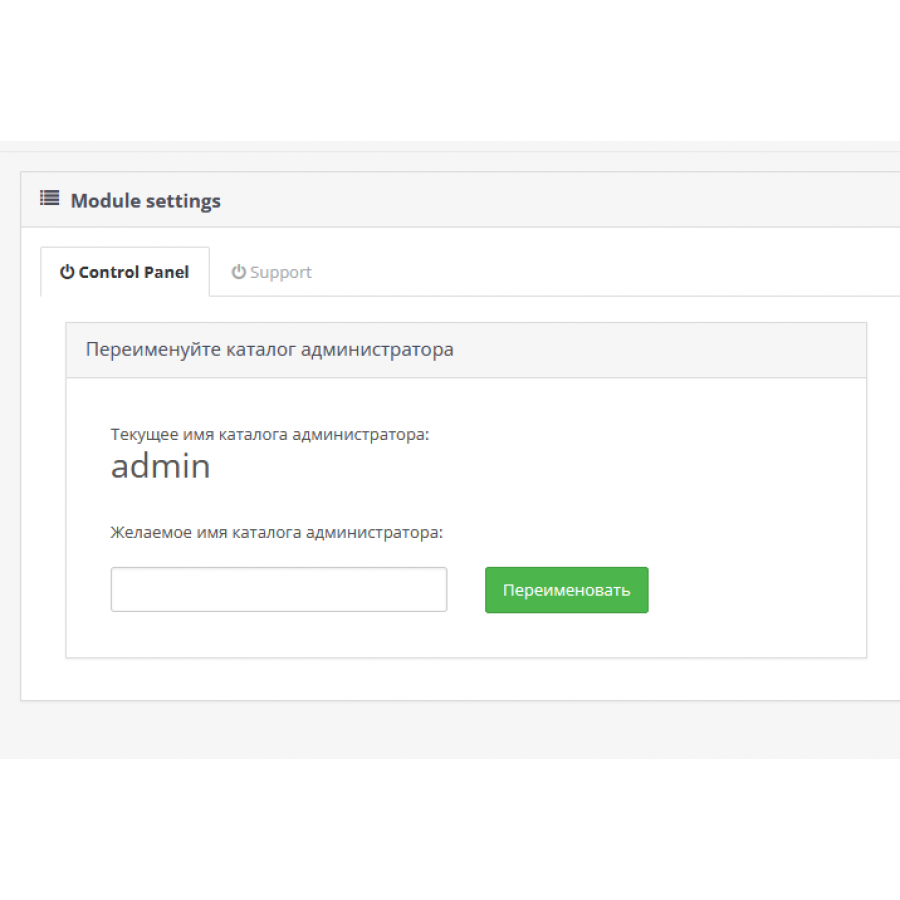
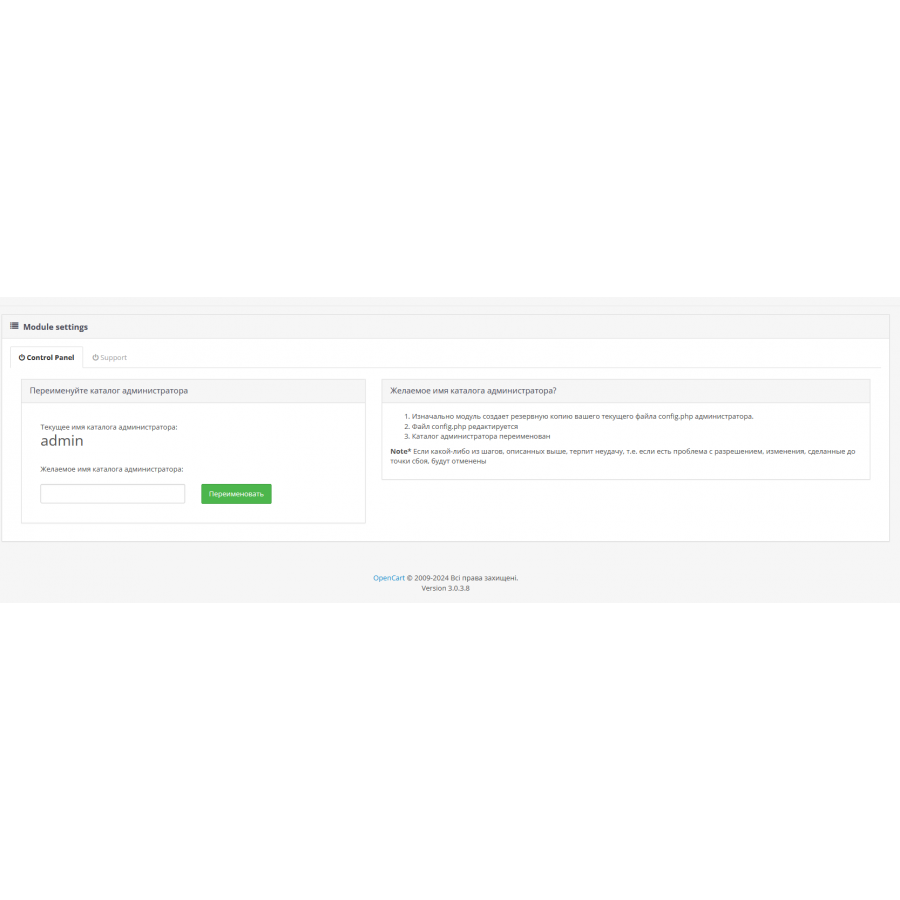
✯ Displaying the current directory name in the admin
✯ Simple renaming of the current directory with one click
✯ Versatility - works with standard OpenCart catalogs + already renamed catalogs
✯ Safe – automatically backs up all changed files when renaming
✯ Informative – A step-by-step walkthrough of what happens behind the scenes
✯ Compatible with vQmod
✯ Clean and crisp integration. Kernel files are not overwritten.
 adminrename3x.ocmod.zip
There are no reviews for this product, be the first to leave your review.
No questions about this product, be the first and ask your question.
Module installation instructions:
- Before performing any actions related to installing an add-on in Opencart, we recommend creating a backup copy of all site files and the store database ;
- Install the localcopy fix (if you don't have it installed yet)
- Download the module file for the desired Opencart version from our website ( Follow the installation instructions if there are any in the module archive );
- Then go to the "Installing add-ons/extensions" section and click on the " Download " button;
- Select the downloaded file and wait for the module to be fully installed and for the text "Application installed successfully" to appear;
- After that, go to " Application Manager " and update the modifiers by clicking the " Update " button;
- After these actions, you need to add the rights to view and manage the module in the " User Groups " section for the administrator or other users you select by clicking " Select All ".