

Custom Alt and Title for main product images for OpenCart
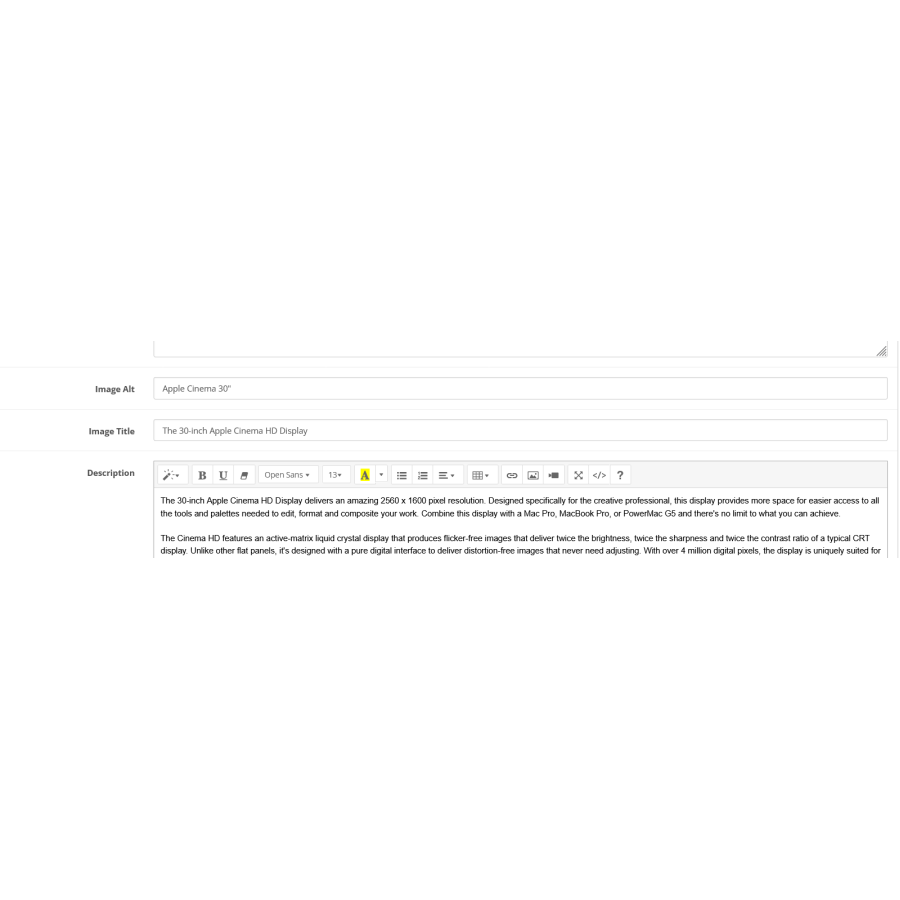
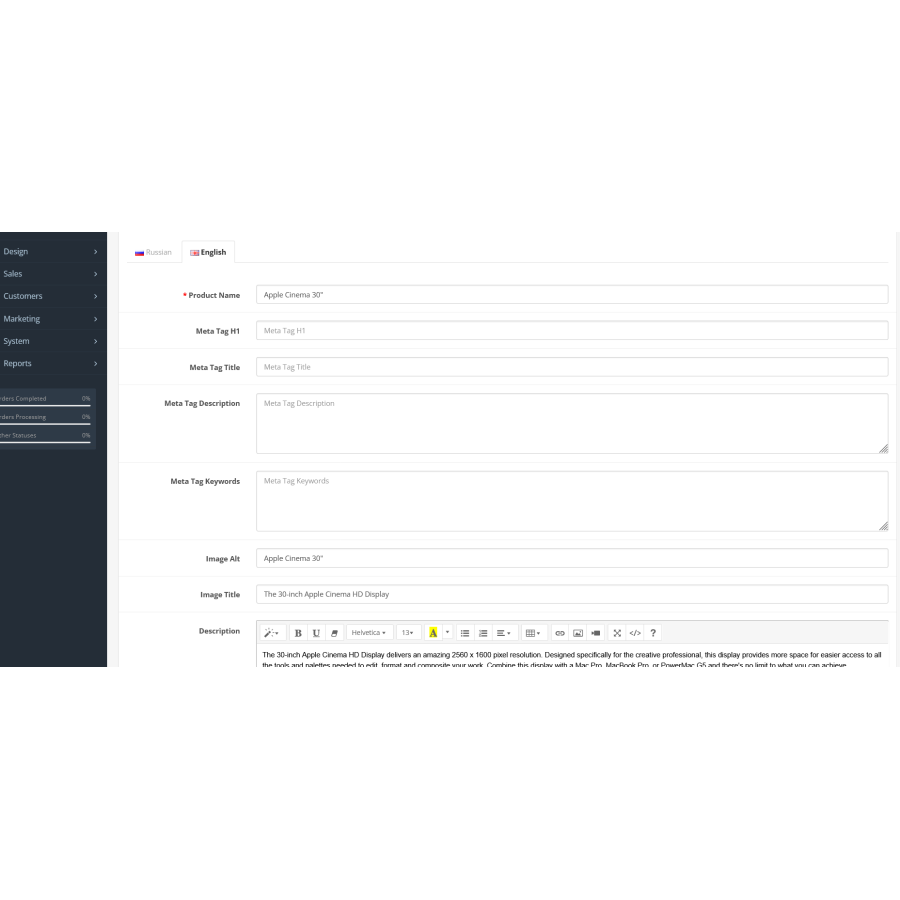
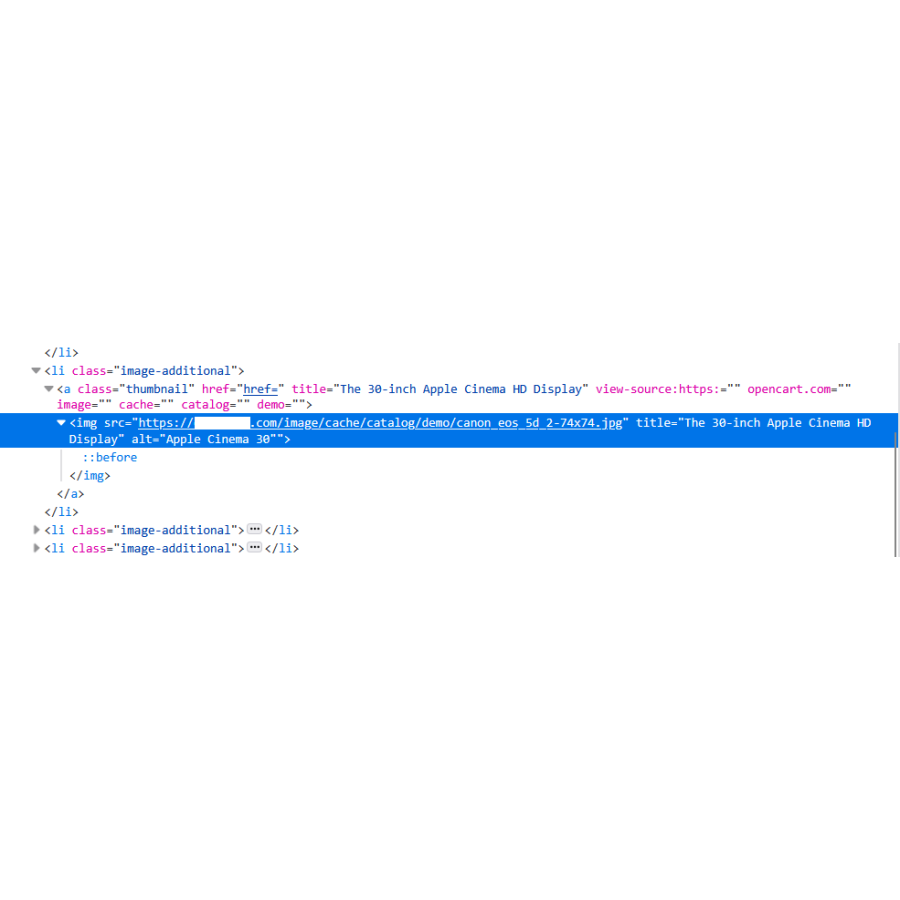
SEO Image PRO is a professional tool for automating SEO optimization of images in your OpenCart online store. The module automatically fills in ALT and TITLE attributes, allowing your products to rank better in Google Images search results and attract additional organic traffic.
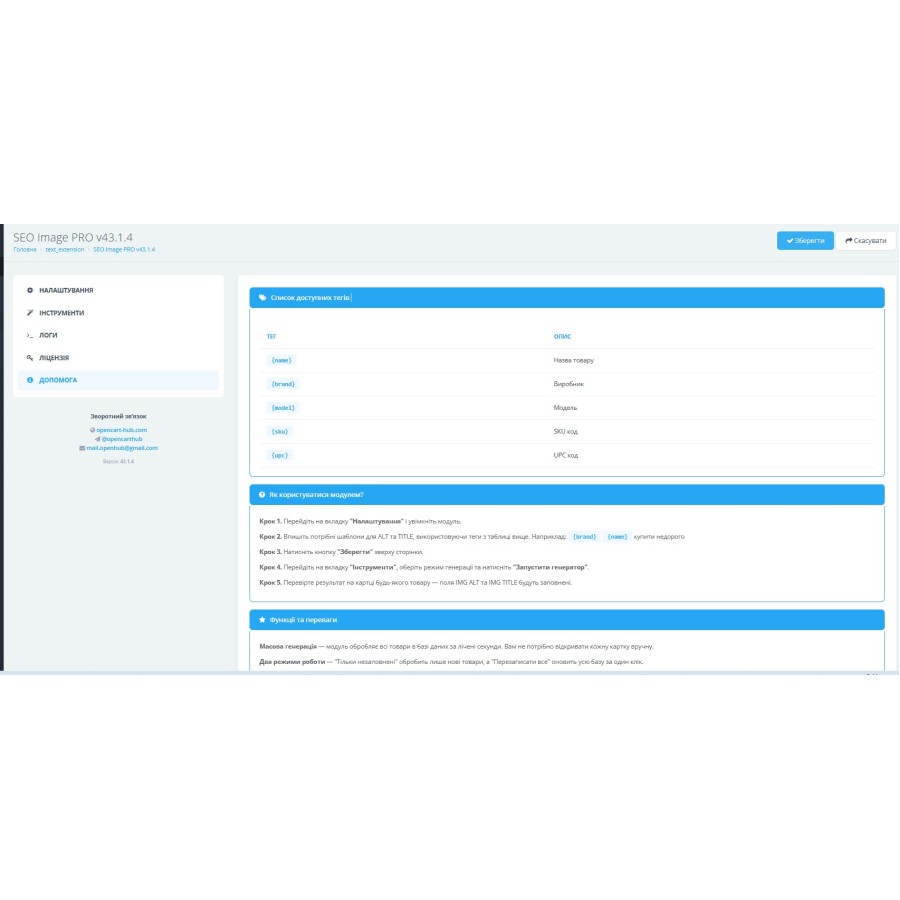
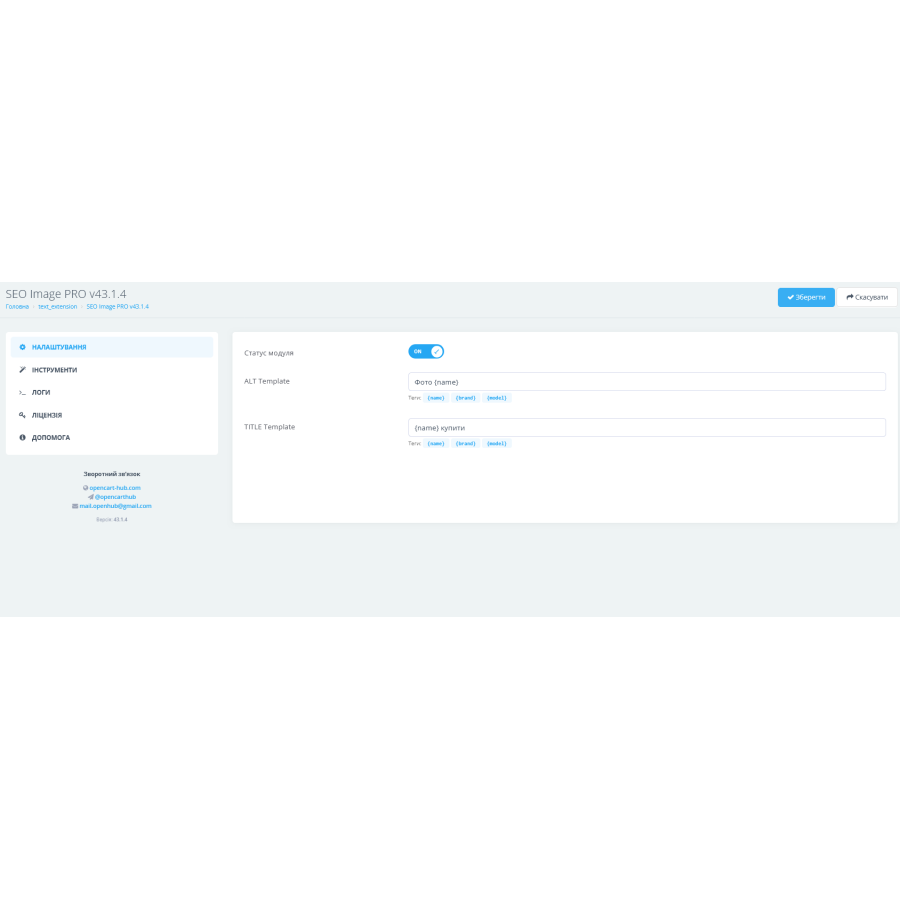
Forget about the routine: instead of manually writing titles for thousands of photos, you can set up a flexible template. With support for a wide range of tags, such as {name} (name), {brand} (manufacturer), {model} (model) and {sku} (article), each attribute will be unique and as informative as possible for search engines.
Main advantages of the module:
— Full automation: generation of thousands of attributes in seconds.
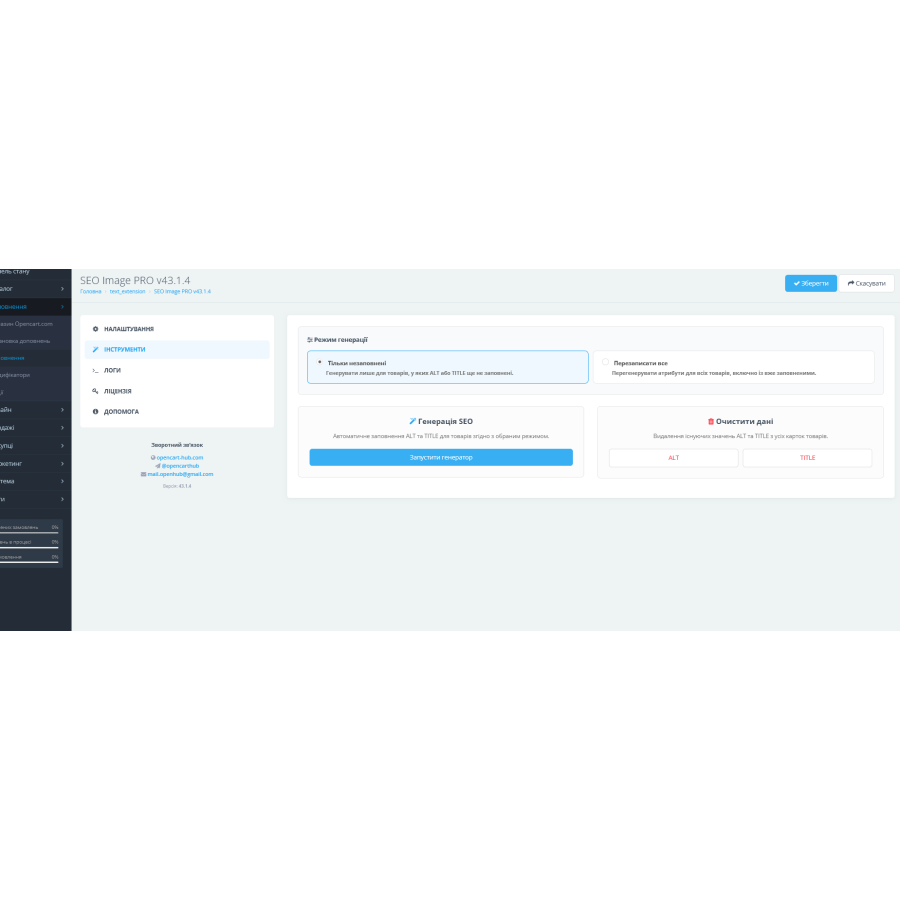
— Flexibility of modes: you can choose to generate only for new products (where the fields are empty) or completely overwrite existing data for the entire catalog.
— Smart processing: the module automatically removes extra whitespace and handles empty values, creating "clean" and tidy code.
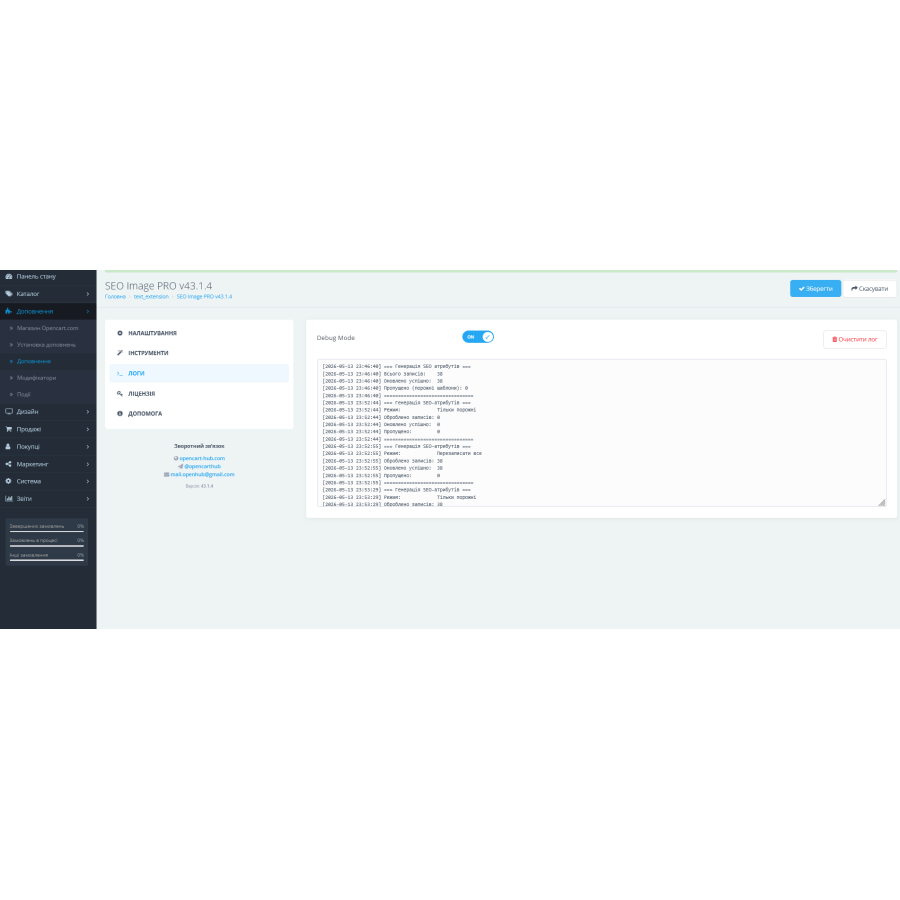
— Reliability: data is written directly to the database, which ensures stable operation on any templates and engine versions.
SEO Image PRO is your way to top search rankings and professional-looking product listings without any effort. Make your store visible to customers today!
No questions about this product, be the first and ask your question.
Module installation instructions:
- Before performing any actions related to installing an add-on in Opencart, we recommend creating a backup copy of all site files and the store database ;
- Install the localcopy fix (if you don't have it installed yet)
- Download the module file for the desired Opencart version from our website ( Follow the installation instructions if there are any in the module archive );
- Then go to the "Installing add-ons/extensions" section and click on the " Download " button;
- Select the downloaded file and wait for the module to be fully installed and for the text "Application installed successfully" to appear;
- After that, go to " Application Manager " and update the modifiers by clicking the " Update " button;
- After these actions, you need to add the rights to view and manage the module in the " User Groups " section for the administrator or other users you select by clicking " Select All ".