

Module Information bar with banner or text at the top of the site for Opencart
File information
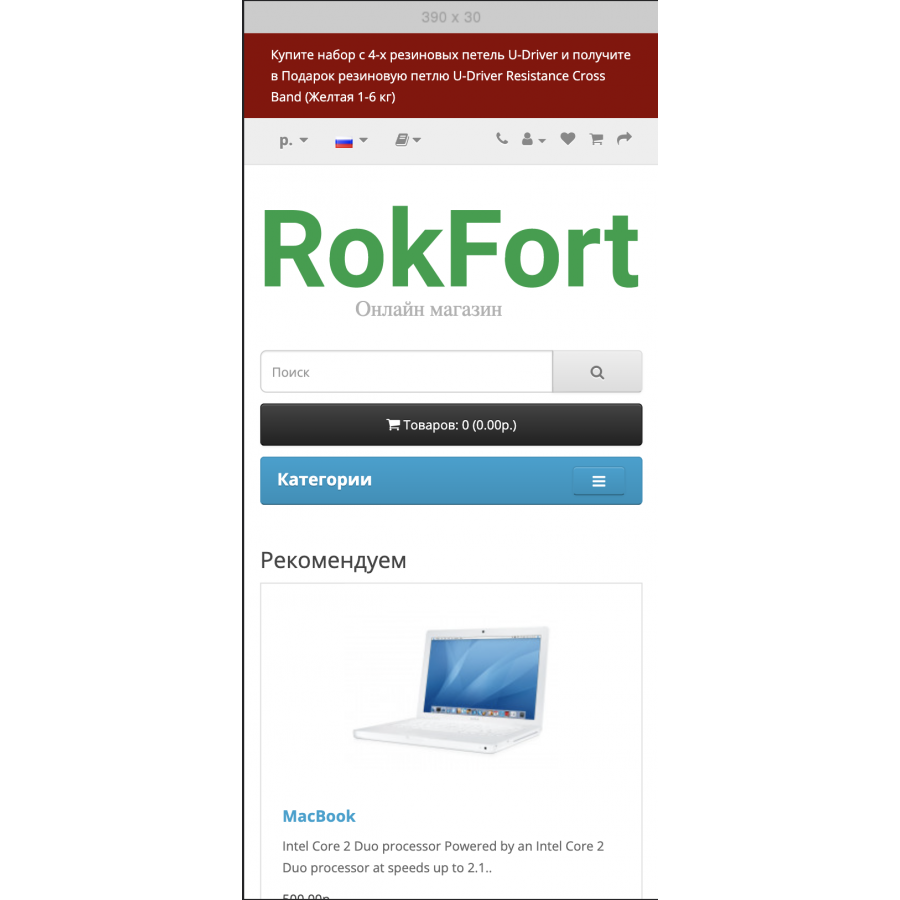
The information bar with a banner or text at the top of the site gives the opportunity to add a banner (picture) to the required screen width in the upper part of the site. The banner can perform both informational and advertising roles. As an example: Banner "Black Friday" or "Free shipping" or "Delivery of this company is paid" at your discretion.
You can also add a text field, writing in it useful or important information for the client.
Functionality of banners:
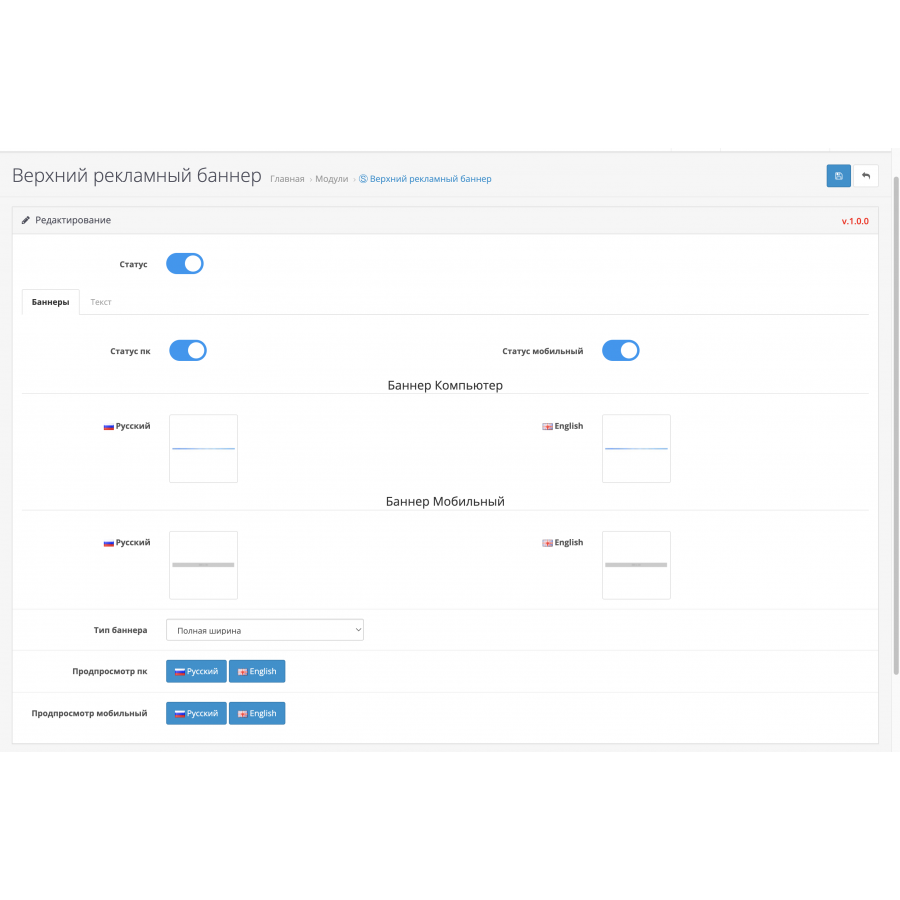
Enable/Disable - banner for computer - tablet and for mobile.
Multilingualism is a banner for every language.
Separate banners - for computer, tablet and mobile.
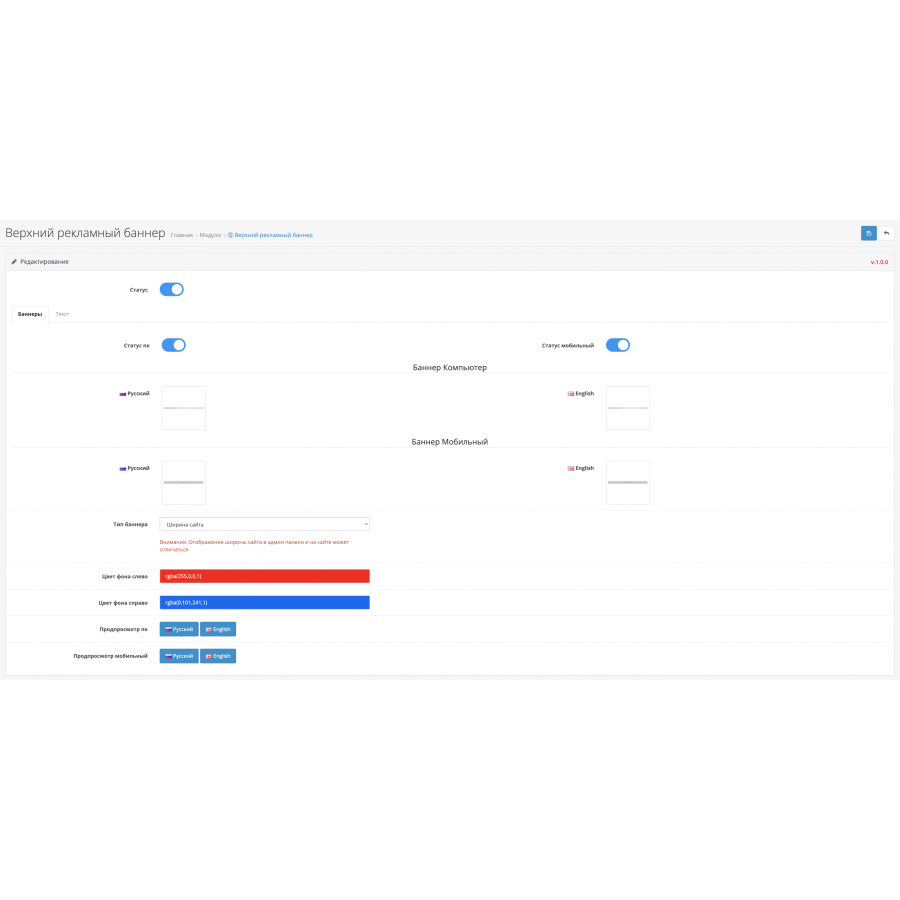
3 types of banner display - Full screen width | Site width Custom width - Specify the width manually in pixels or percentage.
Background color - left and right if your banner has different colors on the sides and you need a nice transition.
Preview how the banner will look with the selected settings on a computer or mobile.
Functionality of the text block:
Enable/Disable - text block.
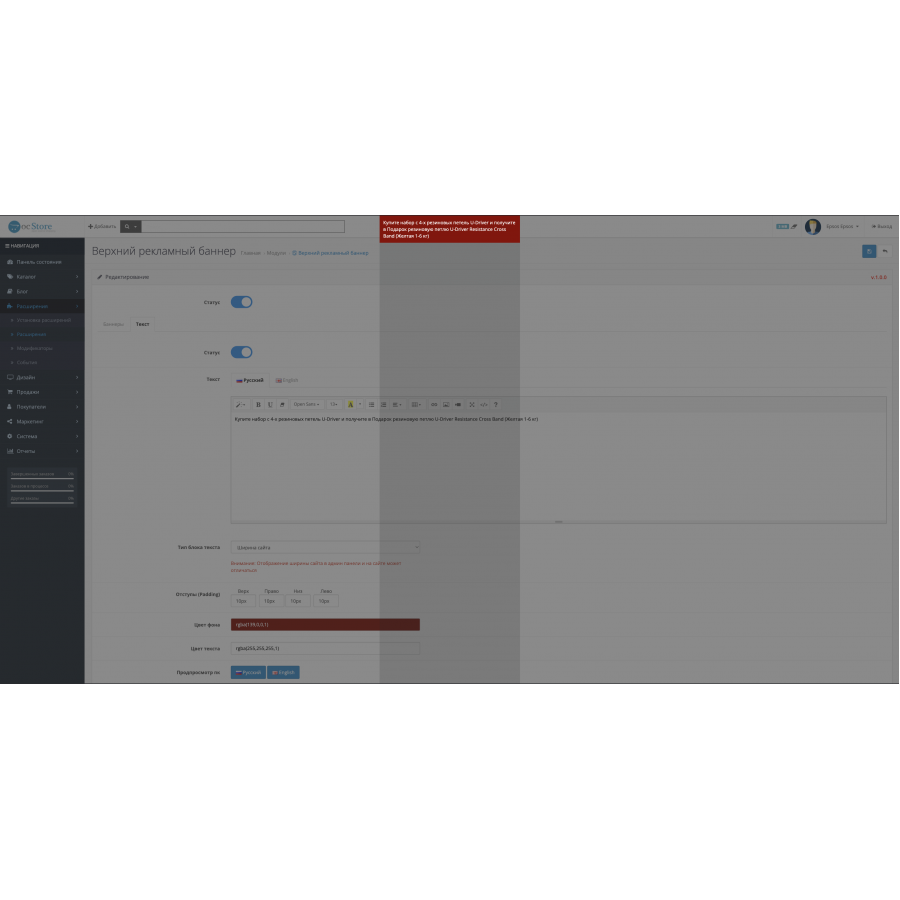
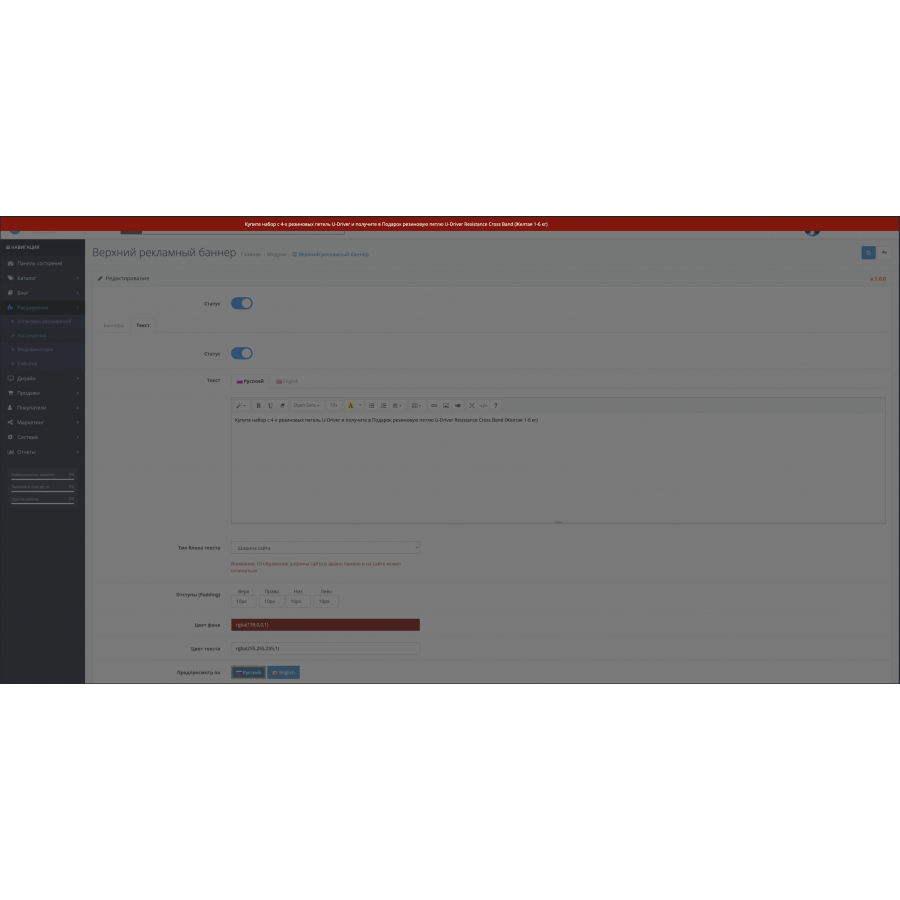
Editor – the usual text editor is used for convenience.
Multilingual - text for every language.
3 types of display of the text block - Width to the full width of the screen | Site width Custom width - Specify the width manually in pixels or percentage.
Indents - You can add indents from the text, top, right, bottom, left so that the text does not close to the edge of the screen if necessary.
Background color – selection of the background of the text block.
Text color - selection of the text color in the block, if it is not specified in the text editor.
Preview how the text block will look with the selected settings on a computer or mobile.
Instructions for use:
1. Download and install the module via the Opencart installer
2. Turn on the module and configure it.
3. After configuring and enabling the module.
No questions about this product, be the first and ask your question.
Module installation instructions:
- Before performing any actions related to installing an add-on in Opencart, we recommend creating a backup copy of all site files and the store database ;
- Install the localcopy fix (if you don't have it installed yet)
- Download the module file for the desired Opencart version from our website ( Follow the installation instructions if there are any in the module archive );
- Then go to the "Installing add-ons/extensions" section and click on the " Download " button;
- Select the downloaded file and wait for the module to be fully installed and for the text "Application installed successfully" to appear;
- After that, go to " Application Manager " and update the modifiers by clicking the " Update " button;
- After these actions, you need to add the rights to view and manage the module in the " User Groups " section for the administrator or other users you select by clicking " Select All ".