

API synchronization with any provider
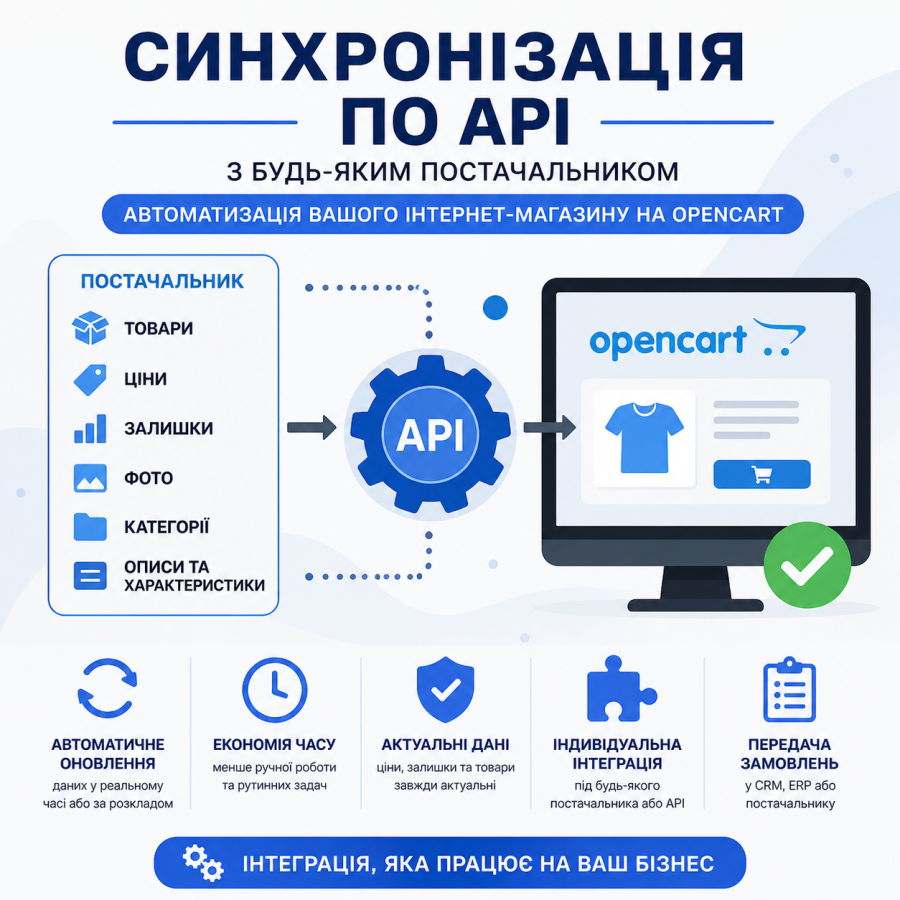
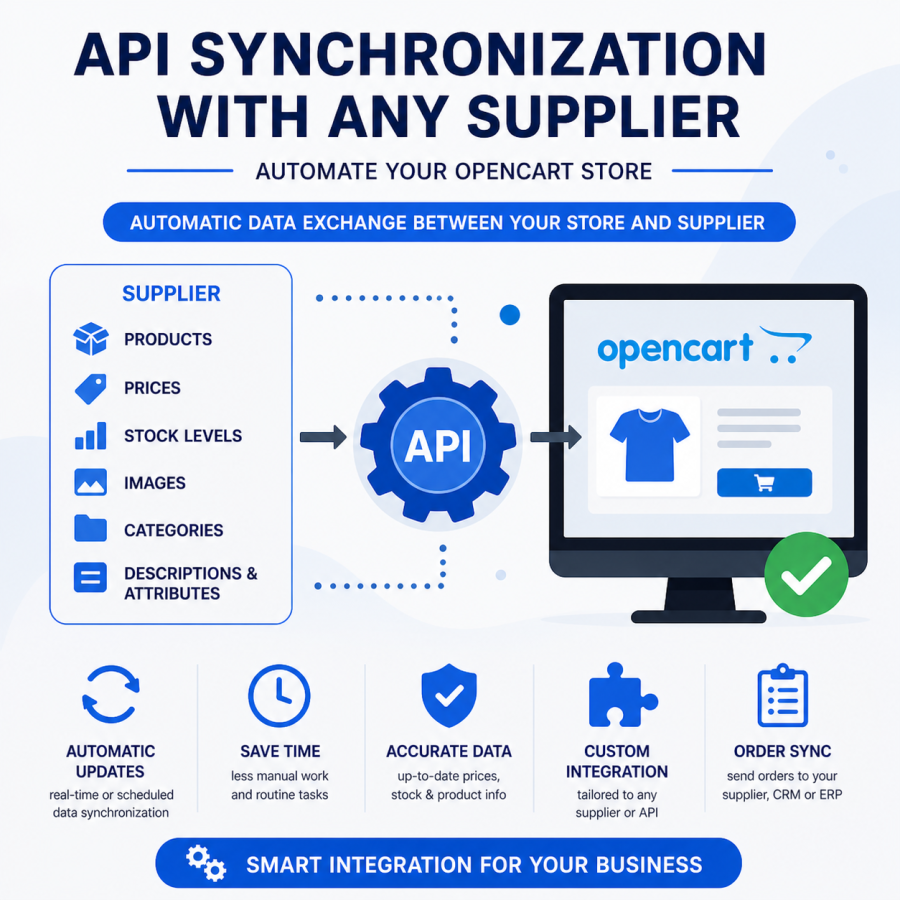
API synchronization with any supplier is a service for online stores on OpenCart that allows you to automate updates of products, prices, balances, photos, categories, characteristics, and orders.
The service may include the following options:
- Connecting OpenCart to the Supplier API
- Import and update products
- Synchronization of prices and balances
- Uploading product photos
- Import categories, descriptions, attributes, and characteristics
- Processing of product options, variations and modifications
- Transfer orders to CRM, ERP or supplier
- Setting up scheduled automatic updates
Benefits of API synchronization
- Current prices and stock in the store
- Less manual work for the manager
- Quickly add new products
- Reducing catalog errors
- Ability to work with a large assortment
Custom integration capabilities
You can configure automatic markup, price rounding, product filtering, category matching, import promotional prices, update only certain fields, exclude certain products, and other rules to suit your business.
How the work is done
- We analyze the provider's API documentation
- Determine the necessary data for synchronization
- We customize the module or develop an individual integration
- Testing data import and update
- Starting automatic synchronization
The service is suitable for OpenCart stores that work with suppliers, CRM, ERP, marketplaces, or warehouse systems and want to automate catalog operations.
Please note that the starting price is for the minimum standard synchronization set. Name, Price, Balance, Category (if available in the supplier's API). The price may and will vary after reviewing your technical specifications and after evaluating the synchronization and the required data by our specialists.
There are no reviews for this product, be the first to leave your review.
No questions about this product, be the first and ask your question.
Module installation instructions:
- Before performing any actions related to installing an add-on in Opencart, we recommend creating a backup copy of all site files and the store database ;
- Install the localcopy fix (if you don't have it installed yet)
- Download the module file for the desired Opencart version from our website ( Follow the installation instructions if there are any in the module archive );
- Then go to the "Installing add-ons/extensions" section and click on the " Download " button;
- Select the downloaded file and wait for the module to be fully installed and for the text "Application installed successfully" to appear;
- After that, go to " Application Manager " and update the modifiers by clicking the " Update " button;
- After these actions, you need to add the rights to view and manage the module in the " User Groups " section for the administrator or other users you select by clicking " Select All ".
-
What is API synchronization and why is it needed?
-
What data can be synchronized via the API?
-
Will this service work for any provider?
-
How often is the data updated?
-
Can I set up individual data processing rules?