Your shopping cart is empty!
Cart
   1 review
TOP downloads!
0 грн

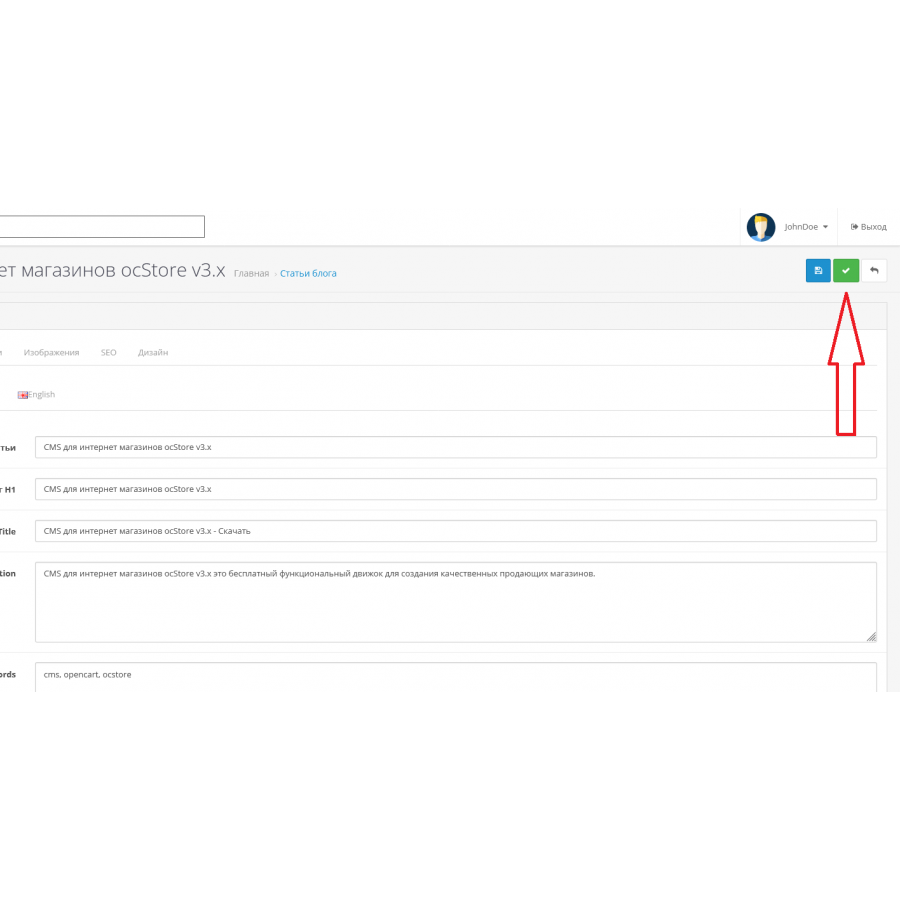
This module adds the "Apply" button to the administrative panel, which allows you to save changes without closing the editing form.

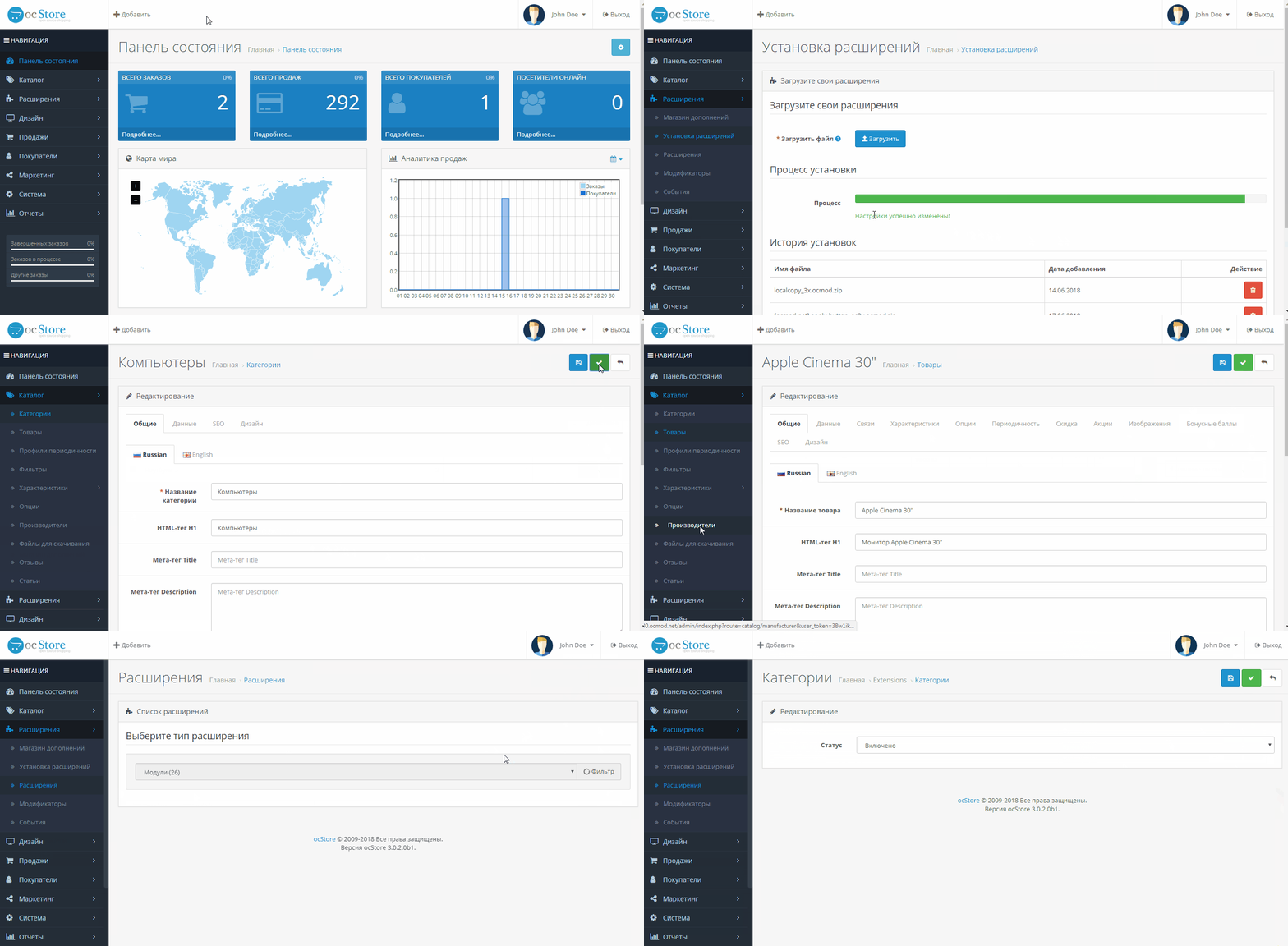
The button is inserted into the following forms: catalog, design, localization, marketing, sale, user, setting


Pay attention!

All extensions are designed for the standard template and the "clean" version of OpenCart and are sold in their current form "as is" (AS IS). In case of using third-party templates or modifications, additional adaptation may be required, and in some cases is mandatory , for the correct operation of the module. The adaptation service is provided exclusively on a paid basis.

Please check the cost and the possibility of adaptation before making a purchase. After purchase, no claims regarding the operation of the extensions will be accepted.

You can also request a demonstration of the module's operation - to do this, contact the support service.

Characteristics

  • Ocmod
    Yes
  • Adaptation to your store
    Paid
Reviews: 1
NextR
09/08/2023
Отличный модификатор, комфортней работать теперь в админке

Module installation instructions:

  1. Before performing any actions to install the add-on in Opencart, we recommend creating a backup copy of all site files and the store database;
  2. Install the localcopy fix (if you don't have it installed yet)
  3. Download the module file for the required Opencart version from our website (Follow the installation instructions if there are any in the module archive);
  4. Then go to the "Installing add-ons/extensions" section and click on the "Download" button;
  5. Select downloaded file and wait for the module to be fully installed and the text "Application installed successfully" to appear;
  6. Then go to "Application Manager" and update the modifiers by clicking the "Update" button;
  7. After these actions, you need to add the rights to view and manage the module in the "User Groups" section for the administrator or other users you select by clicking "Select All"
After completing these steps, your module will be installed and ready to use, and you can start configuring it!


Similar products
TOP downloads!
Google reCAPTCHA v3 for Opencart
After installing the modifier, you will be able to enable modern protection against bots in the form of captcha from Goo..
7.2-7.4 Paid
0 грн
Module Easy Sort Order with Drag & Drop for Opencart
Quickly change the sorting items with the mouse. No need to edit and set them in the 'sort order' new value. Default s..
7.2-7.4 Paid
1 review
320 грн
Analytics+ module for OpenCart
Analytics+ module for OpenCart is a brand new and reinvented Analytics system for OpenCart. It allows you to view conv..
7.2-7.4 OpenCart 3, ocStore 3
300 грн
TOP downloads!
anyCSV/XLS/YML PRO PIM Edition Import / Export module for OpenCart
The module allows you to import from almost any CSV, DSV, XLSX, XLS, YML files to all OpenCart 2 (all versions) and ..
7.2-7.4 2.0.0.0, 2.0.1.0, 2.0.1.1, 2.0.2.0, 2.0.3.1, 2.1.0.1, 2.1.0.2, 2.2.0.0, 2.3.0.0, 2.3.0.1, 2.3.0.2, 3.0.0.0, 3.0. 1.1, 3.0.1.2, 3.0.2.0, 3.0.3.0, 3.0.3.1, 3.0.3.2, 3.0.3.3, 3.0.3.5, 3.0.3.6, 3.0.3.7, 3.0.3.8
1 review
365 грн
Module Stickers for products for OpenCart
The module adds the ability to display stickers in all standard modules, pages, product card. Types of stickers: ..
7.2-7.4 2.3.0.0, 2.3.0.1, 2.3.0.2, 3.0.0.0, 3.0.1.1, 3.0.1.2, 3.0.2.0, 3.0.3.0, 3.0.3.1, 3.0.3.2, 3.0.3.3, 3.0.3.5, 3.0.3.6, 3.0.3.7, 3.0.3.8
2 reviews
420 грн