All about product
Description
Specification
Reviews
1
Questions0
Installing the module
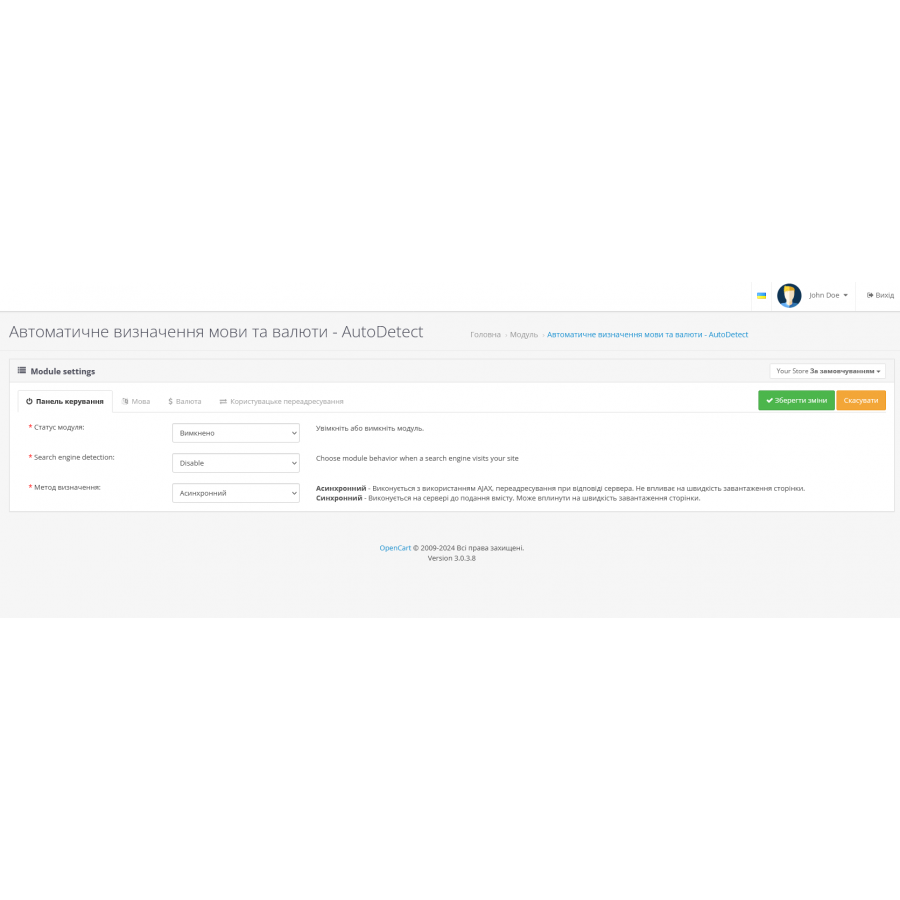
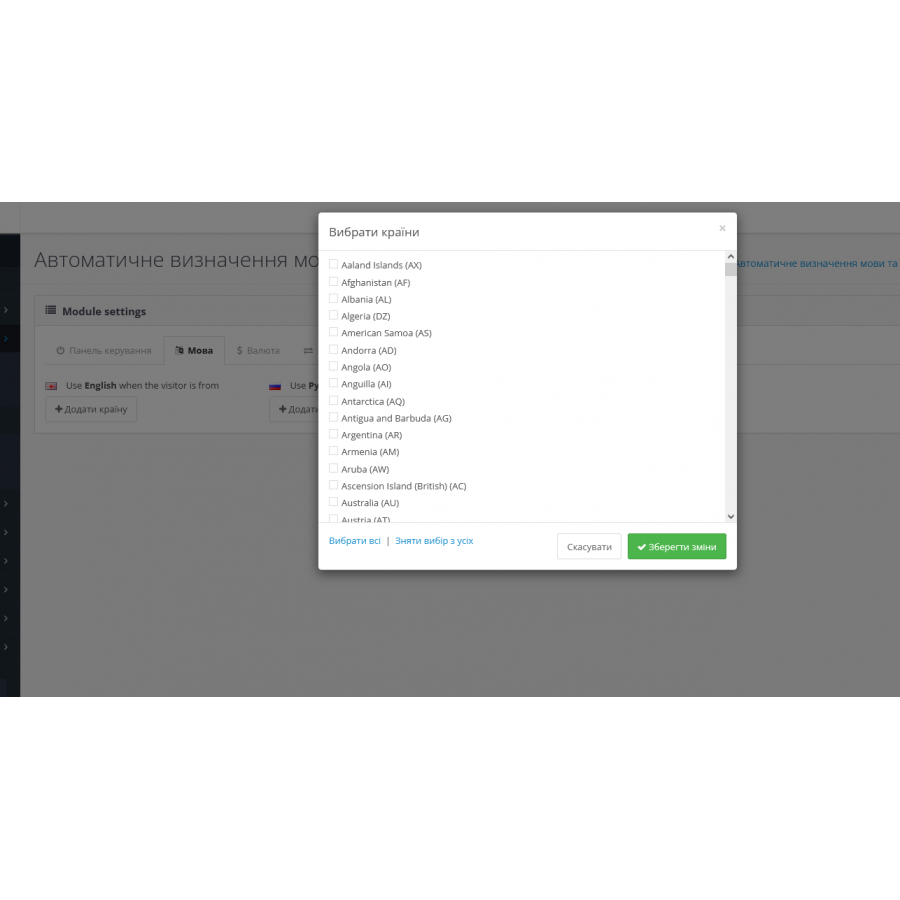
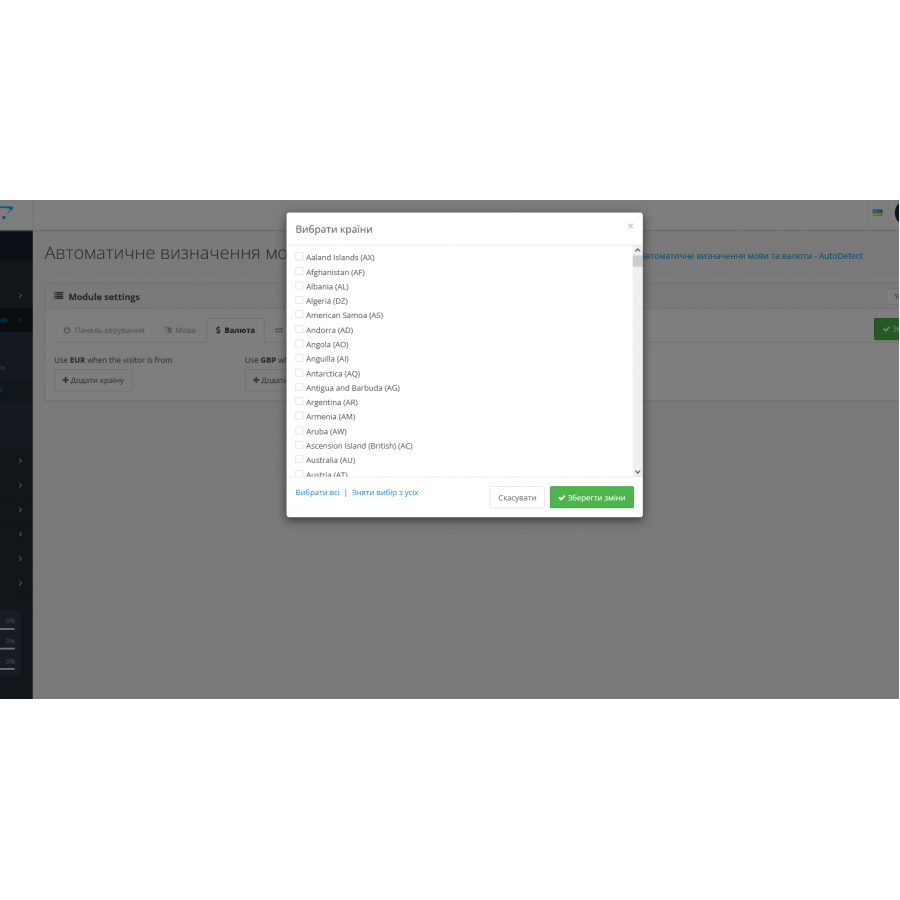


Module Automatic detection of language and currency for the visitor's country for OpenCart
Product Code: 435
Version: 3.0
2-3 Days
450 грн
Main specifications
PHP:
7.2-7.4
Compatibility:
3.0.0.0, 3.0.1.1, 3.0.1.2, 3.0.2.0, 3.0.3.0, 3.0.3.1, 3.0.3.2, 3.0.3.3, 3.0.3.5, 3.0.3.6, 3.0.3.7, 3.0.3.8
Localization:
Russian, Ukrainian, English
Ocmod:
Yes
Adaptation to your store:
Paid
All specifications
Description
Automatic detection of language and currency
The AutoDetect module automatically adapts the language and currency of your site according to the location of your visitors. This allows your users to see the site in their native language and local currency, increasing convenience and improving their experience.
Main features:
✯ Function to disable the module for search engines to avoid unnecessary scanning.
✯ Select all/unselect for specific countries, making it easy to customize the module.
✯ Setting language rules - Define which language to display by default for users from certain countries (eg English for USA, Canada, UK, Australia and South Africa).
✯ Support for synchronous and asynchronous language and currency detection.
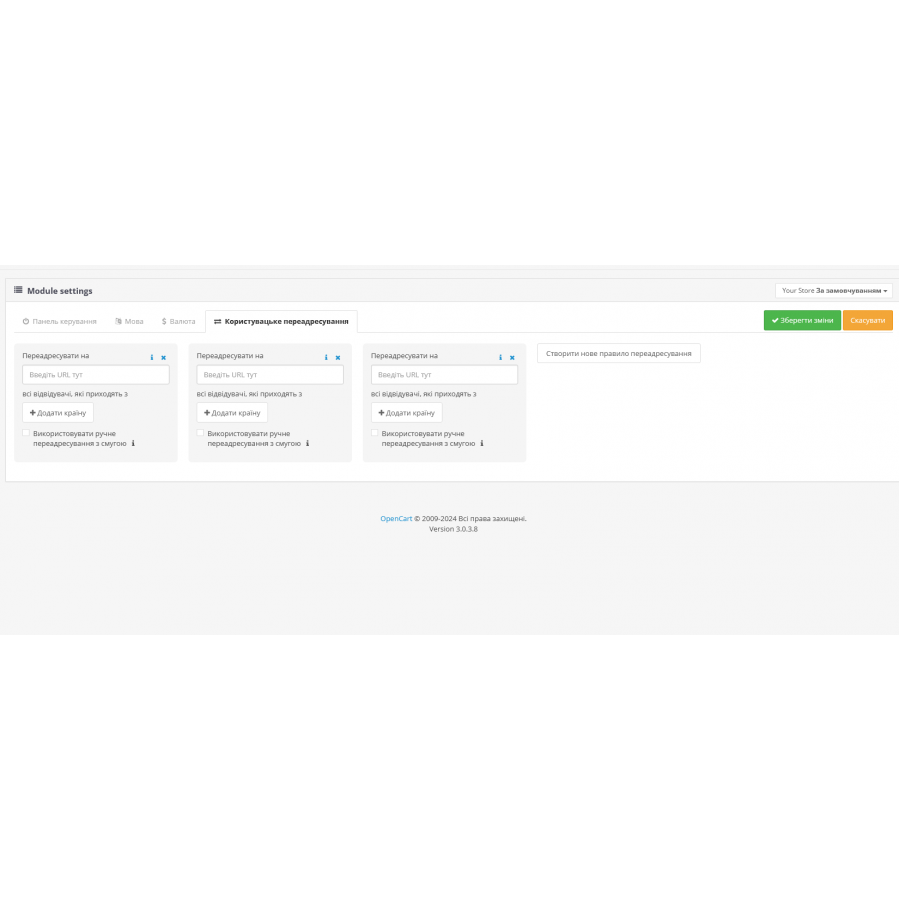
✯ Ability to manually redirect users using a lane.
✯ Set Currency Rules – Automatically set the default currency for products based on the visitor's country (eg USD for US, GBP for UK, EUR for EU countries).
✯ Create Redirects – Redirect users to specific URLs based on their country.
✯ Support for multiple stores and languages, allowing you to effectively manage multilingual and multi-currency sites.
The AutoDetect module automatically adapts the language and currency of your site according to the location of your visitors. This allows your users to see the site in their native language and local currency, increasing convenience and improving their experience.
Main features:
✯ Function to disable the module for search engines to avoid unnecessary scanning.
✯ Select all/unselect for specific countries, making it easy to customize the module.
✯ Setting language rules - Define which language to display by default for users from certain countries (eg English for USA, Canada, UK, Australia and South Africa).
✯ Support for synchronous and asynchronous language and currency detection.
✯ Ability to manually redirect users using a lane.
✯ Set Currency Rules – Automatically set the default currency for products based on the visitor's country (eg USD for US, GBP for UK, EUR for EU countries).
✯ Create Redirects – Redirect users to specific URLs based on their country.
✯ Support for multiple stores and languages, allowing you to effectively manage multilingual and multi-currency sites.
Specifications
Characteristics
PHP
7.2-7.4
Compatibility
3.0.0.0, 3.0.1.1, 3.0.1.2, 3.0.2.0, 3.0.3.0, 3.0.3.1, 3.0.3.2, 3.0.3.3, 3.0.3.5, 3.0.3.6, 3.0.3.7, 3.0.3.8
Localization
Russian, Ukrainian, English
Ocmod
Yes
Adaptation to your store
Paid
ПРосто огонь! теперь работает автоопределение! Давно искал!
Is this review helpful?
0
No questions about this product, be the first and ask your question.
Installing the module
Module installation instructions:
- Before performing any actions related to installing an add-on in Opencart, we recommend creating a backup copy of all site files and the store database ;
- Install the localcopy fix (if you don't have it installed yet)
- Download the module file for the desired Opencart version from our website ( Follow the installation instructions if there are any in the module archive );
- Then go to the "Installing add-ons/extensions" section and click on the " Download " button;
- Select the downloaded file and wait for the module to be fully installed and for the text "Application installed successfully" to appear;
- After that, go to " Application Manager " and update the modifiers by clicking the " Update " button;
- After these actions, you need to add the rights to view and manage the module in the " User Groups " section for the administrator or other users you select by clicking " Select All ".