All about product
Description
Specification
Reviews
1
Questions0
Installing the module
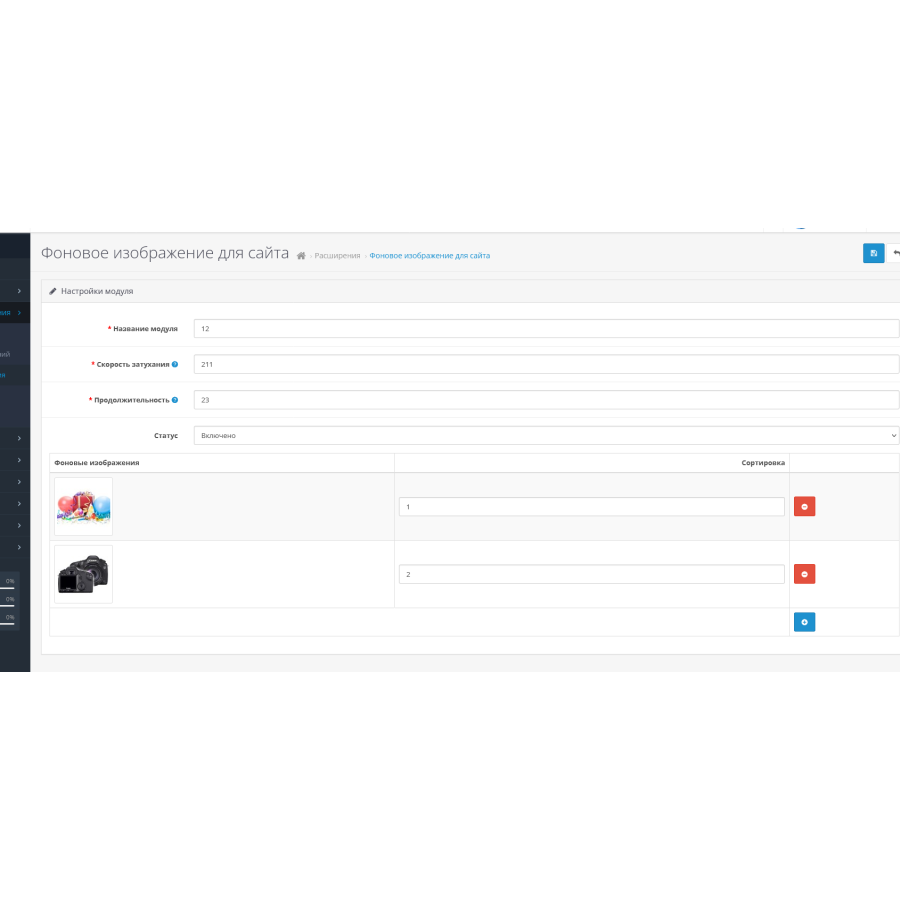
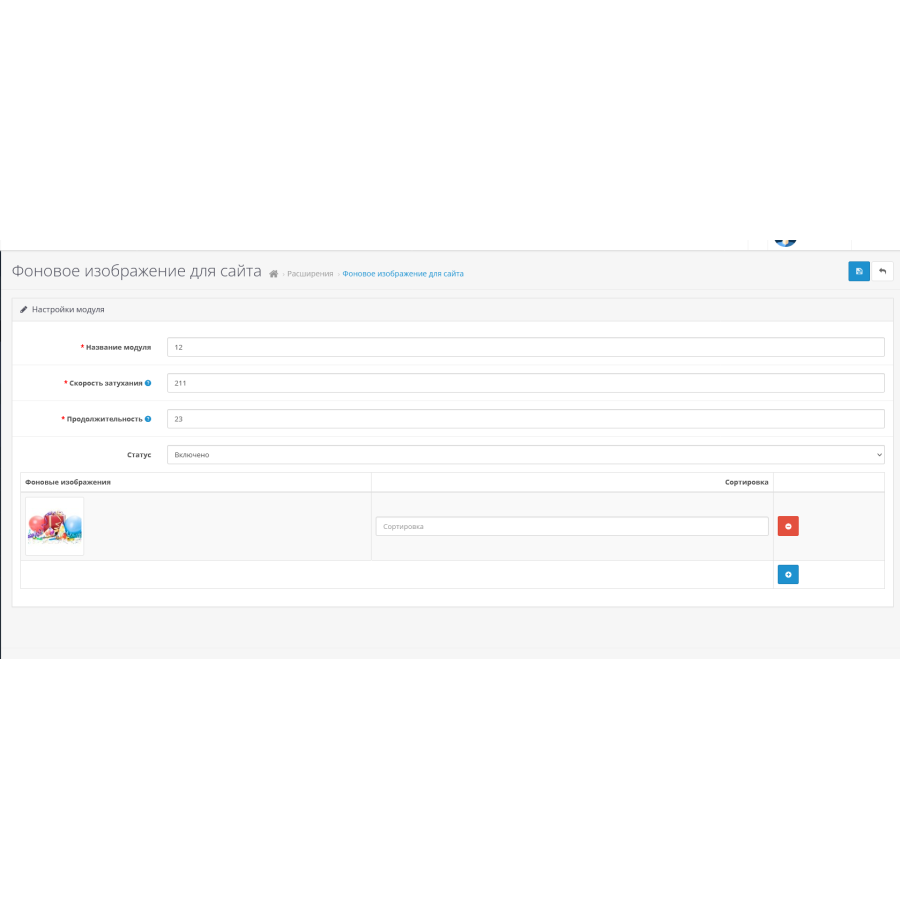

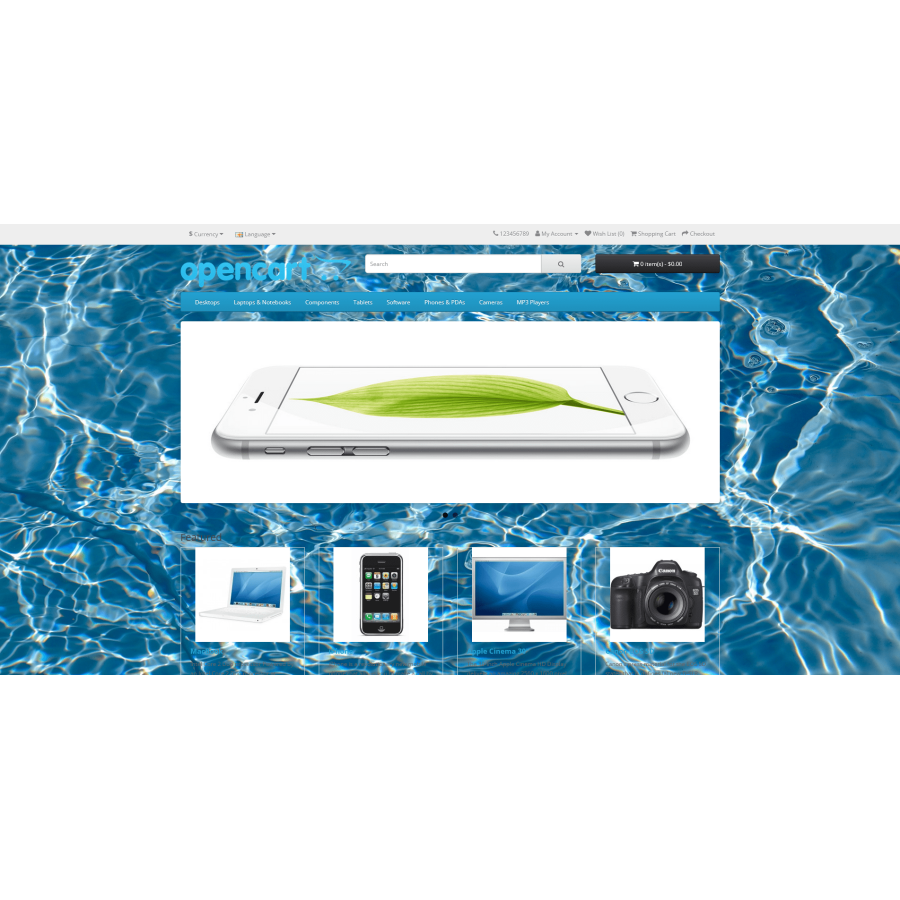



Background image module for Opencart
Product Code: 428
Version: 3.0
In Stock
450 грн
Main specifications
PHP:
7.2-7.4
Compatibility:
2.3.0.0, 2.3.0.1, 2.3.0.2, 3.0.0.0, 3.0.1.1, 3.0.1.2, 3.0.2.0, 3.0.3.0, 3.0.3.1, 3.0.3.2, 3.0.3.3, 3.0.3.5, 3.0. 3.6, 3.0.3.7, 3.0.3.8
Localization:
Russian, Ukrainian, English
Adaptation to your store:
Paid
All specifications
Description
We offer you an innovative module for OpenCart that radically changes the appearance of your online store! This module allows you to easily create and customize spectacular full-screen backgrounds that appear on your website in the form of a slideshow. Now you can give your site a unique look without any extra effort.
Main features:
- Unlimited module creation: Add multiple modules with different images and customize them according to your needs.
- Integration into layouts: Easily embed modules into different layouts of your site to provide custom design for different pages.
- Improved UI/UX: Create eye-catching backgrounds that not only attract attention, but also improve the overall user experience.
- Image slideshow: Design your site with a dynamic slideshow that automatically changes images at a set speed and duration.
- Adjust timing and speed: Easily adjust slide intervals and transition speeds for the perfect result.
- Ease of use: Intuitive management through the admin panel allows you to quickly configure any aspect of the module.
With this module, your site will get a modern and stylish look that will not leave any visitor indifferent. Simplify background settings and provide a unique experience for each user using our powerful and flexible tool!
Specifications
Characteristics
PHP
7.2-7.4
Compatibility
2.3.0.0, 2.3.0.1, 2.3.0.2, 3.0.0.0, 3.0.1.1, 3.0.1.2, 3.0.2.0, 3.0.3.0, 3.0.3.1, 3.0.3.2, 3.0.3.3, 3.0.3.5, 3.0. 3.6, 3.0.3.7, 3.0.3.8
Localization
Russian, Ukrainian, English
Adaptation to your store
Paid
Отлично работает, установили на 3 опенкарт, фон как слайдер теперь
Is this review helpful?
0
No questions about this product, be the first and ask your question.
Installing the module
Module installation instructions:
- Before performing any actions related to installing an add-on in Opencart, we recommend creating a backup copy of all site files and the store database ;
- Install the localcopy fix (if you don't have it installed yet)
- Download the module file for the desired Opencart version from our website ( Follow the installation instructions if there are any in the module archive );
- Then go to the "Installing add-ons/extensions" section and click on the " Download " button;
- Select the downloaded file and wait for the module to be fully installed and for the text "Application installed successfully" to appear;
- After that, go to " Application Manager " and update the modifiers by clicking the " Update " button;
- After these actions, you need to add the rights to view and manage the module in the " User Groups " section for the administrator or other users you select by clicking " Select All ".