All about product
Description
Specification
Reviews
1
Questions0
Installing the module
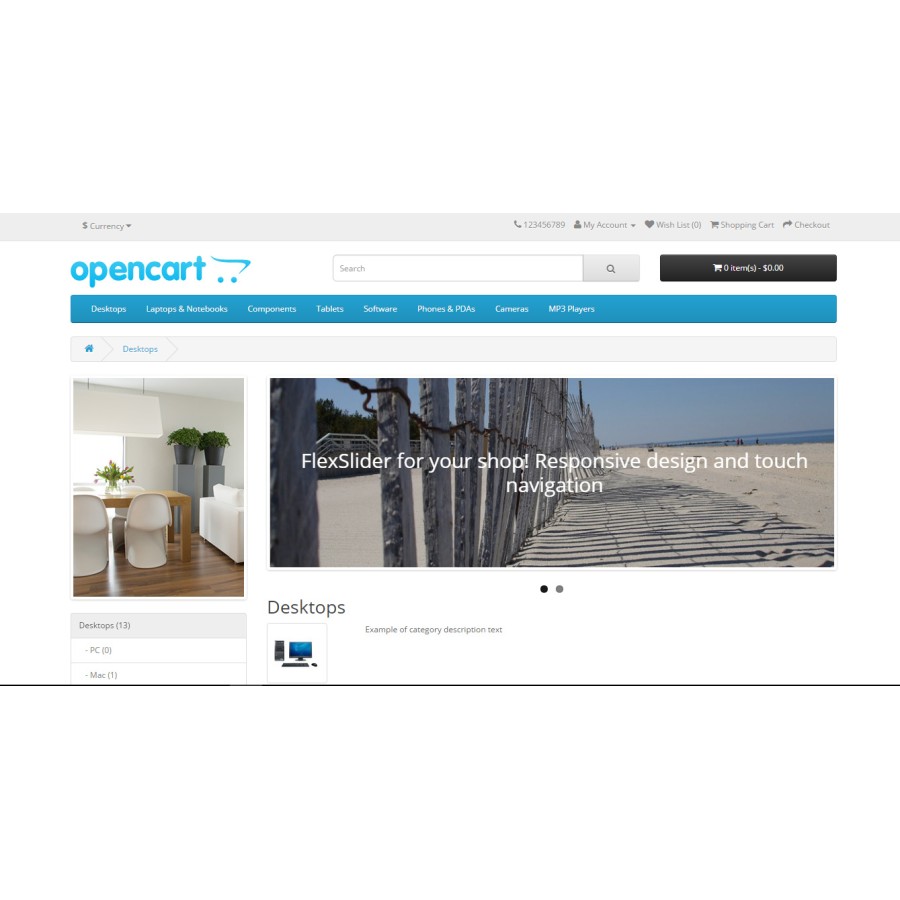
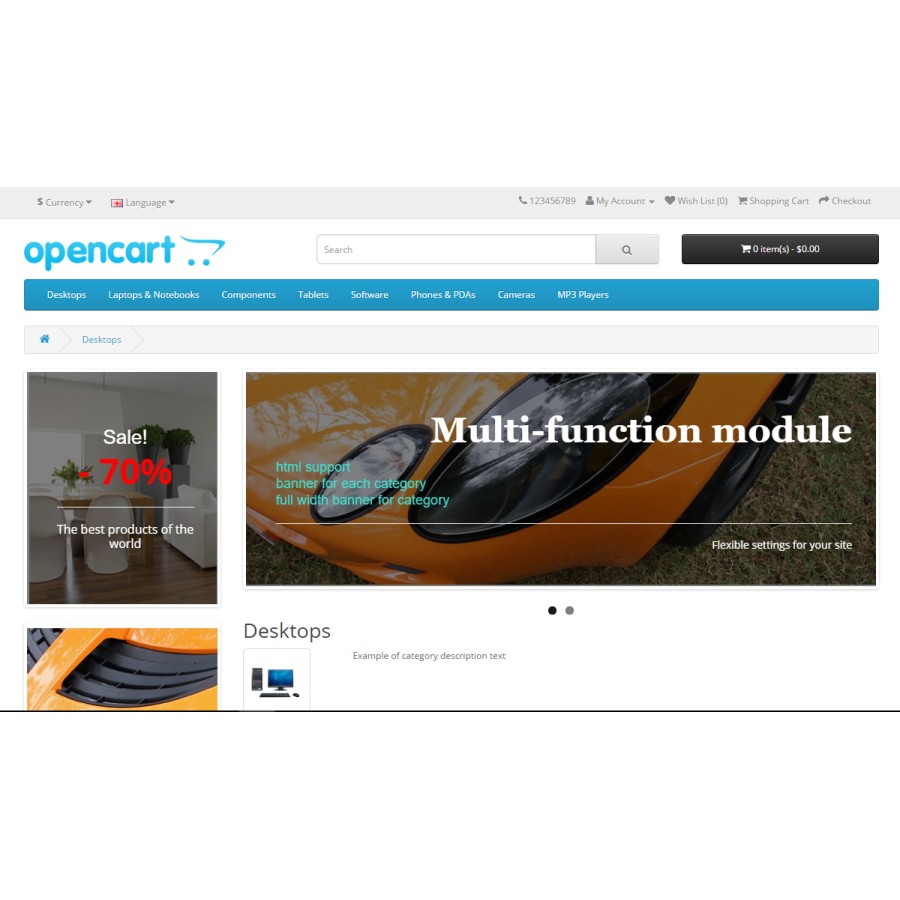
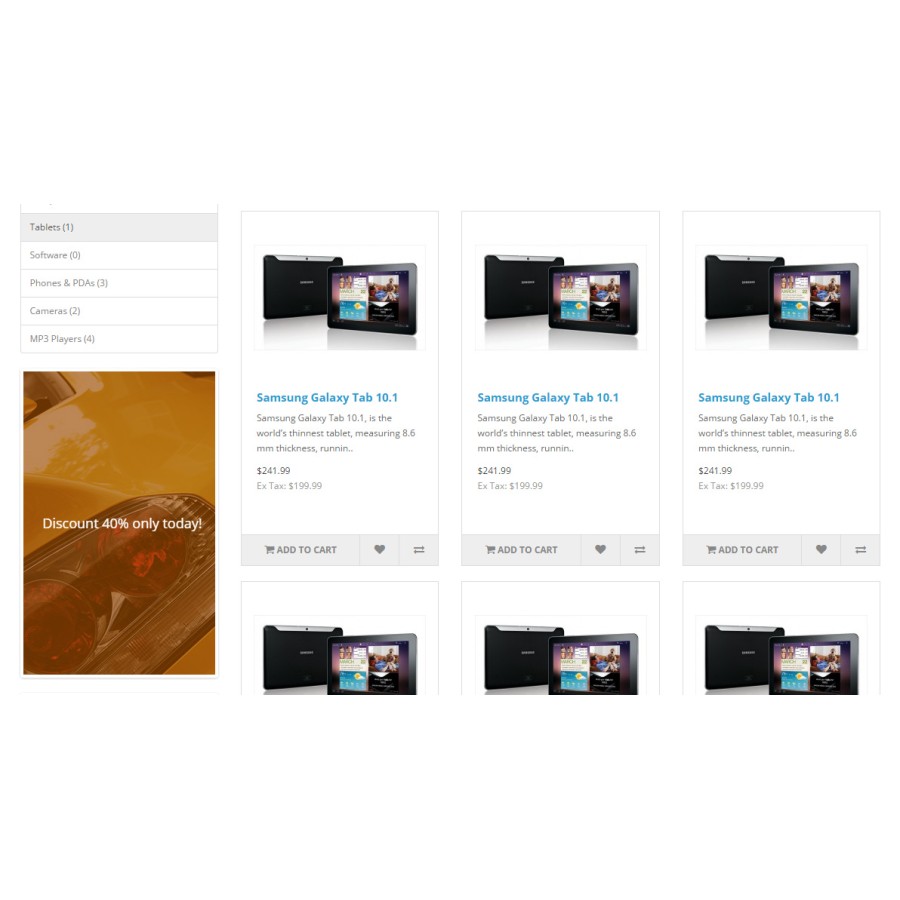


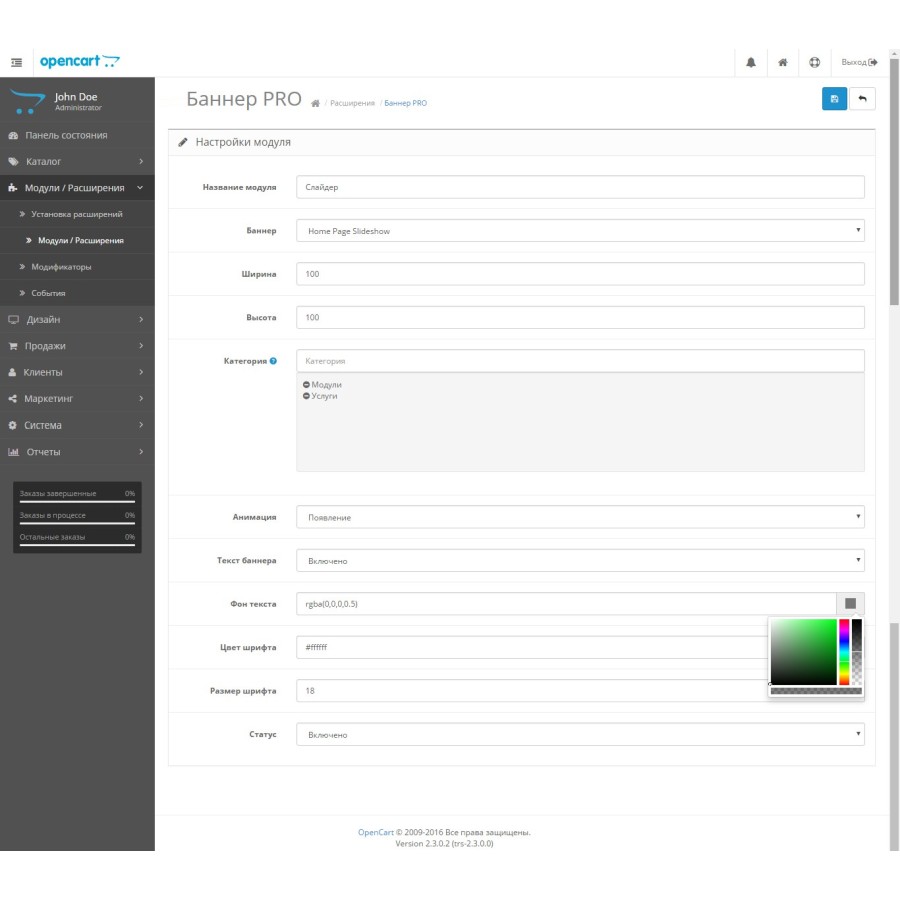


Banner PRO module – banners for different categories + slideshow for Opencart
Product Code: 323
Version: 2.4
In Stock
450 грн
Main specifications
PHP:
7.2-7.4
Compatibility:
2.0.0.0, 2.0.1.0, 2.0.1.1, 2.0.2.0, 2.0.3.1, 2.1.0.1, 2.1.0.2, 2.2.0.0, 2.3.0.0, 2.3.0.1, 2.3.0.2, 3.0.0.0, 3.0. 1.1, 3.0.1.2, 3.0.2.0, 3.0.3.0, 3.0.3.1, 3.0.3.2, 3.0.3.3, 3.0.3.5, 3.0.3.6, 3.0.3.7, 3.0.3.8
Localization:
Russian, Ukrainian, English
Adaptation to your store:
Paid
All specifications
Description
Main advantages
Flexible settings: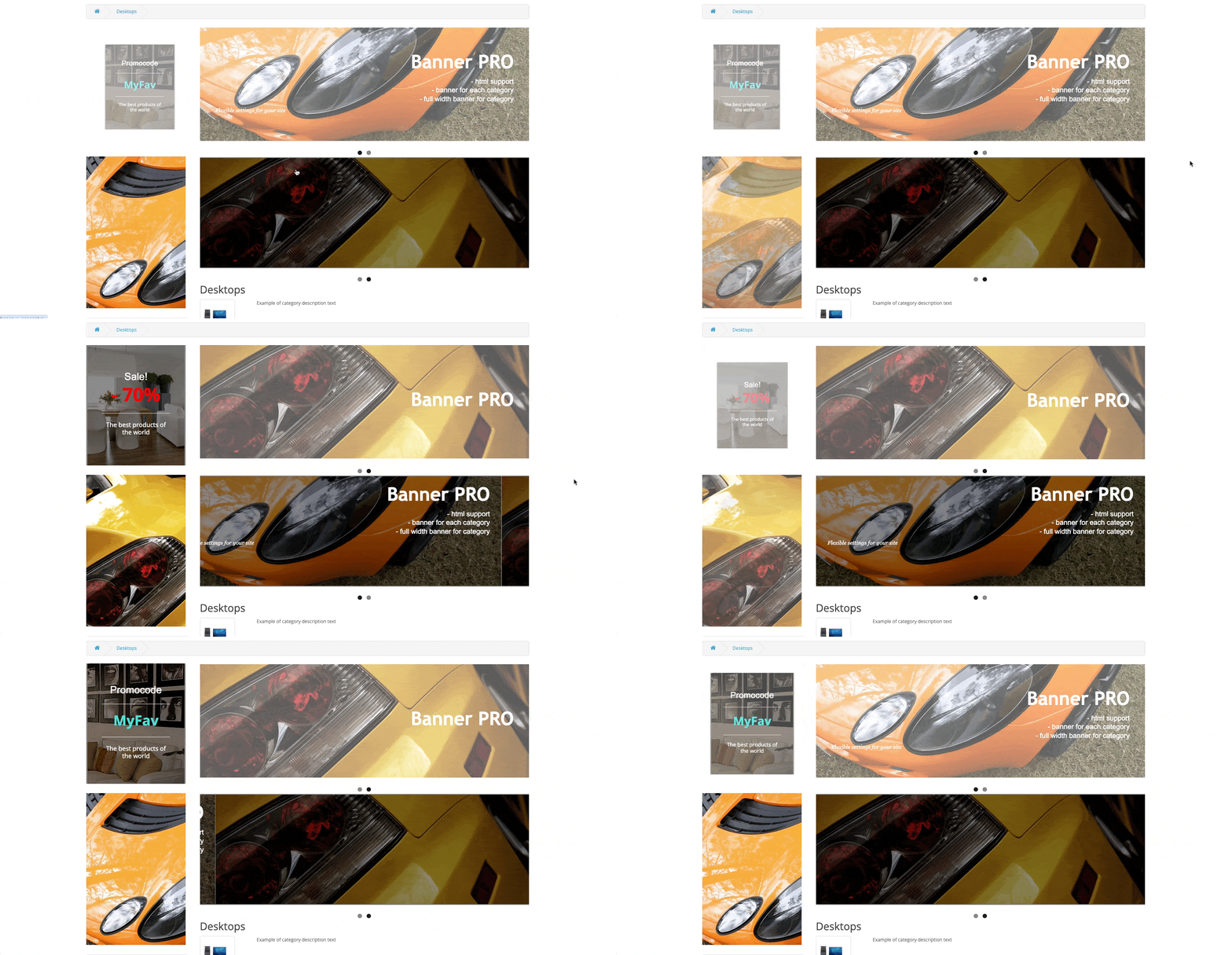
- A banner for each category, as well as displaying a banner on the product page for a specific category.
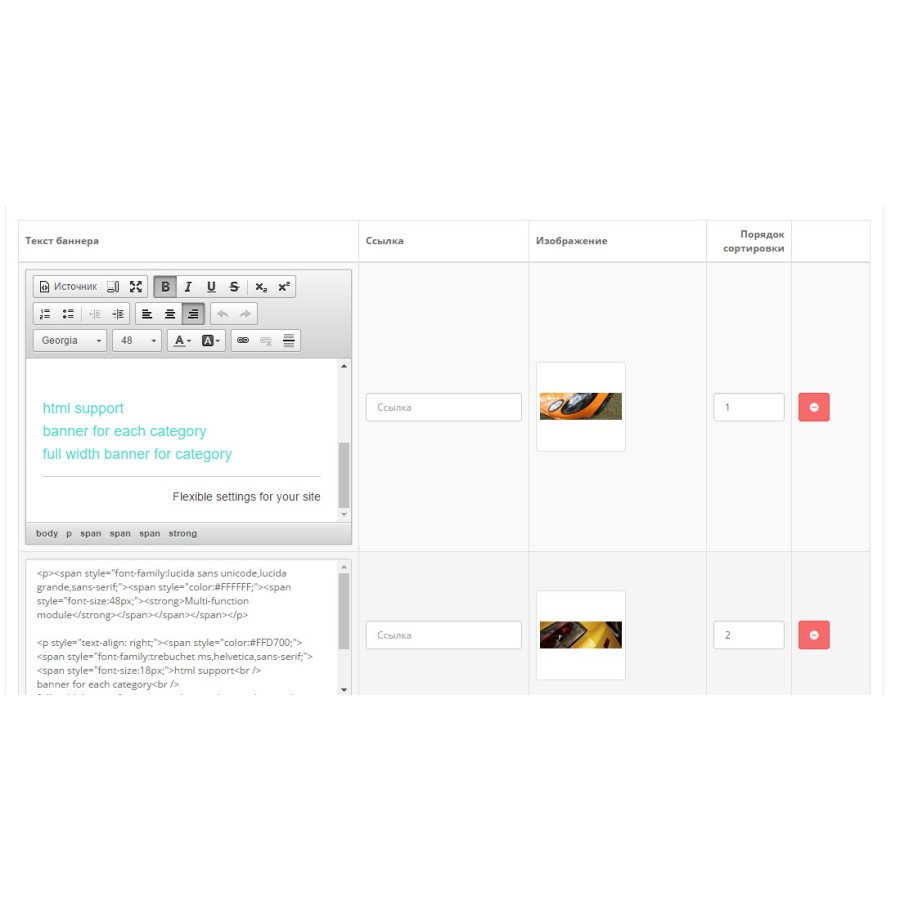
- Visual editor for adding a slogan or text (as in Word)
- HTML support. If you know the layout, you can display anything on the banner: forms, buttons, blocks and pictures.
- Two modes of banner adaptation:
- adaptation of the image (relevant when the slogan is without text)
- adaptation according to the text (if the main thing is the text, and the image is only the background)
Flexible settings:
- Display any banner for any category (as opposed to standard banners displayed throughout the catalog)
- Displaying banners on the product page for the corresponding category
- Ability to use banners as a regular slideshow
- Four animation effects (Dissolve, Appear, Sideshift, Vertical Shift)
- Full-size banner for the category (for the entire width of the site)
- Ability to enable/disable display of arrows and points for navigation
- Ability to display additional information when hovering
- You can customize the text color, text size, and background color for more information
- Handy visual editor for adding text and slogan
- HTML support when adding a tagline. If you have knowledge, you can make buttons, beautiful blocks, etc.
- Two options for text: show text always or show text on hover
- Banners are responsive for mobile devices and controlled by a finger
- The minimum size of the module, which will not overload your site
- A link to the page and the text is prescribed for each banner
- If there is only one slide in the banner, then the animation is not applied to it.
- Ability to hide text on mobile devices
Specifications
Characteristics
PHP
7.2-7.4
Compatibility
2.0.0.0, 2.0.1.0, 2.0.1.1, 2.0.2.0, 2.0.3.1, 2.1.0.1, 2.1.0.2, 2.2.0.0, 2.3.0.0, 2.3.0.1, 2.3.0.2, 3.0.0.0, 3.0. 1.1, 3.0.1.2, 3.0.2.0, 3.0.3.0, 3.0.3.1, 3.0.3.2, 3.0.3.3, 3.0.3.5, 3.0.3.6, 3.0.3.7, 3.0.3.8
Localization
Russian, Ukrainian, English
Adaptation to your store
Paid
Работает, свои функции выполняет, с установкой нам помогли
Is this review helpful?
0
No questions about this product, be the first and ask your question.
Installing the module
Module installation instructions:
- Before performing any actions related to installing an add-on in Opencart, we recommend creating a backup copy of all site files and the store database ;
- Install the localcopy fix (if you don't have it installed yet)
- Download the module file for the desired Opencart version from our website ( Follow the installation instructions if there are any in the module archive );
- Then go to the "Installing add-ons/extensions" section and click on the " Download " button;
- Select the downloaded file and wait for the module to be fully installed and for the text "Application installed successfully" to appear;
- After that, go to " Application Manager " and update the modifiers by clicking the " Update " button;
- After these actions, you need to add the rights to view and manage the module in the " User Groups " section for the administrator or other users you select by clicking " Select All ".