

Bookmarks without registration and authorization (For Guests) for Opencart
In the standard configuration of Opencart, bookmarks are available only to registered users, which creates some inconvenience for buyers. They are forced to go through additional stages of registration, which can lead to a loss of interest in the product and leaving the site.
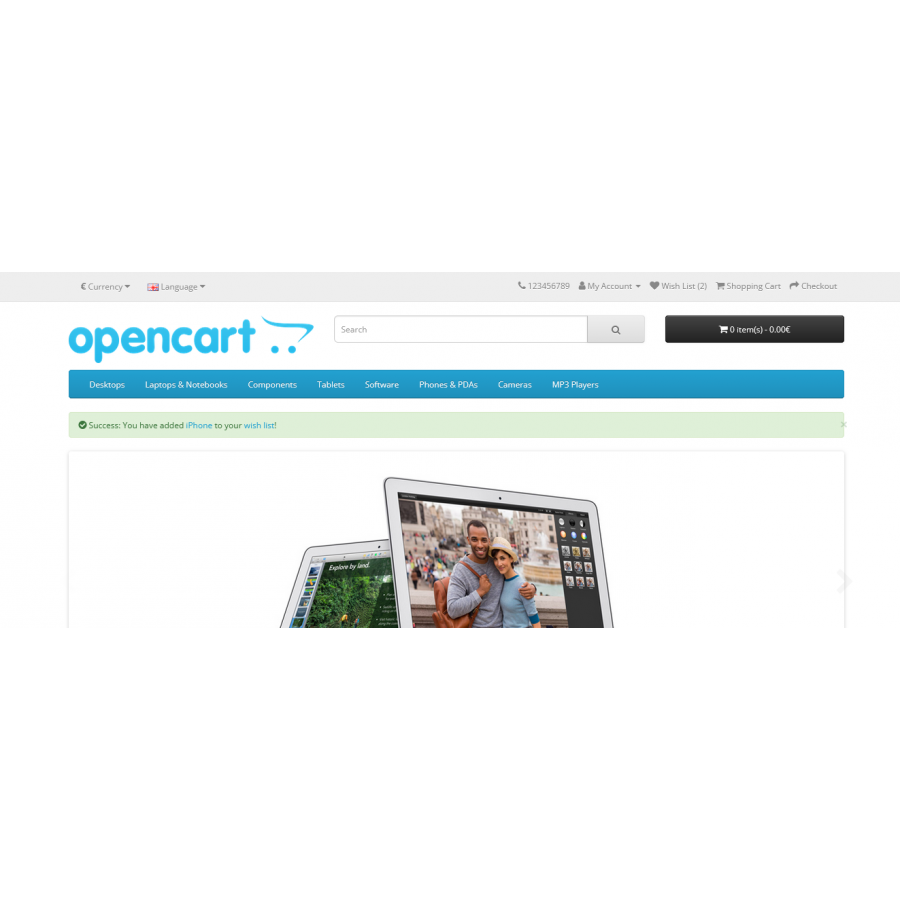
Our module solves this problem by allowing the use of bookmarks without registration for visitors to the Opencart site.
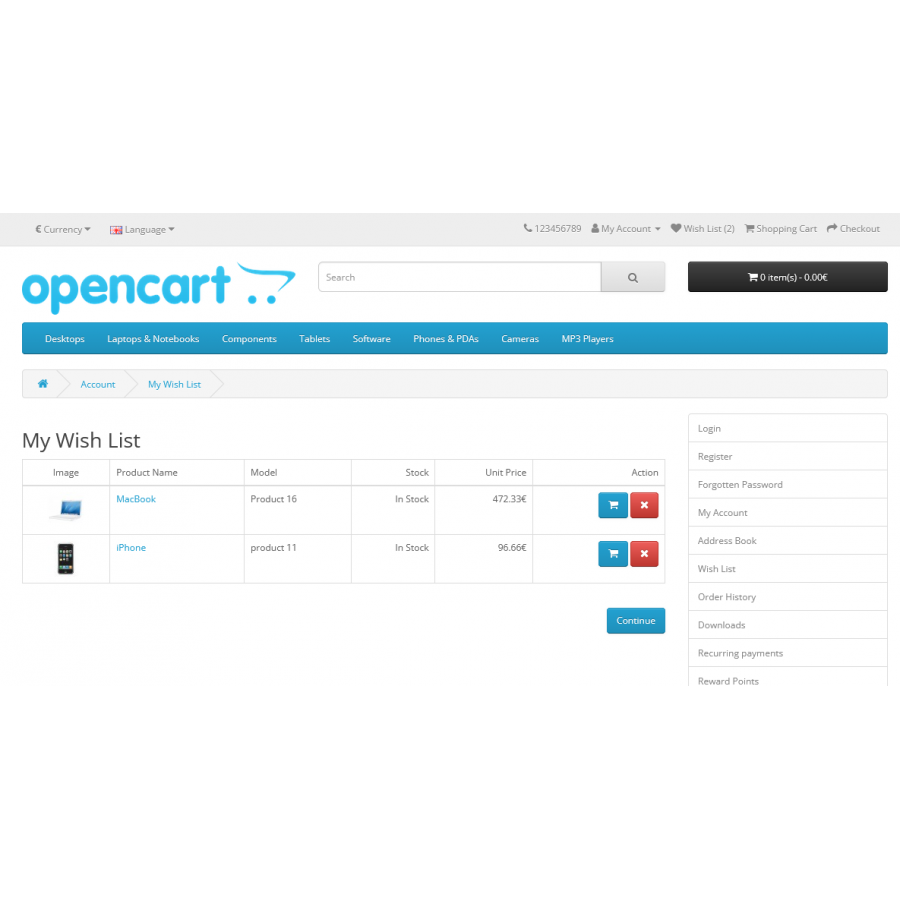
Bookmarks for guests are saved during the session (until the browser window is closed). For registered users, bookmarks are stored in their personal account.
If the guest bookmarks the product, he can return to the list of desired products by opening the corresponding page. If the user was already registered and previously added products to bookmarks, new products are automatically added to the existing list in the personal account.
Bookmarks without registration is a convenient way to improve the user experience and increase the conversion of your store.
No questions about this product, be the first and ask your question.
Module installation instructions:
- Before performing any actions related to installing an add-on in Opencart, we recommend creating a backup copy of all site files and the store database ;
- Install the localcopy fix (if you don't have it installed yet)
- Download the module file for the desired Opencart version from our website ( Follow the installation instructions if there are any in the module archive );
- Then go to the "Installing add-ons/extensions" section and click on the " Download " button;
- Select the downloaded file and wait for the module to be fully installed and for the text "Application installed successfully" to appear;
- After that, go to " Application Manager " and update the modifiers by clicking the " Update " button;
- After these actions, you need to add the rights to view and manage the module in the " User Groups " section for the administrator or other users you select by clicking " Select All ".