All about product
Description
Specification
Reviews
4
Questions0
Installing the module

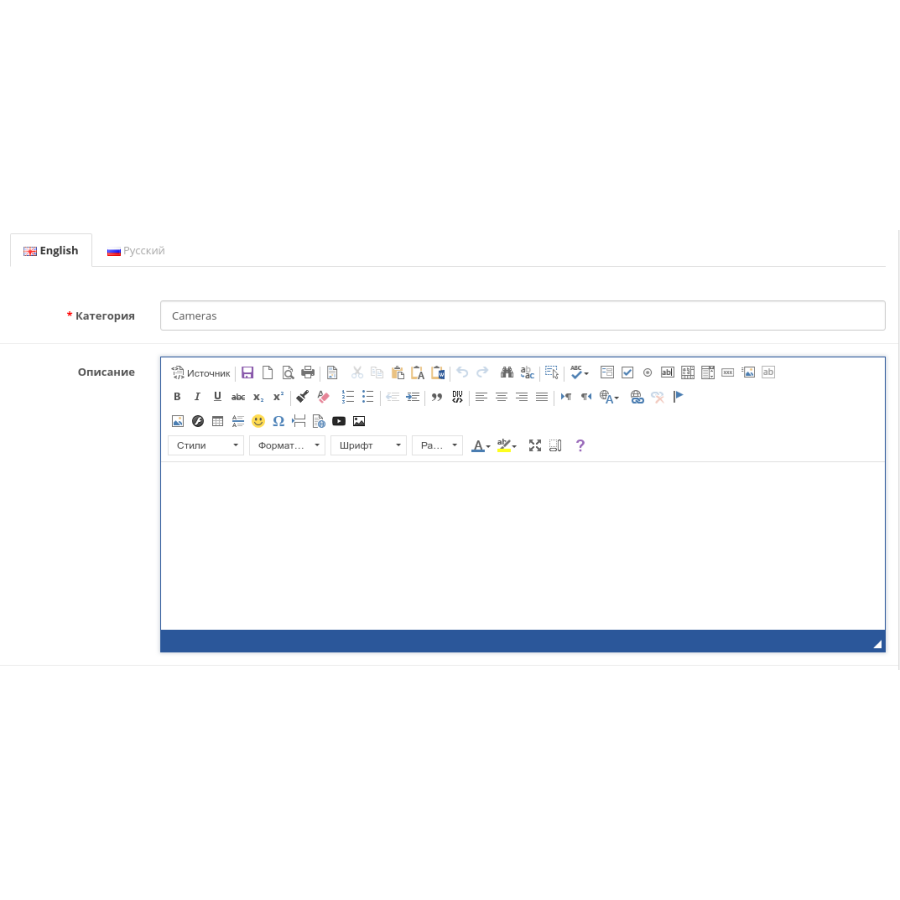


CKEditor 4.19 module Advanced editor for Opencart 3.x -2.3 + Autosave
Product Code: 170
Version: 4.19/1.8
In Stock
450 грн
Main specifications
PHP:
7.2-7.4
Compatibility:
OpenCart 2.2, OpenCart 2.3, OpenCart 3.0, OCStore 2.3, OCStore 3.0
Localization:
Ukrainian, Russian, English
Ocmod:
Yes
Adaptation to your store:
Paid
All specifications
Description
Powered by Opencart / OcStore 3.x. and Opencart 2.3 (including their various builds).
Before you write to me with problems in the operation of the add-on, please make sure that you purchased it here. Recently,
cases have become more frequent when people write to me with a claim,
although they purchased the add-on from third-party resources.
CKEditor is a popular WYSIWYG HTML editor, often used in CMS Opencart to replace the standard Summernote.
Flexible, functional, extensible with plugins, time-tested.
The add-on allows you to replace the standard and not convenient Summernote editor.
In addition to the standard plugins included in the full package, the following has been added:
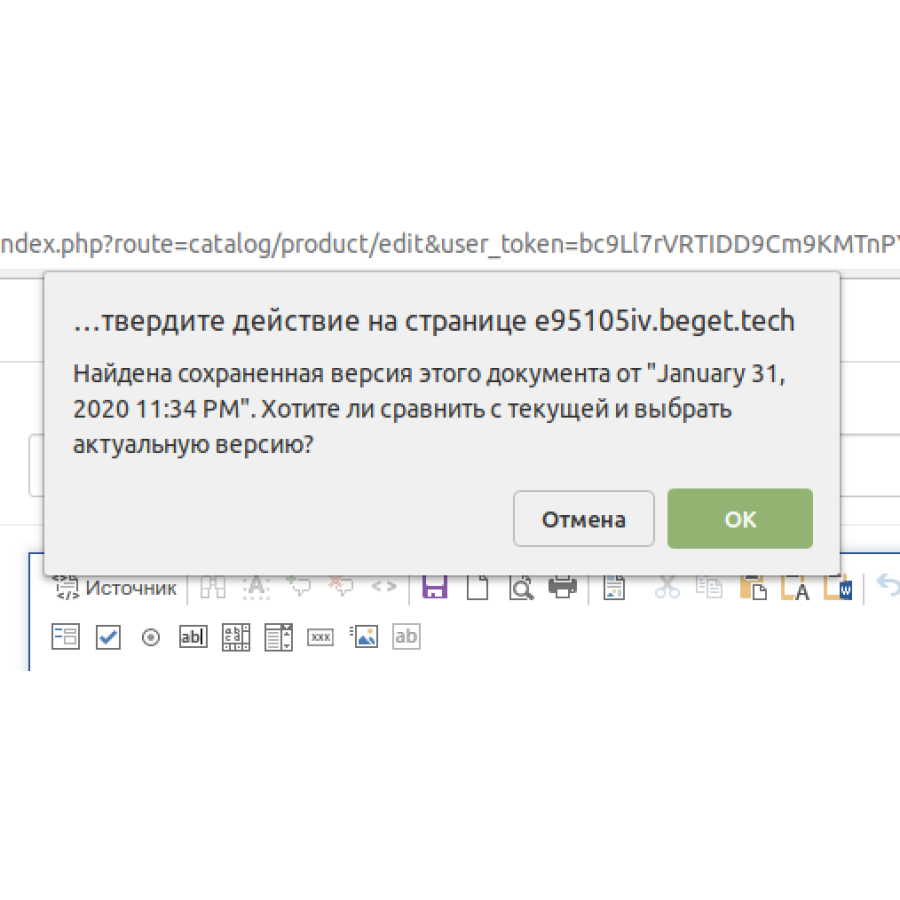
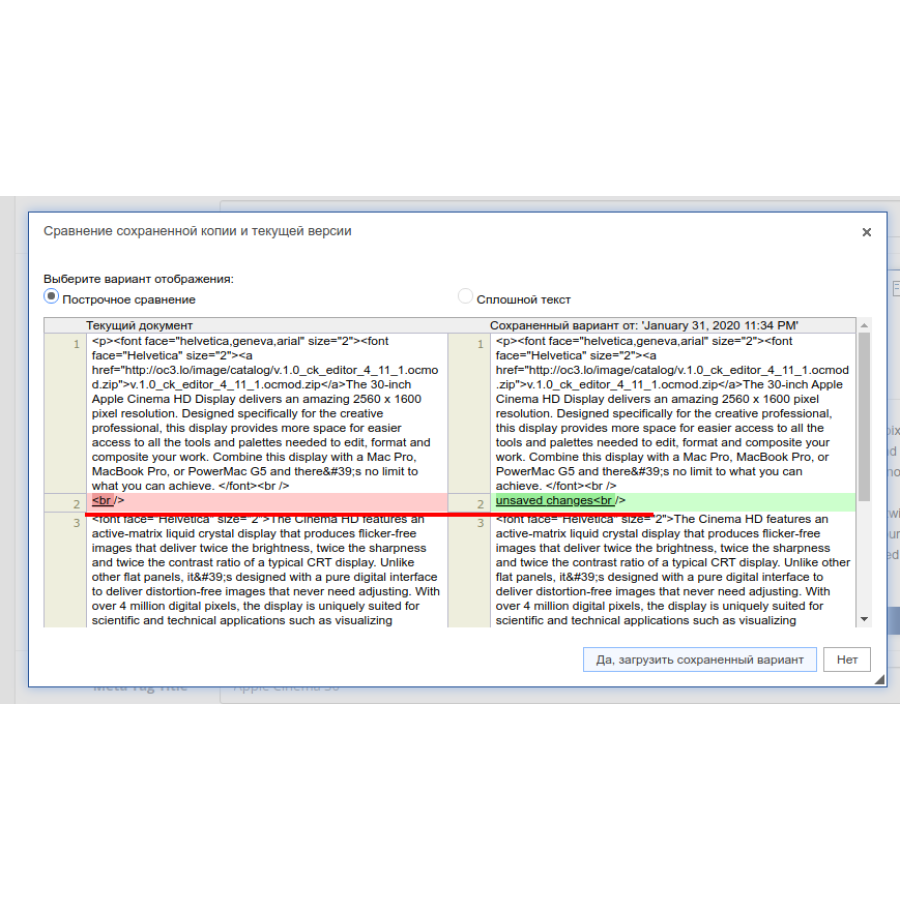
- autosave (allows you not to lose data when you "departure" from the administrative panel or accidentally reload the page. Runs once every 30 seconds. Works on the basis of LocalStorage. Data is written to the site database only after you save);
- CodeMirror (syntax highlighting)
- Font Awesome font
- autolinks (automatically makes the inserted link text a real link);
- word count;
- Keep TextSelection (keeps text selection when switching between WYSIWYG mode and code mode)
- embed video from Youtube
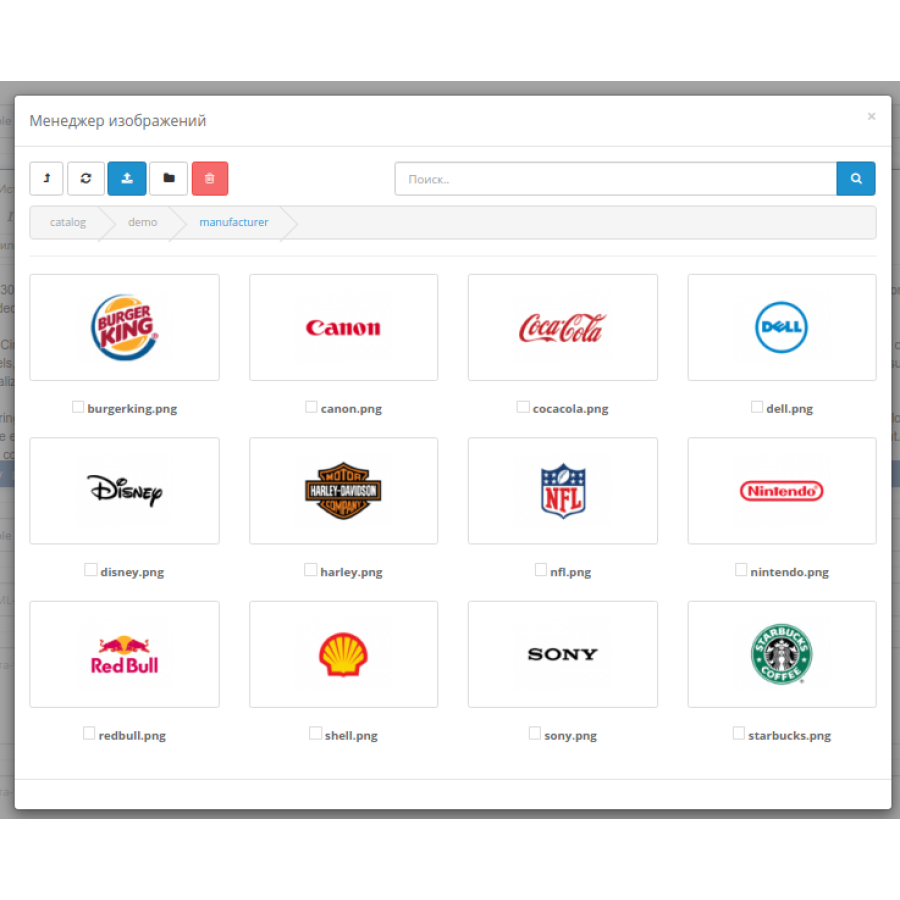
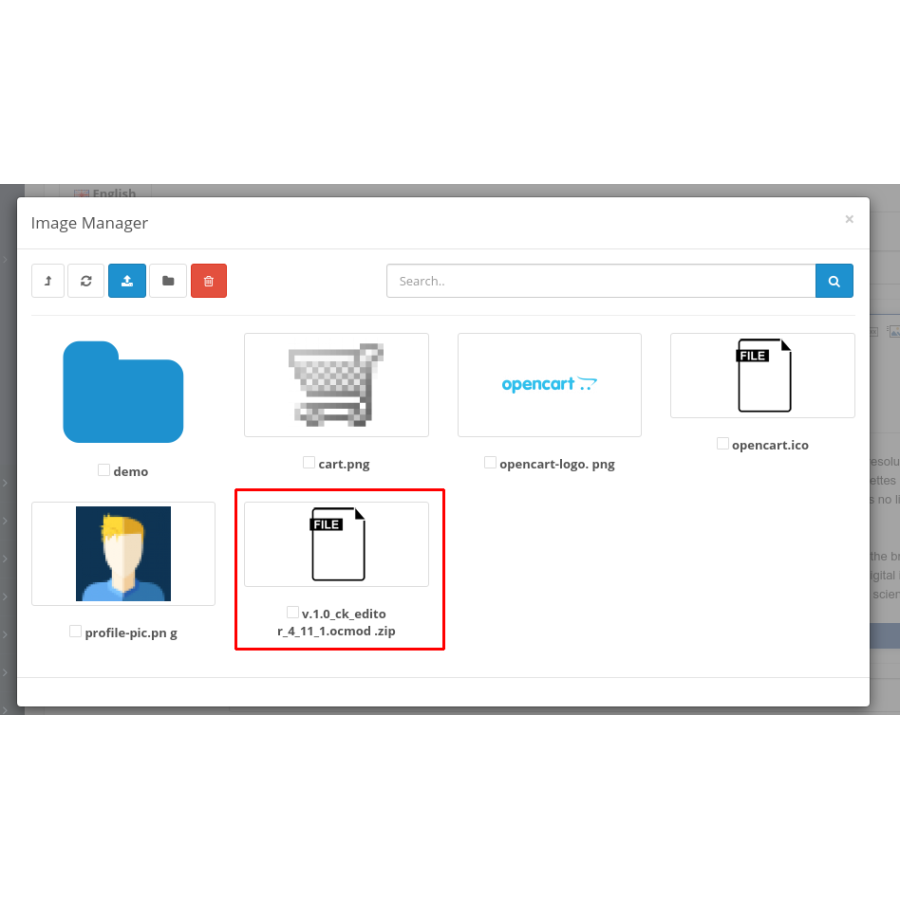
If you need to integrate some other file manager into ckeditor - this service is performed for a fee, if you have add-ons that modify the standard file manager and you want them to be supported, then this work is also performed for a fee. File manager features:
- image multi-upload
- "breadcrumbs" for easy navigation through folders;
- remembering the last folder;
- transliteration of Russian file names;
- replacement of incorrect characters in file names;
- the ability to enable uploading and inserting into the description of other types of files (not just images) specified in the store settings;
- since version 1.7 added the ability to replace the standard file manager throughout the system;
Add-on installation (starting from [b]version v.1.6):[/b]
1) Download the archive;
2) Install using the standard installer Modules / Extensions -> Install extensions;
3) Update the modifier cache;
4) Go to the section for setting rights for user groups, set the rights for extension/cke_filemanager and extension/module/ckeditor. For versions below 2.3, also on module/ckeditor.
5) Go to the Add-ons section, activate the add-on and save the settings;
6) Update the cache of the template engine and browser;
7) Open the Product / Category / Article for editing and make sure that the editor appears. Then we try to insert a picture in the description, if everything goes well - enjoy life, if not, we report the problem and I will help you solve it within the framework of support.
Known problems:
- if during saving the text entered in ckeditor is not saved, then it is necessary to execute the code before submitting the form:
for (instance in CKEDITOR.instances) {
   CKEDITOR.instances[instance].updateElement();
}
This code updates the content of the elements that the ckeditor is associated with. Add it to the right place in the logic.
- for CMS Opencart version 2.3, in case of an error "FTP must be enabled in the settings", set the localcopy_ftp_fix.ocmod.xml modifier and then try to install the editor again;
- for owners of the Journal 3 template in the admin/view/javascript/ckeditor/plugins/autosave/plugin.js file, you must comment out line 42 and uncomment line 43 (not relevant since version 1.7);
- if the file manager window is at the bottom , then you need to fix
$zindex-modal: 1050 !default in line 285 in the admin/view/stylesheet/sass/bootstrap/_variables.scss file;
on
$zindex-modal: 10500 !default;
and update the saas cache
Separately, it is worth mentioning the