

The cumulative discount by phone number module for OpenCart
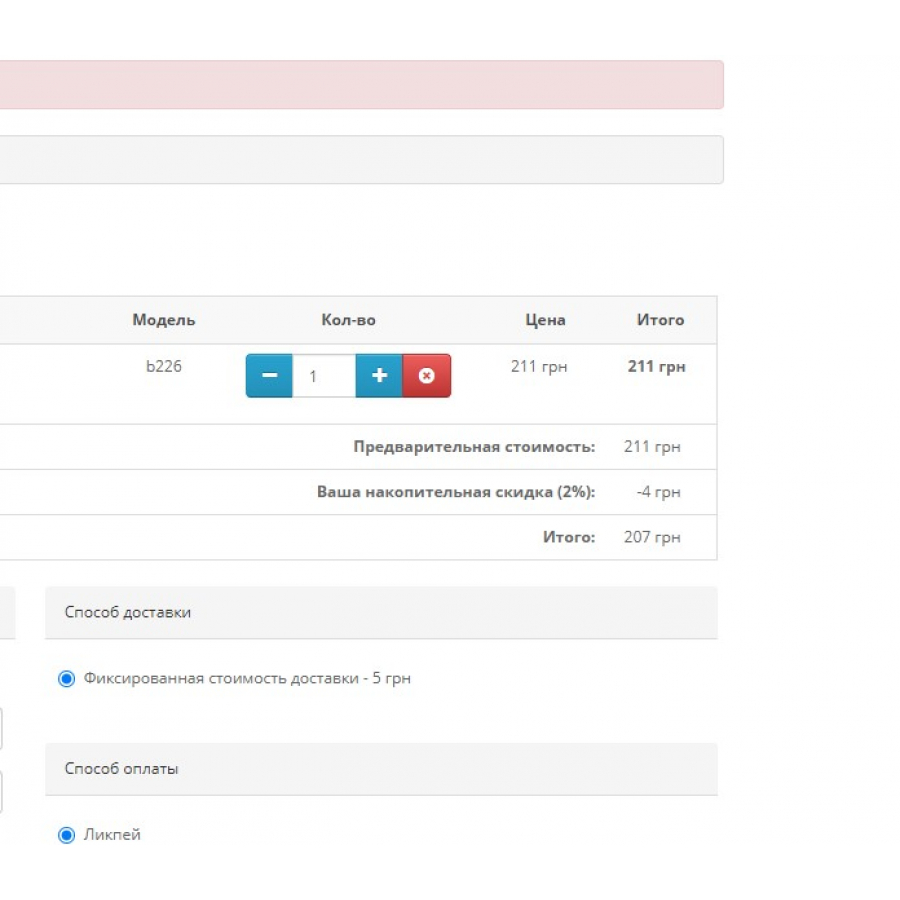
The module is designed for automatically assigning a accumulative discount in the shopping cart based on the buyer's phone number.
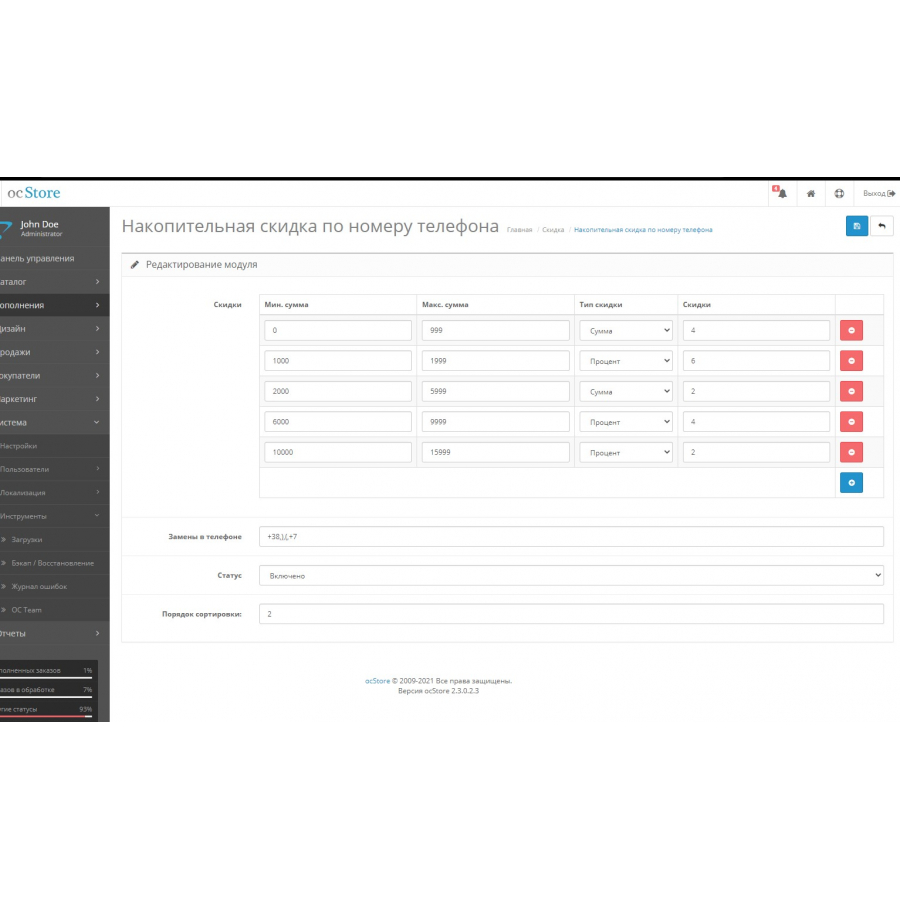
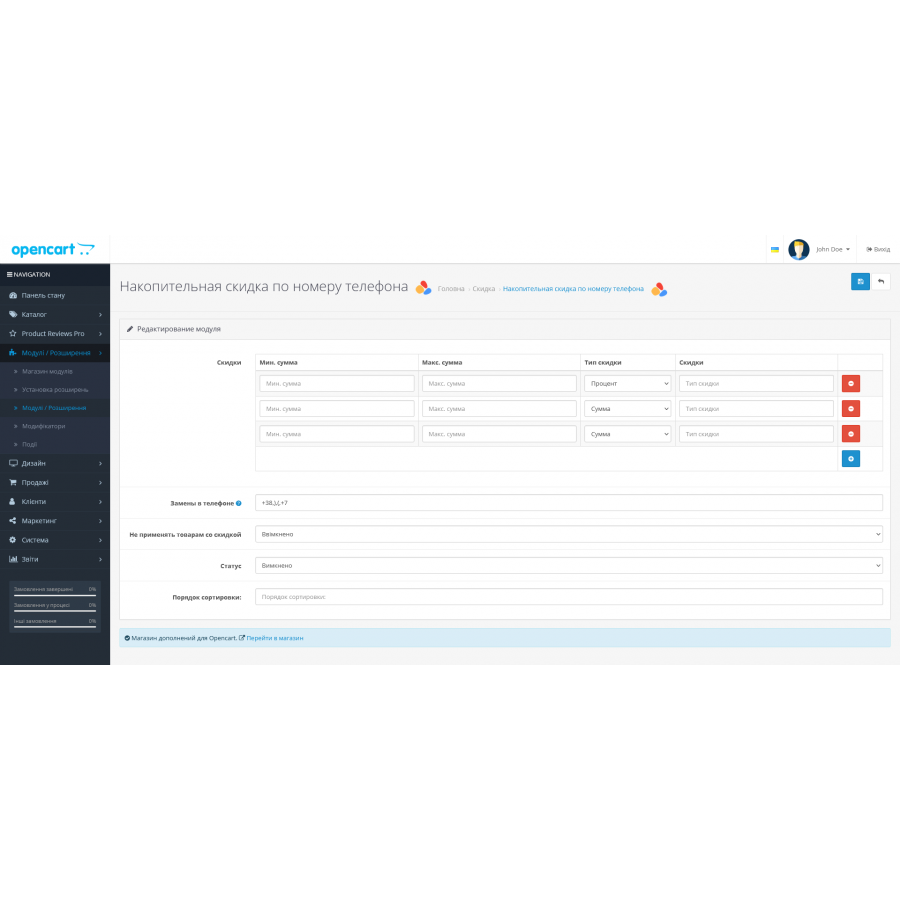
The total of the buyer's orders includes all completed orders. It is possible to replace characters in the phone field for a more accurate search of the buyer's orders. You will also be able to assign the type of discount (percentage or fixed amount), specify the customer turnover range for different discounts for different values.
WARNING! The module is guaranteed to work with standard ordering! Work with other orders is not guaranteed!
The module is installed by default, through the admin :
- Download the module archive through the standard installer in the admin.
- Go to "Module", "Take into account the order", activate it.
- Make settings according to your preferences, save changes.
There are no reviews for this product, be the first to leave your review.
No questions about this product, be the first and ask your question.
Module installation instructions:
- Before performing any actions related to installing an add-on in Opencart, we recommend creating a backup copy of all site files and the store database ;
- Install the localcopy fix (if you don't have it installed yet)
- Download the module file for the desired Opencart version from our website ( Follow the installation instructions if there are any in the module archive );
- Then go to the "Installing add-ons/extensions" section and click on the " Download " button;
- Select the downloaded file and wait for the module to be fully installed and for the text "Application installed successfully" to appear;
- After that, go to " Application Manager " and update the modifiers by clicking the " Update " button;
- After these actions, you need to add the rights to view and manage the module in the " User Groups " section for the administrator or other users you select by clicking " Select All ".