



Module Currency module plus 3.4 for OpenCart
The "Currency Plus" module allows you to specify the base price of goods in different currencies. This is especially useful if you work with goods from foreign manufacturers, the prices of which depend on fluctuations in exchange rates.
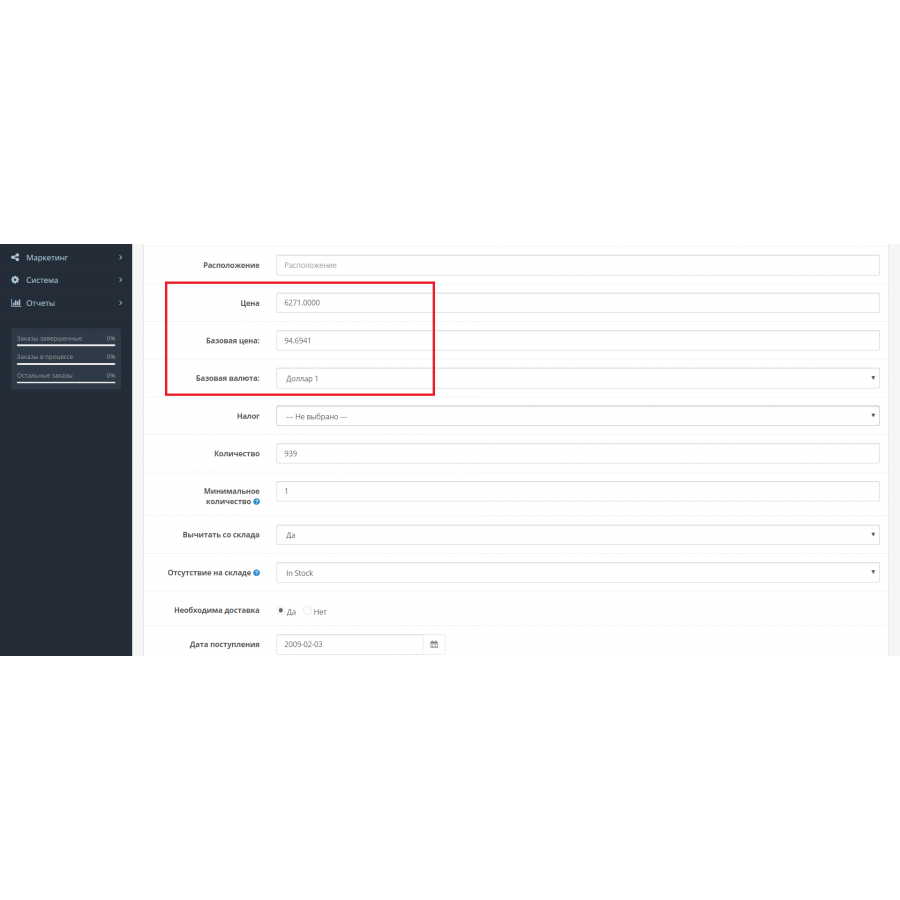
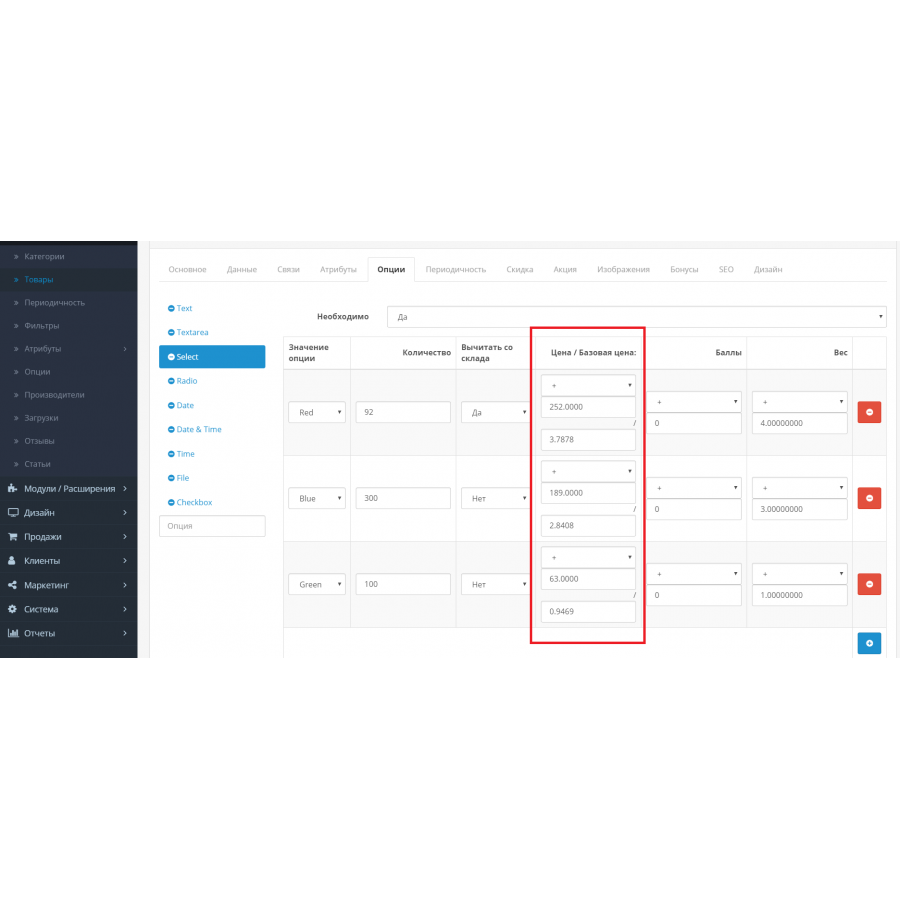
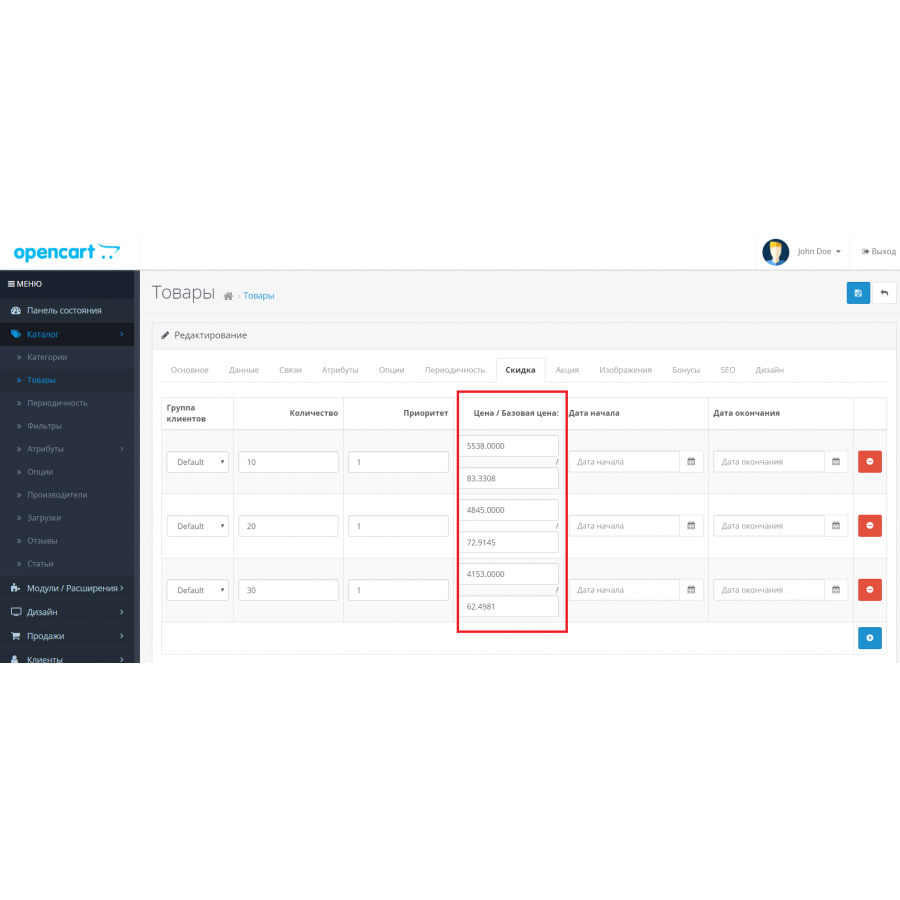
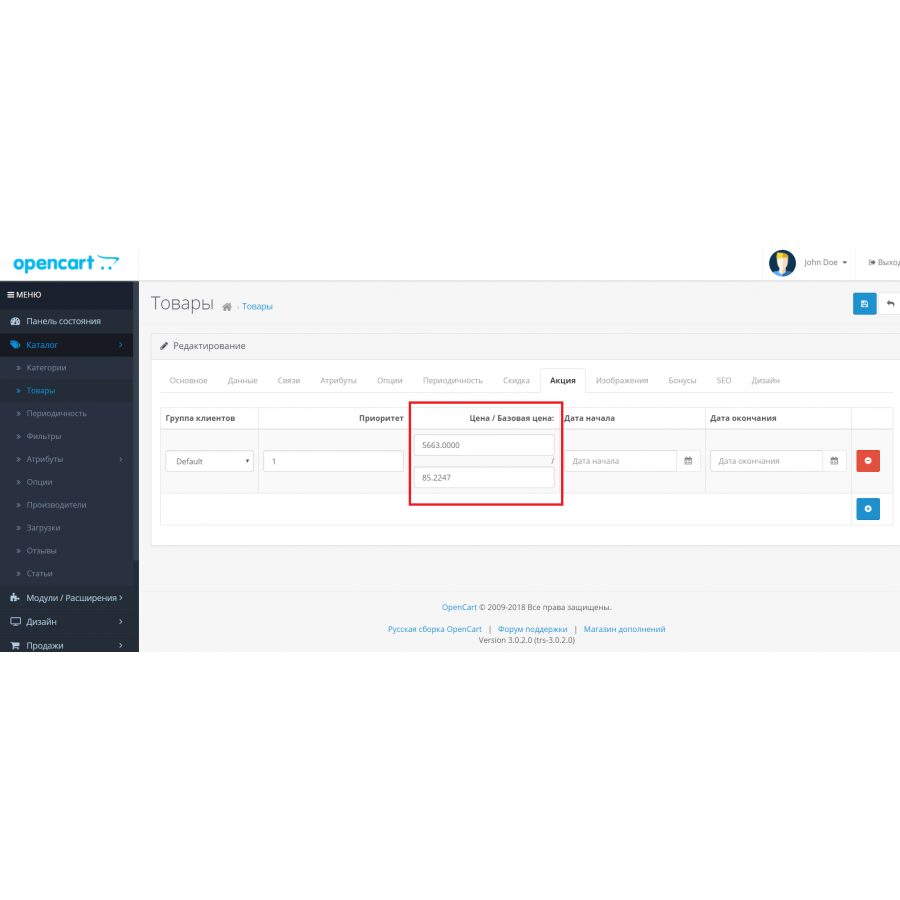
After installing the module, on the "Data" tab in the product card, next to the "Price" field, two additional fields appear: Base price and Base currency . You can specify the price of the product in the selected currency. Similar fields are added for options, promotions and discounts. All entered base prices are automatically converted at the exchange rate into the store's main currency and stored in standard price fields.
The main functions of the module:
-
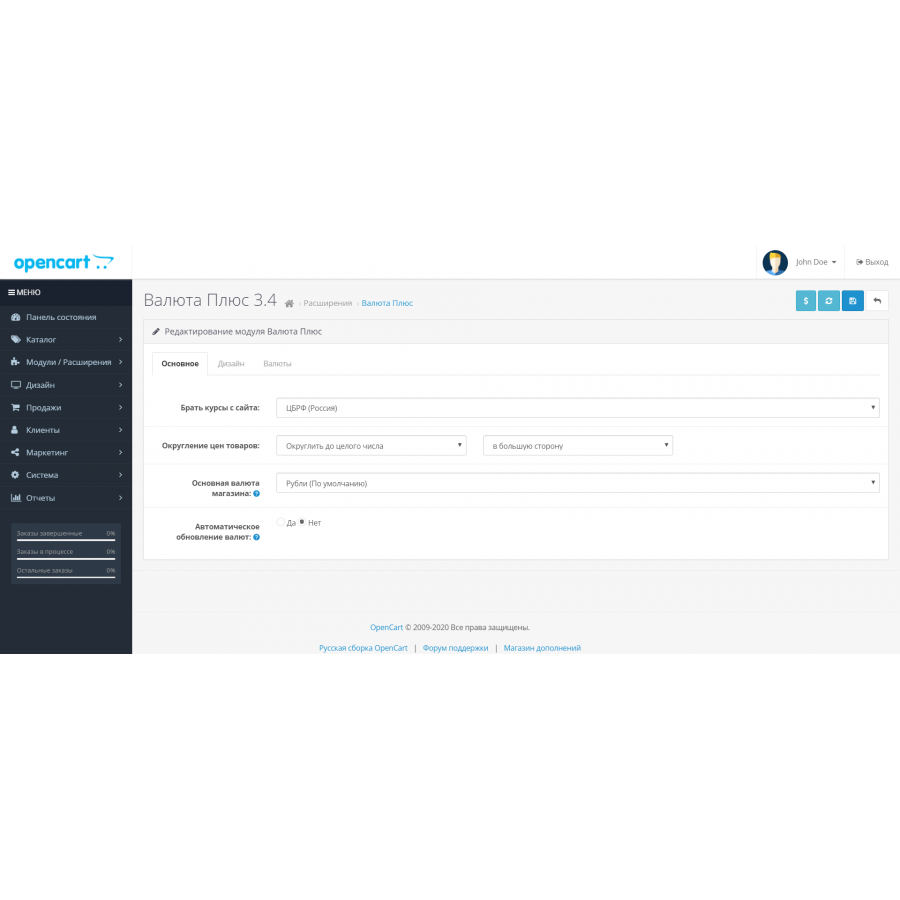
Automatic update of exchange rates:
- If auto-update is enabled in the settings, the module updates exchange rates every day when you log in to the admin panel. The data source is the site you have chosen (by default - the Central Bank of the Russian Federation).
- When updating rates, the prices of goods that have a base price are recalculated.
-
Manual update of rates and prices:
- You can manually set exchange rates and update product prices by clicking the Update Product Prices button on the module page.
-
Scheduled updates (cron):
- Ability to configure automatic update of courses and prices through cron task.
-
Flexible settings of exchange rates:
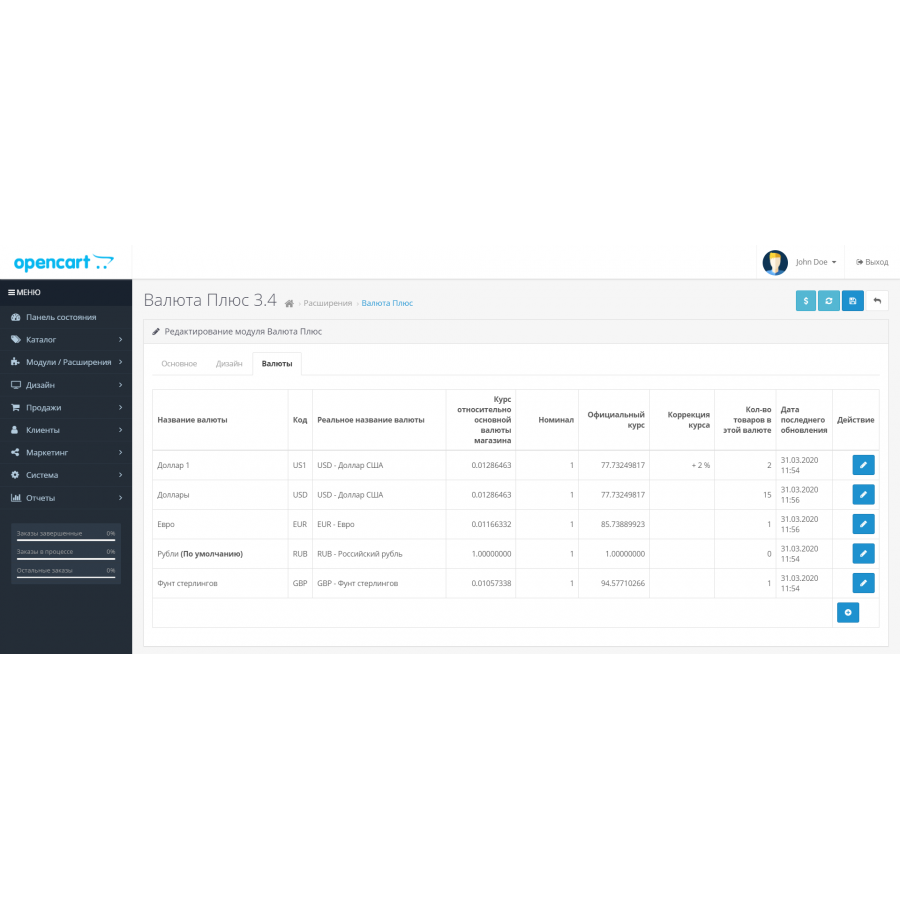
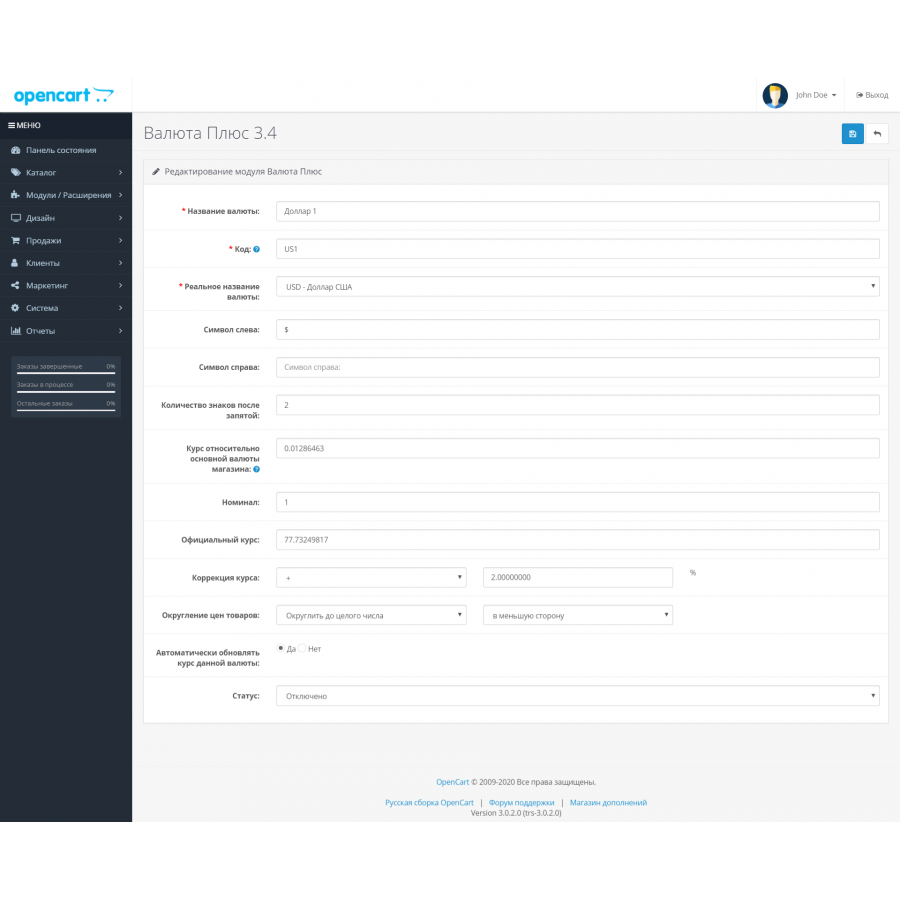
- For each currency, you can specify the rate correction percentage.
- p align="justify"> Different manufacturers may use individual exchange rates.
- For any currency, you can manually set the rate and lock it so that it does not change during updates.
-
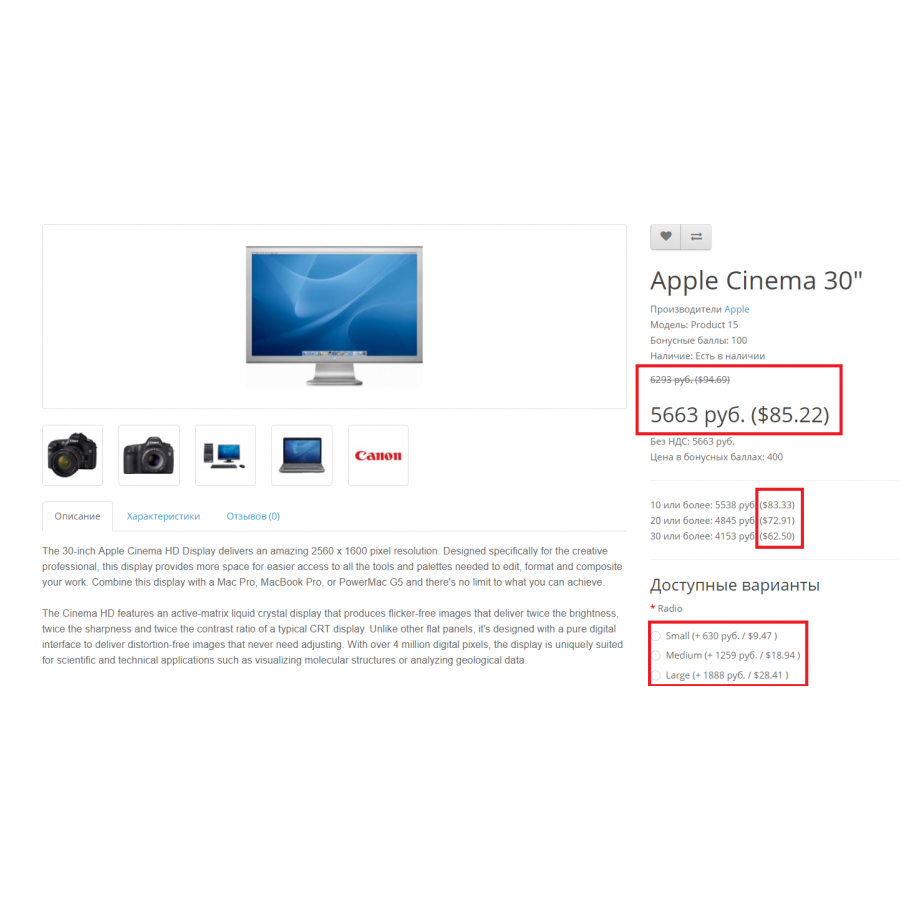
Display of the base currency on the site:
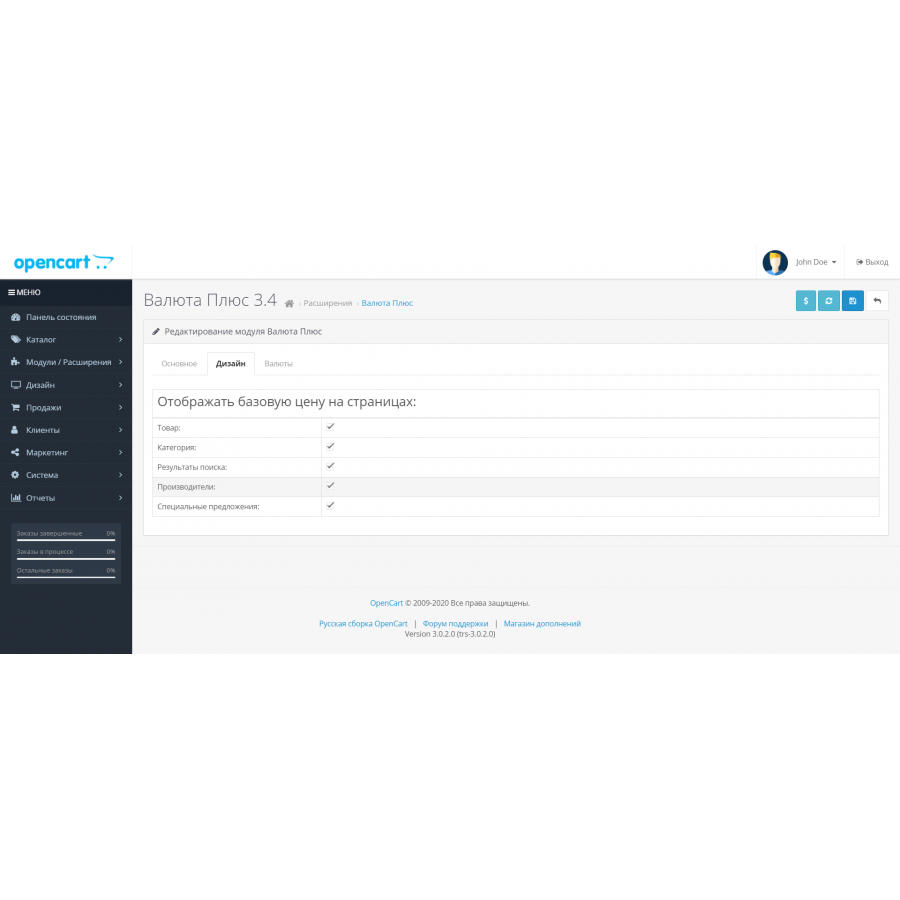
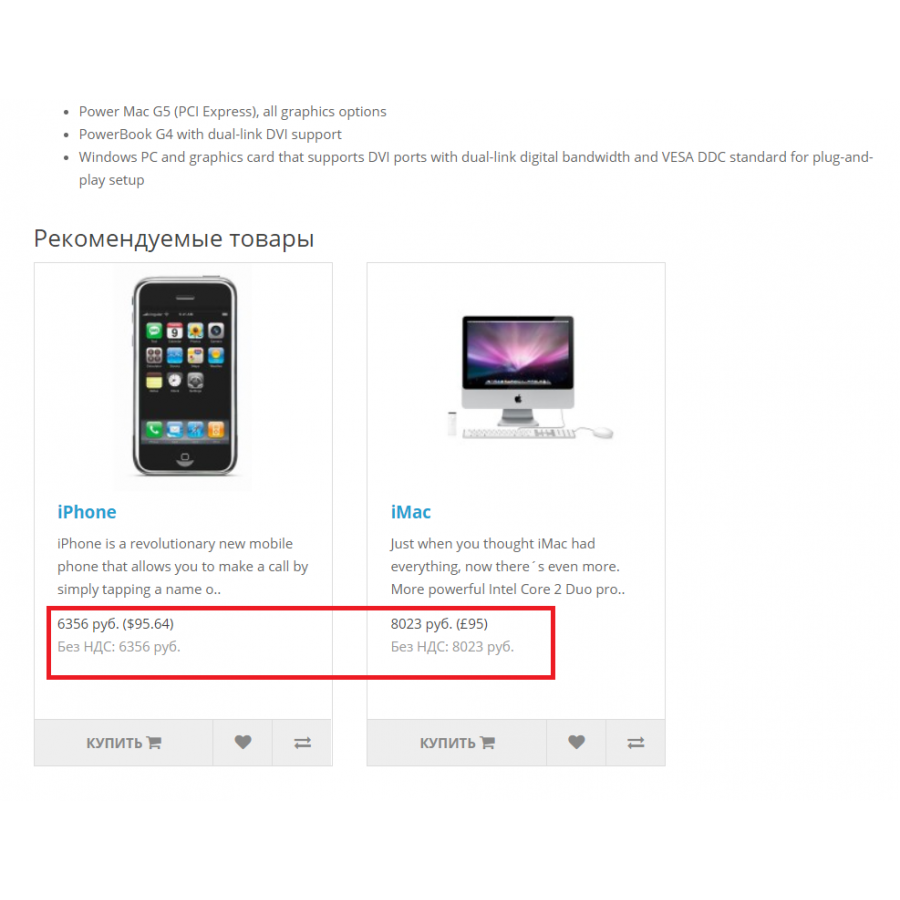
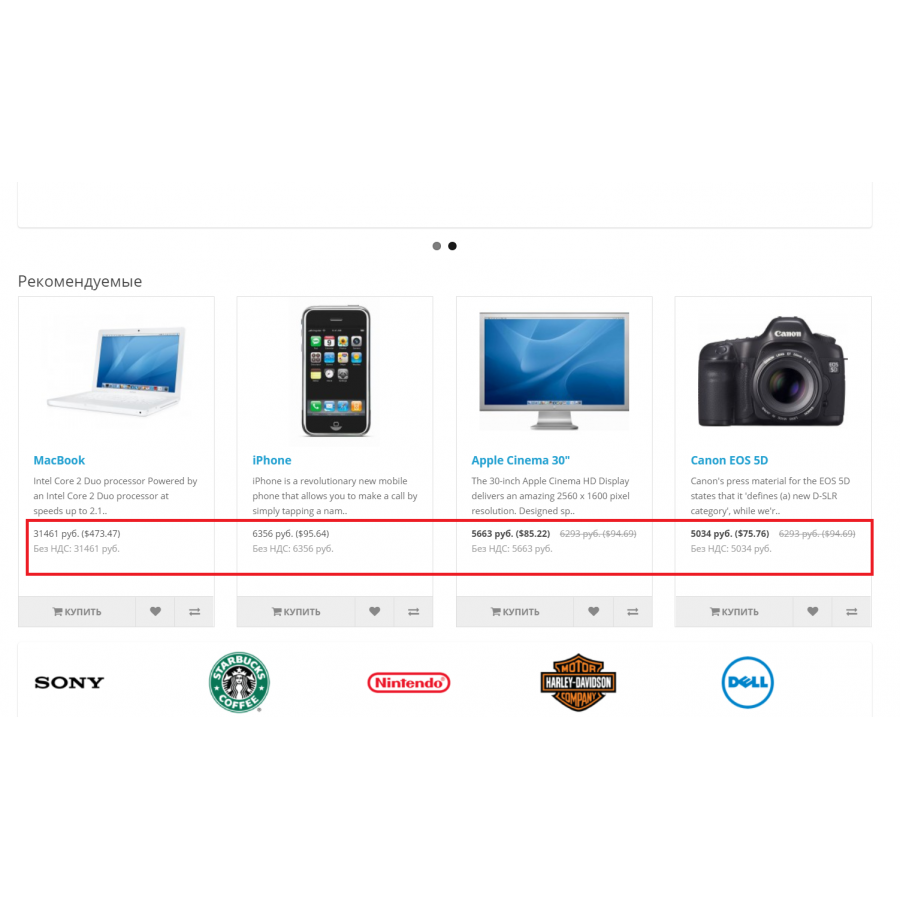
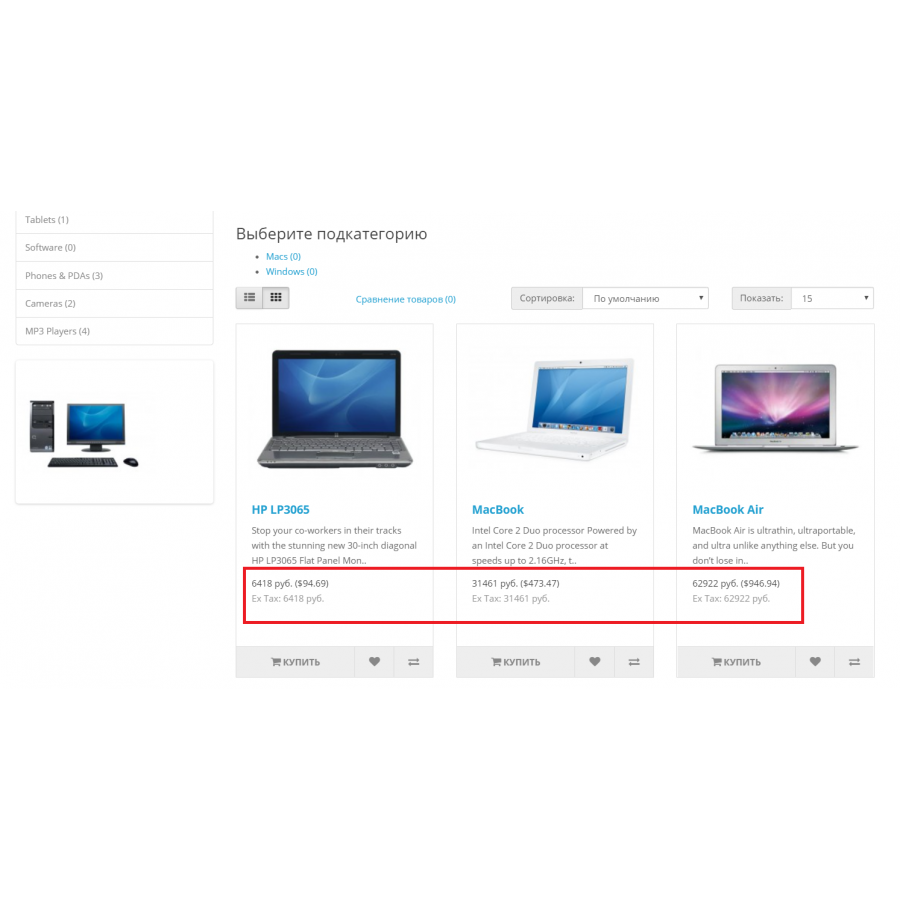
- Setting the display of the base currency in brackets on the store pages (when using the
currency_plus_frontend.xmlfile).
- Setting the display of the base currency in brackets on the store pages (when using the
-
Compatibility with other modules:
- Prices from base cost fields are converted to standard price fields, allowing other modules to work with them, such as filters or sorting by price.
- Support for the "Price Management" module.
- Compatibility with the Option To Product module.
- OpenCart version 3.x also supports the Related Options module.
-
Export and import of goods:
- Compatibility with export-import modules, including:
- Automatic processing of price lists .
- CSV Price Pro import/export (need to create fields for base price and currency in Macros tab).
- Compatibility with export-import modules, including:
-
Rounding settings:
- Ability to set various price rounding methods.
-
Sources of exchange rates:
- Support for six different sites to get currency rates.
Advantages:
The "Currency Plus" module makes price management in OpenCart more flexible, allowing you to take into account the peculiarities of working with foreign manufacturers. It provides automation of price calculations and compatibility with popular export, import and commodity management tools.
WARNING! The module is adapted for the standard theme and admin in opencart. Any adaptations are not included in the price, and you can do all the installation and adaptation work yourself or contact specialists!
No questions about this product, be the first and ask your question.
Module installation instructions:
- Before performing any actions related to installing an add-on in Opencart, we recommend creating a backup copy of all site files and the store database ;
- Install the localcopy fix (if you don't have it installed yet)
- Download the module file for the desired Opencart version from our website ( Follow the installation instructions if there are any in the module archive );
- Then go to the "Installing add-ons/extensions" section and click on the " Download " button;
- Select the downloaded file and wait for the module to be fully installed and for the text "Application installed successfully" to appear;
- After that, go to " Application Manager " and update the modifiers by clicking the " Update " button;
- After these actions, you need to add the rights to view and manage the module in the " User Groups " section for the administrator or other users you select by clicking " Select All ".





