All about product
Description
Specification
Reviews
3
Questions0
Installing the module
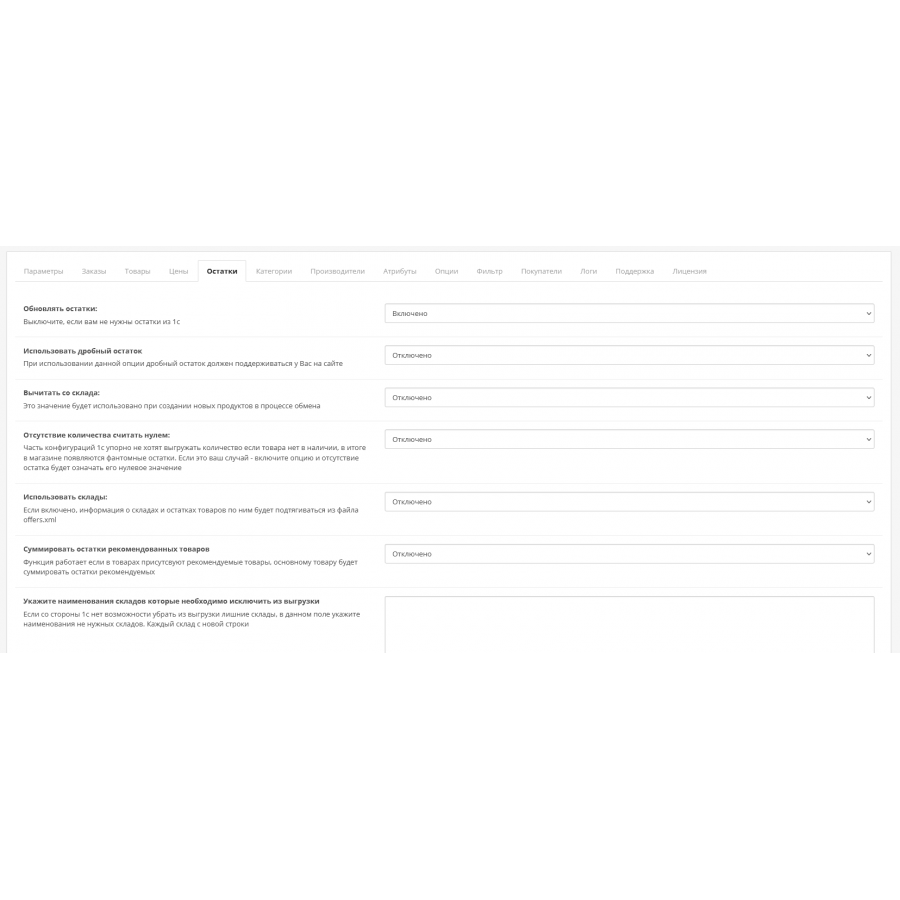
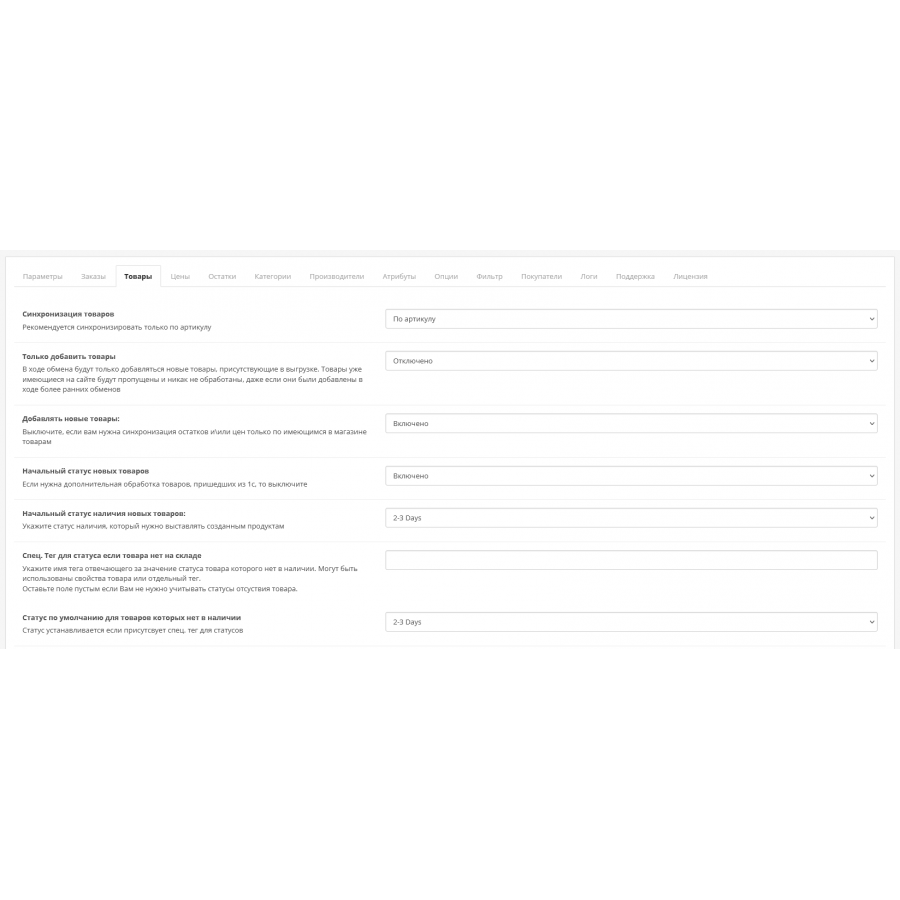
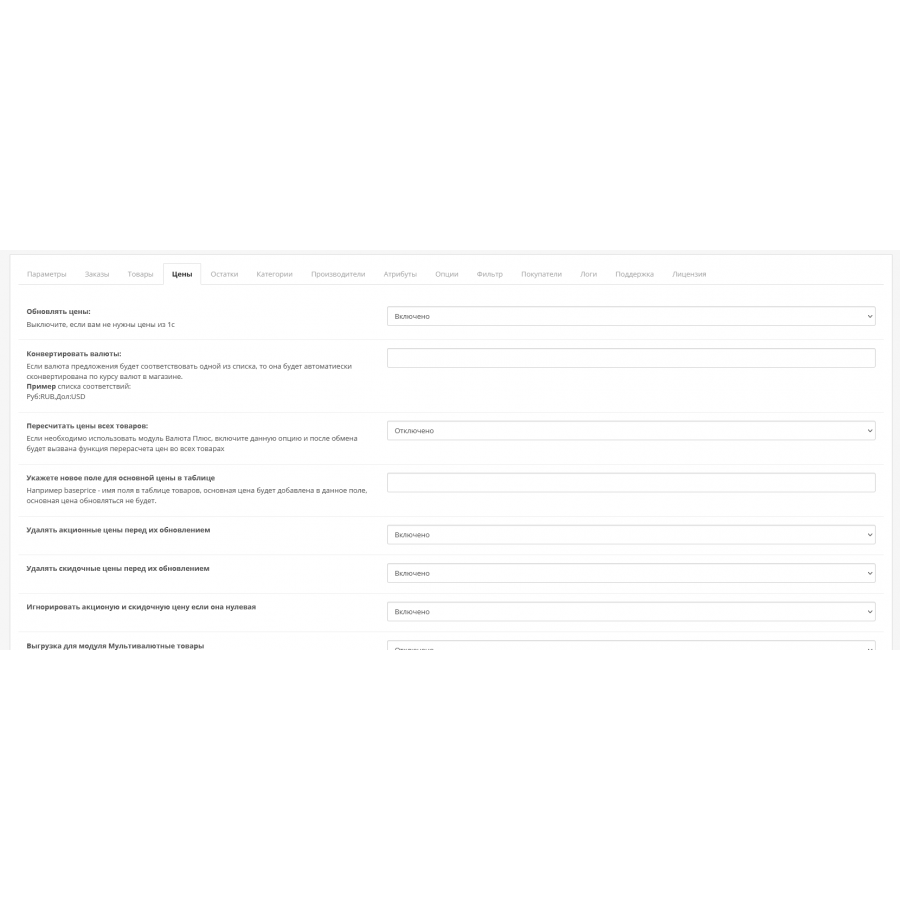


Data exchange and synchronization module with 1C:Enterprise for Opencart
Product Code: 317
Version: 298
In Stock
2 700 грн
Main specifications
PHP:
7.2-7.4
Compatibility:
3.0.0.0, 3.0.1.1, 3.0.1.2, 3.0.2.0, 3.0.3.0, 3.0.3.1, 3.0.3.2, 3.0.3.3, 3.0.3.5, 3.0.3.6, 3.0.3.7, 3.0.3.8
Localization:
Russian, Ukrainian, English
Adaptation to your store:
Paid
All specifications
Description
Save time on the simple routine work of transferring data about suppliers, goods, warehouses, invoices and more. using the 1C:Enterprise and OpenCart synchronization module .
Data exchange and synchronization between your online store and BAS 1C is:
Data exchange and synchronization between your online store and BAS 1C is:
- current prices for goods in stock;
- instant update of product data in the online store after making changes to 1C;
- creation of categories in the store without additional unloading;
- unloading product characteristics: height, length, width, etc.
- unloading of balances by product items or warehouses;
- automatic exchange of order information between the online store and other retail outlets.
- Reduce the time for organizing the work of the online store: updating data on products, suppliers, etc. due to automation;
- Make informed conclusions about the financial activities of the store. Summarize the period by unloading data by receipts, sales, balances.
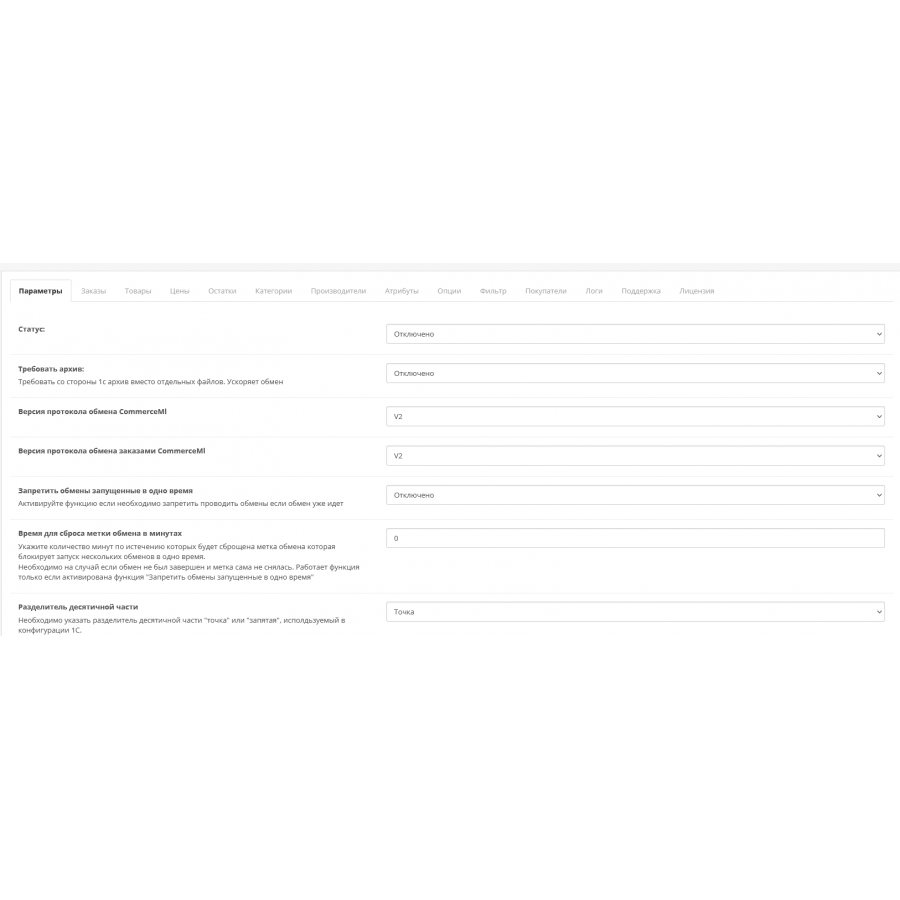
- Download an archive instead of separate synchronization files, which speeds up the exchange;
- Access to synchronization only from certain IP addresses;
- The ability to execute custom SQL queries to update balances;
- Ability to execute custom SQL queries after updating balances;
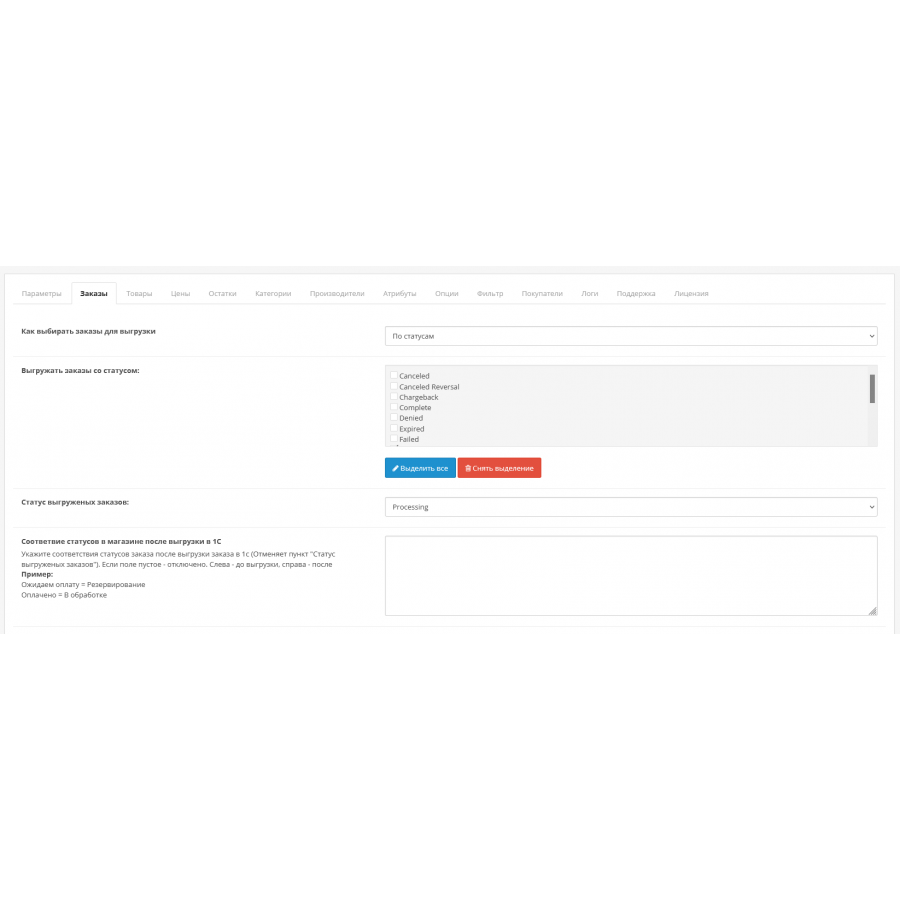
- Downloading orders from the site in 1C by status (possibility to select several statuses);
- Unloading of orders by labels (allows you to manually mark orders for unloading in 1C), indication of the unloading limit for one synchronization;
- Ability to provide order status after unloading in 1C;
- Downloading from the site to 1C the range of items involved in the order;
- Uploading from the site to the 1C of the Counterparty participating in the order;
- Uploading an extended note to the order (phone number, name, address, order number, comment);
- Unloading the model of the product to order instead of the VD nomenclature 1C;
- Setting the status of transactions;
- Ability to specify the currency of the order;
- The possibility of transferring an order in 1C under one user;
- Support for unloading extended address data;
- Support for unloading extended buyer data;
- Support for uploading arbitrary data in order details;
- Support for two-way exchange of order statuses;
- Unloading of delivery methods and its cost;
- Downloading order summaries and their cost;
- Adding new products from 1C/updating existing ones;
- Synchronization by article, name, code, product model;
- Adding/updating the name or full name of the product;
- Adding/updating the description or full description of the product;
- Support for creating/updating product attributes, excluding attributes or redirecting them;
- Automatic creation of filters in the online store based on product attributes or options with the option of excluding parameters (ocfilter supported);
- Support for creating/updating such product data as unit of measurement, dimensions, code, barcode, article, manufacturer;
- Support for adding/updating multiple product images;
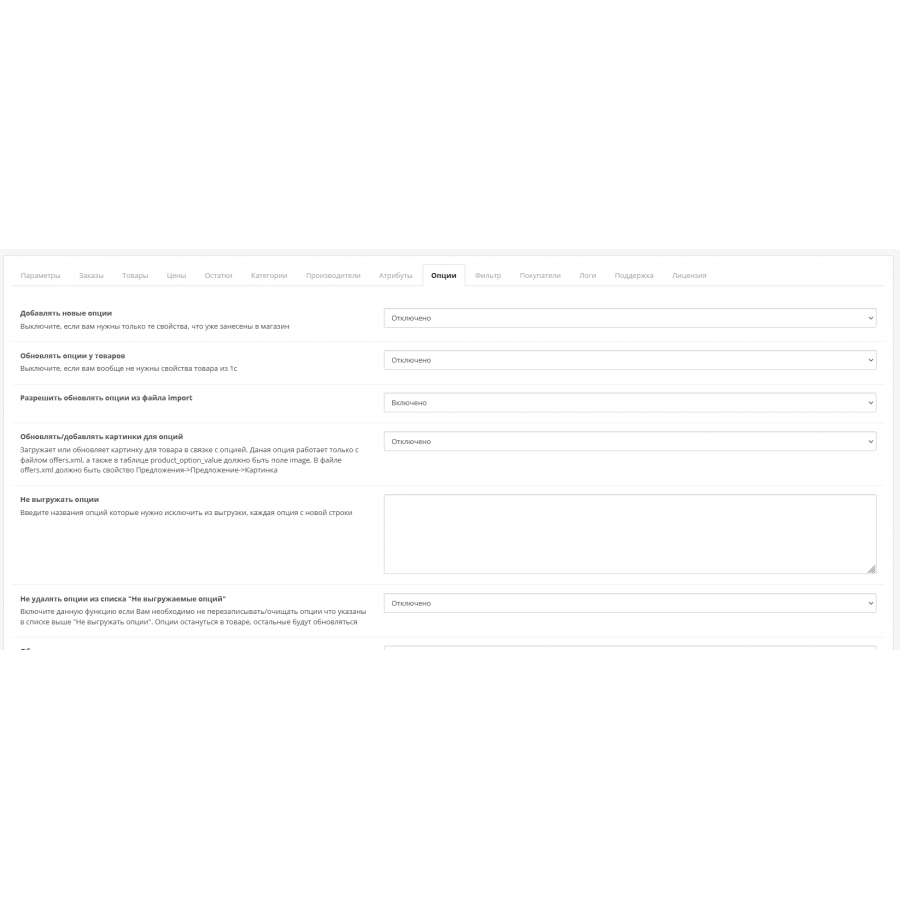
- Support for adding \ updating options or related product options, the ability to exclude options, receive options from product properties or characteristics;
- Packaging support;
- Support for adding/updating the main product price; recalculation of the product price based on the prices of price options;
- Support for adding/updating discount prices for different groups of buyers;
- Support for adding/updating the promotional price for the default customer group;
- Support for the multi-currency price module;
- Currency conversion support;
- Balance renewal support;
- Warehouse support;
- Ability to enable/disable uploading of groups of nomenclature (categories) from 1C to the site and updating links between categories and products;
- Ability to compare site categories and 1C;
- The possibility of forced unloading of goods into one category;
- Creation of a selection when unloading to the site;
- Synchronization of data at a given time interval;
- error control, full logging of the synchronization process;
- The possibility of exchanging a large number of goods in the mode of batch unloading and accounting for changes;
- Obtaining meta-tags from 1C;
- Manual unloading of orders from the store to the file;
- Manual unloading of goods from the store to the file;
- Manual download of synchronization files;
- Manual deletion of orders, goods, goods synchronized with 1C, deletion of connections, deletion of balances in warehouses, manufacturers, categories, attributes, options;
- The possibility of assigning several promotional prices to different groups of buyers;
- Support for two-way exchange of goods from the order;
- Support adding/updating promotional price for buyer groups other than the default group.
- Trade management ed. 10.3
- Trade management ed. 11.1
- Management of a production enterprise ed. 1.3
- Complex automation ed. 1.1
- Management of a small firm ed. 1.5
- 1C:ERP Enterprise management 2.1
- Trade management ed. 3.0 (Ukraine)
- Trade management ed. 2.3 (Ukraine)
- Trade enterprise management ed.1.2 (Ukraine)
- Management of a production enterprise ed.1.3 (Ukraine)
- Management of a small firm ed. 1.4 (Ukraine)
- Trade management ed.3.0 (Kazakhstan)
- Trade enterprise management ed.2.0 (Kazakhstan)
- Management of a production enterprise ed.1.3 (Kazakhstan)
- Any other configuration that has Exchange processing with Website (commerceml2,CommerceML3)
Claims are not accepted after payment!
1 purchase - 1 key for your domain!
Also pay attention! That the price does not include customization. You do the setting yourself!
Specifications
Characteristics
PHP
7.2-7.4
Compatibility
3.0.0.0, 3.0.1.1, 3.0.1.2, 3.0.2.0, 3.0.3.0, 3.0.3.1, 3.0.3.2, 3.0.3.3, 3.0.3.5, 3.0.3.6, 3.0.3.7, 3.0.3.8
Localization
Russian, Ukrainian, English
Adaptation to your store
Paid
Імпорт-експорт працює шикарно. Все налаштування було здійснено буквально за 1 годину навіть не очікував що буде так швидко. Бажаю вам величезного розвитку та плідних успіхів.
Is this review helpful?
1
Импорт товаров прошел отлично, модуль работает хорошо, и категории и товары выгружает
Is this review helpful?
1
Спочатку може здатися дещо замороченою настройка, але... Але! Розібравшись з тисячею і однієї доступних з коробки опцій Ви заощадите собі просто нереальну кількість часу.
Is this review helpful?
1
No questions about this product, be the first and ask your question.
Installing the module
Module installation instructions:
- Before performing any actions related to installing an add-on in Opencart, we recommend creating a backup copy of all site files and the store database ;
- Install the localcopy fix (if you don't have it installed yet)
- Download the module file for the desired Opencart version from our website ( Follow the installation instructions if there are any in the module archive );
- Then go to the "Installing add-ons/extensions" section and click on the " Download " button;
- Select the downloaded file and wait for the module to be fully installed and for the text "Application installed successfully" to appear;
- After that, go to " Application Manager " and update the modifiers by clicking the " Update " button;
- After these actions, you need to add the rights to view and manage the module in the " User Groups " section for the administrator or other users you select by clicking " Select All ".