All about product
Description
Specification
Reviews
3
Questions0
Installing the module


"Discount depending on the number of products in the cart" module for OpenCart
Product Code: 489
Version: 3.0
In Stock
450 грн
Main specifications
PHP:
7.2-7.4
Compatibility:
1.5.x, 2.3.0.0, 2.3.0.1, 2.3.0.2, 3.0.0.0, 3.0.1.1, 3.0.1.2, 3.0.2.0, 3.0.3.0, 3.0.3.1, 3.0.3.2, 3.0.3.3, 3.0. 3.5, 3.0.3.6, 3.0.3.7, 3.0.3.8
Localization:
Russian, Ukrainian, English
Ocmod:
Yes
Adaptation to your store:
Paid
All specifications
Description
"Discount depending on the number of products in the cart" module for OpenCart
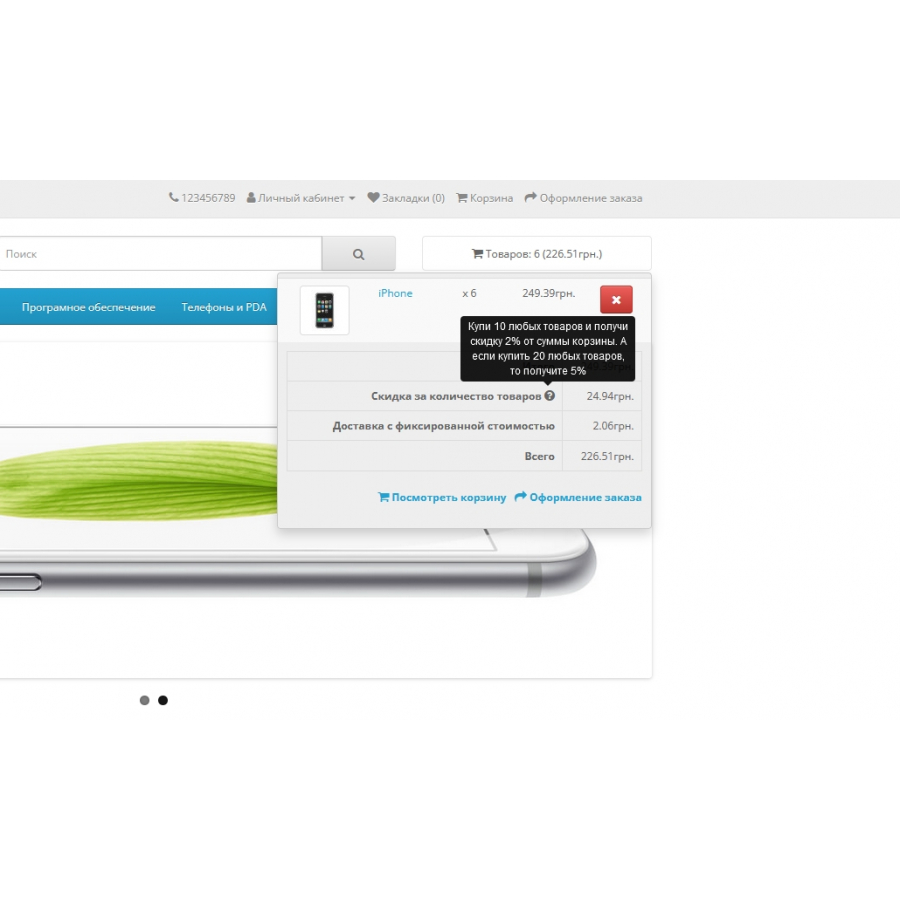
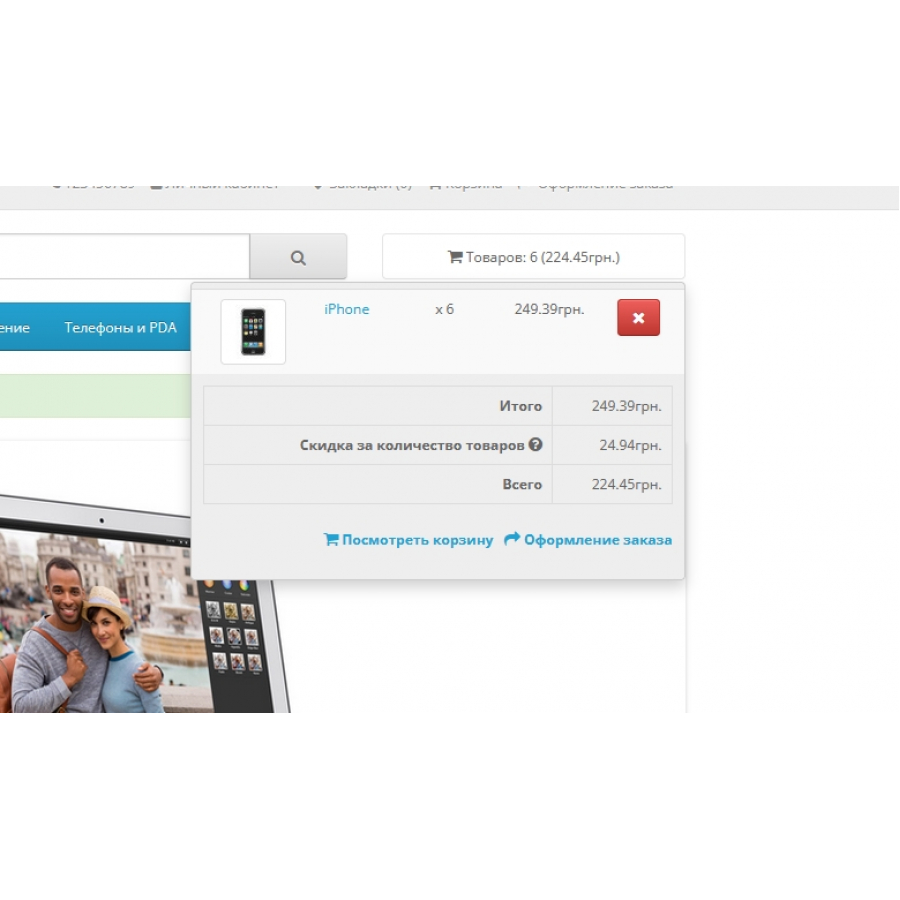
This module allows you to provide a discount on the total cost of the cart based on the number of items in it. For example, you can set a 3% discount when adding 10 items to the cart.
This tool is especially useful when selling a large number of products with approximately the same price or if the assortment includes many cheap related products.
Main features:
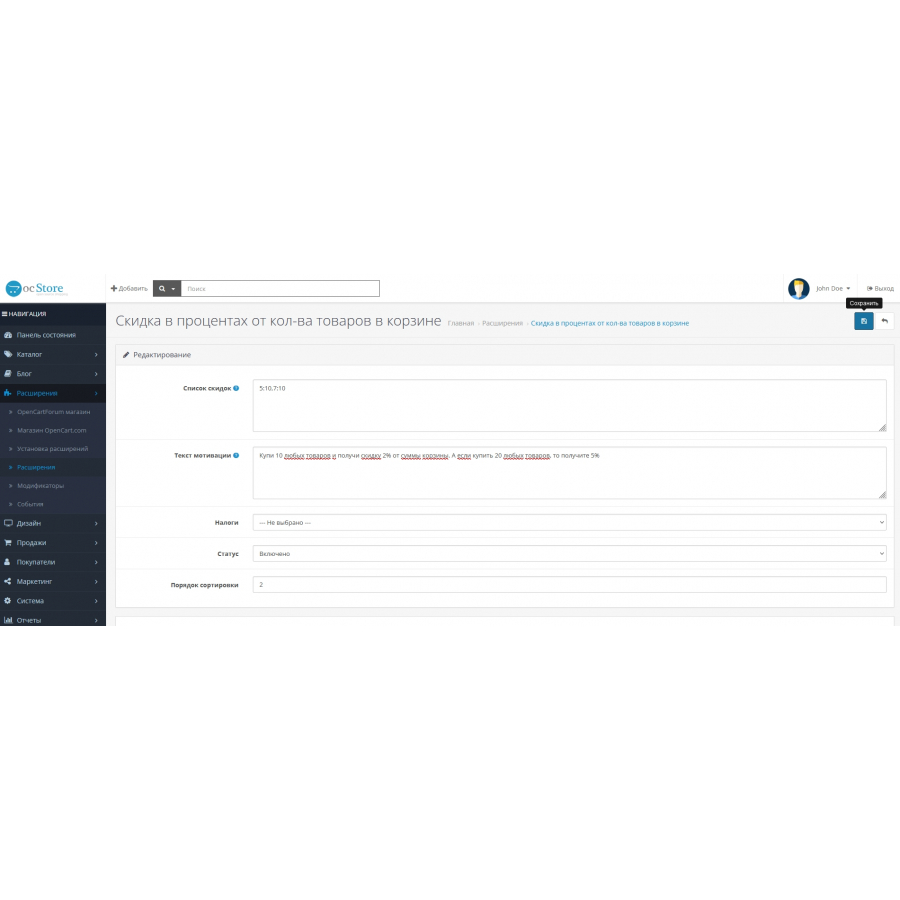
- Unlimited number of discount settings.
- Ability to set individual text that motivates buyers.
How to install the module:
- Unzip the archive.
- Copy the files from the upload folder to the root of your site.
- In the OpenCart admin panel, go to Menu > Modules > Include in order and activate the "Discount on the number of products in the cart" module, then configure it as a regular module.
With this module, you can stimulate purchases and increase revenue from sales of related products.
Specifications
Characteristics
PHP
7.2-7.4
Compatibility
1.5.x, 2.3.0.0, 2.3.0.1, 2.3.0.2, 3.0.0.0, 3.0.1.1, 3.0.1.2, 3.0.2.0, 3.0.3.0, 3.0.3.1, 3.0.3.2, 3.0.3.3, 3.0. 3.5, 3.0.3.6, 3.0.3.7, 3.0.3.8
Localization
Russian, Ukrainian, English
Ocmod
Yes
Adaptation to your store
Paid
Очень полезный модуль для увеличения среднего чека! Легко настроил на OpenCart
Is this review helpful?
0
Использую модуль на окстор 3037, и он прекрасно справляется с задачей! Скидки работают корректно, а интерфейс очень удобный. Рекомендую!
Is this review helpful?
0
Модуль отлично работает на ocStore 3.x, даже на нестандартном шаблоне UniShop 2. Всё настроилось без проблем. Благодарю за качественное решение!
Is this review helpful?
0
No questions about this product, be the first and ask your question.
Installing the module
Module installation instructions:
- Before performing any actions related to installing an add-on in Opencart, we recommend creating a backup copy of all site files and the store database ;
- Install the localcopy fix (if you don't have it installed yet)
- Download the module file for the desired Opencart version from our website ( Follow the installation instructions if there are any in the module archive );
- Then go to the "Installing add-ons/extensions" section and click on the " Download " button;
- Select the downloaded file and wait for the module to be fully installed and for the text "Application installed successfully" to appear;
- After that, go to " Application Manager " and update the modifiers by clicking the " Update " button;
- After these actions, you need to add the rights to view and manage the module in the " User Groups " section for the administrator or other users you select by clicking " Select All ".