

Display lost orders for Opencart
This mod fixes an issue with incomplete or erroneous orders in OpenCart that may go undetected because they have not been assigned a status. This happens when the buyer does not press the confirmation button at the last stage of the order. For example, a buyer may go back several times to change the shipping method, payment or other data, thus creating several "lost" orders. Also, the problem may arise due to payment modules that incorrectly process orders and do not assign them a status.
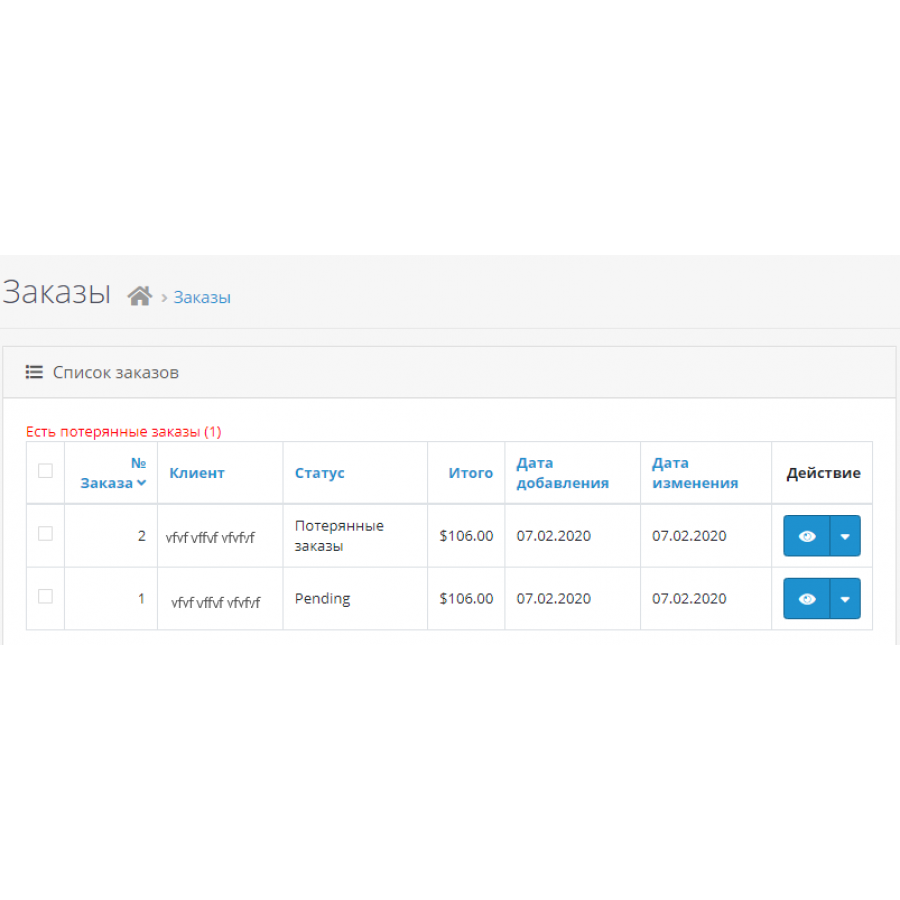
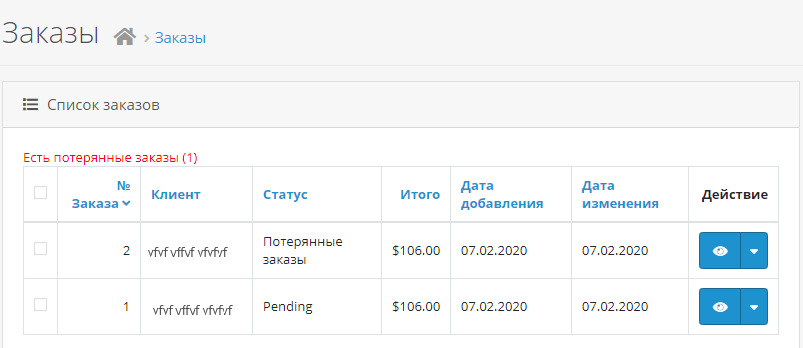
The modifier allows you to display such orders in lists for operational processing, which helps to increase conversion. After installing this add-on, such orders will be visible on the main page of the admin in the "recent orders" block and in the general list of orders.
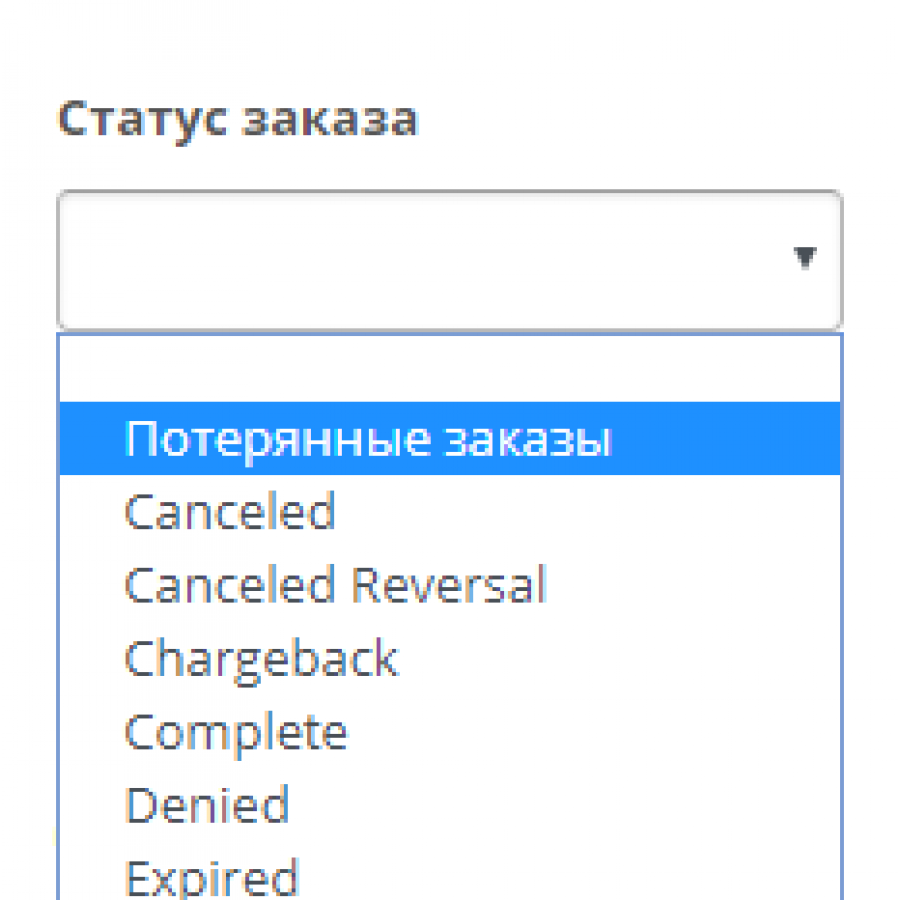
By default, you can view the following orders without status by applying the appropriate filter:
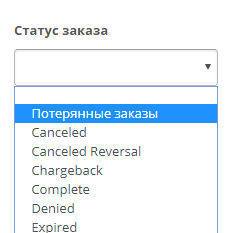
There are two modifiers in the attachment:
1. Displays a link to the lost order filter above the list of orders with a counter showing the number of lost orders - lostorders-link.ocmod.xml is based on a ready-made solution and adapted to 3.0
2. In addition to what the first one displays, lost orders are thrown into the general pile - lostorders-to-all.ocmod.xml
Pay attention! There are files for OS2 and OS3.
The result of the work of the second:
To apply, place one of the files in the system folder and update the cache of modifiers
 lostorders_2x-3x-Opencart.zip
No questions about this product, be the first and ask your question.
Module installation instructions:
- Before performing any actions related to installing an add-on in Opencart, we recommend creating a backup copy of all site files and the store database ;
- Install the localcopy fix (if you don't have it installed yet)
- Download the module file for the desired Opencart version from our website ( Follow the installation instructions if there are any in the module archive );
- Then go to the "Installing add-ons/extensions" section and click on the " Download " button;
- Select the downloaded file and wait for the module to be fully installed and for the text "Application installed successfully" to appear;
- After that, go to " Application Manager " and update the modifiers by clicking the " Update " button;
- After these actions, you need to add the rights to view and manage the module in the " User Groups " section for the administrator or other users you select by clicking " Select All ".