

Module ExtendedSearch - extended search in the store for OpenCart
In Opencart, the standard search for the Model, SKU, UPC, EAN, JAN, ISBN and MPN fields is carried out with strict matching (for part of the word, the search is only based on the product name and its tags).
And there is no search for a product by its attributes at all.
The ExtendedSearch module expands the standard search functionality in the store, allowing you to customize the search engine of the Opencart engine.
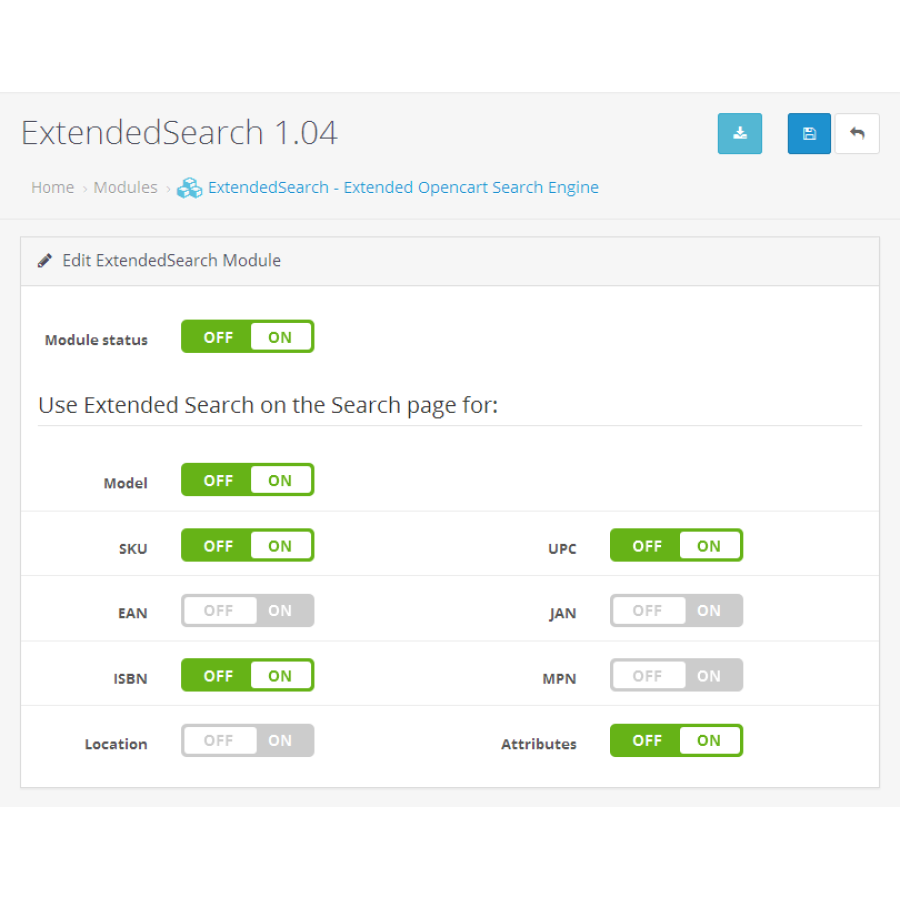
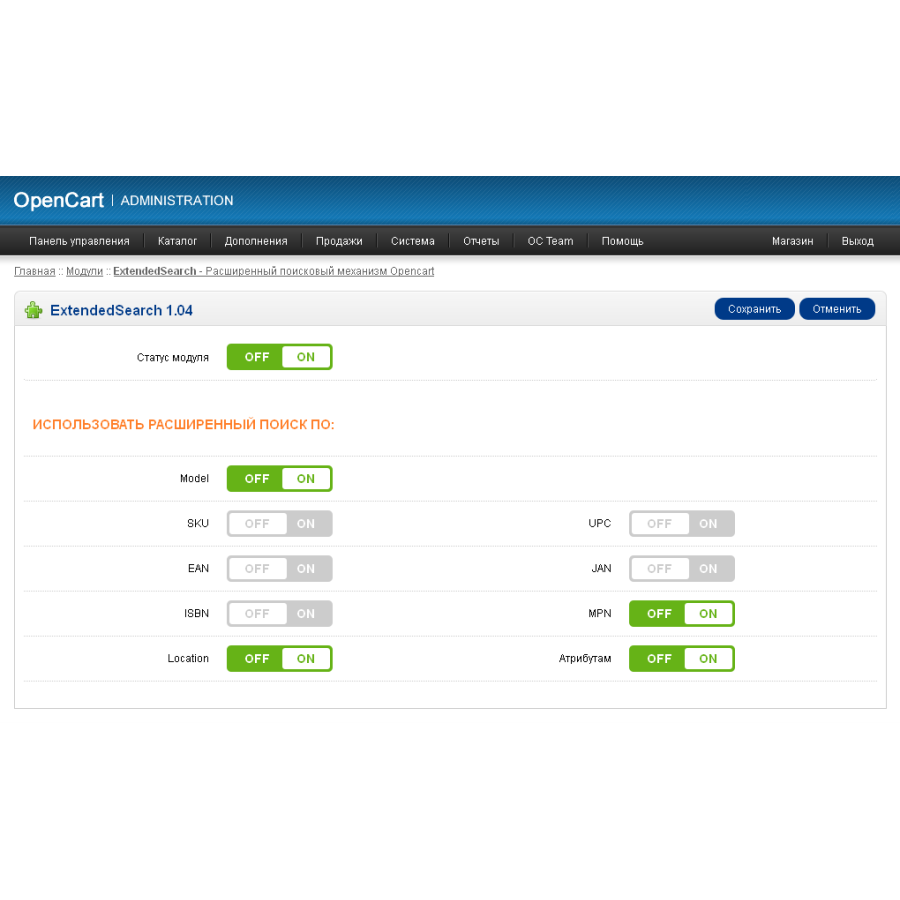
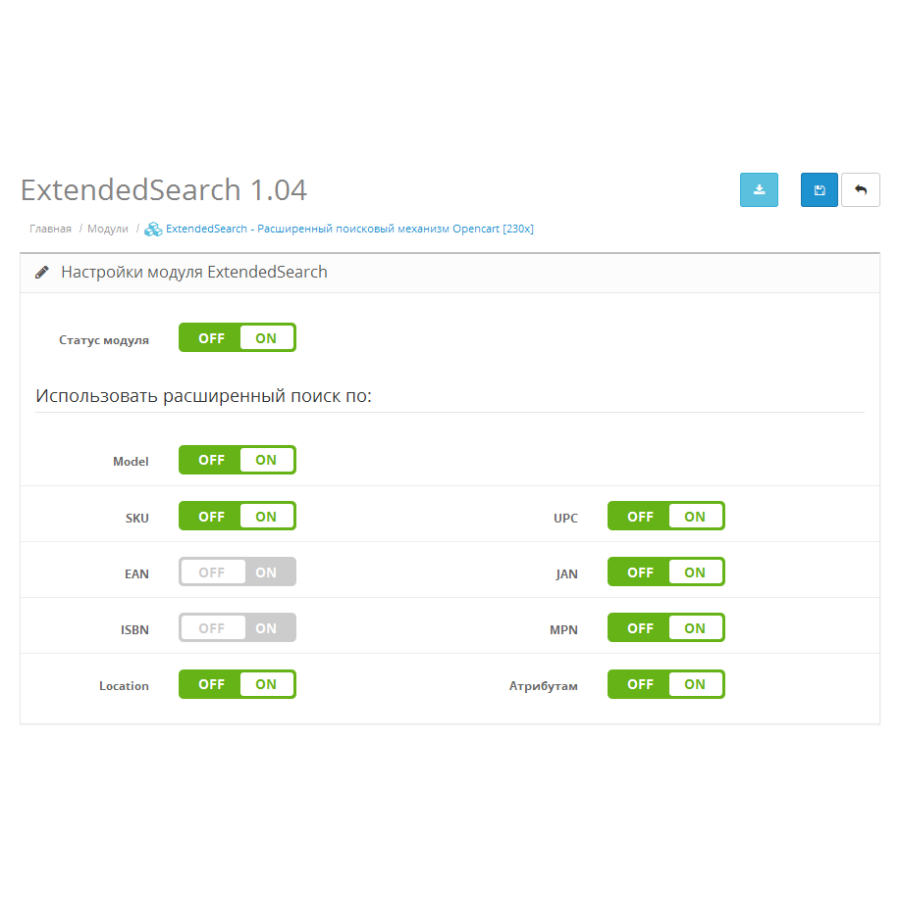
When the module is activated, the search page will show products with a partial match of the request in the fields Model, SKU, UPC, EAN, JAN, ISBN, MPN, Location and in attributes - in accordance with the selected settings
If you disable the corresponding field in the module settings, the search for this field will be carried out as before, using the standard Opencart mechanism.
Peculiarities:
- search in the Model, SKU, UPC, EAN, JAN, ISBN and MPN fields by part of a word (including several words/parts)
- added search by Location field
- added search by product attributes
- customizable search mechanism by fields (using a module or default)
does not replace any files (all changes via VQMOD/OCMOD)
does not create additional fields and tables in the database
versions below 2.x require VQMOD
for 2.x and higher OCMOD is used
Installation 15x:
1. Copy the contents of the upload folder to the directory with Opencart (standard files do not change)
2. Set the necessary rights to module/extendedsearch in System > Users > User groups
3. Install and configure the ExtendedSearch module in Add-ons > Modules
Installation 2x:
1. Download the ocmod.zip archive for your version in Add-ons > Add-ons Installer *
2. Refresh the modifier cache in Add-ons > Modifiers
3. Add rights to module/extendedsearch in System > Users > User Groups
4. Install and configure the ExtendedSearch module in Add-ons > Modules
* If you do not have FTP configured to download ocmod.zip archives in the Add-on Installer, use this patch
Installation 3x:
1. Upload the extended-search_3x.ocmod.zip archive to Extensions > Installer
2. Update the modifier cache in Add-ons > Add-on Manager (Extensions > Modifications)
3. Update the theme cache in Dashboard > Developer Settings
4. Add rights to extension/module/extendedsearch in System > Users > User Groups
5. Install and configure the ExtendedSearch module in Add-ons > Modules
There are no reviews for this product, be the first to leave your review.
No questions about this product, be the first and ask your question.
Module installation instructions:
- Before performing any actions related to installing an add-on in Opencart, we recommend creating a backup copy of all site files and the store database ;
- Install the localcopy fix (if you don't have it installed yet)
- Download the module file for the desired Opencart version from our website ( Follow the installation instructions if there are any in the module archive );
- Then go to the "Installing add-ons/extensions" section and click on the " Download " button;
- Select the downloaded file and wait for the module to be fully installed and for the text "Application installed successfully" to appear;
- After that, go to " Application Manager " and update the modifiers by clicking the " Update " button;
- After these actions, you need to add the rights to view and manage the module in the " User Groups " section for the administrator or other users you select by clicking " Select All ".