

Export module - Import of categories, products, into an Excel file for OpenCart
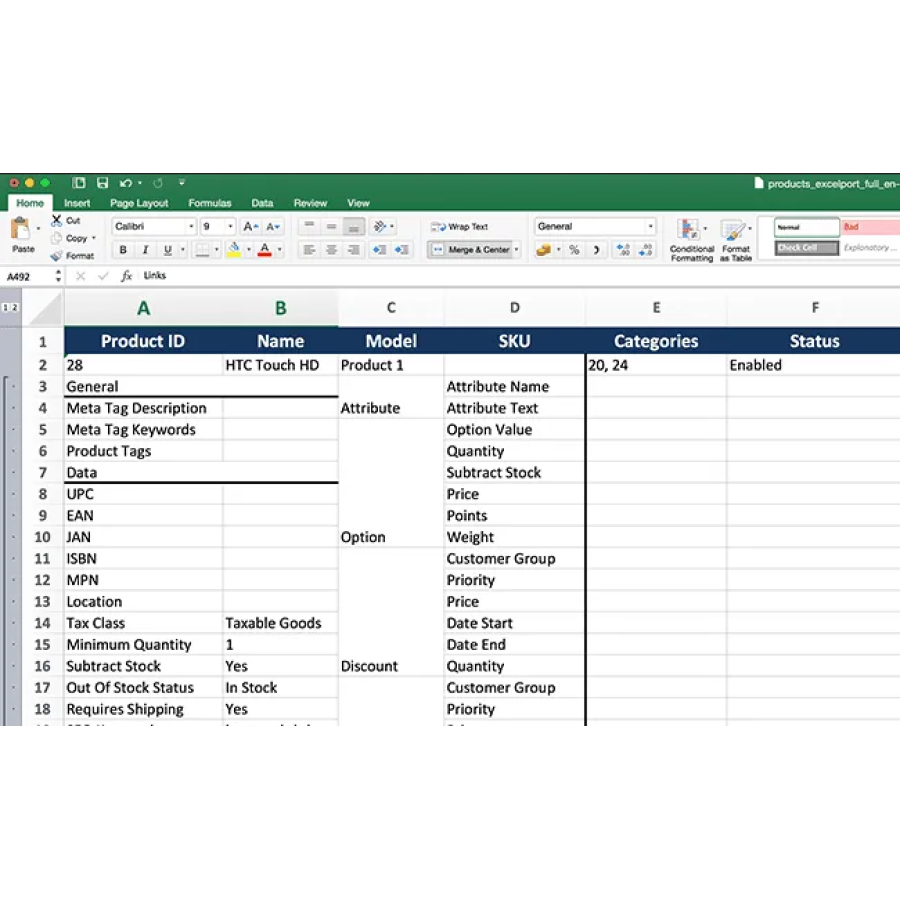
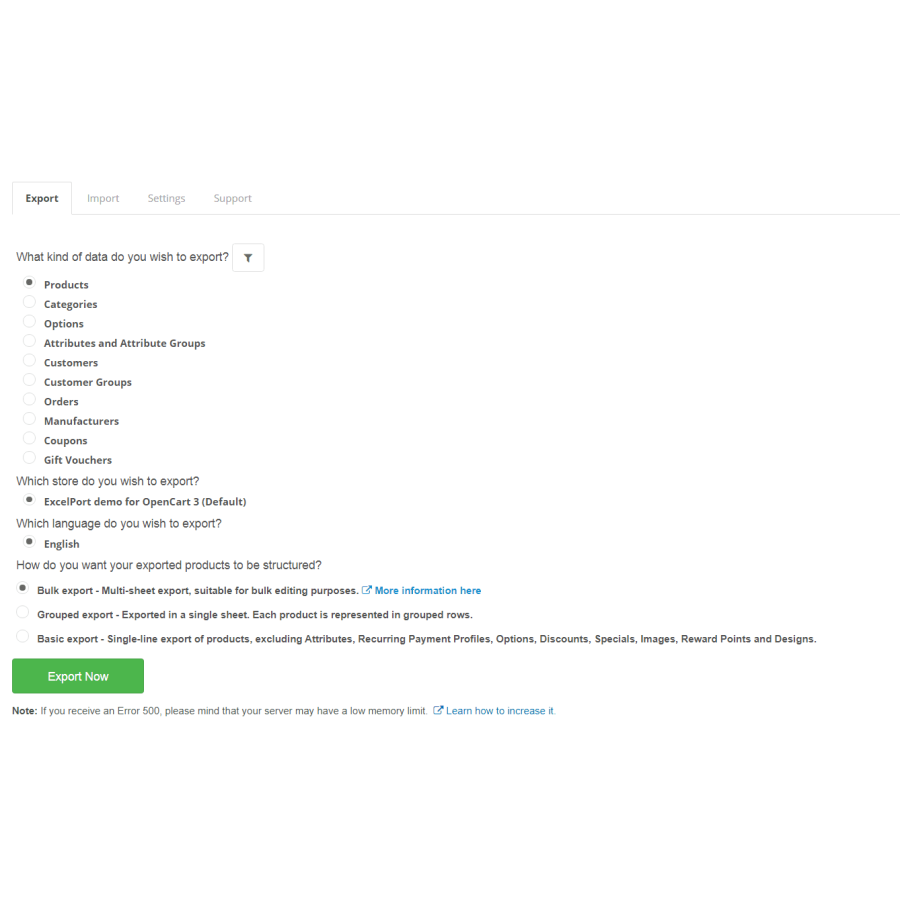
ExcelPort is a reliable tool that lets you export all your product data into an Excel file, edit it, and then import it again in OpenCart with the modified products. Please take a look in the demo.
Main Features
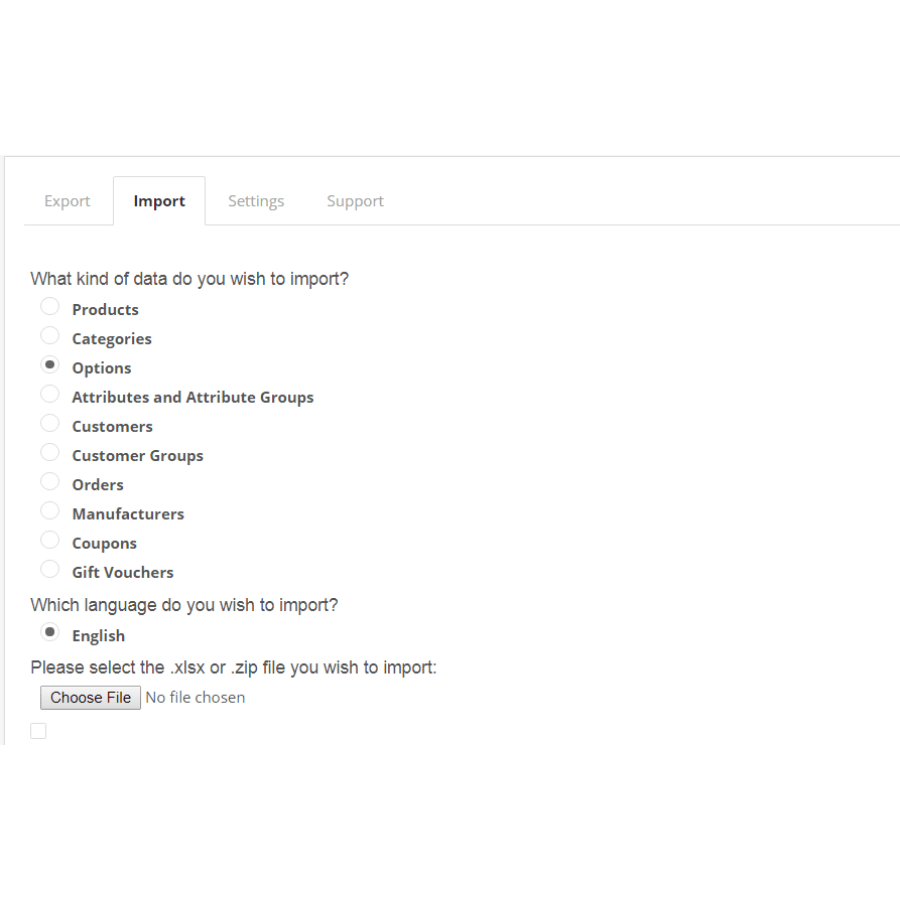
✯ Multiple fields supported – ExcelPort offers a one click export/import of OpenCart Product Data, Options, Option Values, Customers, Customer Groups, Categories, Attributes, Coupons / Gift Vouchers and Orders.
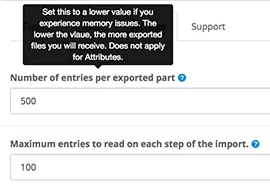
✯ No Memory Issues – ExcelPort offers a state of art incremental export/import tool that will allow you to export/import an unlimited amount of products without any memory issues.
✯Bulk Mode, Grouped Mode, Basic Mode – ExcelPort features three unique modes export/import modes: Bulk Mode, Grouped Mode, Basic Mode which allow you a different type of export and import based on your needs
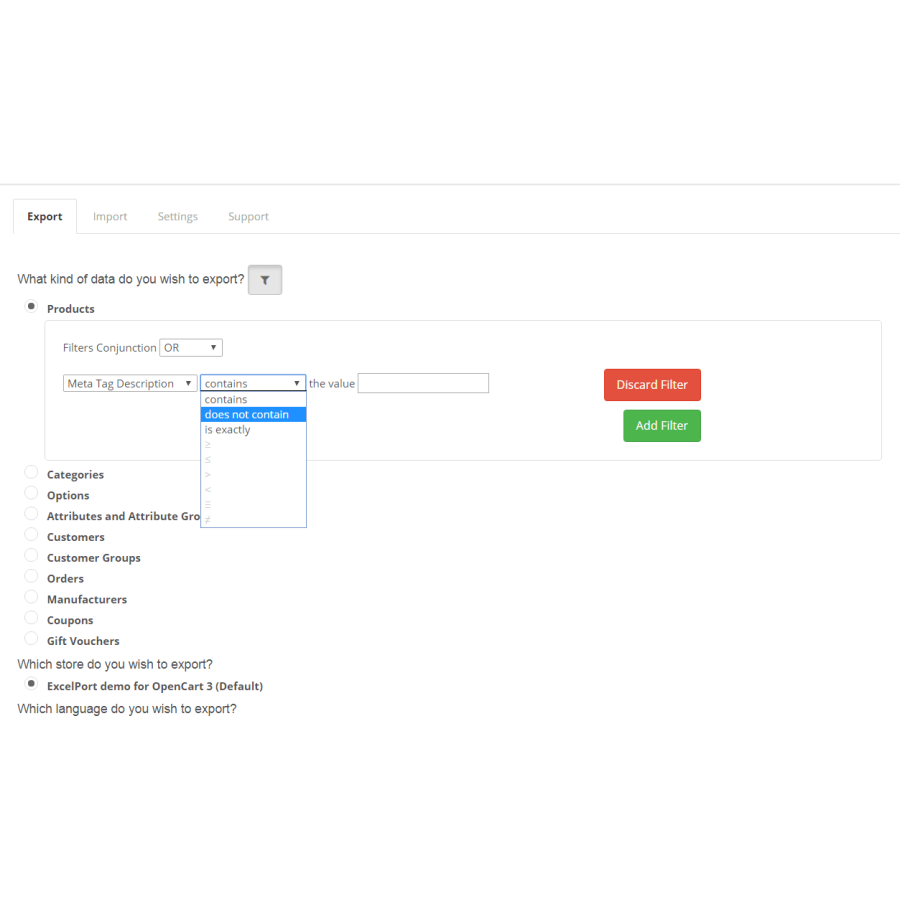
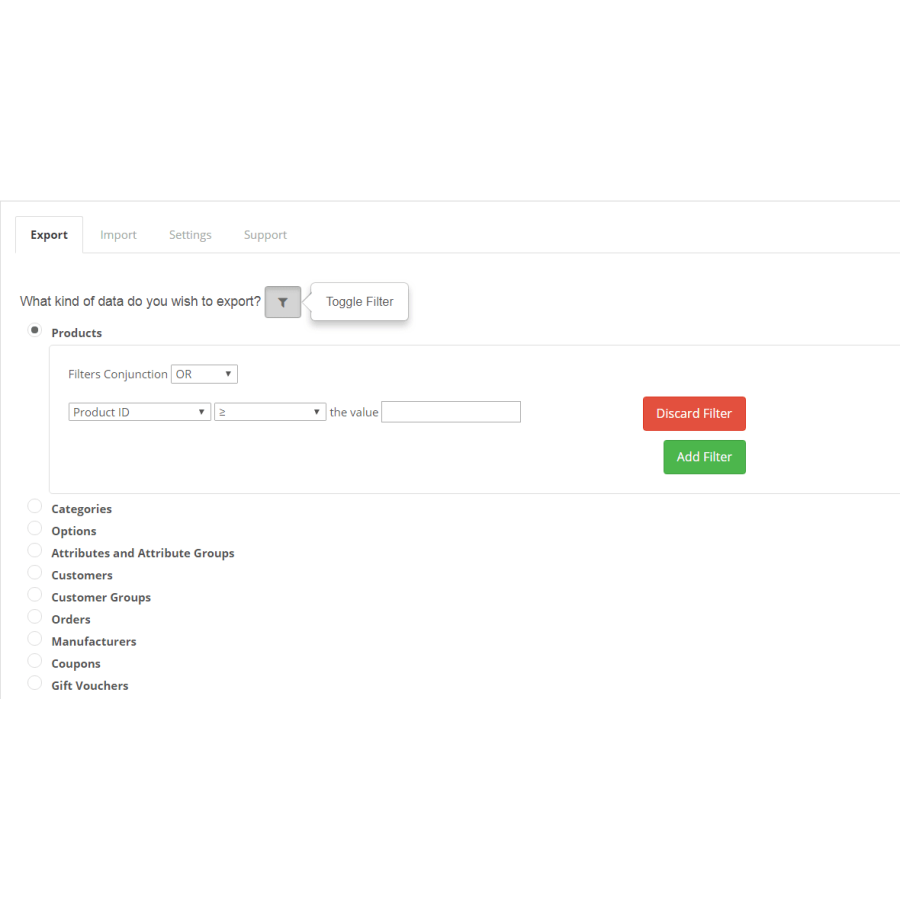
✯ Powerful Filtering – If you are up for a specific data export, ExcelPort features a powerful filtering system to help you deal with your custom scenario.
Multiple OpenCart Fields Supported
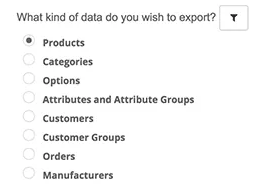
ExcelPort offers a one-click export/import of native OpenCart Products, Options, Option Values, Customers, Customer Groups, Categories, Attributes, Orders, Coupons, and Gift Vouchers.
No Memory Issues
ExcelPort offers a state-of-the-art incremental export/import tool that will allow you to export/import an unlimited amount of products without any memory issues.
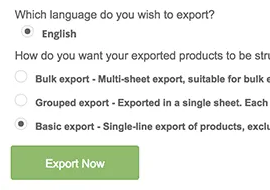
Bulk, Grouped or Basic Export Mode
ExcelPort features three unique export modes. Bulk Export which is a multi-sheet export and is perfect for bulk edit. Grouped Export where you have all product information represented in product rows and Basic Export where you have the classical one product per line.
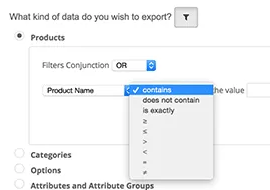
Powerful Filtering
If you are up for a specific data export, ExcelPort features a powerful filtering system to help you deal with your custom scenario.
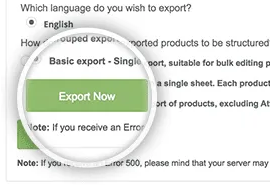
Single click Export
Throw complications away. It is super easy to export and import data with ExcelPort. Everything happens with a single click of a button.
Multi-Lingual & Multi-Store Ready
ExcelPort offers multi-lingual and multi-store support.
There are no reviews for this product, be the first to leave your review.
No questions about this product, be the first and ask your question.
Module installation instructions:
- Before performing any actions related to installing an add-on in Opencart, we recommend creating a backup copy of all site files and the store database ;
- Install the localcopy fix (if you don't have it installed yet)
- Download the module file for the desired Opencart version from our website ( Follow the installation instructions if there are any in the module archive );
- Then go to the "Installing add-ons/extensions" section and click on the " Download " button;
- Select the downloaded file and wait for the module to be fully installed and for the text "Application installed successfully" to appear;
- After that, go to " Application Manager " and update the modifiers by clicking the " Update " button;
- After these actions, you need to add the rights to view and manage the module in the " User Groups " section for the administrator or other users you select by clicking " Select All ".