

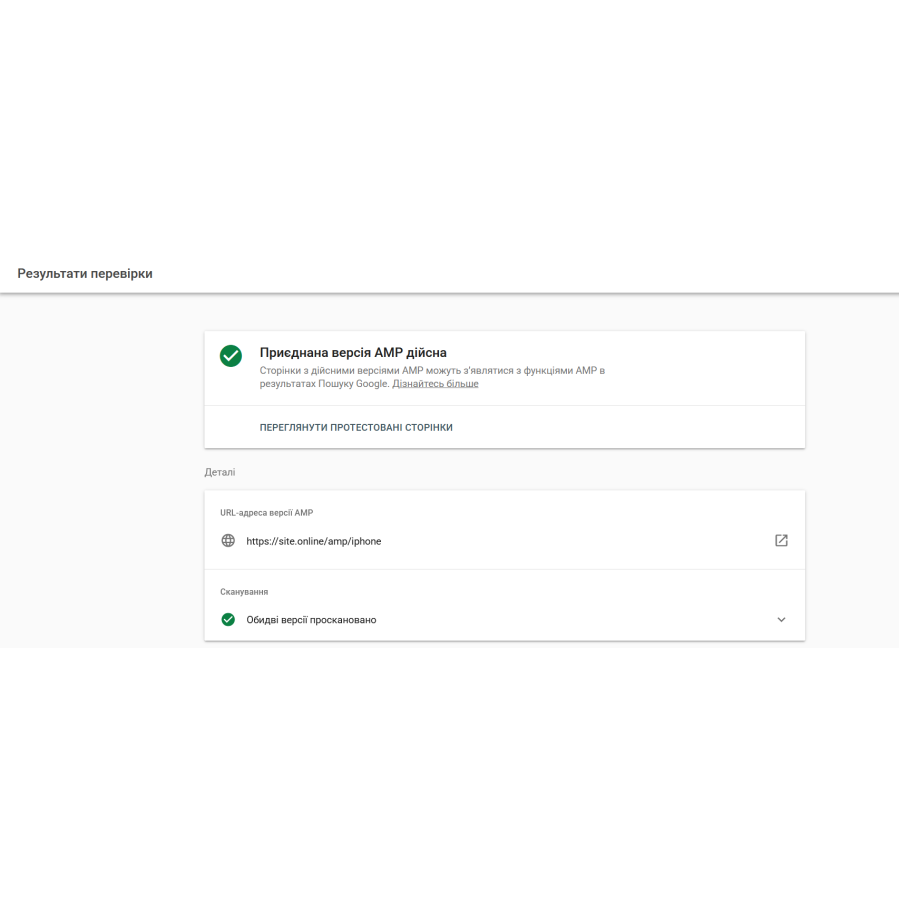



Google AMP Product — AMP product pages for OpenCart
Google AMP Product — a modern AMP module for OpenCart and ocStore
Google AMP Product is a modern module for OpenCart and ocStore that creates super-fast AMP product pages for Google mobile search. Fewer bounces, better user experience, and more conversions for your online store.
The majority of mobile traffic to online stores comes from Google mobile search. However, even modern responsive templates often load slowly due to heavy scripts, CSS, and a large number of images.
Google AMP (Accelerated Mobile Pages) technology is designed specifically to open pages as quickly as possible on smartphones. The module automatically generates AMP versions of product pages that open almost instantly directly from Google mobile search thanks to AMP caching.
The user gets quick access to the product without having to wait long for the page to load, which has a positive effect on behavioral factors, reduces bounce rates, and helps increase sales.
Key features and benefits
- Instant loading of AMP pages
AMP product pages open almost instantly, even on slow mobile internet. - Google Mobile Search Optimization
AMP pages improve the mobile user experience and help you get more conversions from Google Search. - Improved appearance in search results
JSON-LD Schema.org micro-markup is automatically generated to correctly display the price, rating, and availability of the product on Google. - Fewer bounces and more conversions
Fast page loading keeps users engaged and increases the likelihood of purchase. - Mobile First Optimization
A lightweight AMP structure without heavy scripts ensures maximum speed on smartphones.
AMP product page functionality
- Modern mobile product card
- Quick Touch-gallery of products based on
amp-carousel. - Convenient mobile menu-curtain
amp-sidebar. - Information tabs with description, features and reviews.
- Product availability status badges.
- Optimized product purchase block.
- Quick Touch-gallery of products based on
- Fast order processing
The purchase button automatically adds the product to the main site's cart and redirects the buyer to the checkout. - SEO Pro / CNC compatibility
AMP pages have SEO-friendly URLs:
https://site.com/category/product-name/amp/ - Flexible design customization
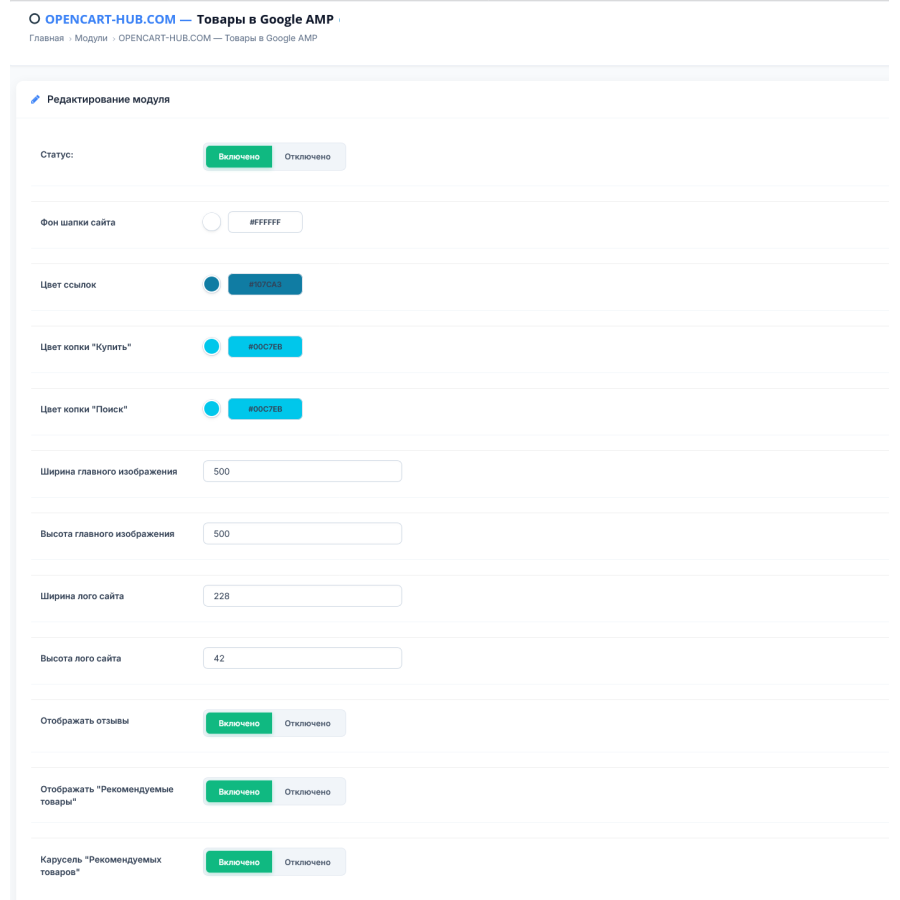
Ability to change the colors of the header, buttons, links, and other elements through the OpenCart admin panel.
Technical features
- Full compatibility with OpenCart 3.0.x and ocStore 3.0.x.
- Support for PHP 7.3, PHP 7.4 and PHP 8.x.
- Pure AMP HTML code without heavy third-party libraries.
- Support for JSON-LD Schema.org.
- Compatible with SEO Pro and CNC.
- Optimized for Mobile First indexing.
- Does not create a significant load on the server.
Installing the module
- Download the
google_amp_v1.0.2.ocmod.ziparchive via the OpenCart extension installer. - Go to the Modifiers section and click the Update button.
- Enable the module and configure the color scheme in the admin panel.
Result after installation
- Faster mobile product pages
- Better user experience
- More mobile traffic from Google
- Fewer smartphone crashes
- Modern AMP design for OpenCart
Google AMP Product is an easy way to make your OpenCart store faster, more modern, and more efficient for mobile users.
No questions about this product, be the first and ask your question.
Module installation instructions:
- Before performing any actions related to installing an add-on in Opencart, we recommend creating a backup copy of all site files and the store database ;
- Install the localcopy fix (if you don't have it installed yet)
- Download the module file for the desired Opencart version from our website ( Follow the installation instructions if there are any in the module archive );
- Then go to the "Installing add-ons/extensions" section and click on the " Download " button;
- Select the downloaded file and wait for the module to be fully installed and for the text "Application installed successfully" to appear;
- After that, go to " Application Manager " and update the modifiers by clicking the " Update " button;
- After these actions, you need to add the rights to view and manage the module in the " User Groups " section for the administrator or other users you select by clicking " Select All ".





