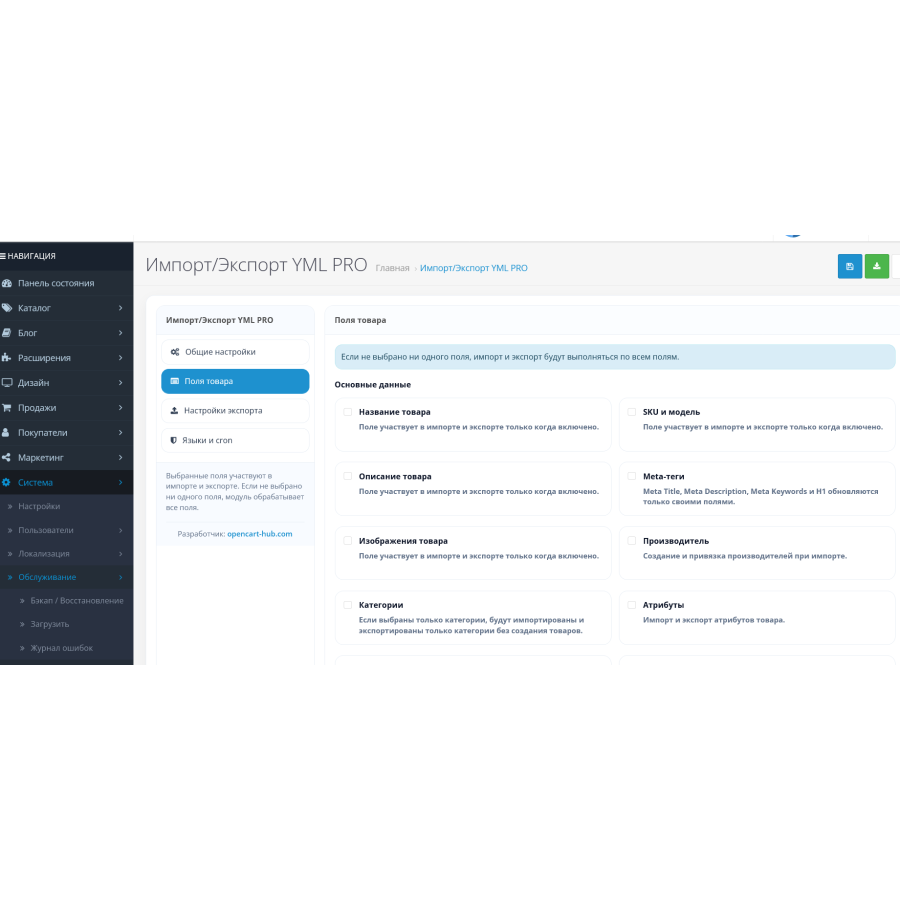
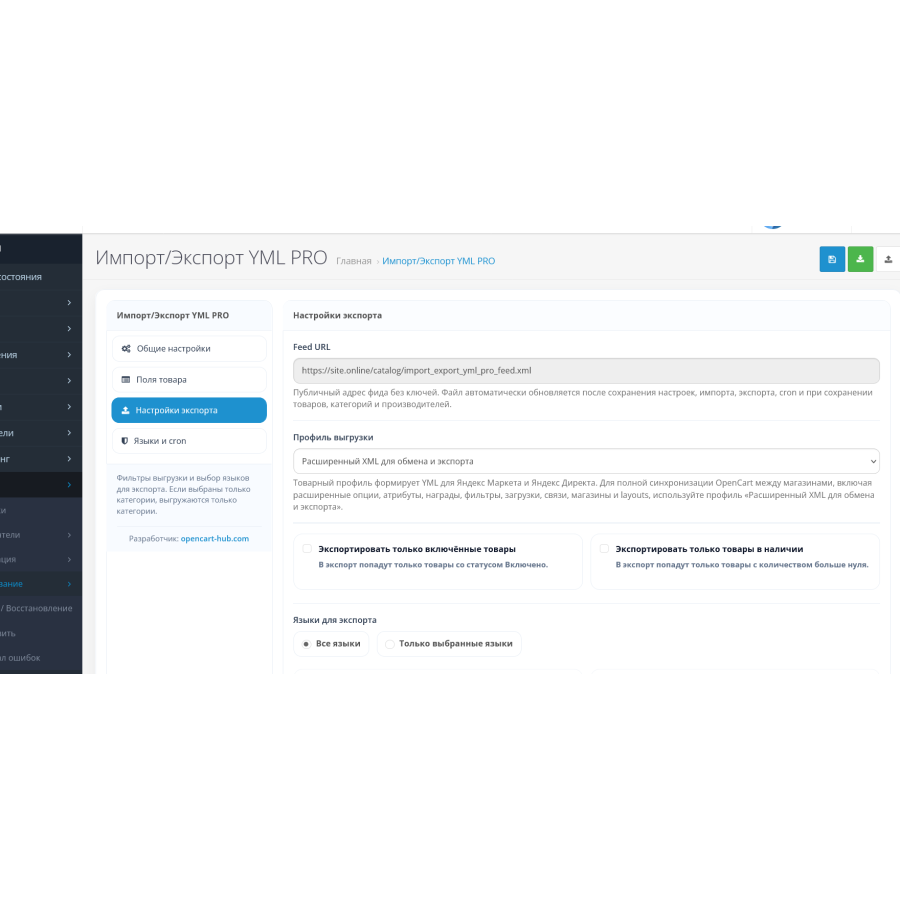


YML PRO Import/Export for OpenCart and ocStore
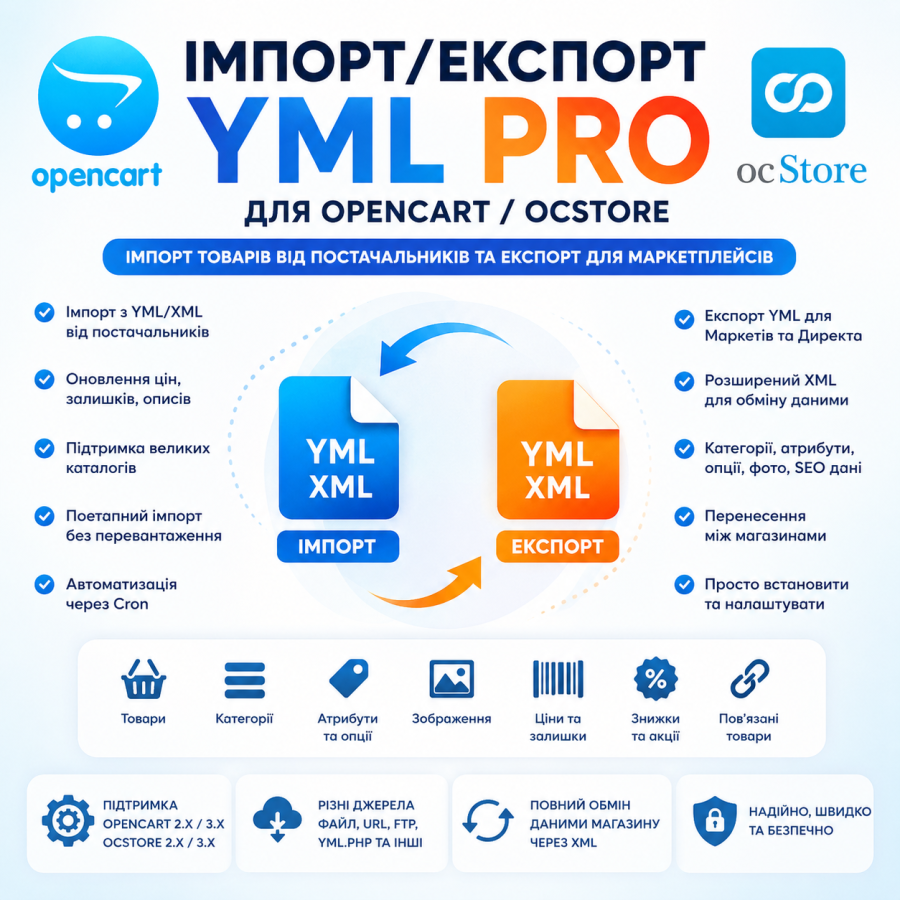
YML Import/Export PRO is a universal module for OpenCart and ocStore, designed to automate the import, export, and exchange of store data. The solution combines two usage scenarios at once: creating product YML feeds for marketplaces and advertising services, as well as advanced XML exchange for catalog migration and synchronization.
The module allows you to generate standard YML files for marketplaces, advertising platforms, and price comparison services, as well as create advanced XML uploads for full data exchange between stores, suppliers, and other systems.
Import large directories without overloading the server
The import system is implemented in stages, which allows you to work efficiently even with large product catalogs. First, the data source is prepared, then the images are processed separately, and then the products and related data are imported.
This approach reduces the load on the server and makes the module convenient for regularly updating large amounts of information.
- Automatic price and balance updates
- Updating descriptions and SEO data
- Importing characteristics and attributes
- Bulk catalog update
- Synchronization with suppliers
Flexible data loading sources
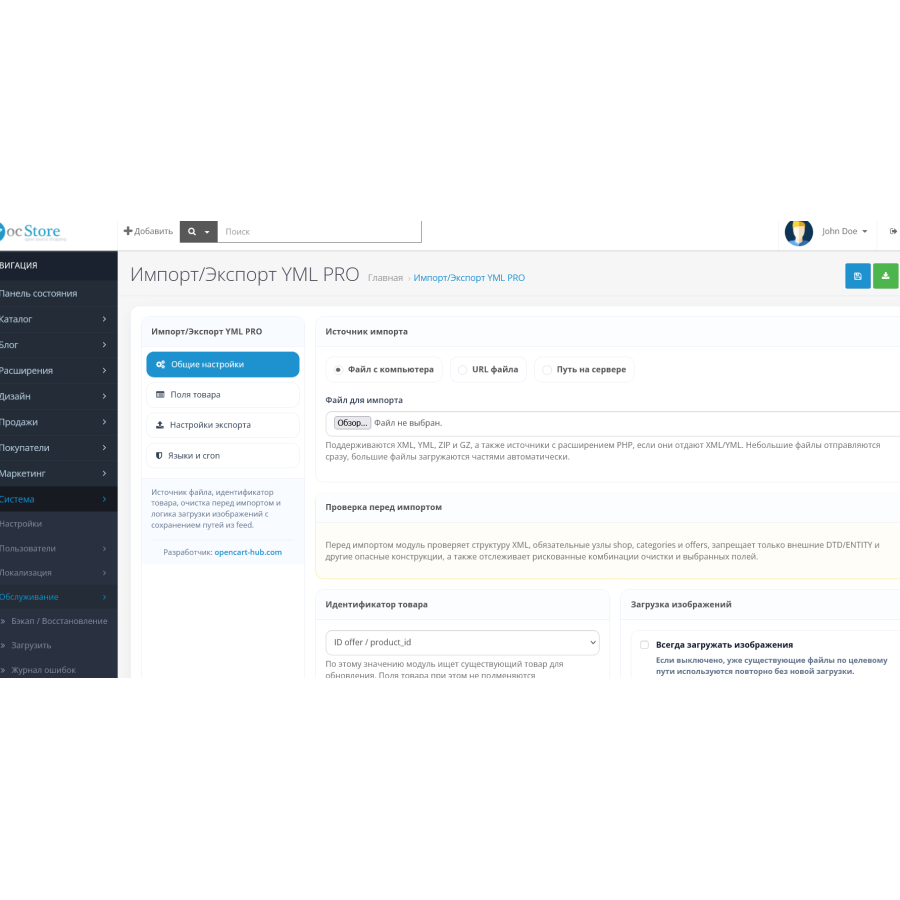
Various methods of data retrieval are supported:
- Upload files from your computer
- Import by URL from remote XML/YML feeds
- Import by path on server
- Support for yml.php type sources
Advanced store data sharing
The module supports work not only with products, but also with other store data:
- Categories and manufacturers
- Attributes and options
- Discounts and promotions
- SEO data and URLs
- Related products
- Layout and stores
- Download files
- Store service data
Easy installation and setup
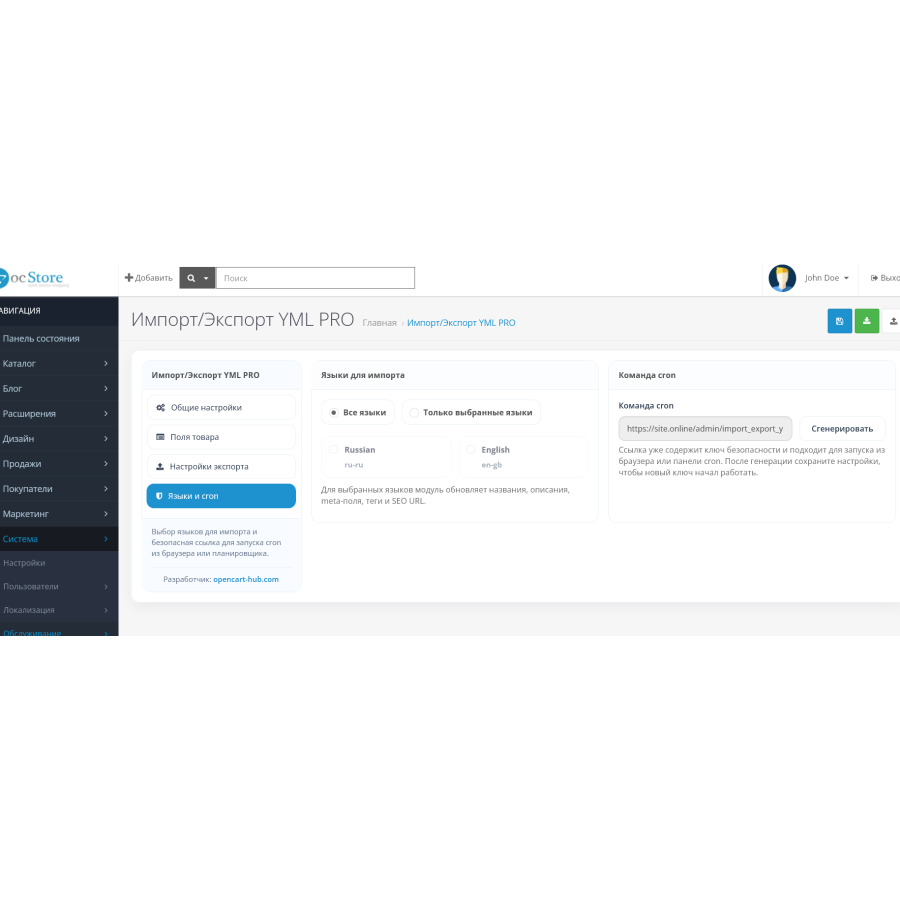
Installation is done via the standard OpenCart or ocStore installer. After installation, you need to grant permissions to view and edit the module, update the modifiers, and clear the system cache.
For stable operation, support for XML, archives, cURL, write access to temporary files, and sufficient server resources are recommended.
YML PRO Import/Export helps automate work with suppliers, speed up catalog updates, and significantly reduce the number of manual operations when maintaining an online store.
There are no reviews for this product, be the first to leave your review.
No questions about this product, be the first and ask your question.
Module installation instructions:
- Before performing any actions related to installing an add-on in Opencart, we recommend creating a backup copy of all site files and the store database ;
- Install the localcopy fix (if you don't have it installed yet)
- Download the module file for the desired Opencart version from our website ( Follow the installation instructions if there are any in the module archive );
- Then go to the "Installing add-ons/extensions" section and click on the " Download " button;
- Select the downloaded file and wait for the module to be fully installed and for the text "Application installed successfully" to appear;
- After that, go to " Application Manager " and update the modifiers by clicking the " Update " button;
- After these actions, you need to add the rights to view and manage the module in the " User Groups " section for the administrator or other users you select by clicking " Select All ".