

Questions and answers module with schema micromarkup FAQPage for OpenCart
FAQ module with schema.org micromarkup for OpenCart
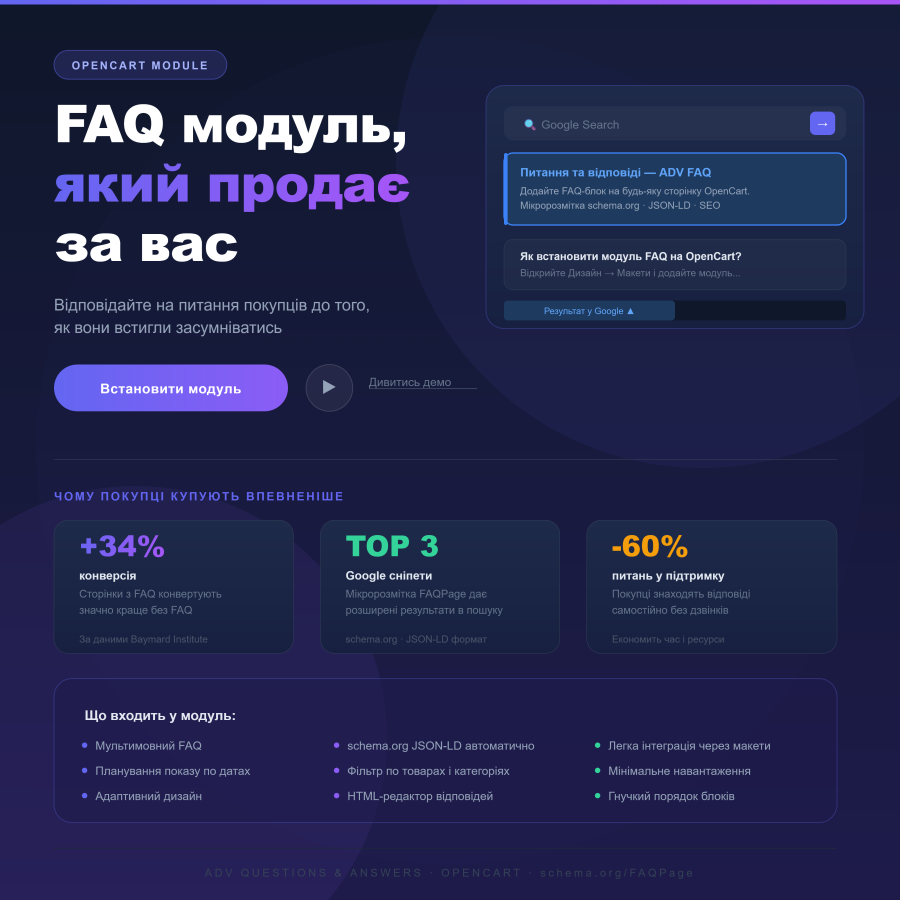
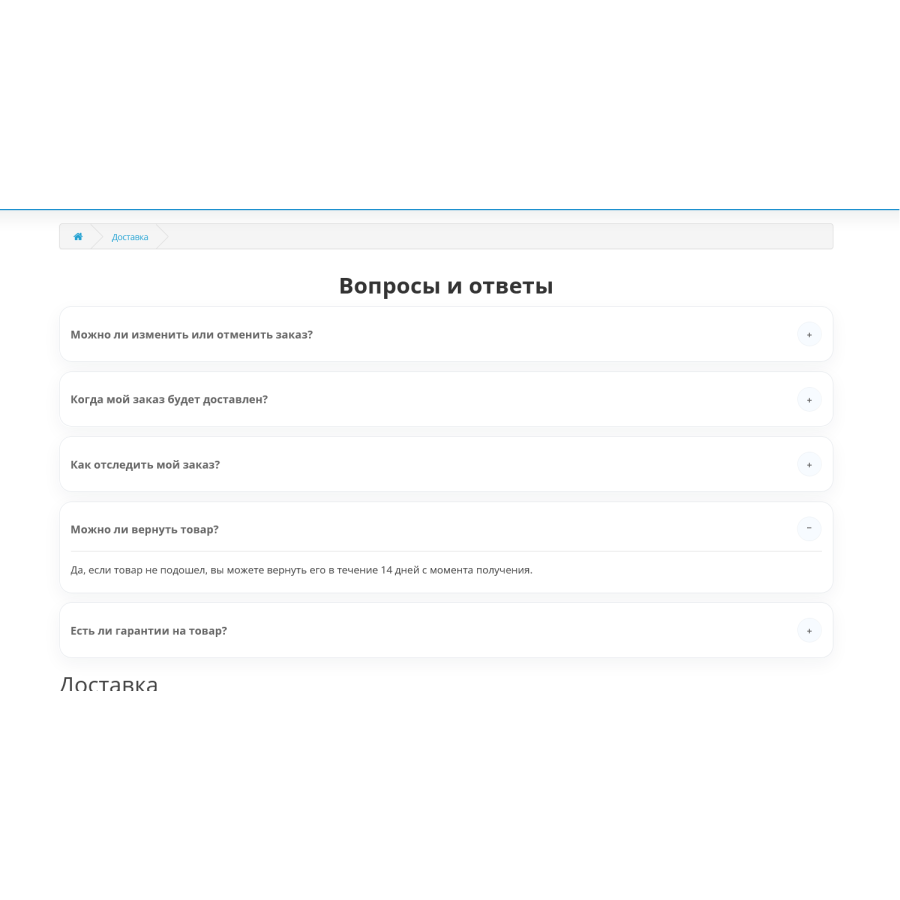
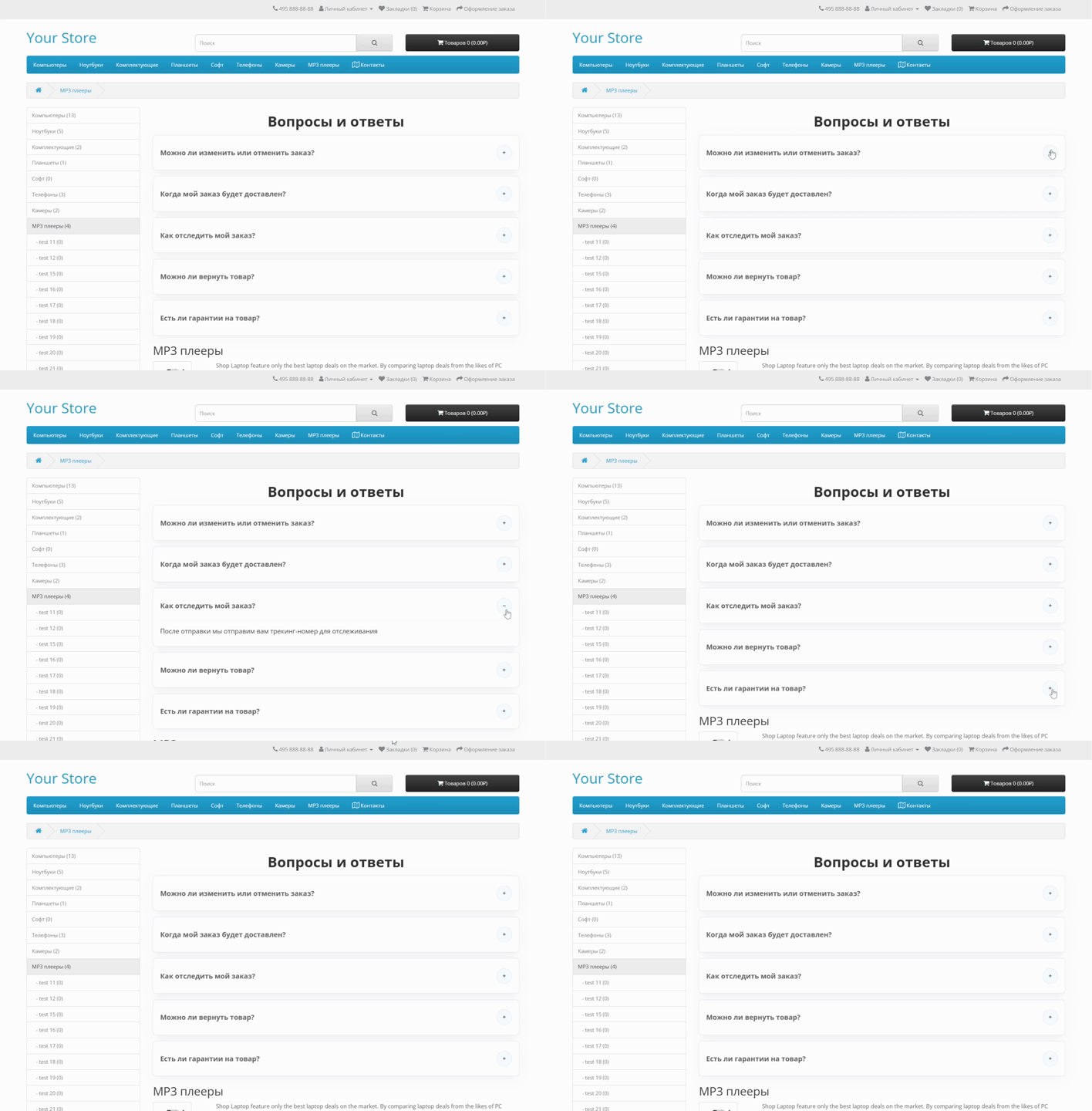
If you want your store to look better in search results and immediately answer frequently asked questions from customers, this module is for you. It adds a Q&A block to any page on your site and automatically generates FAQPage micro-markup in JSON-LD format, which is understood by Google and other search engines.
What do you get?
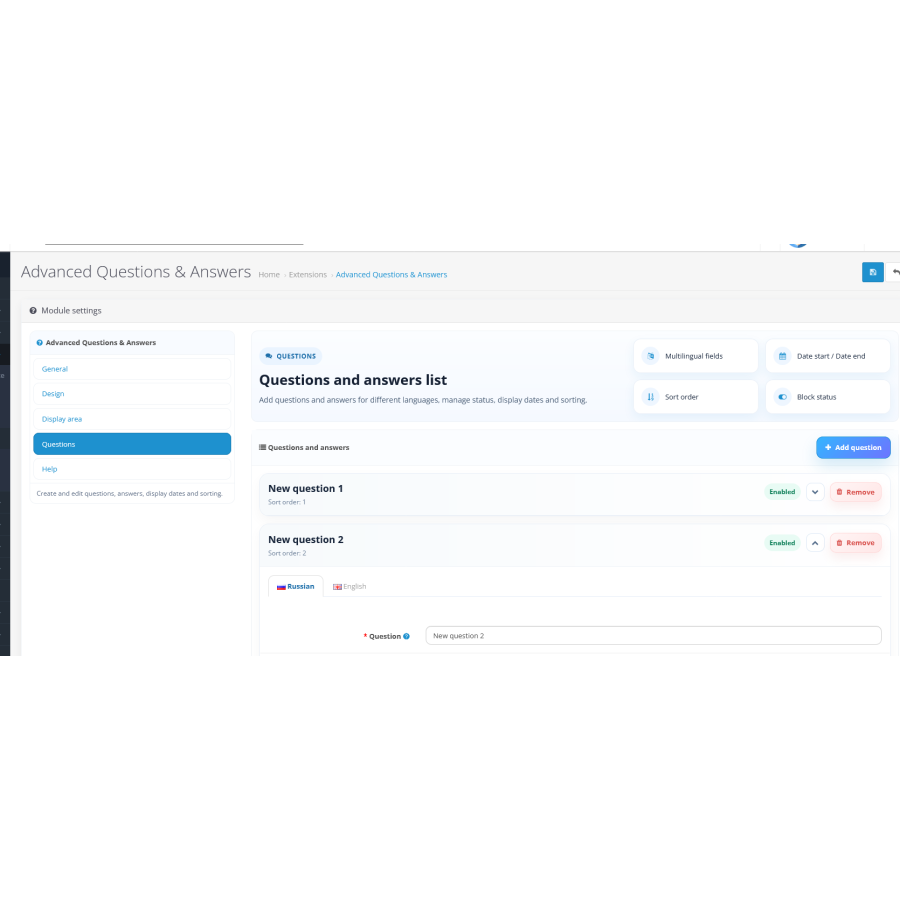
The module allows you to create questions and answers in multiple languages at once - useful if your store operates in multiple markets. Each block can be configured separately: specify display dates, status and display order. Answers are edited in a visual editor with HTML support, so formatting the text or adding links is not a problem.
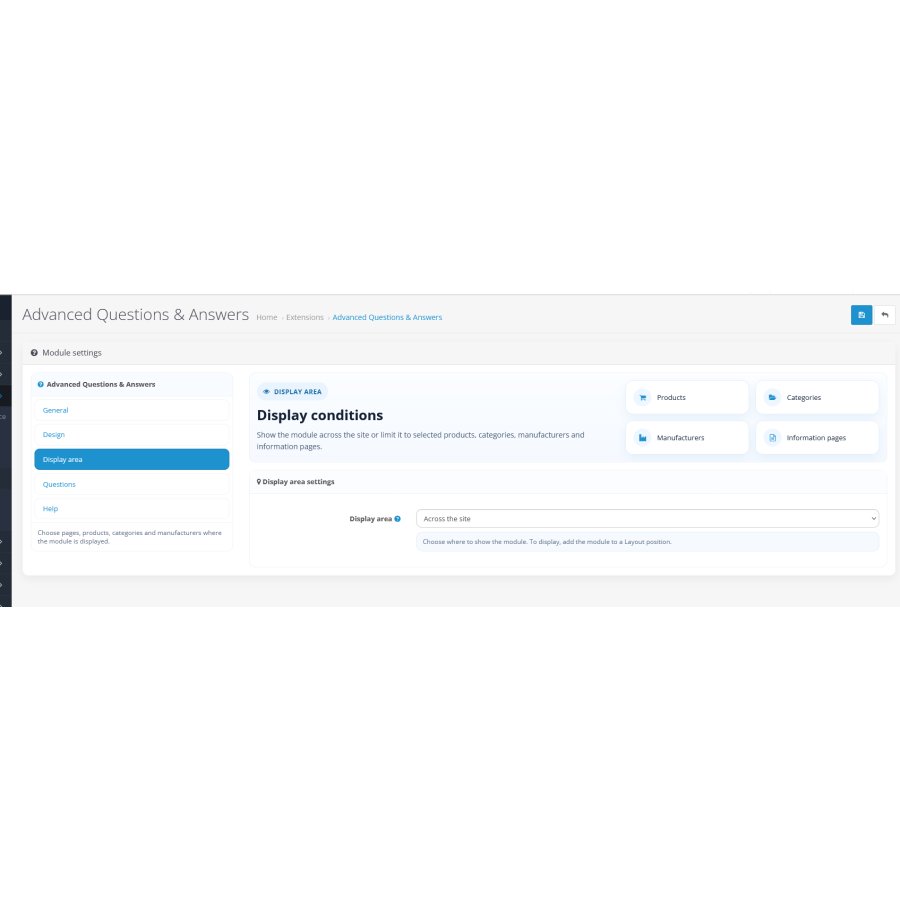
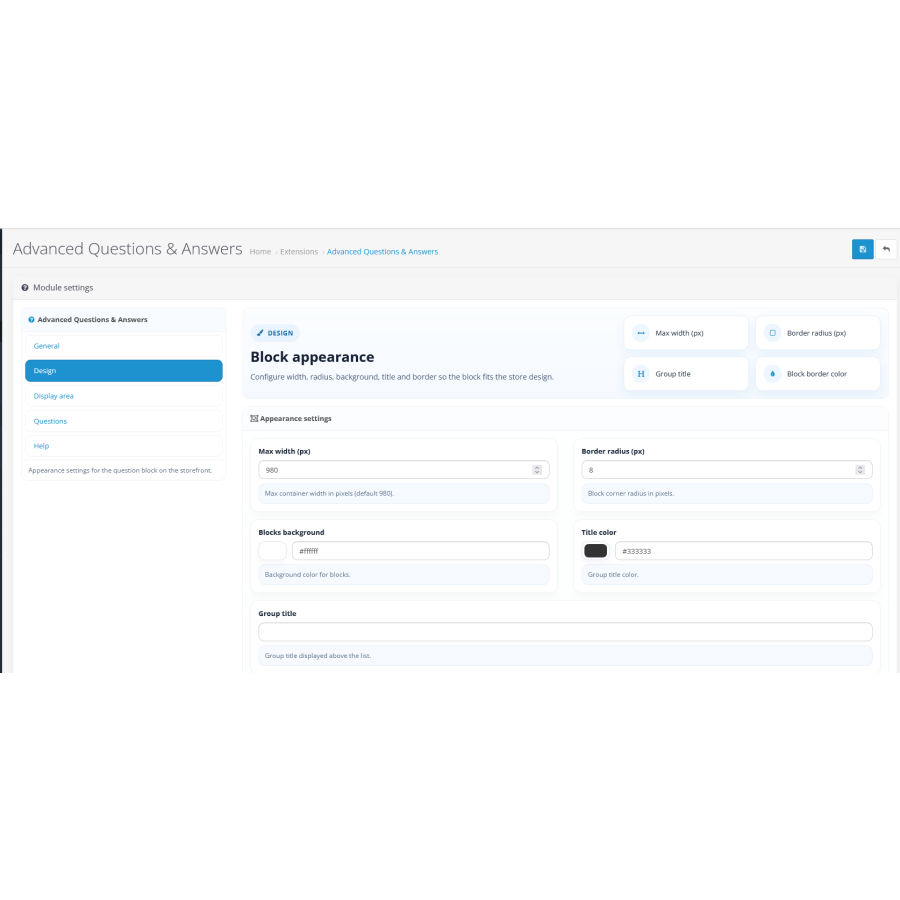
Flexible display area settings allow you to display FAQs throughout the site or only on selected pages: specific products, categories, manufacturers, or informational articles. The appearance is also in your hands - you can change the background, rounded corners, block width, and stroke.
Key features
- Schema.org/FAQPage JSON-LD micro-markup for Google Rich Snippets
- Multilingual content: questions and answers in different languages
- Flexible display filter: the entire site or individual products, categories, manufacturers, articles
- Manage the start and end dates for each block
- Individual order of block display
- Visual editor with HTML support in replies
- Adaptive design — displays correctly on smartphones and tablets
- Minimal server load, fast loading
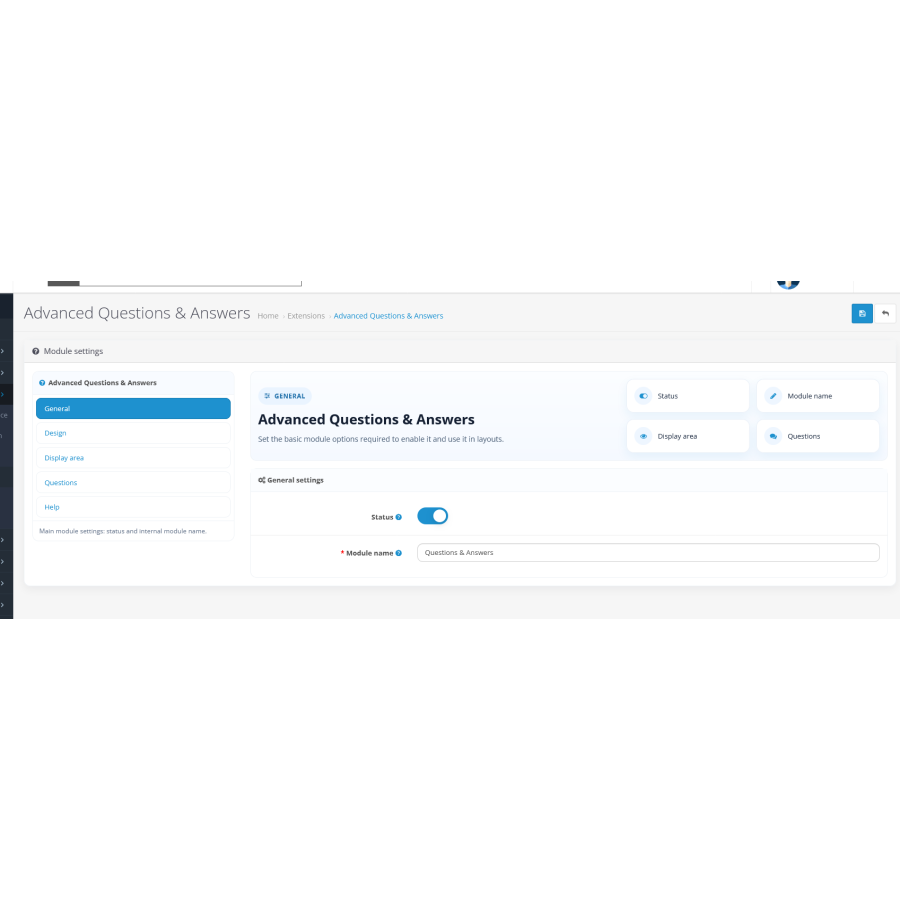
- Integration via standard OpenCart layouts without unnecessary settings
How to connect via layouts
Open Design → Layouts in the admin and select the desired layout — for example, Category, Product, Manufacturer, or Page. Click "Add Module" in the desired position, select the Q&A module, and save.
Then check the display area settings: globally or only for selected items. If product/manufacturer/info item is not in the list of layout routes for manufacturers, replace the existing product/manufacturer or add product/manufacturer/info manually.
There are no reviews for this product, be the first to leave your review.
No questions about this product, be the first and ask your question.
Module installation instructions:
- Before performing any actions related to installing an add-on in Opencart, we recommend creating a backup copy of all site files and the store database ;
- Install the localcopy fix (if you don't have it installed yet)
- Download the module file for the desired Opencart version from our website ( Follow the installation instructions if there are any in the module archive );
- Then go to the "Installing add-ons/extensions" section and click on the " Download " button;
- Select the downloaded file and wait for the module to be fully installed and for the text "Application installed successfully" to appear;
- After that, go to " Application Manager " and update the modifiers by clicking the " Update " button;
- After these actions, you need to add the rights to view and manage the module in the " User Groups " section for the administrator or other users you select by clicking " Select All ".