
All about product
Description
Specification
Reviews
1
Questions0
Installing the module
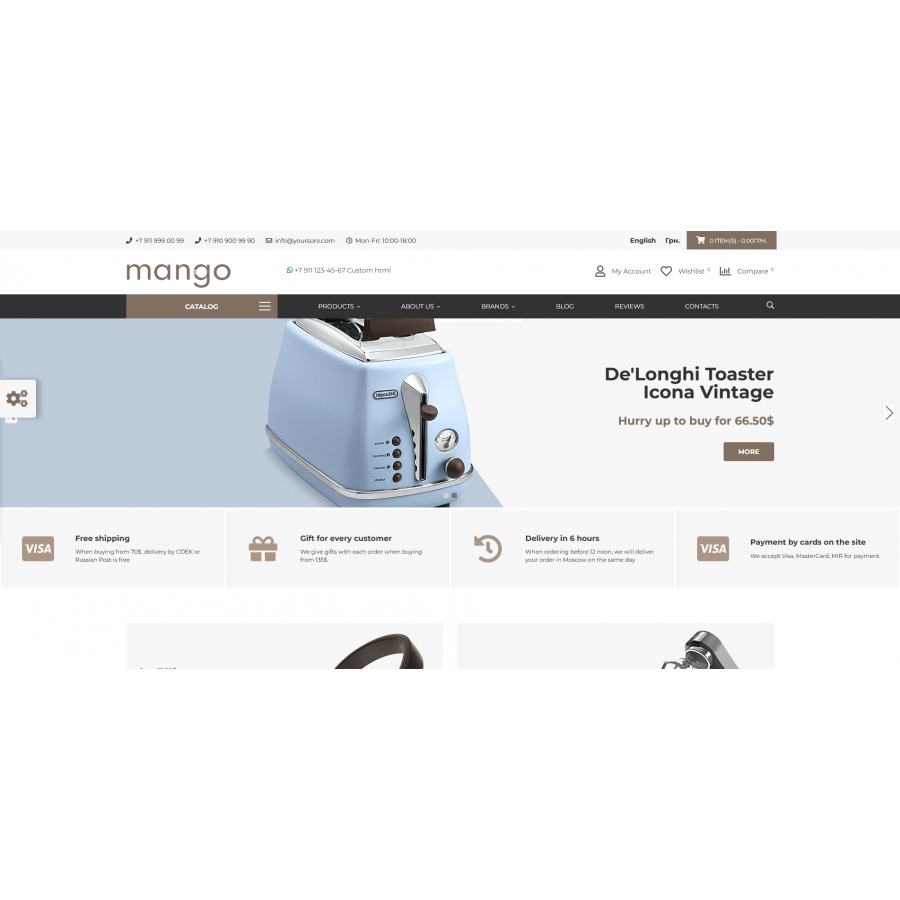
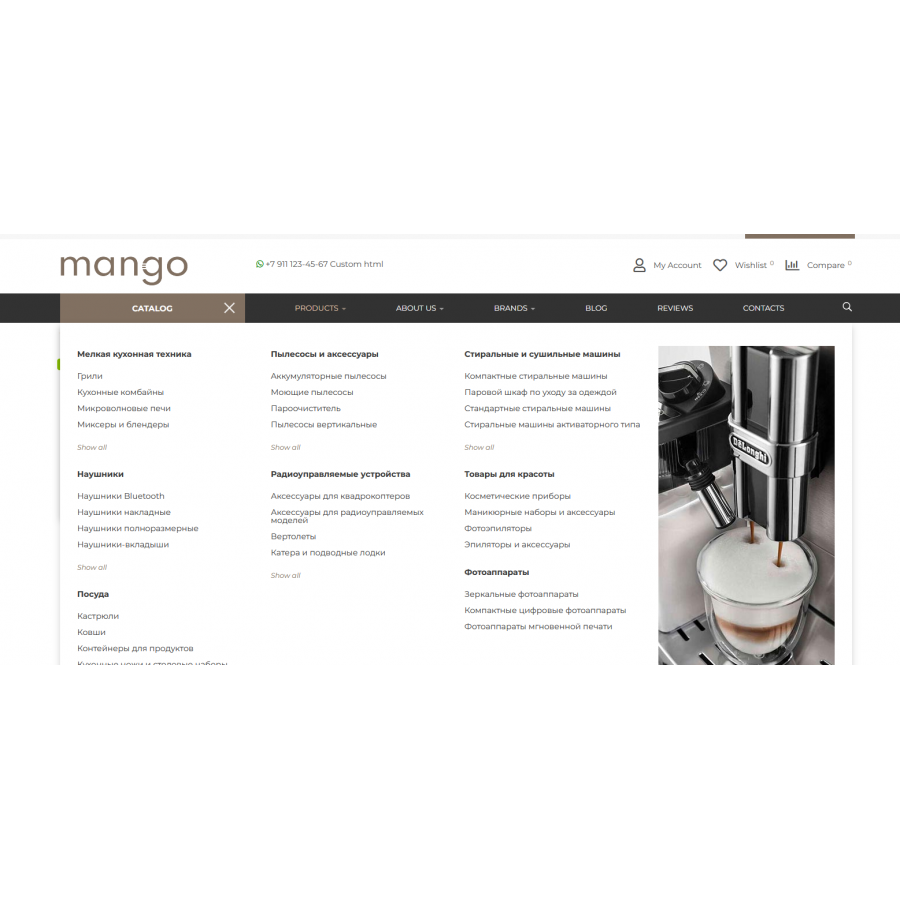
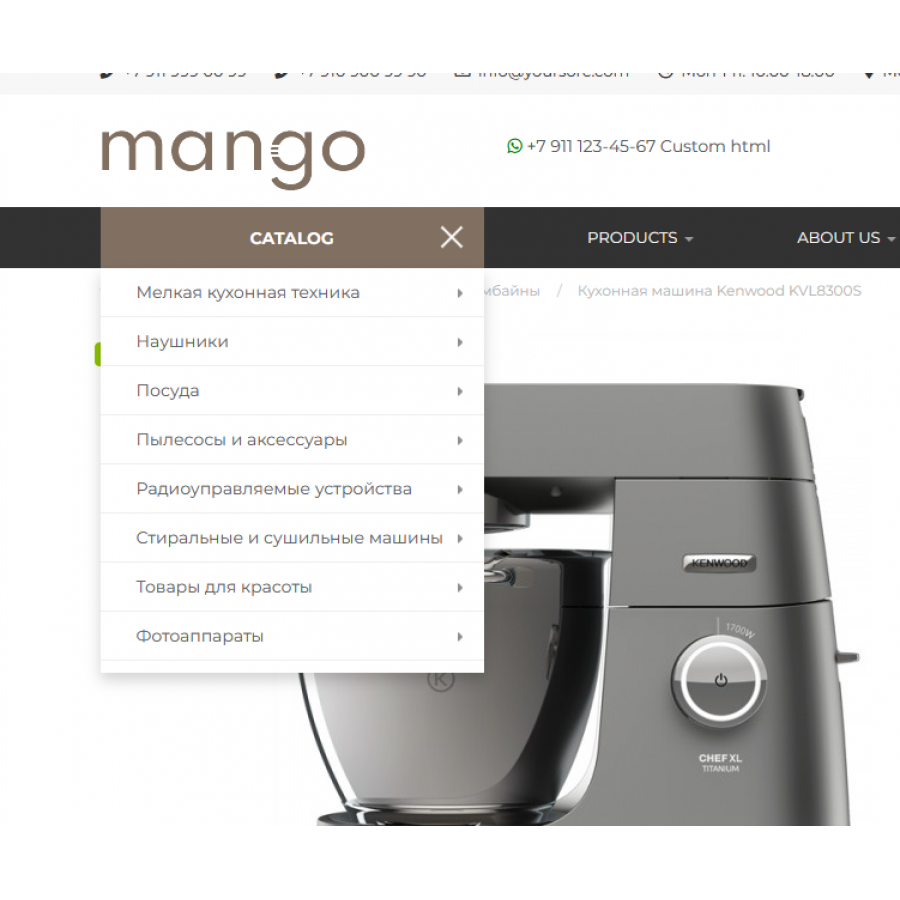
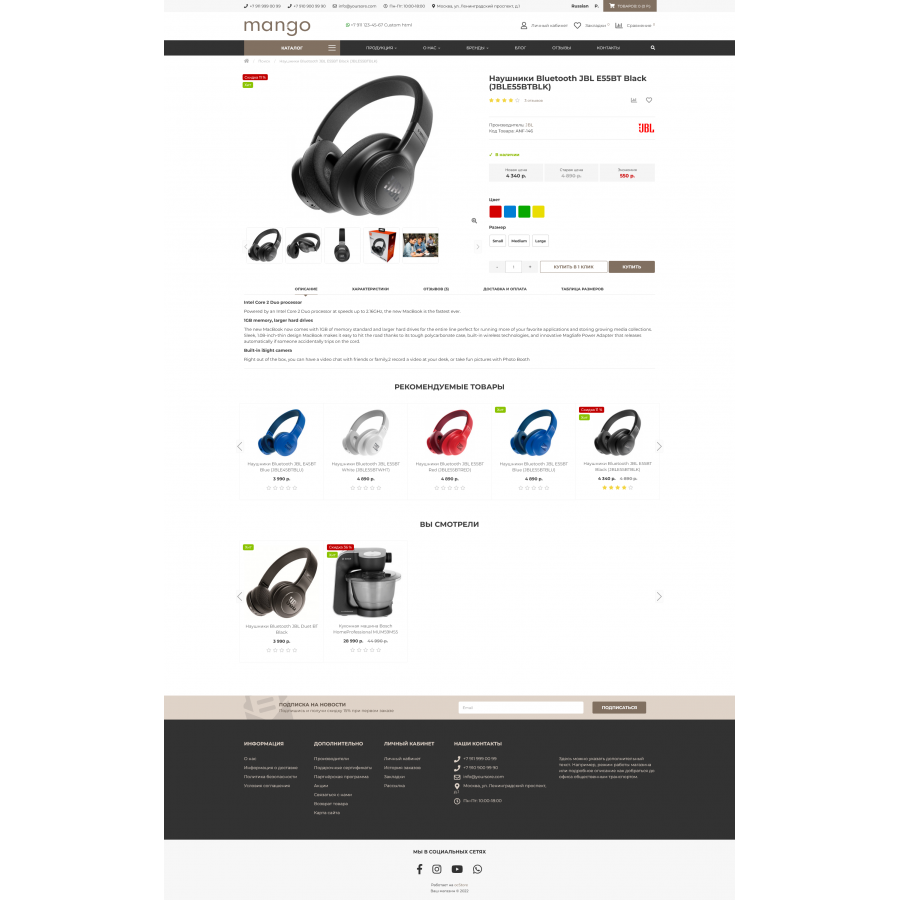


Mango - universal responsive template for OpenCart 3, ocStore 3 + Quick start
Product Code: 145
Version: 1.4.2
In Stock
950 грн
Main specifications
PHP:
7.2-7.4
Compatibility:
OpenCart 3, ocStore 3
Localization:
English, Ukrainian, Russian
Ocmod:
No
Adaptation to your store:
Paid
All specifications
Description
Advantages:
- Choose from 6 pre-made color schemes or customize the color to your liking.
- Quick start (demo data installation)
- Menu with two types of categories: horizontal with the ability to adjust the number of columns and vertical with drop-down subcategories.
- Additional mega-menu with the ability to add a banner. Ability to add a banner to the menu and set its width, set the number of columns.
- The output of the manufacturer's logo in the product card.
- Display additional tabs in the product card.
- "Live price" - calculation of the final price of the goods, taking into account the options and quantity in the product card.
- Automatic product stickers: Hit, New, Discount, Out of stock.
- Order in 1 click, taking into account in the general list of orders in the admin panel.
- Newsletter subscription with sending a promo code for a discount.
- Blog with featured products.
- Reviews about the store with the ability to leave a comment to the administrator.
- Ability to disable Personal Account, Comparison, Favorites.
- Quick view of products in the catalog
- Change photo on hover in product lists and modules with products
- Banners module. With custom text color.
- Category banners module. With the ability to choose the width of the blocks and set the desired category and 2 lines of text.
- "Blog (Recent Entries)" module.
- Module "Reviews". Displaying the latest store reviews.
- Benefits module. With the ability to specify text, icon and visual design.
- Module "Viewed products".
- Slideshow module. With text animation and adaptation for mobile devices.
- Live search NEW
Specifications
Characteristics
PHP
7.2-7.4
Compatibility
OpenCart 3, ocStore 3
Localization
English, Ukrainian, Russian
Ocmod
No
Adaptation to your store
Paid
Гарний шаблон, який не коштує купу грошей і досить сучасно виглядає. Встановив легко і без бубнів на 3.0.3.7
Is this review helpful?
1
No questions about this product, be the first and ask your question.
Installing the module
Module installation instructions:
- Before performing any actions related to installing an add-on in Opencart, we recommend creating a backup copy of all site files and the store database ;
- Install the localcopy fix (if you don't have it installed yet)
- Download the module file for the desired Opencart version from our website ( Follow the installation instructions if there are any in the module archive );
- Then go to the "Installing add-ons/extensions" section and click on the " Download " button;
- Select the downloaded file and wait for the module to be fully installed and for the text "Application installed successfully" to appear;
- After that, go to " Application Manager " and update the modifiers by clicking the " Update " button;
- After these actions, you need to add the rights to view and manage the module in the " User Groups " section for the administrator or other users you select by clicking " Select All ".





