
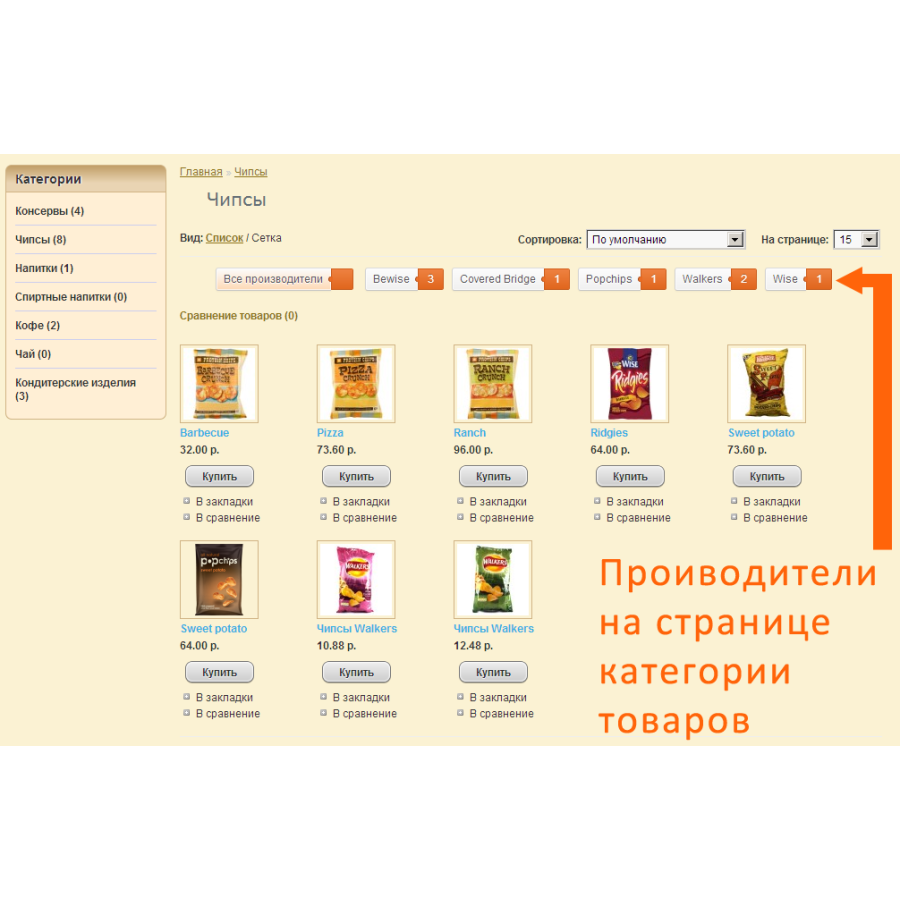


Module Manufacturers on product category page for OpenCart
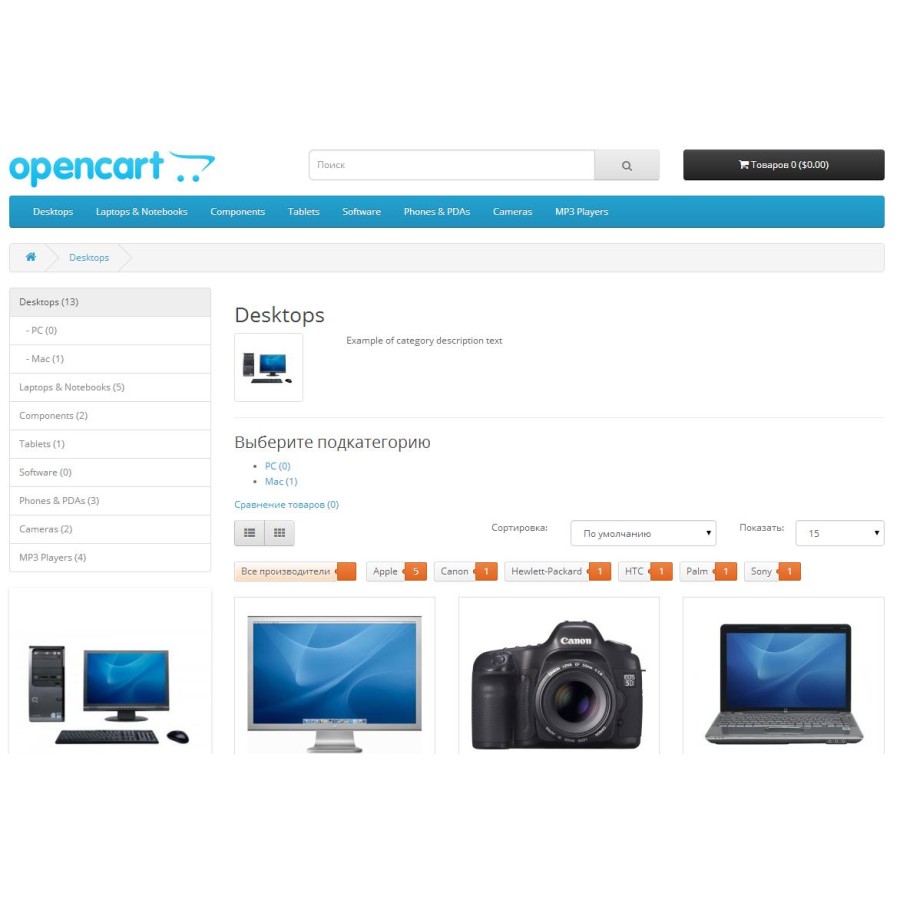
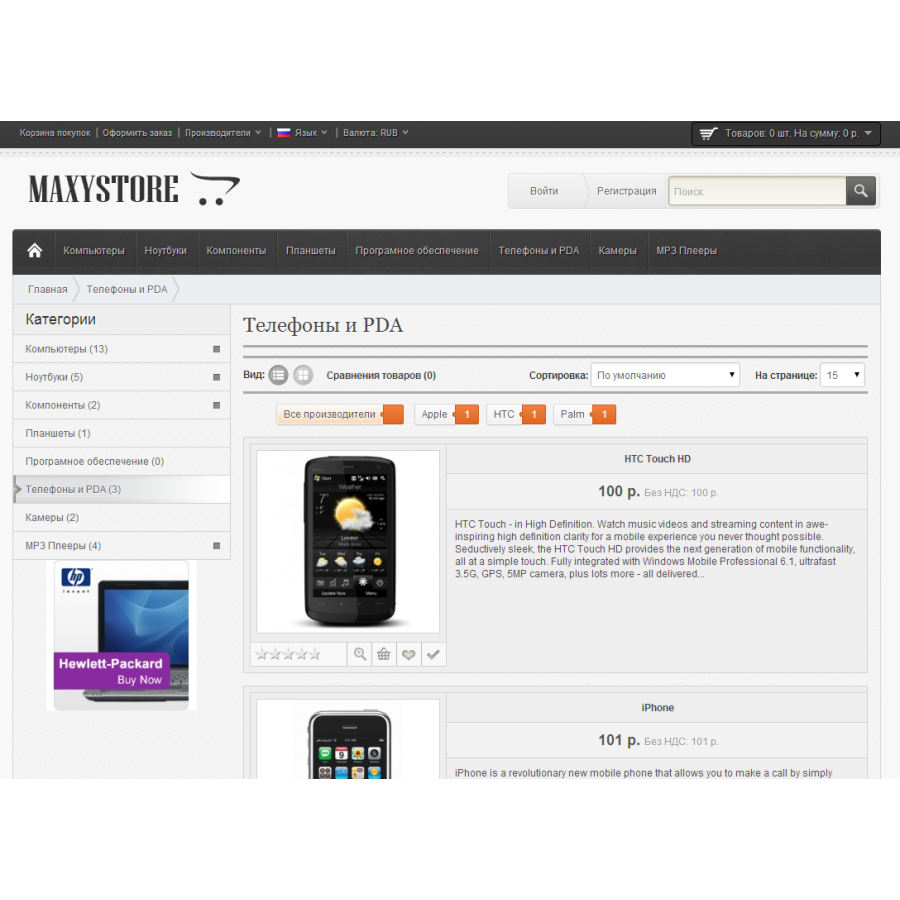
The "Manufacturers on the product category page" add-on allows you to select a product by specific
to the manufacturer. On the right you can find out the number of product ranges from one manufacturer.
Sorting occurs in alphabetical order.
To display products, do not forget to link products with manufacturers in the admin panel
(Products (Connections tab->Manufacturers)
Changes in version 2.7
1. Added the file iws_bran_2_3_1.ocmod.xml to the archive, intended for the Opencart version v2.3.x.x. with sorting fix
Changes in version 2.6
1. Added the file iws_bran_2_3.ocmod.xml to the archive, intended for the Opencart version v2.3.x.x.
Changes in version 2.5
1. Added the iws_bran.ocmod.xml file to the archive, intended for Opencart version v2.0.x.x.
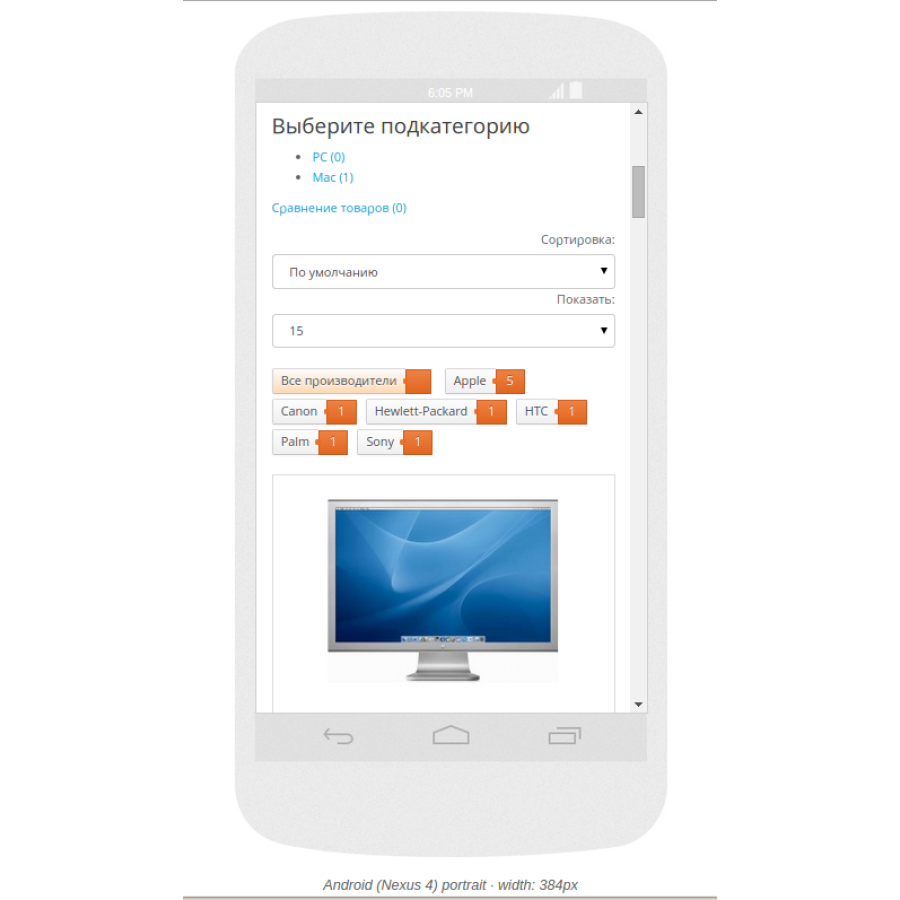
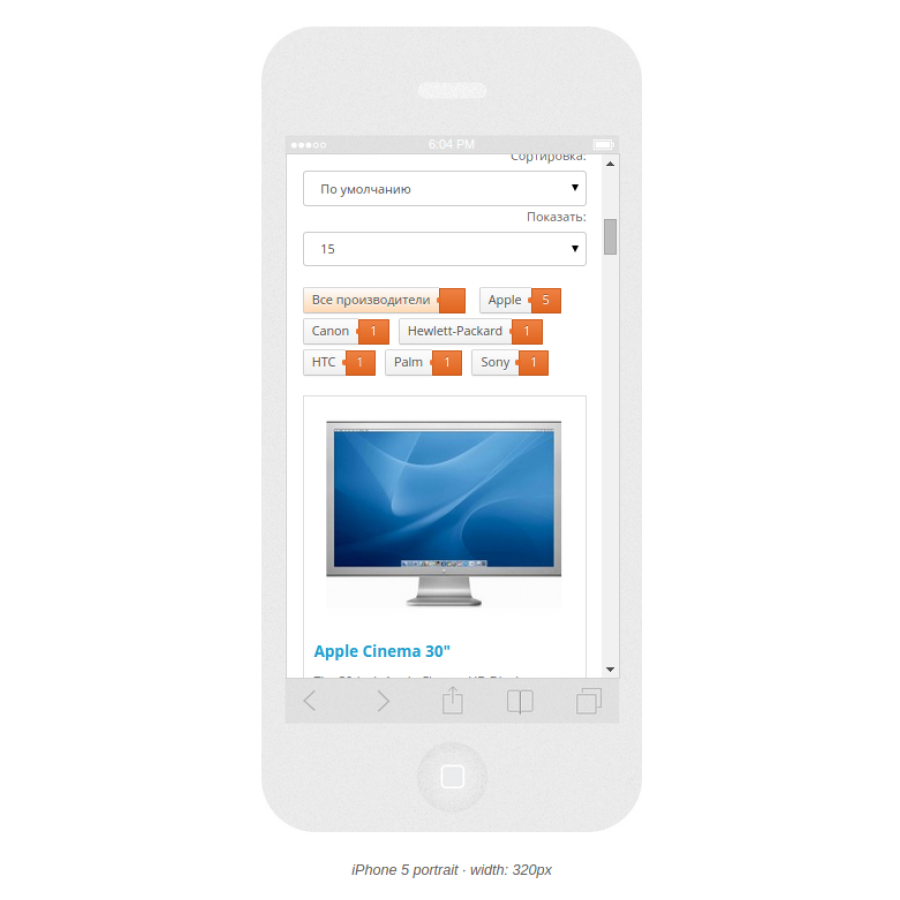
2. Responsive design support
Changes in version 2.4
1. Added the file iws_brand_maxistore1551.xml to the archive, intended only for version MAXISTORE v1.5.5.1.
Changes in version 2.3
1. Added the iws_brand_1_5_5_1_2.xml file to the archive, intended only for ocStore v1.5.5.1.2 version.
Changes in version 2.2
1. Does not count disabled products in tags.
Changes in version 2.1
1. Fixed a bug with prefixes.
Changes in version 2.0
1. Manufacturers are now displayed in Web 2.0 label style;
2. Due to popular demand, products are now displayed in the Product Category,
Previously there was a transition to Manufacturers.
3. When selecting a manufacturer, the label changes color to active. Which allows you to see which one is selected
Manufacturer.
Tested in browsers:
- Chrome 46.0.2490.80 m
-FF 42.0
- Opera 33.0
Installation in Opencart 2.0
Add to the end of your file catalog/view/theme/your_theme/stylesheet/stylesheet.css what
located in stylesheet.css from the archive.
In the administration panel, select Install extensions.
Load the file iws_bran.ocmod.xml
Select the Modifiers section. Press F5 (Refresh browser page).
Click the orange Clear button, then click the blue Update button on the left.
Installation is complete.
Installation in other assemblies
You must have vqmod installed.
Copy the iws_brand.xml file to the vqmod/xml folder.
If you have ocStore v1.5.5.1.2, then copy the iws_brand_1_5_5_1_2.xml file to the vqmod/xml folder.
But if you have MAXYSTORE v1.5.5.1.1, then copy the iws_brand_maxistore1551.xml file to the vqmod/xml folder.
Add to the end of your file catalog/view/theme/your_theme/stylesheet/stylesheet.css what
located in stylesheet.css from the archive.
Installation is complete.
There are no reviews for this product, be the first to leave your review.
No questions about this product, be the first and ask your question.
Module installation instructions:
- Before performing any actions related to installing an add-on in Opencart, we recommend creating a backup copy of all site files and the store database ;
- Install the localcopy fix (if you don't have it installed yet)
- Download the module file for the desired Opencart version from our website ( Follow the installation instructions if there are any in the module archive );
- Then go to the "Installing add-ons/extensions" section and click on the " Download " button;
- Select the downloaded file and wait for the module to be fully installed and for the text "Application installed successfully" to appear;
- After that, go to " Application Manager " and update the modifiers by clicking the " Update " button;
- After these actions, you need to add the rights to view and manage the module in the " User Groups " section for the administrator or other users you select by clicking " Select All ".





