

Storm is a universal responsive template for Opencart
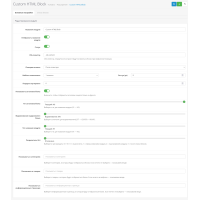
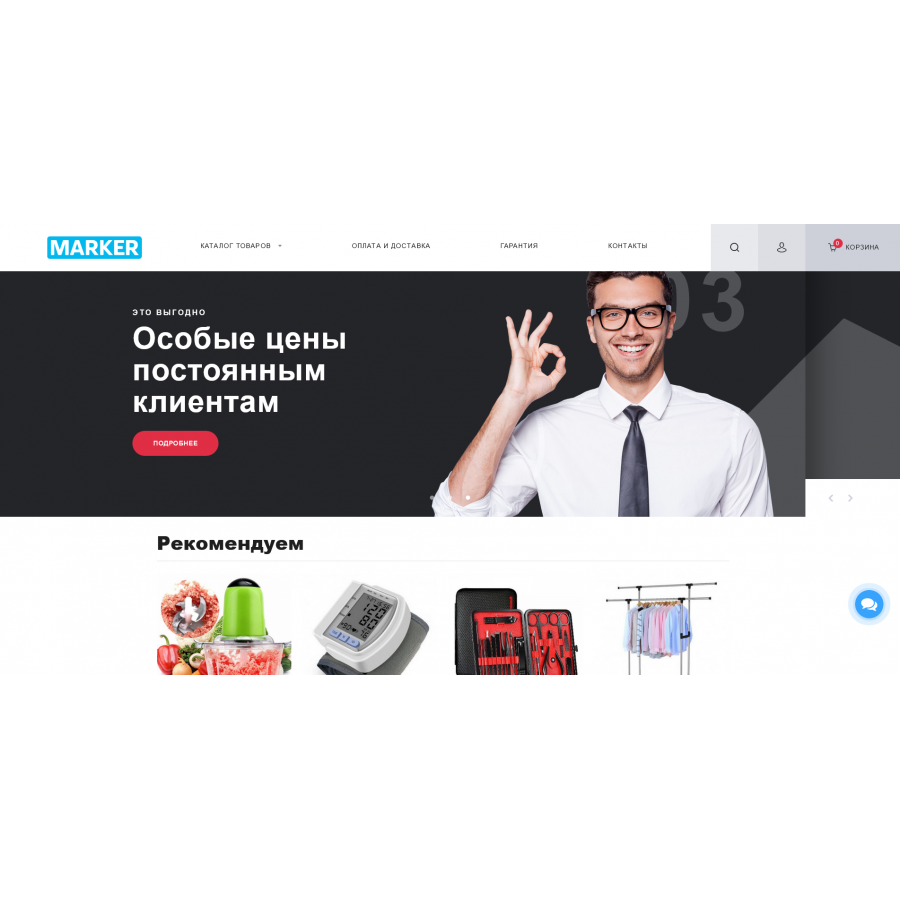
The Marker template for OpenCart 3.x is a modern and flexible solution built on the Bootstrap 4 framework. It offers more than 50 customizable options that allow you to quickly adapt the structure of your site to any need.
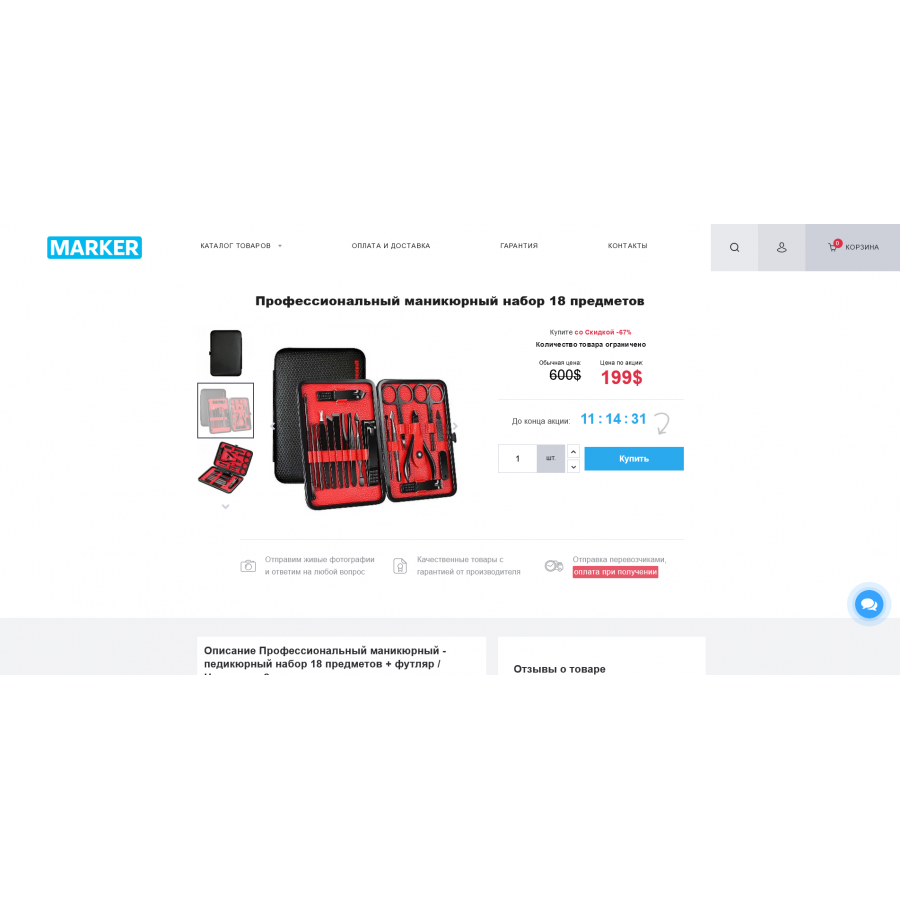
The Marker template not only provides an attractive and modern interface, but also helps increase sales thanks to its well-thought-out layout. Its clean and structured code makes it easy to further modify and improve, which will be appreciated by developers.
With a minimal number of scripts and requests, as well as a small volume of pages, Marker demonstrates excellent performance and speed. We also offer prompt technical support for template owners, which is available through the add-on's support thread and on the developer's official website. The template is constantly updated taking into account new requirements and wishes of users, guaranteeing the relevance and high quality of updates.
The Marker template comes with the following modules and features:
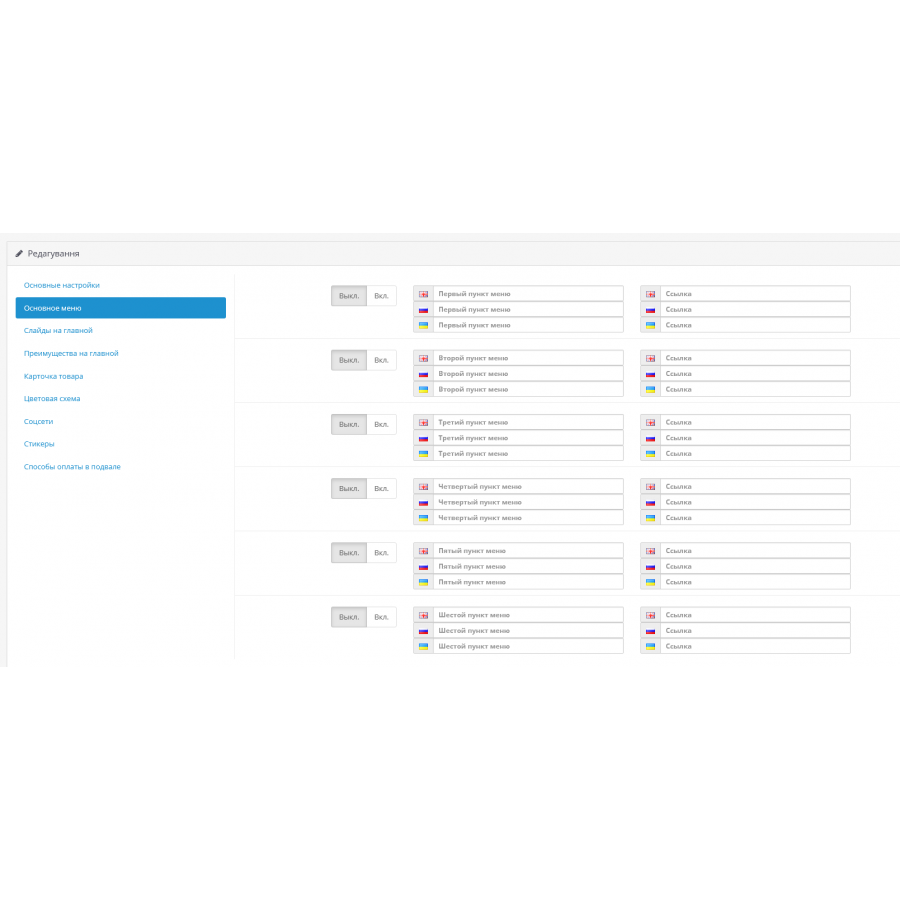
- Template management and customization module with more than 30 customizable options.
- Custom stickers for products.
- "Buy in 1 click" module with admin panel notification.
- Pop-up message when adding a product to bookmarks or comparison list.
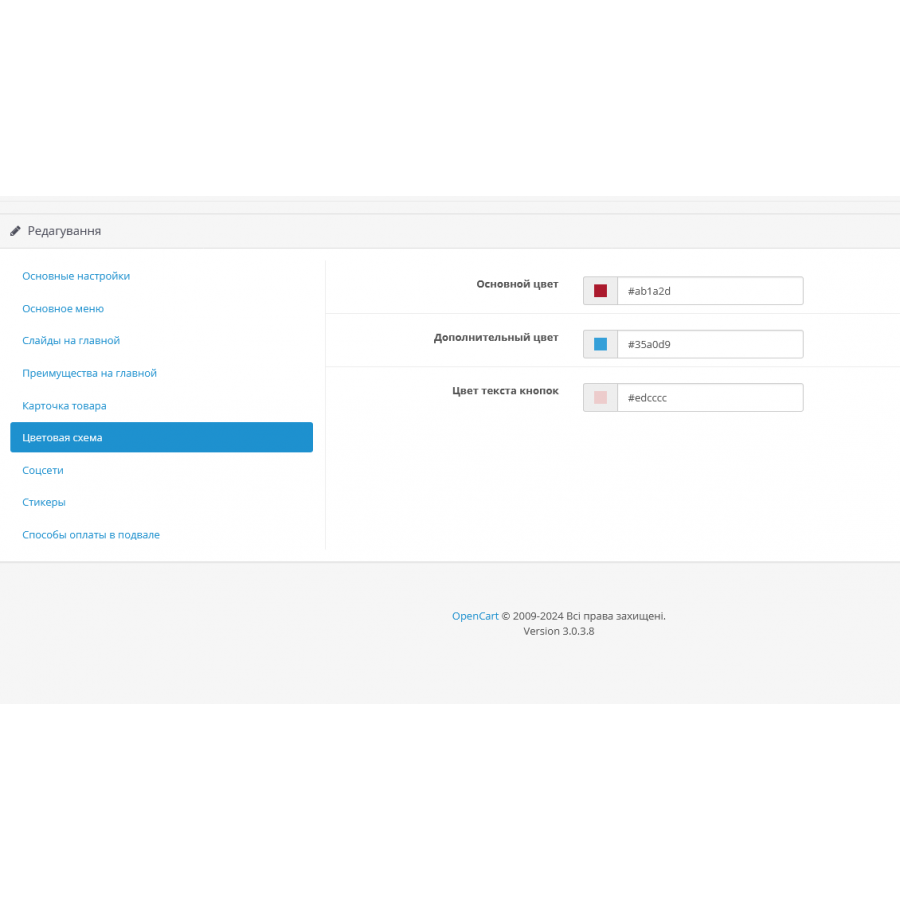
- A module for choosing a color scheme.
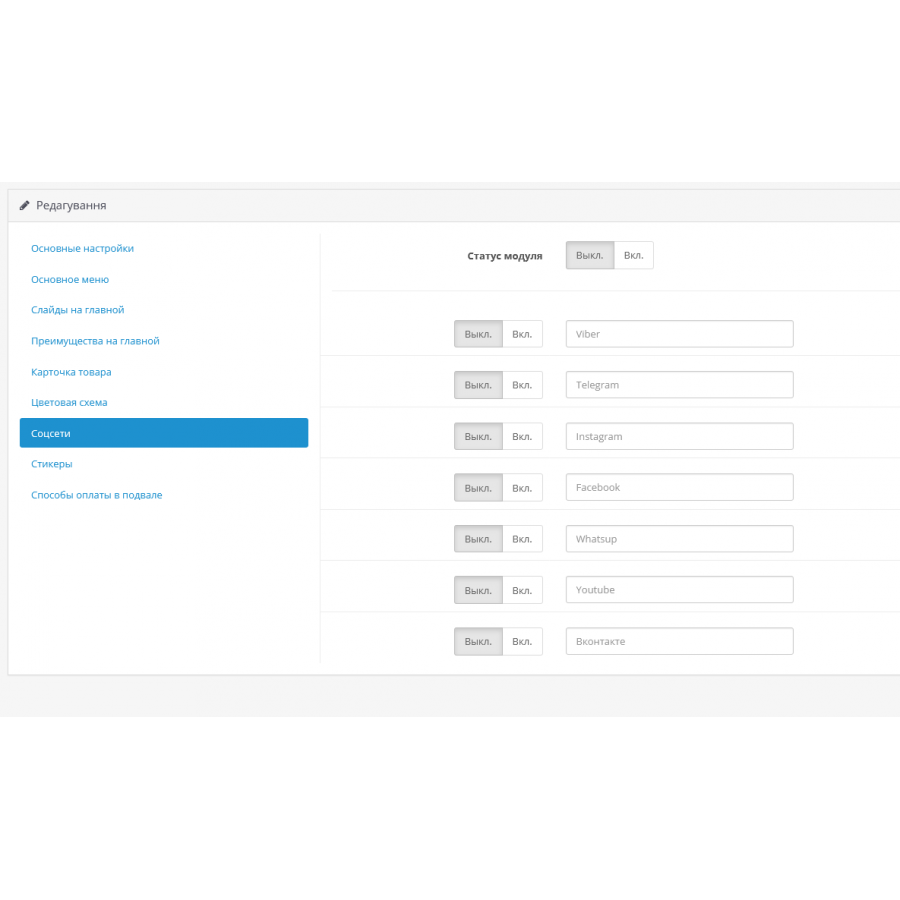
- Integration with social networks in the footer and header of the site.
- A module for displaying payment methods in the basement.
- The ability to disable the user's personal account and the shopping cart, which activates a one-page design on the product page when using it in catalog mode.

No questions about this product, be the first and ask your question.
Module installation instructions:
- Before performing any actions related to installing an add-on in Opencart, we recommend creating a backup copy of all site files and the store database ;
- Install the localcopy fix (if you don't have it installed yet)
- Download the module file for the desired Opencart version from our website ( Follow the installation instructions if there are any in the module archive );
- Then go to the "Installing add-ons/extensions" section and click on the " Download " button;
- Select the downloaded file and wait for the module to be fully installed and for the text "Application installed successfully" to appear;
- After that, go to " Application Manager " and update the modifiers by clicking the " Update " button;
- After these actions, you need to add the rights to view and manage the module in the " User Groups " section for the administrator or other users you select by clicking " Select All ".