


Mass update of products: Discounts, Promotions for OpenCart
You can update Products Discounts and Products Specials for multiple products at once, from admin page.
It works with an infinite number of products.
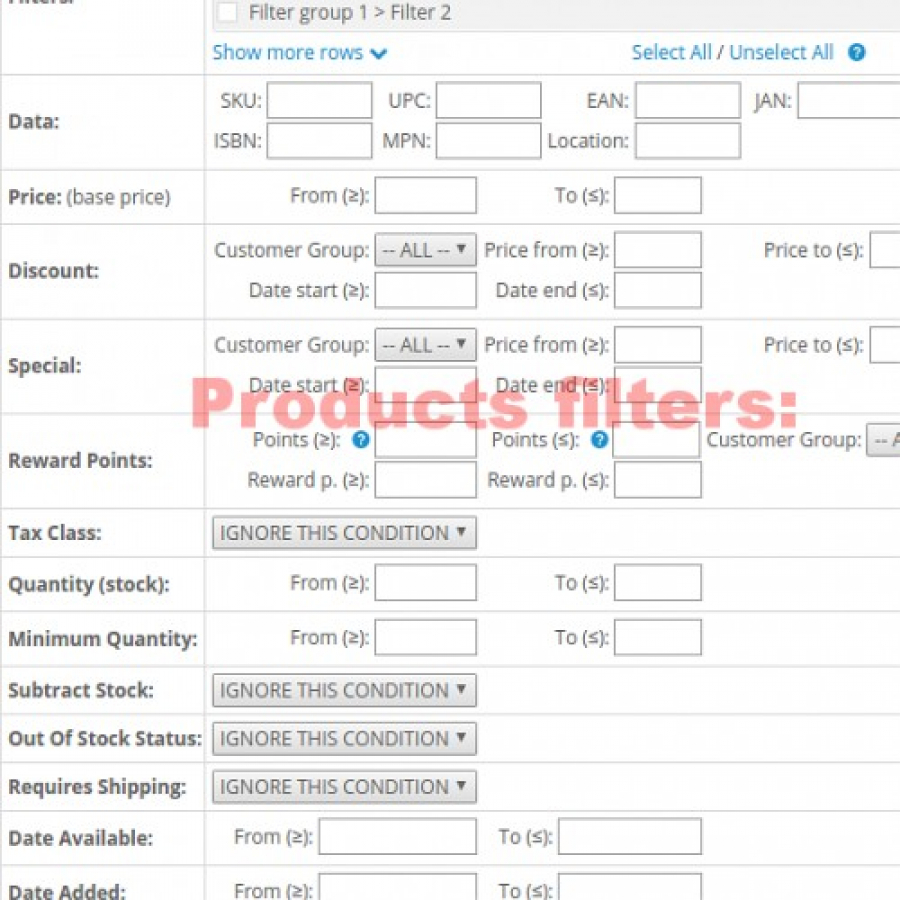
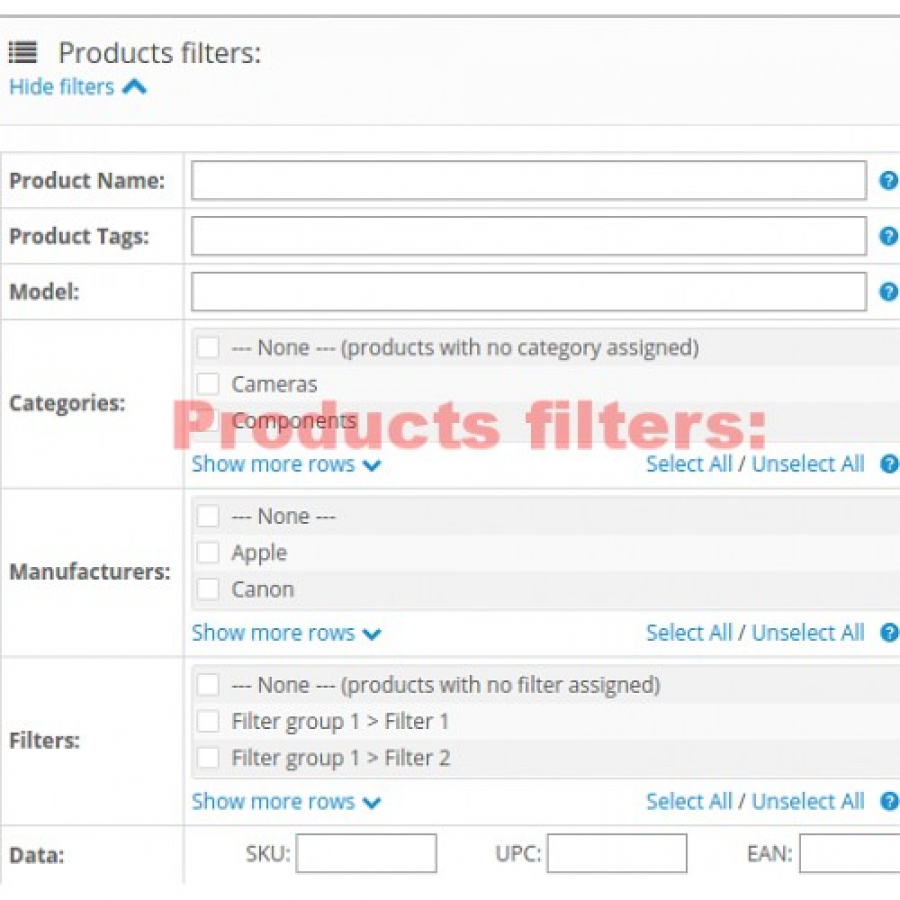
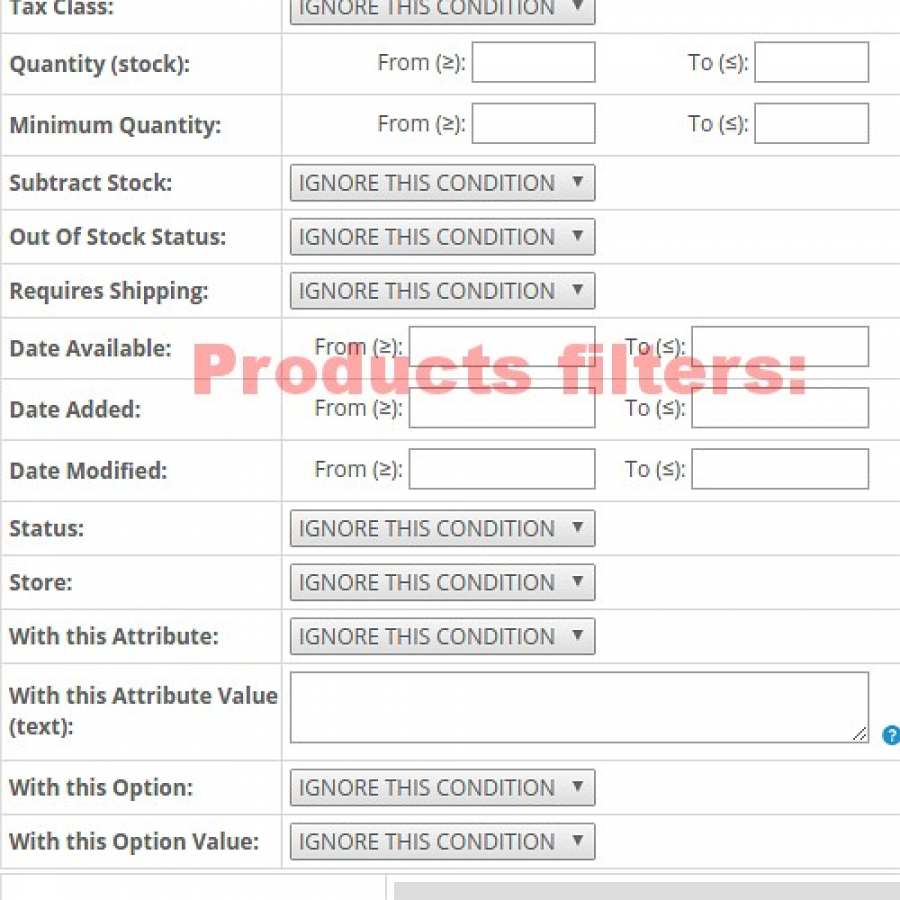
You can filter products by the following conditions:
- Product Name
- Product Tags
- Model
- Categories (multiple selection is possible)
- Manufacturers (multiple selection is possible)
- Filters (multiple selection is possible)
- SKU, UPC, EAN, JAN, ISBN, MPN, Location
- Price (base price)
- Discount: Customer Group, Price, Date Start, Date End
- Special: Customer Group, Price, Date Start, Date End
- Reward Points: Points (Number of points needed to buy a product), Customer Group, Reward points
- Tax Class
- Quantity (stock)
- Minimum Quantity (Force a minimum ordered amount)
- Subtract Stock
- Out Of Stock Status
- Requires Shipping
- Date Available
- Date Added, Date Modified
- Status
- Store
- Attribute, Attribute Value
- Option, Option Value
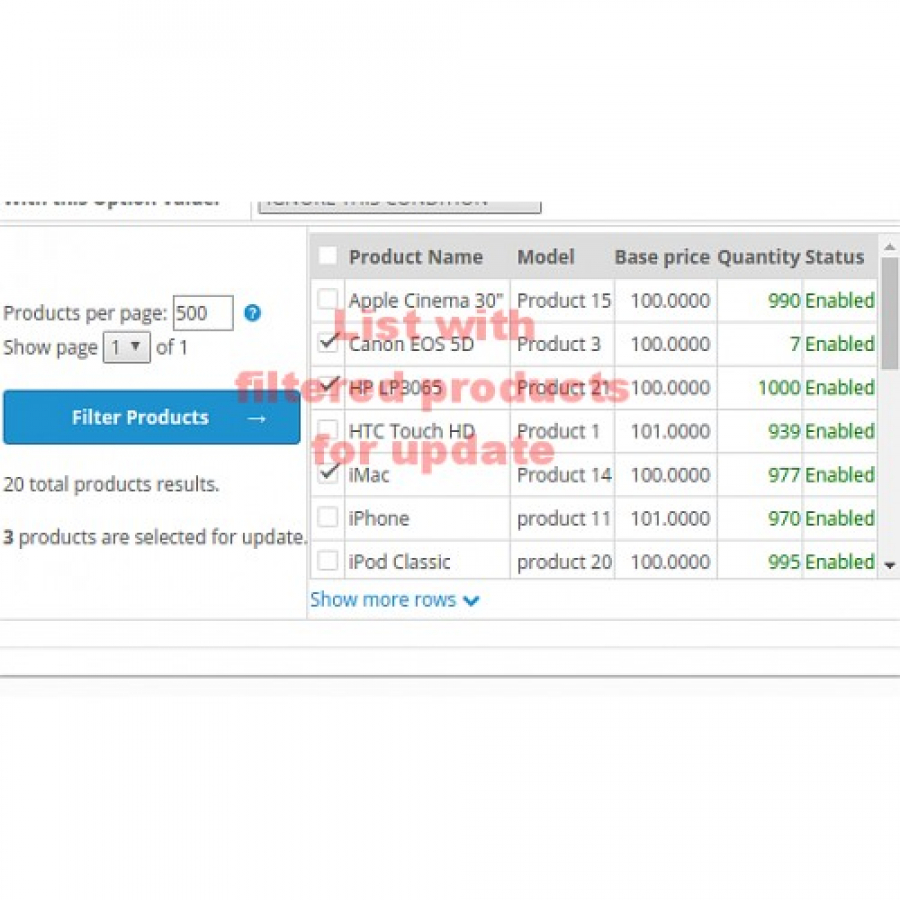
Products for update:
Filtered products will be listed with pagination, so, it works with an infinite number of products.
You can set how many products shown per page (for slower servers or large databases, it is recommended a smaller number of products per page).
You can deselect or reselect certain products from list.
Products Updating can be done in the following ways:
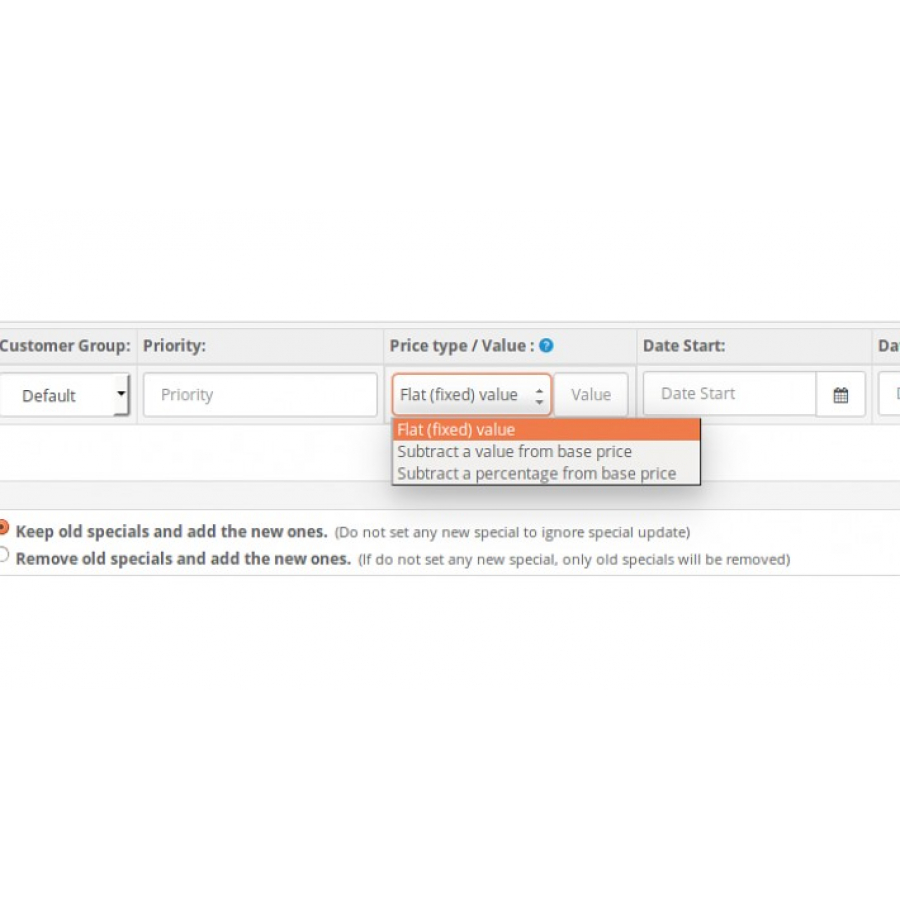
- Keep old discounts/specials and add the new ones
- Remove old discounts/specials and add the new ones
- Modify existing discounts/specials prices
You can set new discounts/specials prices as:
- Flat (fixed) value
- Subtract a value from product base price
- Subtract a percentage from product base price
You can modify existing discounts/specials prices by:
- Add(+) a value to existing discounts/specials prices
- Subtract(-) a value to existing discounts/specials prices
- Multiply(*) existing discounts/specials prices by a value (here you can handle percentages)
There are no reviews for this product, be the first to leave your review.
No questions about this product, be the first and ask your question.
Module installation instructions:
- Before performing any actions related to installing an add-on in Opencart, we recommend creating a backup copy of all site files and the store database ;
- Install the localcopy fix (if you don't have it installed yet)
- Download the module file for the desired Opencart version from our website ( Follow the installation instructions if there are any in the module archive );
- Then go to the "Installing add-ons/extensions" section and click on the " Download " button;
- Select the downloaded file and wait for the module to be fully installed and for the text "Application installed successfully" to appear;
- After that, go to " Application Manager " and update the modifiers by clicking the " Update " button;
- After these actions, you need to add the rights to view and manage the module in the " User Groups " section for the administrator or other users you select by clicking " Select All ".





