All about product
Description
Specification
Reviews
0
Questions0
Installing the module


Module Module Marketplace | C2C B2C B2B Marketplace for OpenCart
Product Code: 425
Version: 3.4.4
In Stock
450 грн
Main specifications
PHP:
7.2-7.4
Compatibility:
2.0.0.0, 2.0.1.0, 2.0.1.1, 2.0.2.0, 2.0.3.1, 2.1.0.1, 2.1.0.2
Localization:
Russian
Ocmod:
Yes
Adaptation to your store:
Paid
All specifications
Description
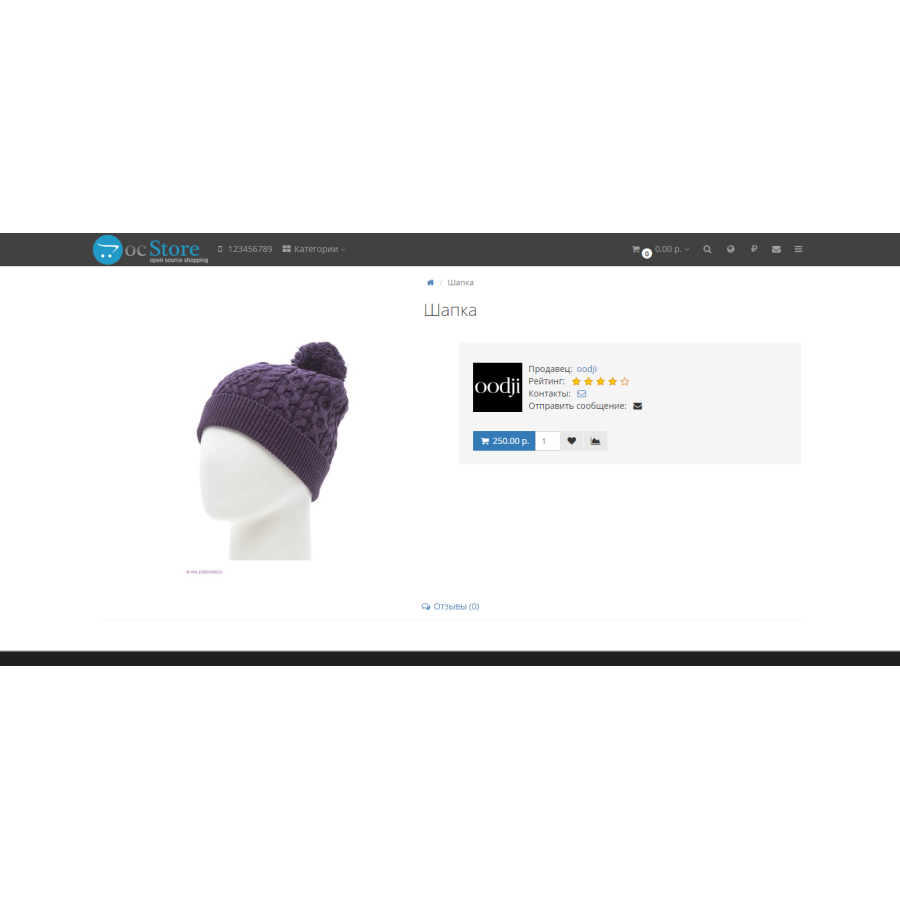
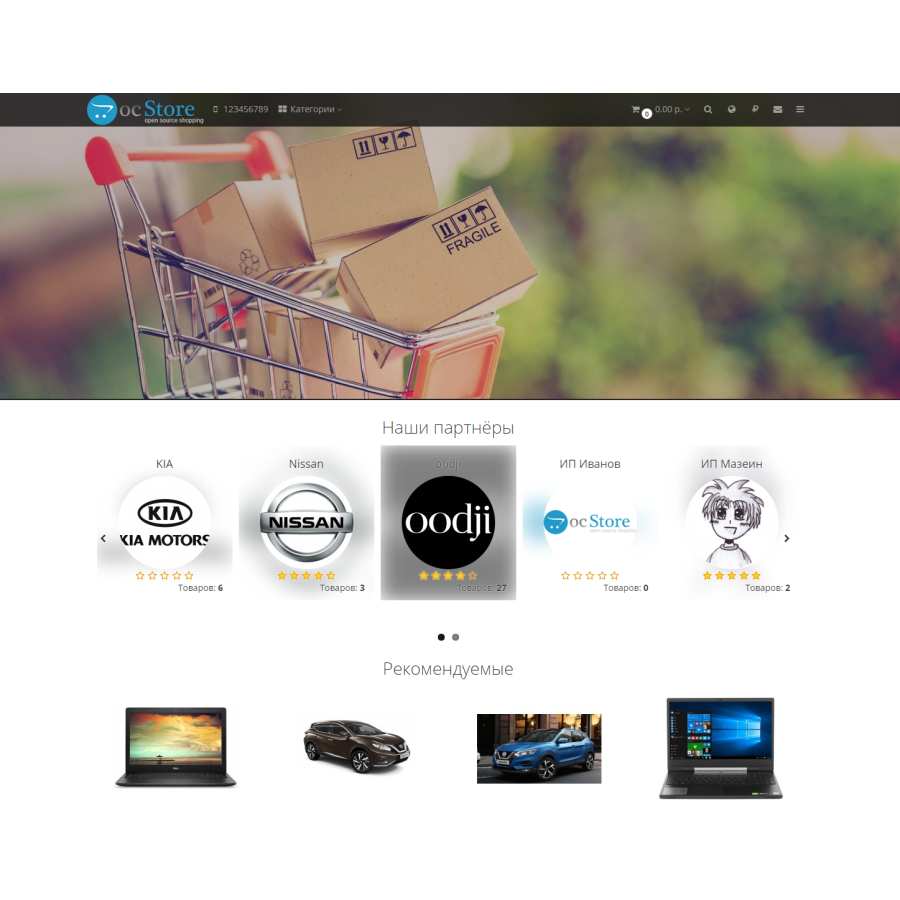
With the help of this module, you can turn your store into a multi-vendor platform, where any registered buyer can become a seller.
Functionality of the module
- Including the possibility of placing goods in the admin for each registered buyer upon request in the personal account
- Each seller receives a percentage set by the administrator from the sale of their goods.
- Each seller has a personal account, funds from which he can spend in this store, or withdraw on request
- The seller receives a notification in case of purchase of his goods
- The seller has a personal account
- The seller can add products, give them attributes, options (setting options and attributes only by the store administrator), link to categories and manufacturers
- The administrator selects the categories to which the seller can link his goods
- The administrator selects a store (for a multi-store) to which the seller can link his goods
- The administrator selects the fields and tabs that the seller can fill in when creating the product
- Each product is added with the status "disabled", it can be enabled by the administrator. Product placement pre-moderation can be disabled for each seller
- When adding a product, the administrator is notified by letter
- In your personal account, you can see the statistics of views and sales of each product
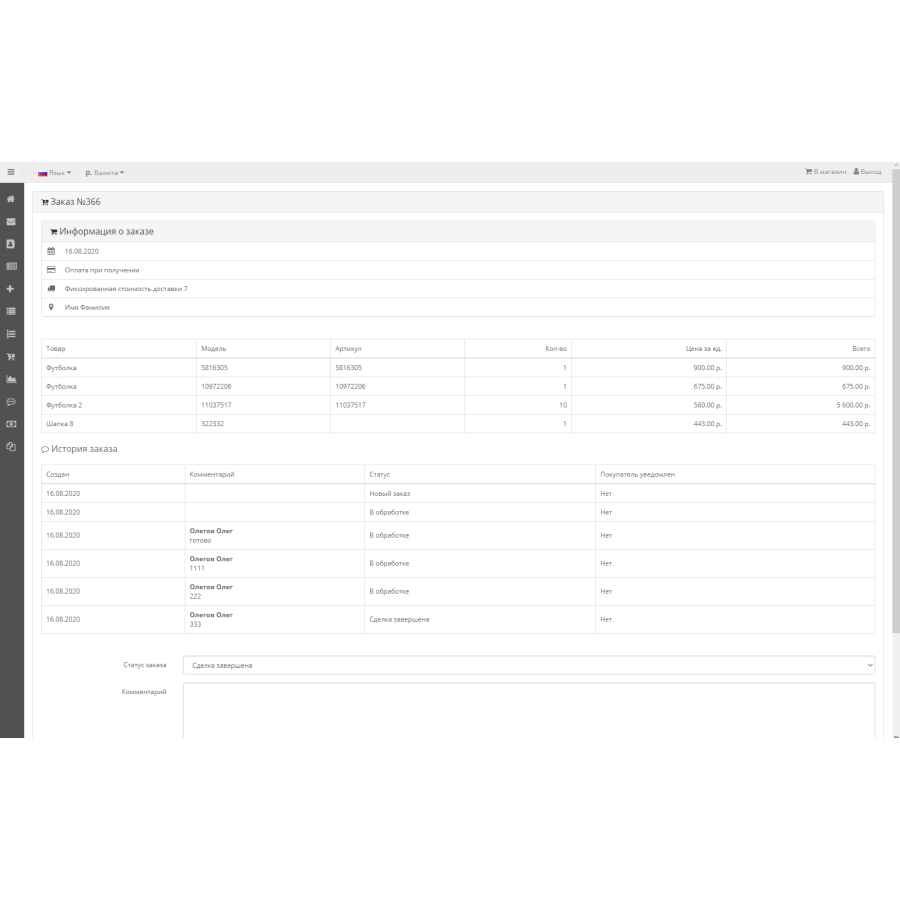
- In the personal account, the seller can view the order containing his goods, leave a comment to the administrator
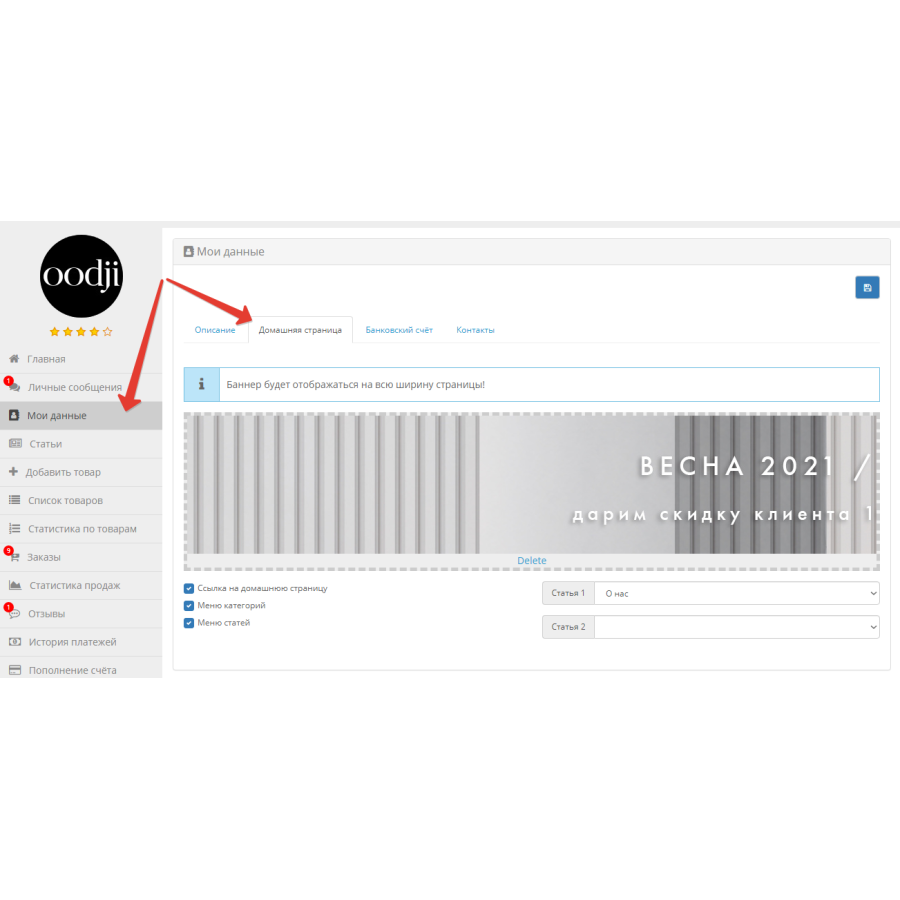
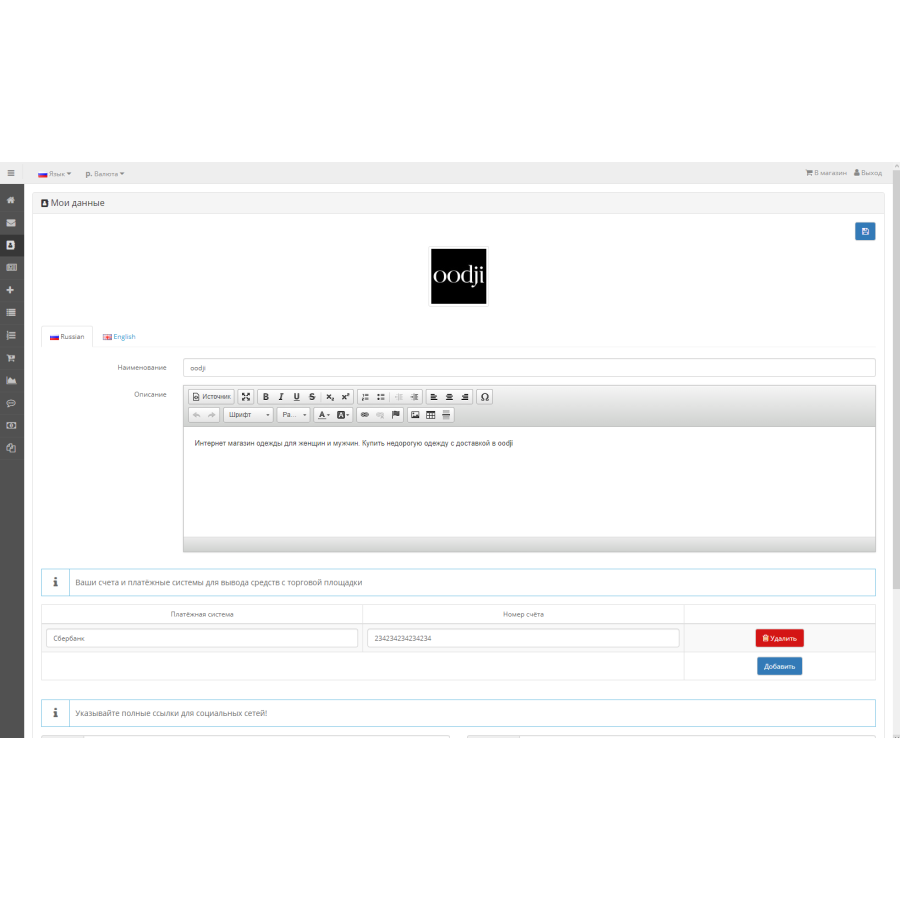
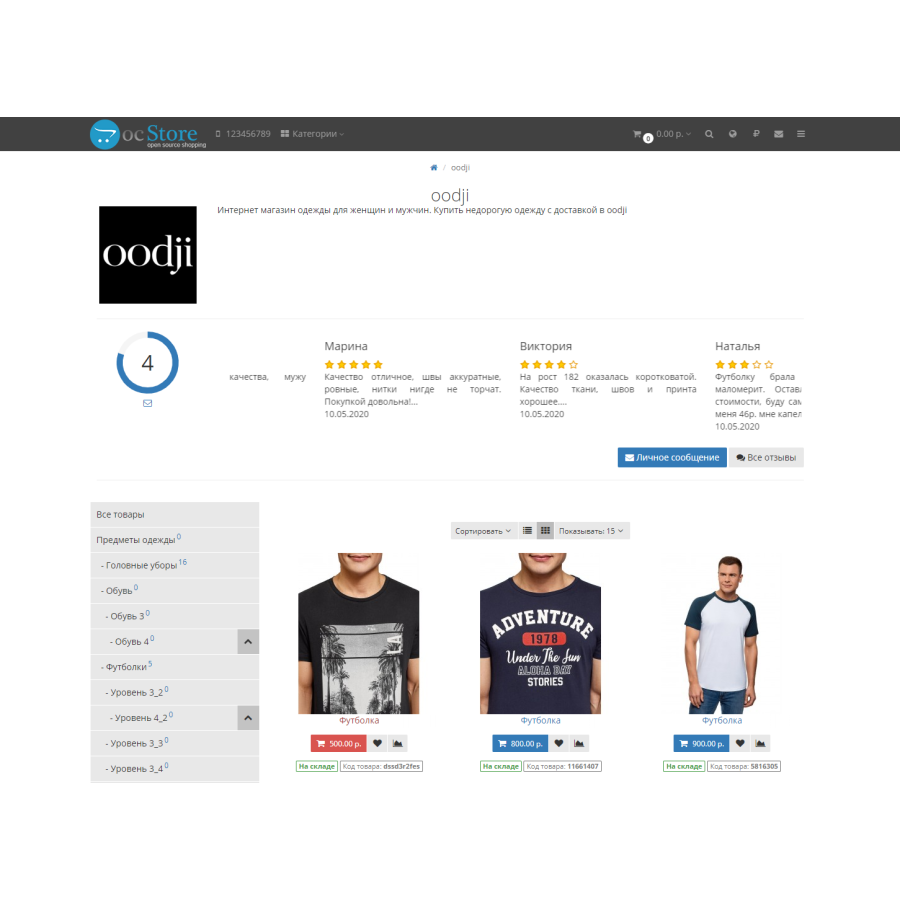
- Data about the seller - company name, description, logo
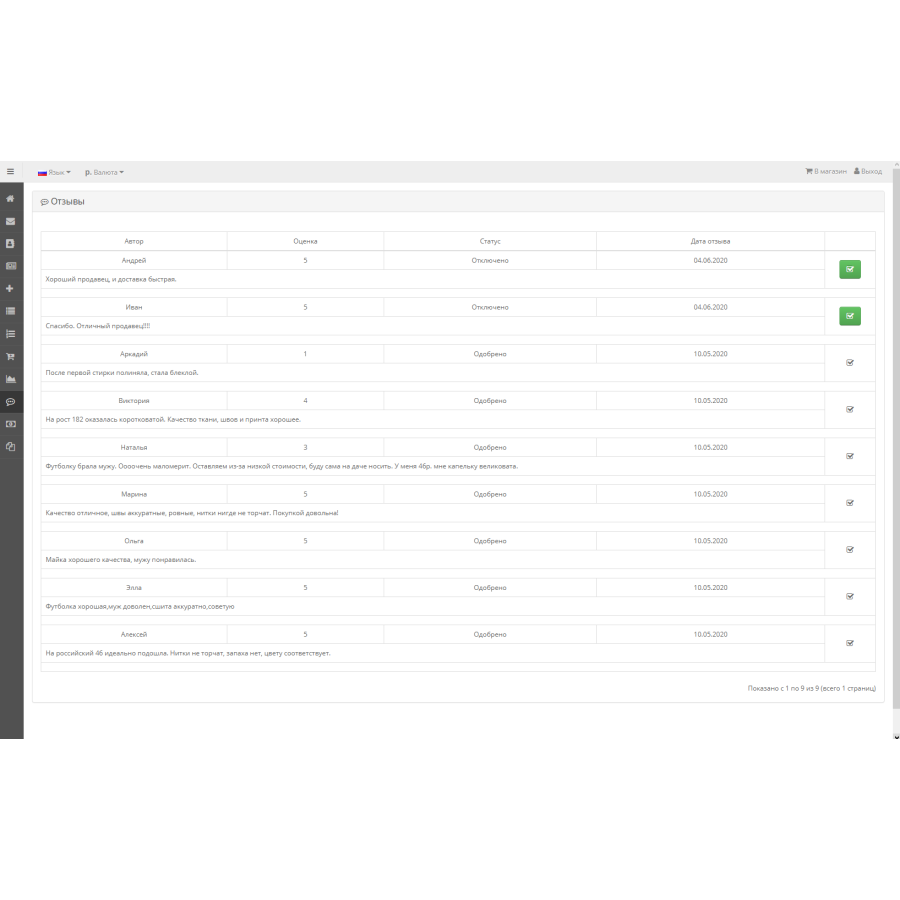
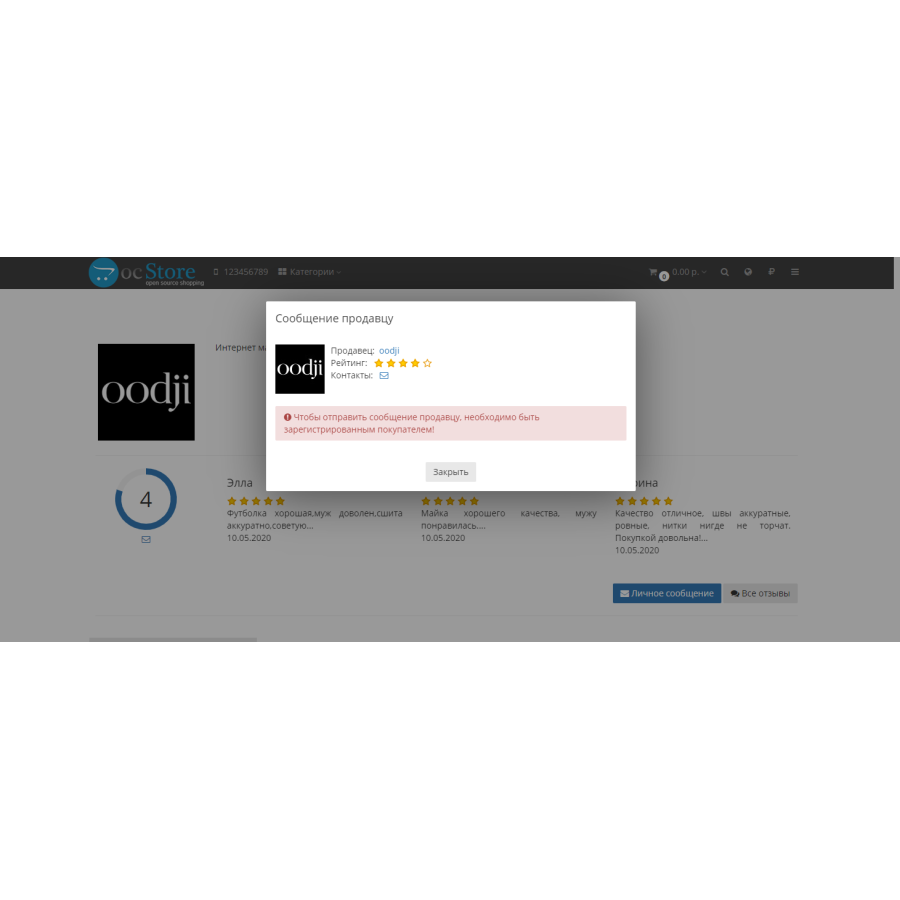
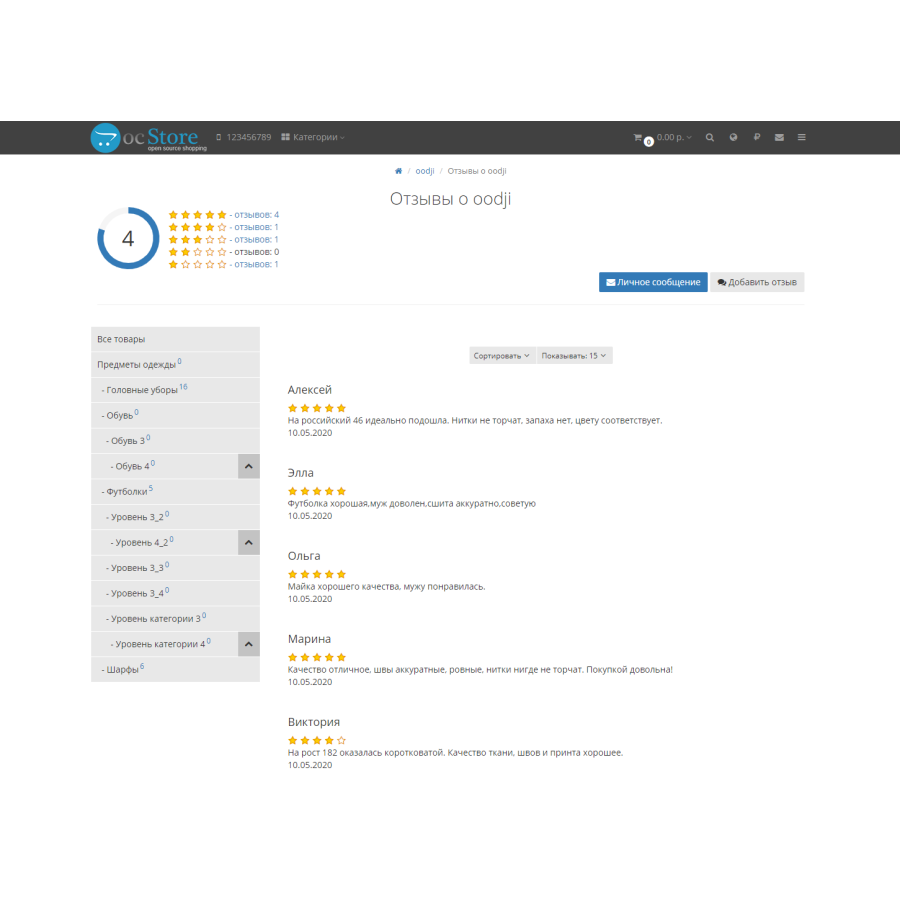
- There is an opportunity to leave a review about the seller, to rate him
- The seller can approve reviews about himself, but cannot delete, edit, or disable them
- Store admin can fully manage seller reviews and ratings
- Grouping of goods by seller in the basket, with the possibility of placing an order for each seller's goods separately
- Choice of delivery options for each seller
- The elFinder file manager in the admin and in the seller's personal account
- Sales statistics in the form of a graph in the seller's office
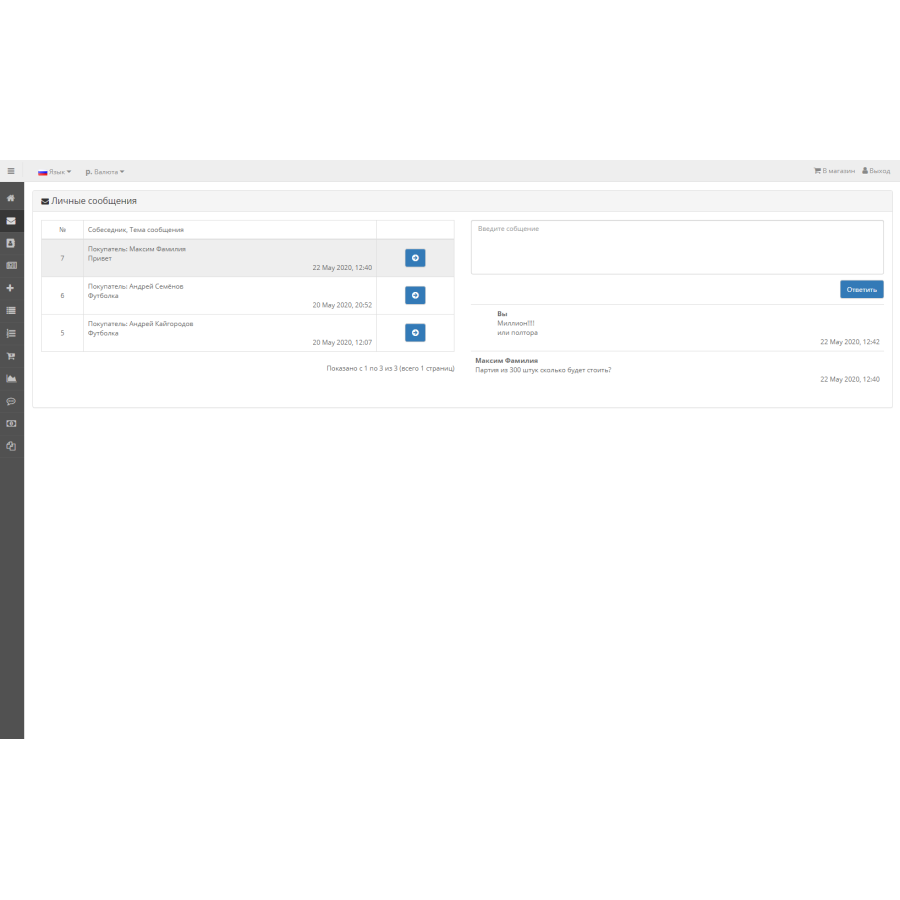
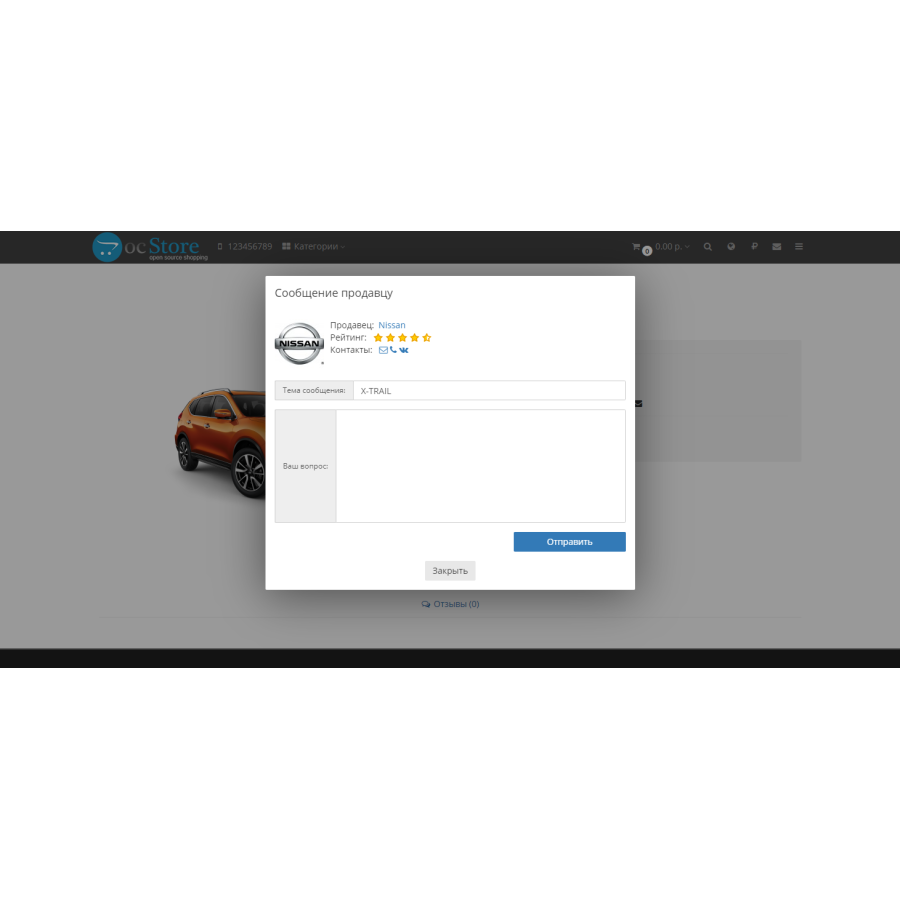
- Personal messages between buyers and sellers, with the possibility to enter into a dialogue with the administrator (in the admin)
- Articles of sellers
- Choice of attributes and options for each seller
- Ability to change order status (only for orders made separately by sellers)
- Template-independent seller's personal account
Pay attention! The module is sold as is! Installation, configuration and any other changes are not provided and are not included in the price. 1 purchase = 1 domain key.
Specifications
Characteristics
PHP
7.2-7.4
Compatibility
2.0.0.0, 2.0.1.0, 2.0.1.1, 2.0.2.0, 2.0.3.1, 2.1.0.1, 2.1.0.2
Localization
Russian
Ocmod
Yes
Adaptation to your store
Paid
There are no reviews for this product, be the first to leave your review.
No questions about this product, be the first and ask your question.
Installing the module
Module installation instructions:
- Before performing any actions related to installing an add-on in Opencart, we recommend creating a backup copy of all site files and the store database ;
- Install the localcopy fix (if you don't have it installed yet)
- Download the module file for the desired Opencart version from our website ( Follow the installation instructions if there are any in the module archive );
- Then go to the "Installing add-ons/extensions" section and click on the " Download " button;
- Select the downloaded file and wait for the module to be fully installed and for the text "Application installed successfully" to appear;
- After that, go to " Application Manager " and update the modifiers by clicking the " Update " button;
- After these actions, you need to add the rights to view and manage the module in the " User Groups " section for the administrator or other users you select by clicking " Select All ".