



Module Units of measurement and quantity per package for Opencart
It is often required to display units of measurement for different products, and since products can have different units, this causes some difficulties. It happens that you need to specify the quantity in the package. For this, this supplement was created as additional, convenient information for buyers.
1. Units of measurement
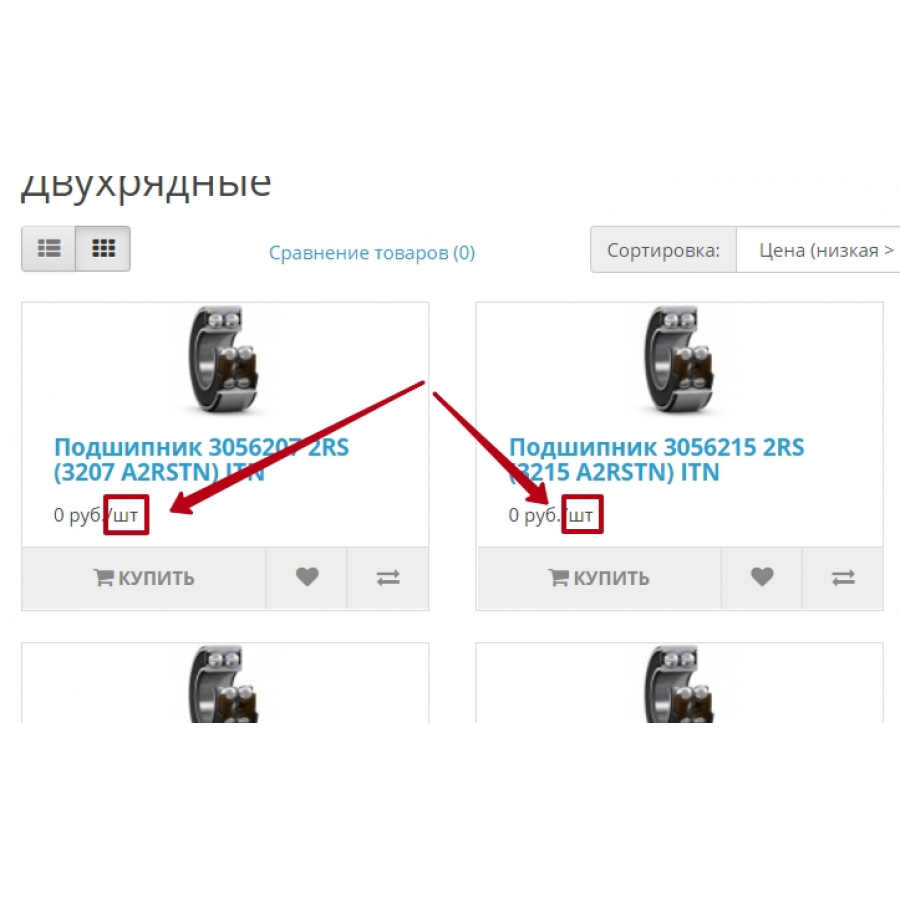
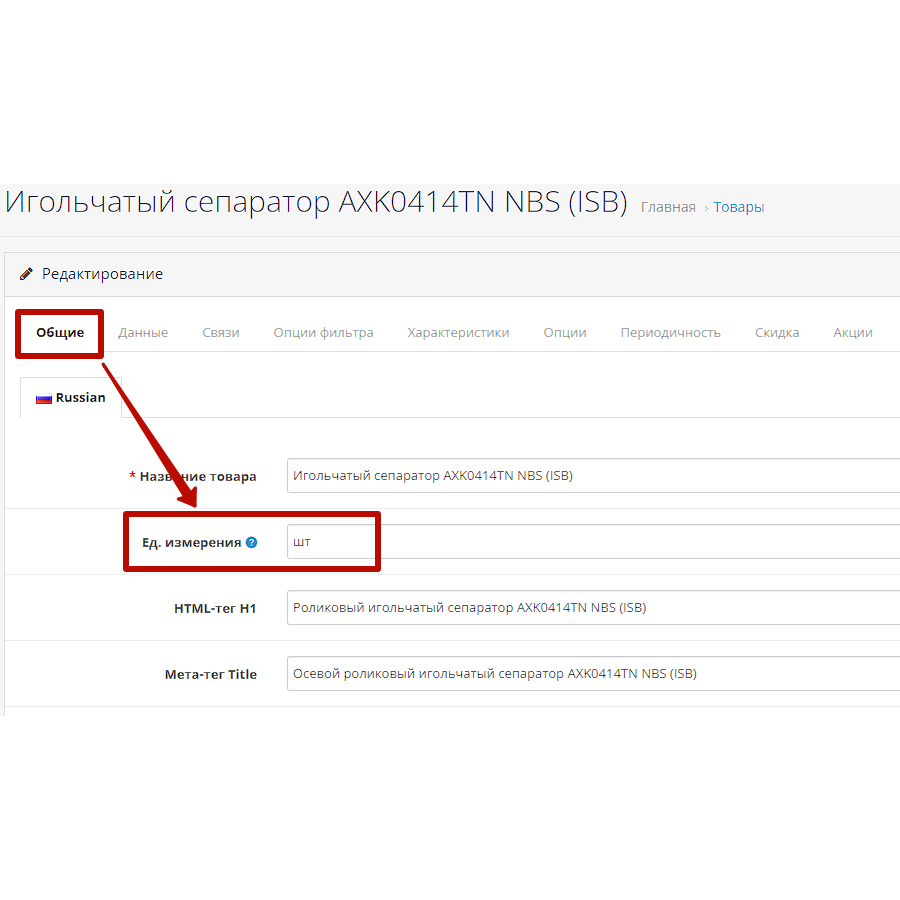
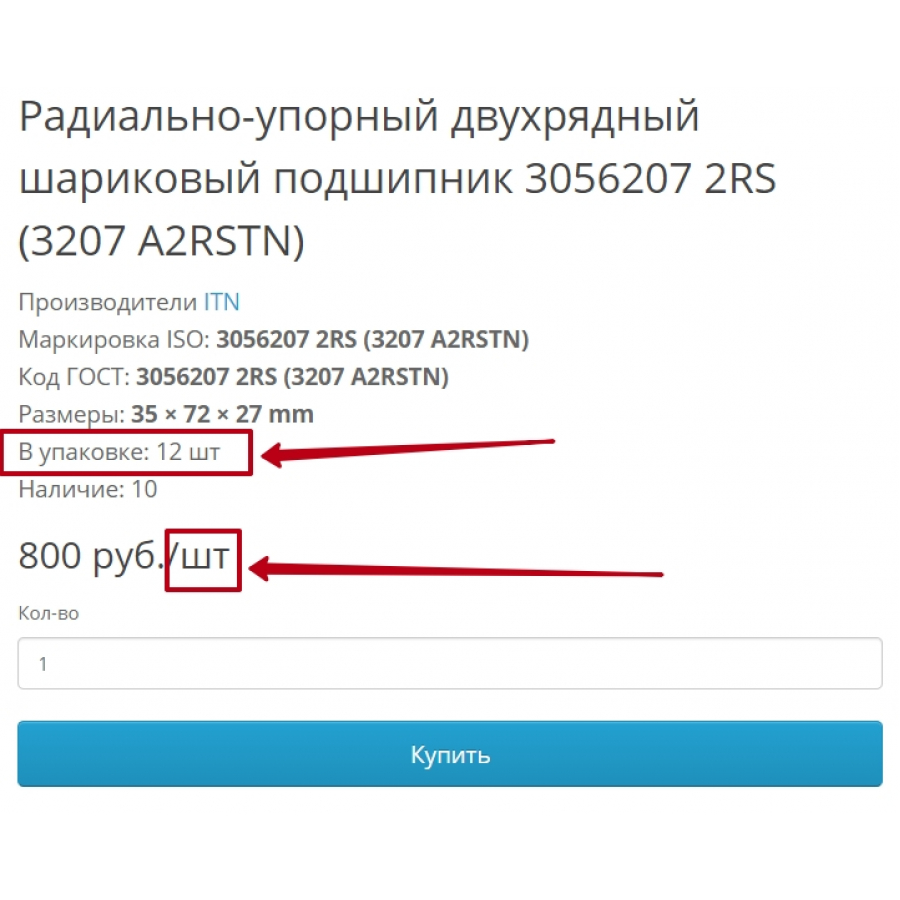
For each specific product, you can enter your own arbitrary values that will be displayed in the category and in the product card immediately after the price. For example, 150 usd/ liter, well, etc.
2. Number of units in the package
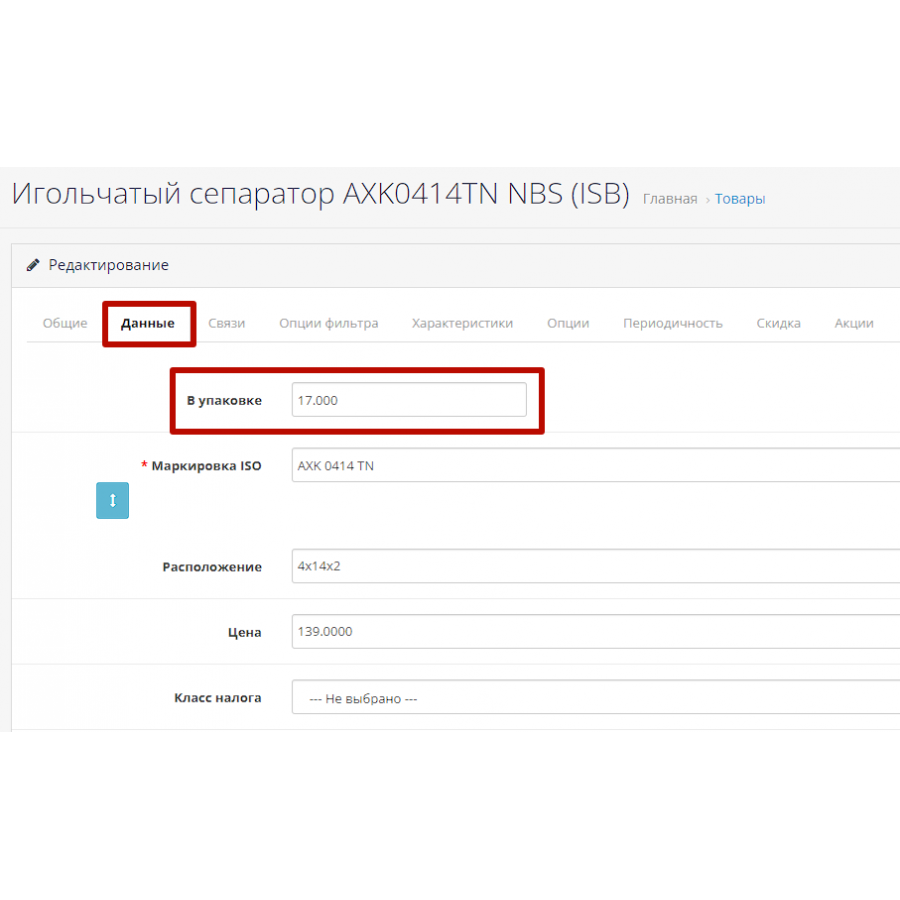
This field is also filled in the admin panel (if necessary) and will be displayed in the product card in the information section.
If these fields are not filled in, then nothing will be displayed accordingly.
Works on any base templates that have not been drastically changed with modifiers. But everything can be corrected in case of incompatibility.
INSTALLATION of the extension for ocStore 3 and OpenCart 3
For correct installation you need to
1. Be sure to make a Backup copy of the Database.
2. If there were similar modifiers, disable them and update the modifier cache.
3. Make a SQL query to your database (It will just add the 2 required columns)
ALTER TABLE `oc_product` ADD `packaging` DECIMAL(15,3) NOT NULL AFTER `height`;ALTER TABLE `oc_product_description` ADD `unit` TEXT CHARACTER SET utf8 COLLATE utf8_general_ci NOT NULL AFTER `tag`;
Note. If your table prefix differs from oc_ then change them in the query to your own.
4. Go to the admin panel “Install extensions”
5. Click the button to upload the file and select our packaging-unit_oc3.ocmod.zip archive
6. Go to Modifiers and update the cache.
7. DONE.
Next, go to the product card and fill in the required fields.
 packaging-unit_oc3.ocmod.zip
There are no reviews for this product, be the first to leave your review.
No questions about this product, be the first and ask your question.
Module installation instructions:
- Before performing any actions related to installing an add-on in Opencart, we recommend creating a backup copy of all site files and the store database ;
- Install the localcopy fix (if you don't have it installed yet)
- Download the module file for the desired Opencart version from our website ( Follow the installation instructions if there are any in the module archive );
- Then go to the "Installing add-ons/extensions" section and click on the " Download " button;
- Select the downloaded file and wait for the module to be fully installed and for the text "Application installed successfully" to appear;
- After that, go to " Application Manager " and update the modifiers by clicking the " Update " button;
- After these actions, you need to add the rights to view and manage the module in the " User Groups " section for the administrator or other users you select by clicking " Select All ".





