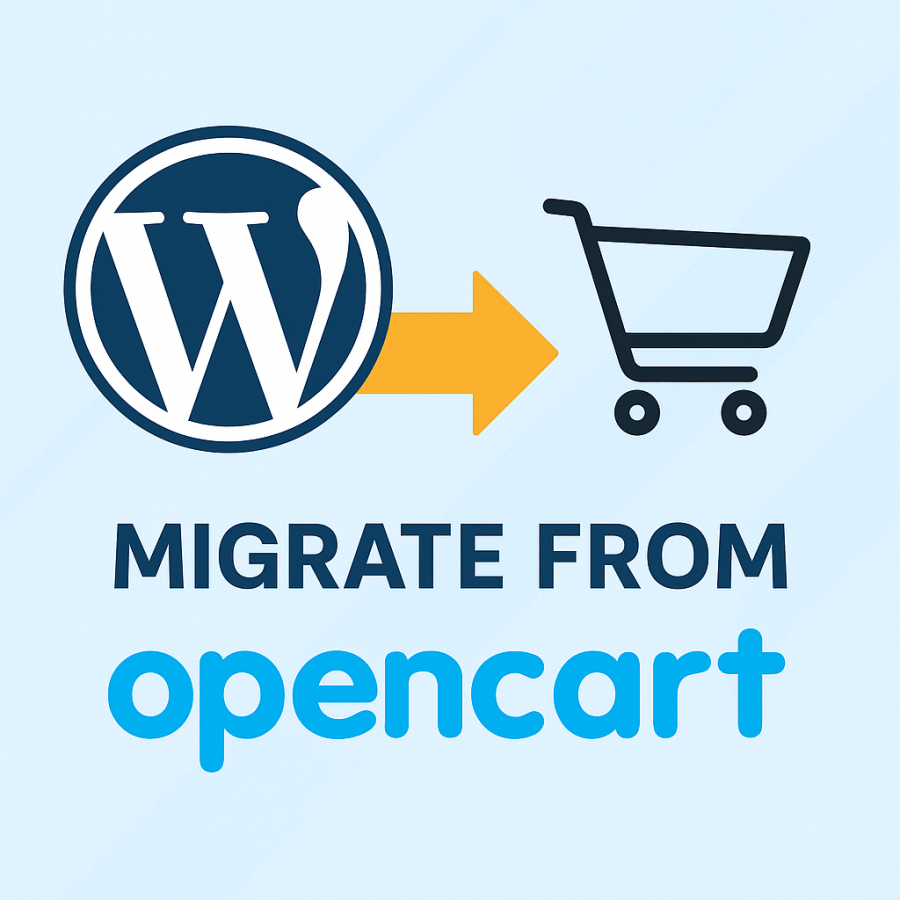

Moving from WordPress to OpenCart – professional site migration
Migrating from WordPress to OpenCart – why choose OpenCart?
OpenCart is a modern e-commerce platform that is perfect for businesses of all sizes. If you already have a WordPress site and want to gain more sales opportunities, then migrating from WordPress to OpenCart is the best solution.
Advantages of OpenCart:
- Optimized for SEO – easy promotion of your store on Google.
- High speed – pages load much faster than in WordPress.
- Convenient admin panel – easy management of products, orders, and customers.
- Many modules and templates – expand the functionality without limits.
- Flexibility and scalability – suitable for both a small store and a large marketplace.
- Low server load – works stably even on inexpensive hosting.
What will you get after migrating from WordPress?
- ✅ Preservation of site structure (SEO links).
- ✅ Transfer of products and categories.
- ✅ Set up redirects so you don't lose traffic from Google.
- ✅ Fully ready-to-use online store on OpenCart.
We perform professional, turnkey migrations from WordPress to OpenCart . As a result, you get an online store that works faster, promotes better, and brings in more sales.
Order migration right now!
By choosing OpenCart , you are investing in the future of your business. Let your store run on a platform that is built for eCommerce.
Please note that the service does not exclude the cost of the template and additional modules that are not included in the pure version of OpenCart.
The price is indicated for 1 language. If the store has 2 or more localization languages, contact our managers to find out the cost of migration.
No questions about this product, be the first and ask your question.
Module installation instructions:
- Before performing any actions related to installing an add-on in Opencart, we recommend creating a backup copy of all site files and the store database ;
- Install the localcopy fix (if you don't have it installed yet)
- Download the module file for the desired Opencart version from our website ( Follow the installation instructions if there are any in the module archive );
- Then go to the "Installing add-ons/extensions" section and click on the " Download " button;
- Select the downloaded file and wait for the module to be fully installed and for the text "Application installed successfully" to appear;
- After that, go to " Application Manager " and update the modifiers by clicking the " Update " button;
- After these actions, you need to add the rights to view and manage the module in the " User Groups " section for the administrator or other users you select by clicking " Select All ".
-
Why is it worth moving from WordPress to OpenCart?
-
What is carried during migration?
-
Will SEO be preserved after moving?
-
How long does the move take?
-
Will the store run faster?
-
Can I transfer customers and orders?
-
Why is OpenCart better for business?