
All about product
Description
Specification
Reviews
0
Questions0
Installing the module



MultiBlok - Block of multi contacts, block of benefits, lookbook for Opencart
Product Code: 472
Version: 3.0
In Stock
450 грн
Main specifications
PHP:
7.2-7.4
Compatibility:
3.0.0.0, 3.0.1.1, 3.0.1.2, 3.0.2.0, 3.0.3.0, 3.0.3.1, 3.0.3.2, 3.0.3.3, 3.0.3.5, 3.0.3.6, 3.0.3.7, 3.0.3.8
Localization:
Ukrainian, Russian, English
Ocmod:
No
Adaptation to your store:
Paid
All specifications
Description
Initially, the module was written under the block of multi-contacts with the possibility of placement on any page
However, in the process of use, it was found that this addition can solve other tasks, for example (from the tested):
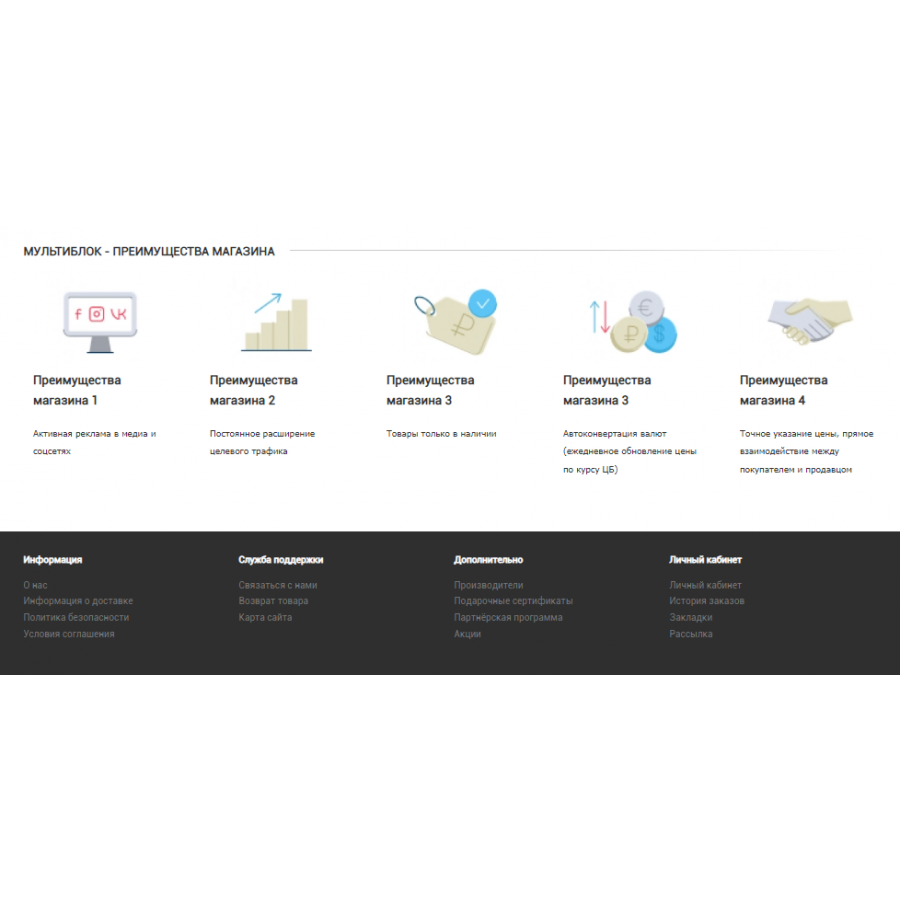
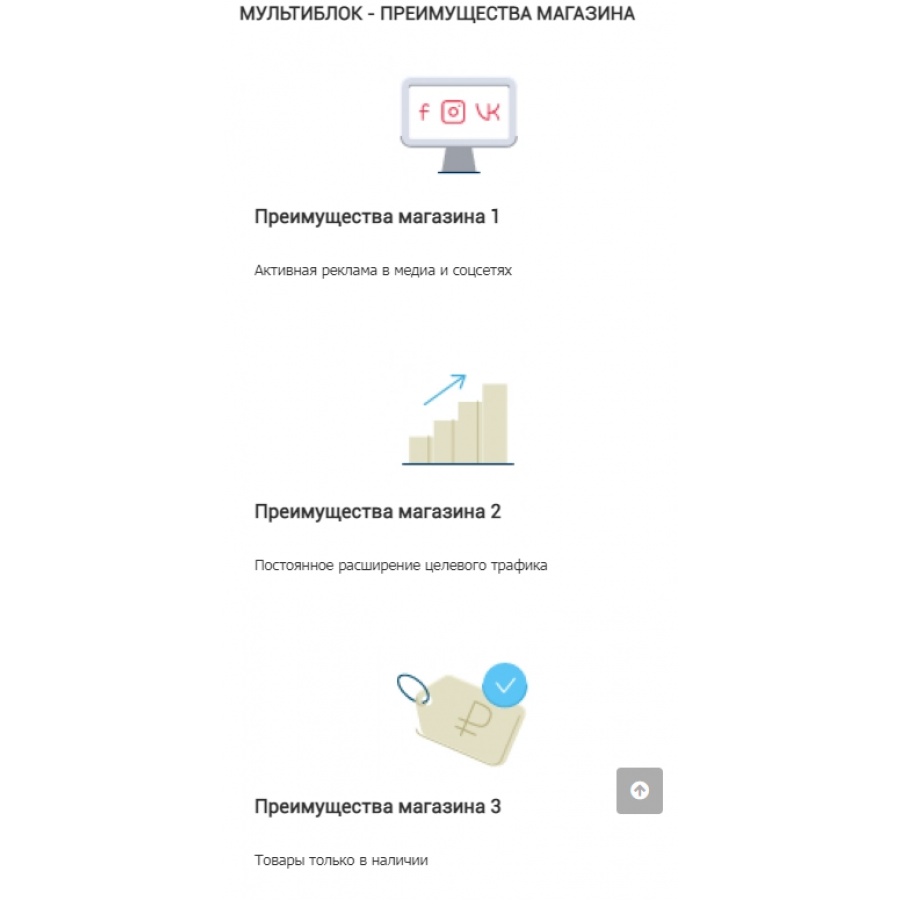
- To be used as a Shop Advantage Block
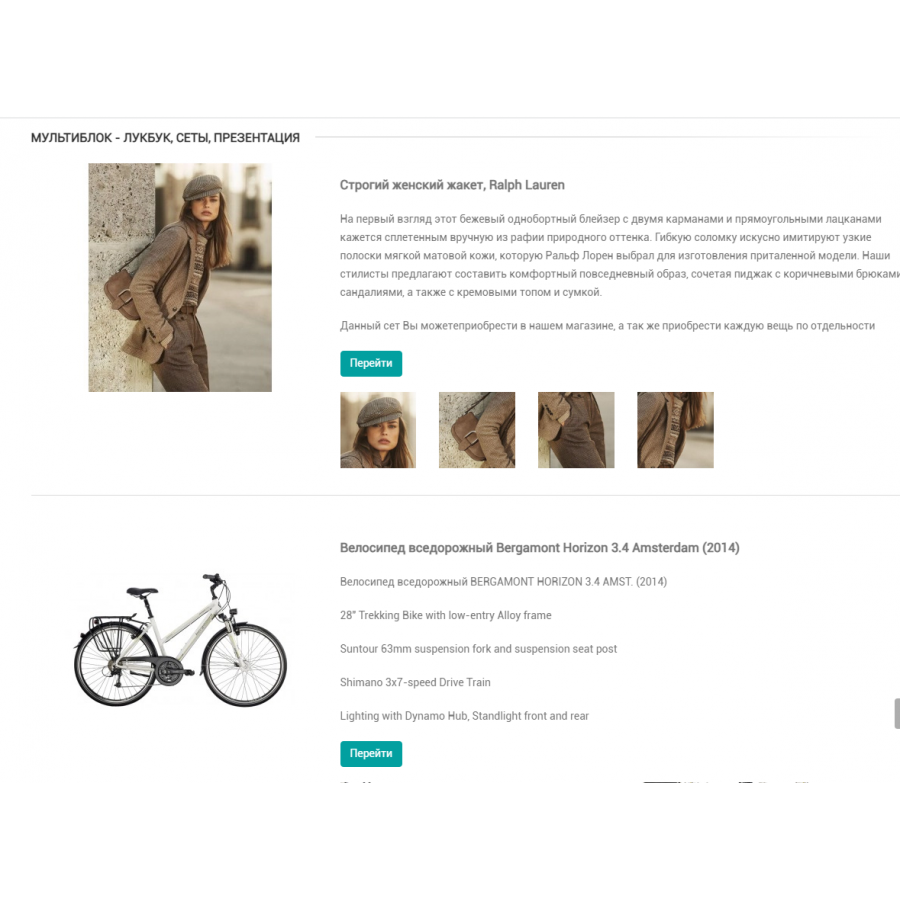
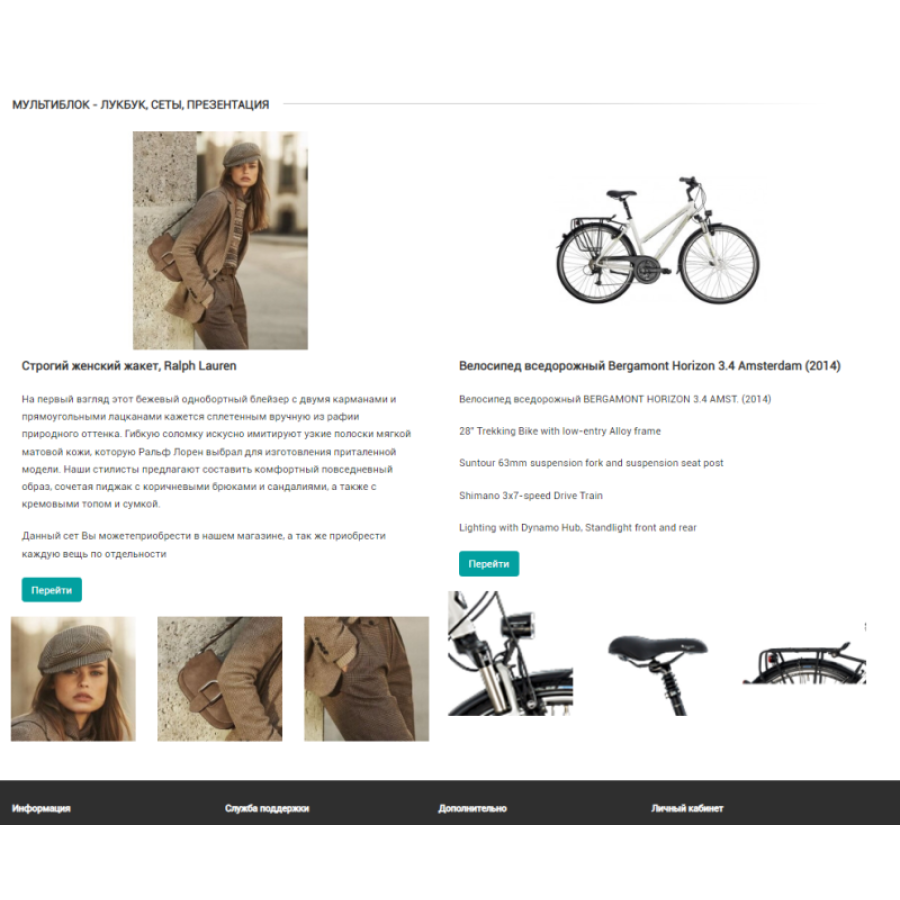
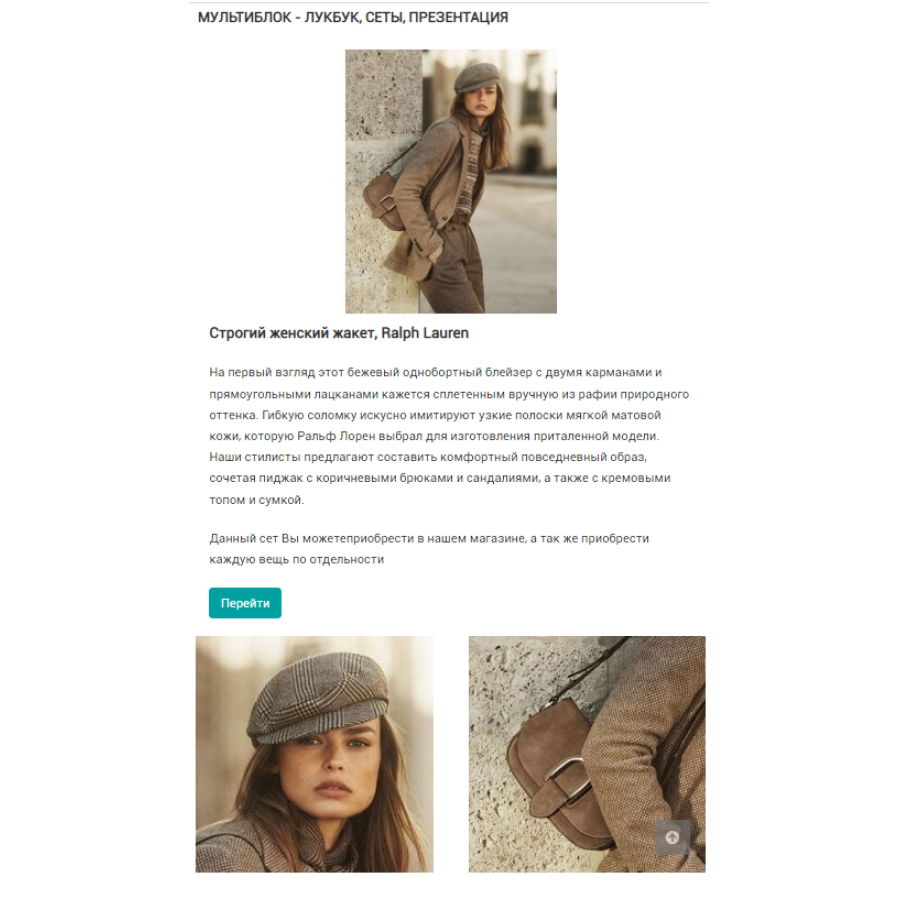
- Use as a Lookbook, presentations, sets
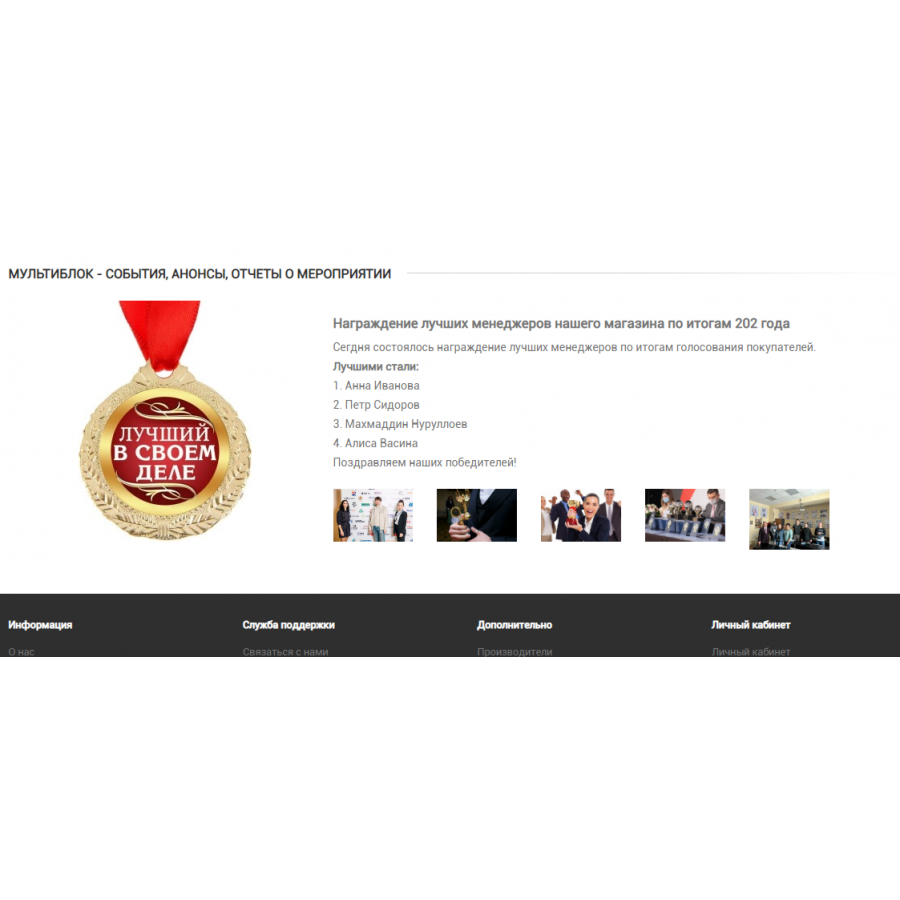
- To be used as a news announcement for future or past events .
I hope that an inquisitive and savvy mind will find a bunch more uses for this add-on on their resource.
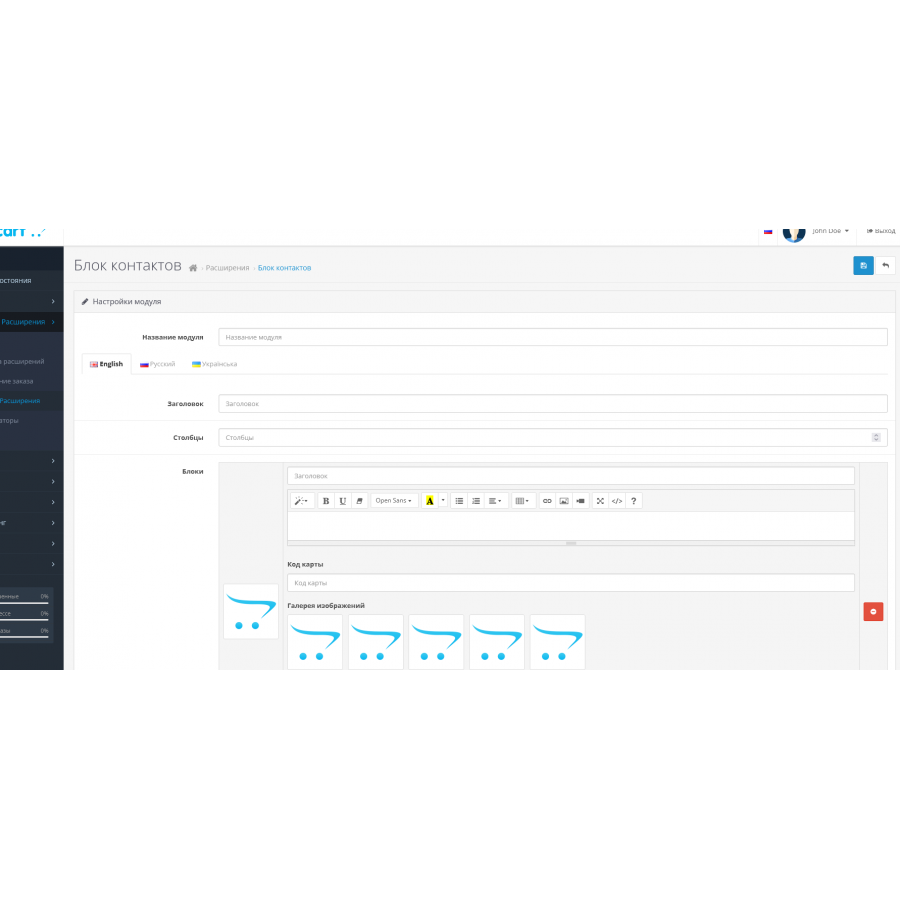
The module has a lot of settings from the admin:
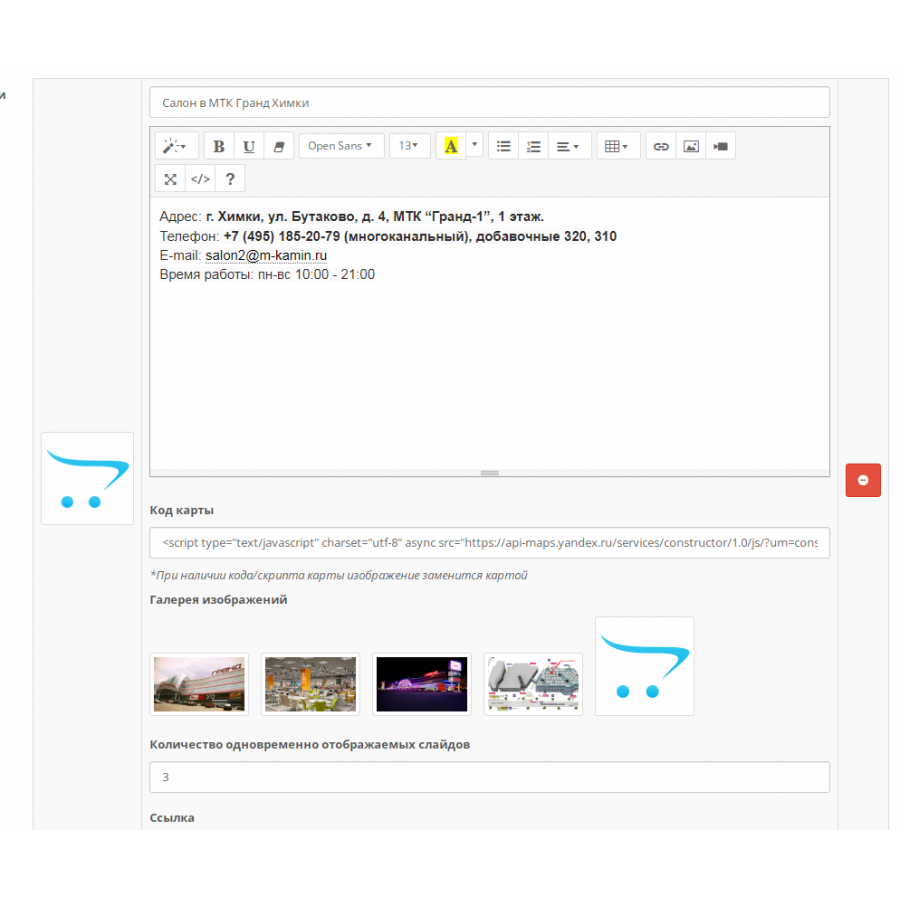
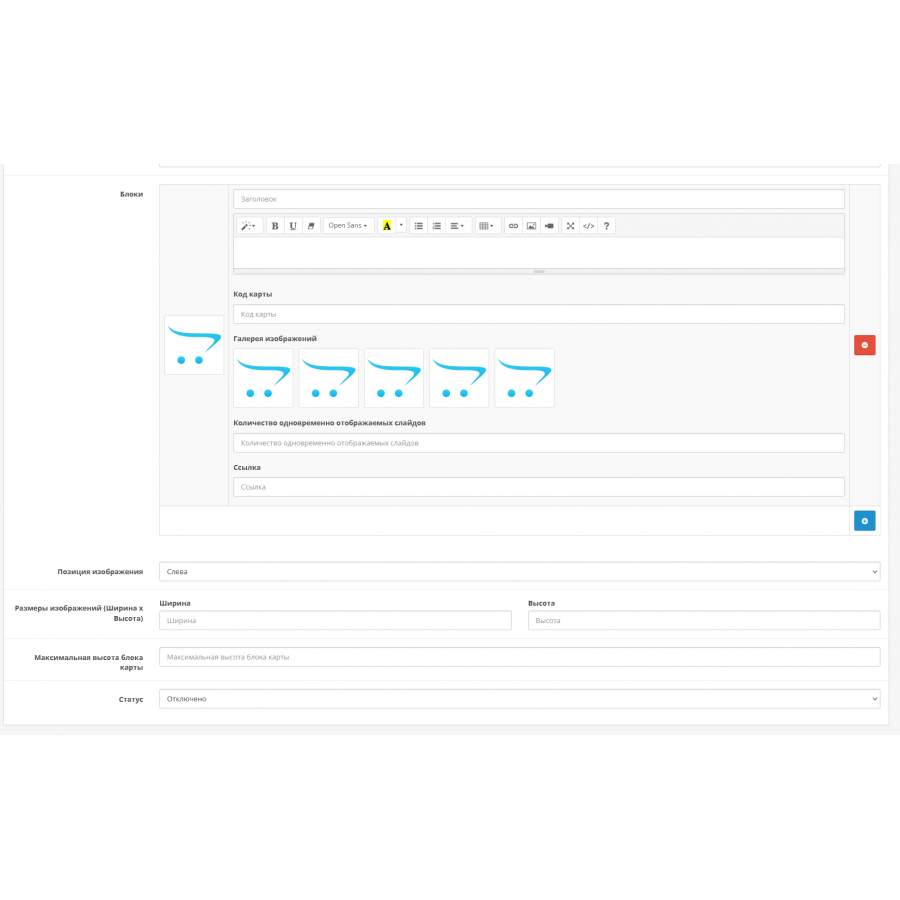
- Inserting the main image (adjusting the position of the main image (above the content, to the left of the content) + image size
- Insert text content
- Inserting the card code (Yandex maps, Google maps), while the main image is replaced by a map (when generating the script, I suggest choosing "full width... the height is not important, in addition, the map display height is specified in the add-on settings ( *the height of the generated map must be equal) or more than the expected size, which will be defined in the module settings )
- Insertion of up to 5 additional photos with the function of increasing by clicking and viewing a set of photos from this block in the fancybox photo gallery, as well as a carousel of swiper images (when using a tabular view (more than one column)
- The number of created modules is not limited
- The number of blocks created within one module is not limited
- Multilingualism
Installation of the add-on is standard through the installation of extensions (ocmod)
If necessary, give administrator rights to edit the add-on.
Use as a Shop Advantage Block
Use as a Lookbook, presentations, sets
To be used as a News Announcement for future or past events.
Specifications
Characteristics
PHP
7.2-7.4
Compatibility
3.0.0.0, 3.0.1.1, 3.0.1.2, 3.0.2.0, 3.0.3.0, 3.0.3.1, 3.0.3.2, 3.0.3.3, 3.0.3.5, 3.0.3.6, 3.0.3.7, 3.0.3.8
Localization
Ukrainian, Russian, English
Ocmod
No
Adaptation to your store
Paid
There are no reviews for this product, be the first to leave your review.
No questions about this product, be the first and ask your question.
Installing the module
Module installation instructions:
- Before performing any actions related to installing an add-on in Opencart, we recommend creating a backup copy of all site files and the store database ;
- Install the localcopy fix (if you don't have it installed yet)
- Download the module file for the desired Opencart version from our website ( Follow the installation instructions if there are any in the module archive );
- Then go to the "Installing add-ons/extensions" section and click on the " Download " button;
- Select the downloaded file and wait for the module to be fully installed and for the text "Application installed successfully" to appear;
- After that, go to " Application Manager " and update the modifiers by clicking the " Update " button;
- After these actions, you need to add the rights to view and manage the module in the " User Groups " section for the administrator or other users you select by clicking " Select All ".





