
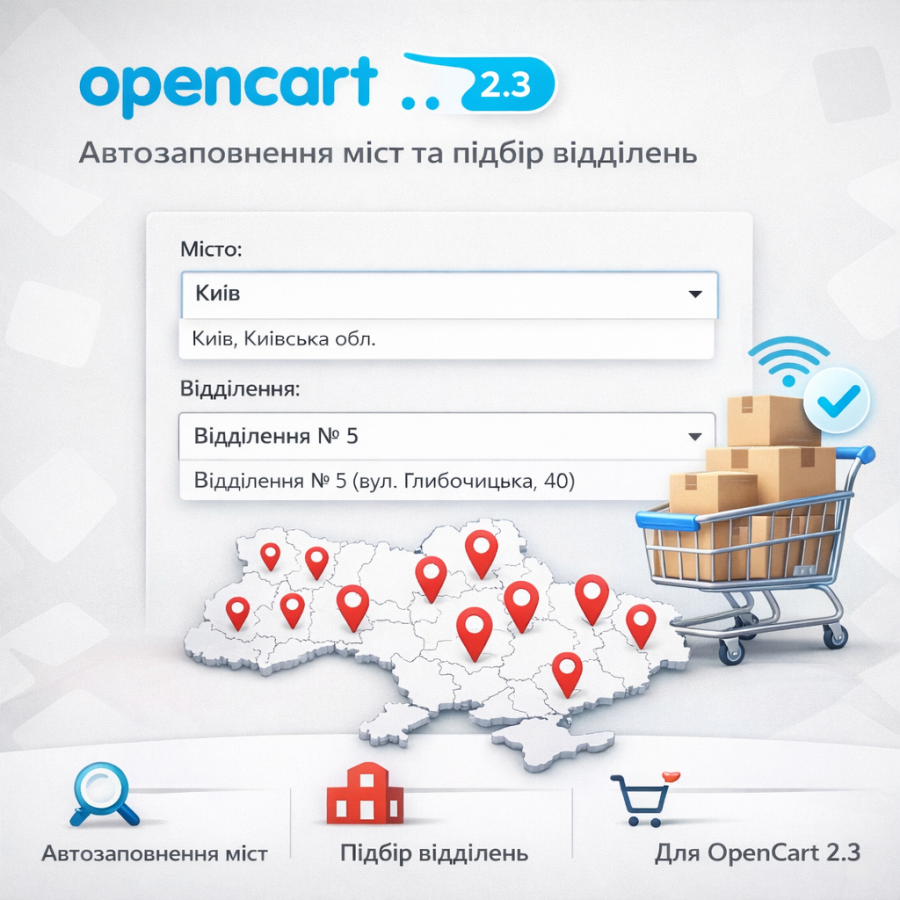

Nova Poshta delivery module via API - autofill of the city and selection of branches for OpenCart 2.3
The “ Nova Poshta” module for OpenCart is a modern solution for convenient delivery integration in your online store. It greatly simplifies the ordering process and automates the selection of the city and delivery service branch .
Thanks to integration with the official Nova Poshta API , the module receives up-to-date data on settlements and branches, which allows buyers to quickly find the desired branch when placing an order. Automatic suggestion of the city and branches significantly speeds up the purchase process and increases the convenience of using the site.
To get started , simply obtain an API key in your Nova Poshta account . and specify it in the module settings . After that, the functionality will immediately become available on the checkout page .
The module easily integrates with the standard OpenCart checkout , and is also fully compatible with the popular Simple module - Simple Checkout .
Flexible settings allow you to place the module's functionality next to existing design fields . Just specify the ID of the input or select fields and the module will automatically enable city autofill and branch selection .
By using this module, you make the delivery process as simple and clear as possible for customers , and your online store more convenient and attractive for buyers.
There are no reviews for this product, be the first to leave your review.
No questions about this product, be the first and ask your question.
Module installation instructions:
- Before performing any actions related to installing an add-on in Opencart, we recommend creating a backup copy of all site files and the store database ;
- Install the localcopy fix (if you don't have it installed yet)
- Download the module file for the desired Opencart version from our website ( Follow the installation instructions if there are any in the module archive );
- Then go to the "Installing add-ons/extensions" section and click on the " Download " button;
- Select the downloaded file and wait for the module to be fully installed and for the text "Application installed successfully" to appear;
- After that, go to " Application Manager " and update the modifiers by clicking the " Update " button;
- After these actions, you need to add the rights to view and manage the module in the " User Groups " section for the administrator or other users you select by clicking " Select All ".





