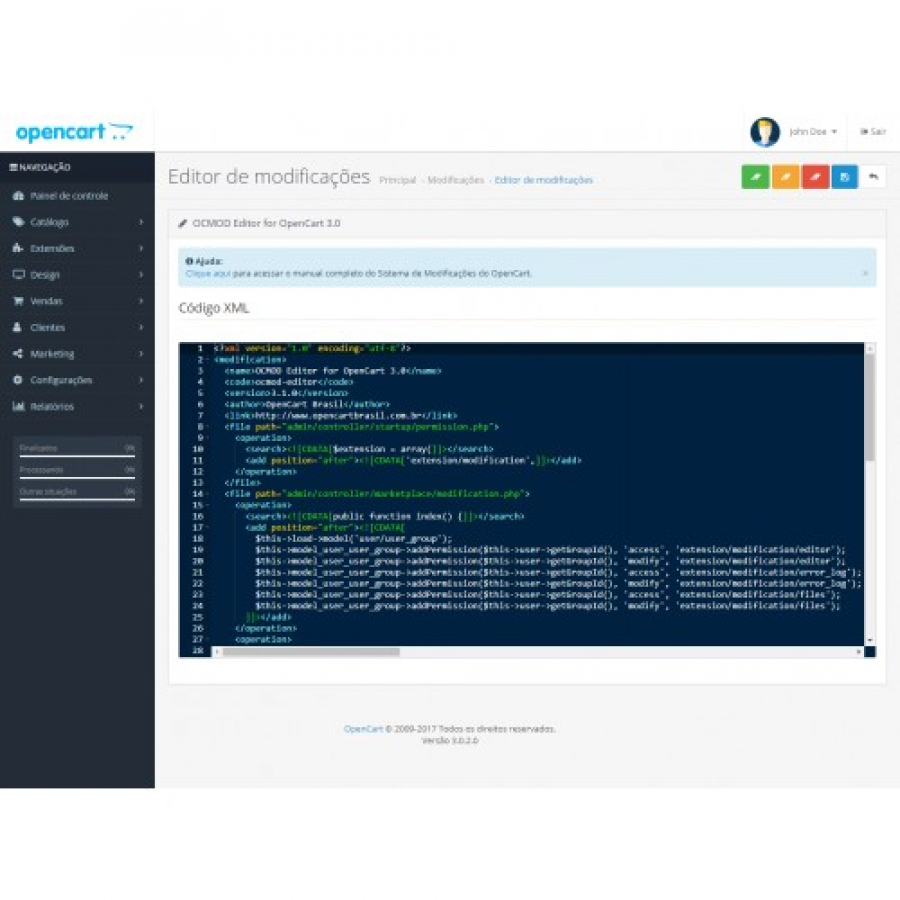


Ocmod Editor module for Opencart
This extension was developed without OCMOD format, and has the objective
of enabling the administration of OpenCart functionalities to create,
edit and manage XML files in OCMOD format, as well as having useful
resources that are used during the process of implementation and
adjustment of the store.
The following features have been added without menu Extensions→Modifications:
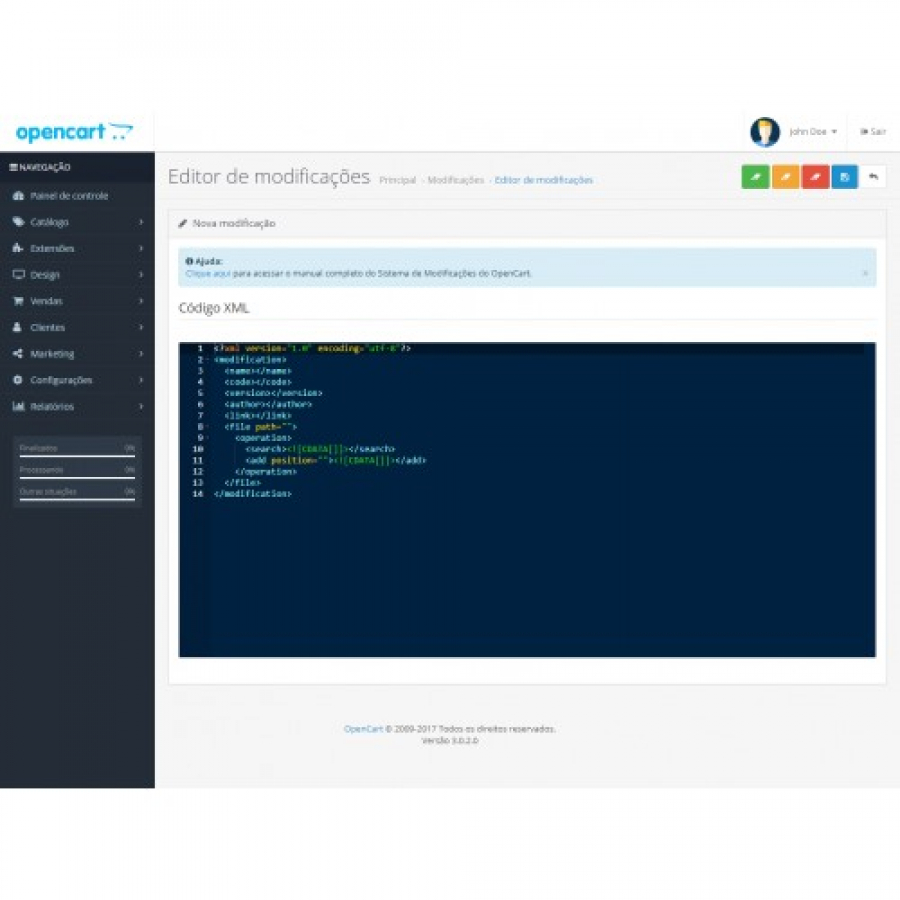
- Create XML files in OCMOD format.
- Edit XML files in OCMOD format.
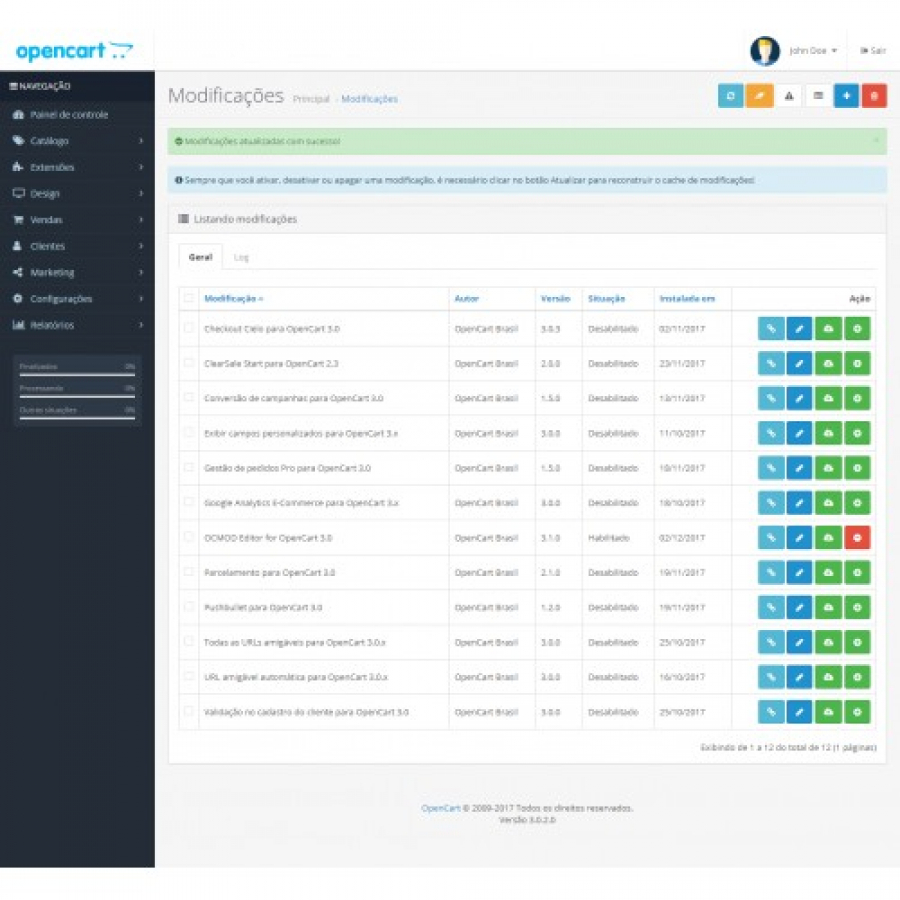
- Erase cache of data generated by the store.
- Erase cache of images generated by the store.
- Erase cache of twig/sass generated by the store.
- Download XML file in OCMOD format.
- Search code snippets in XML files in the OCMOD standard.
- Validate XML tags required in OCMOD format.
- Validate all XML files in OCMOD format and generate log friendly of errors.
- View in which ocmod.zip file the OCMOD modification is linked.
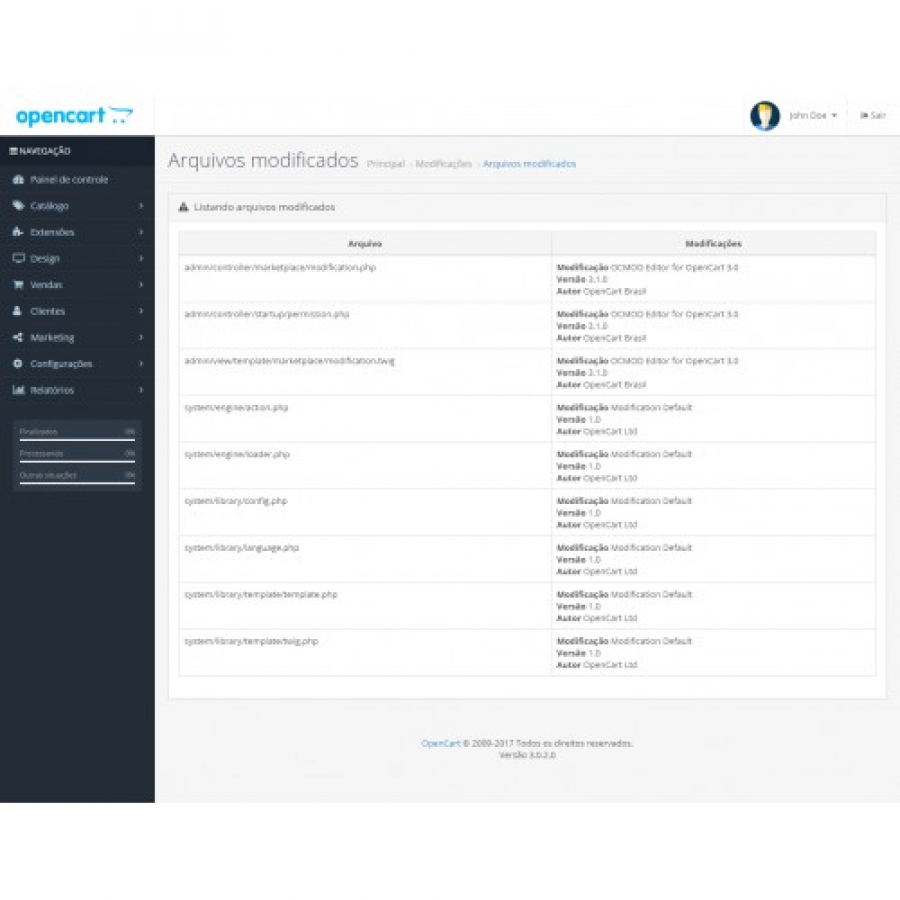
- View a list of all files that have been modified by OCMOD.
- Compare differences between the original file and the modified file using the editor.
- Edit and save OCMOD-modified cache files to identify modification conflict issues.
 ocmod-editor.oc20-oc21.ocmod.zip
No questions about this product, be the first and ask your question.
Module installation instructions:
- Before performing any actions related to installing an add-on in Opencart, we recommend creating a backup copy of all site files and the store database ;
- Install the localcopy fix (if you don't have it installed yet)
- Download the module file for the desired Opencart version from our website ( Follow the installation instructions if there are any in the module archive );
- Then go to the "Installing add-ons/extensions" section and click on the " Download " button;
- Select the downloaded file and wait for the module to be fully installed and for the text "Application installed successfully" to appear;
- After that, go to " Application Manager " and update the modifiers by clicking the " Update " button;
- After these actions, you need to add the rights to view and manage the module in the " User Groups " section for the administrator or other users you select by clicking " Select All ".