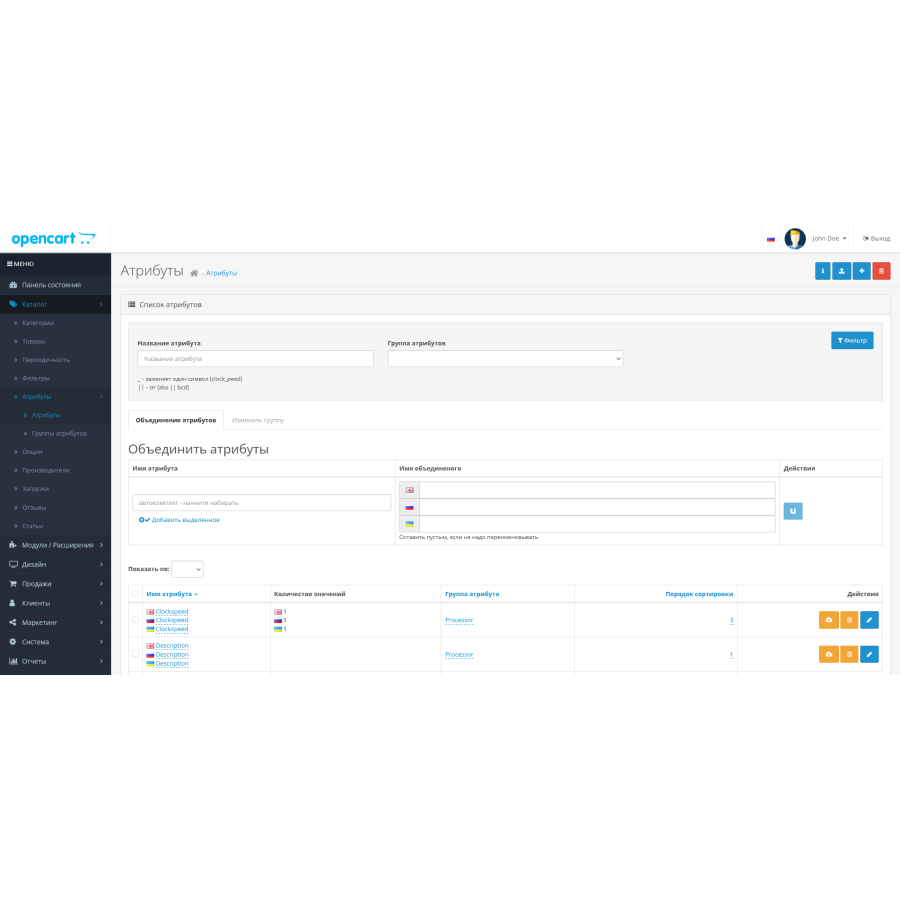
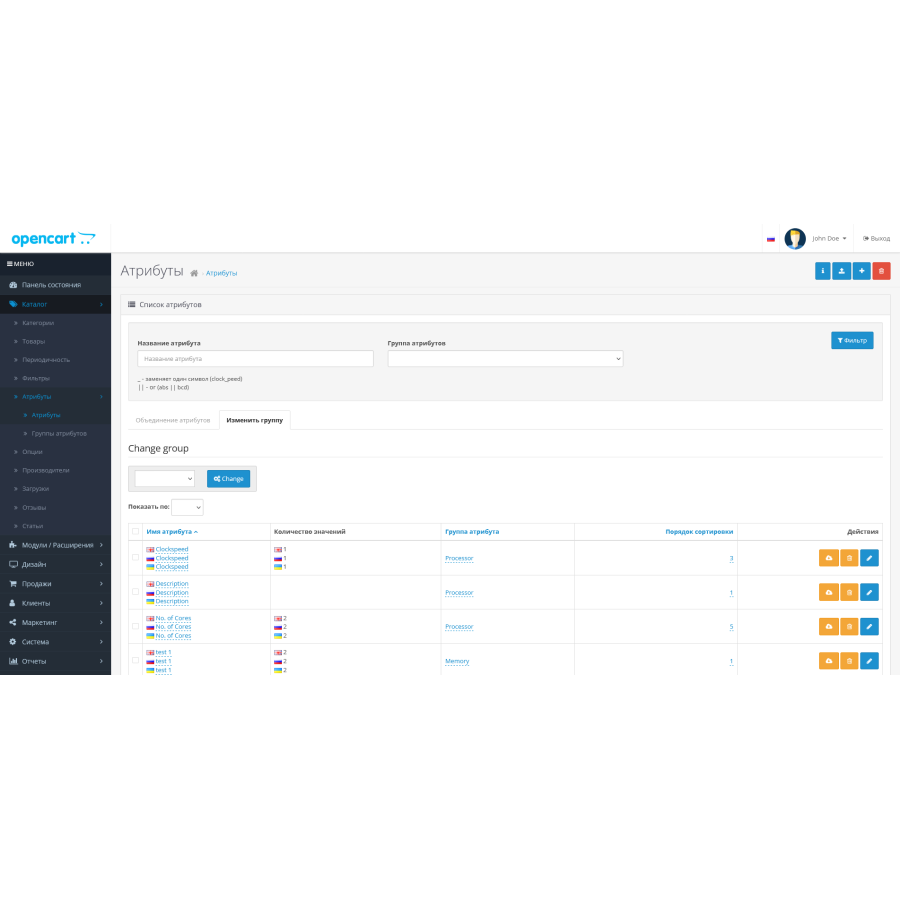


Admin Attribute Filter
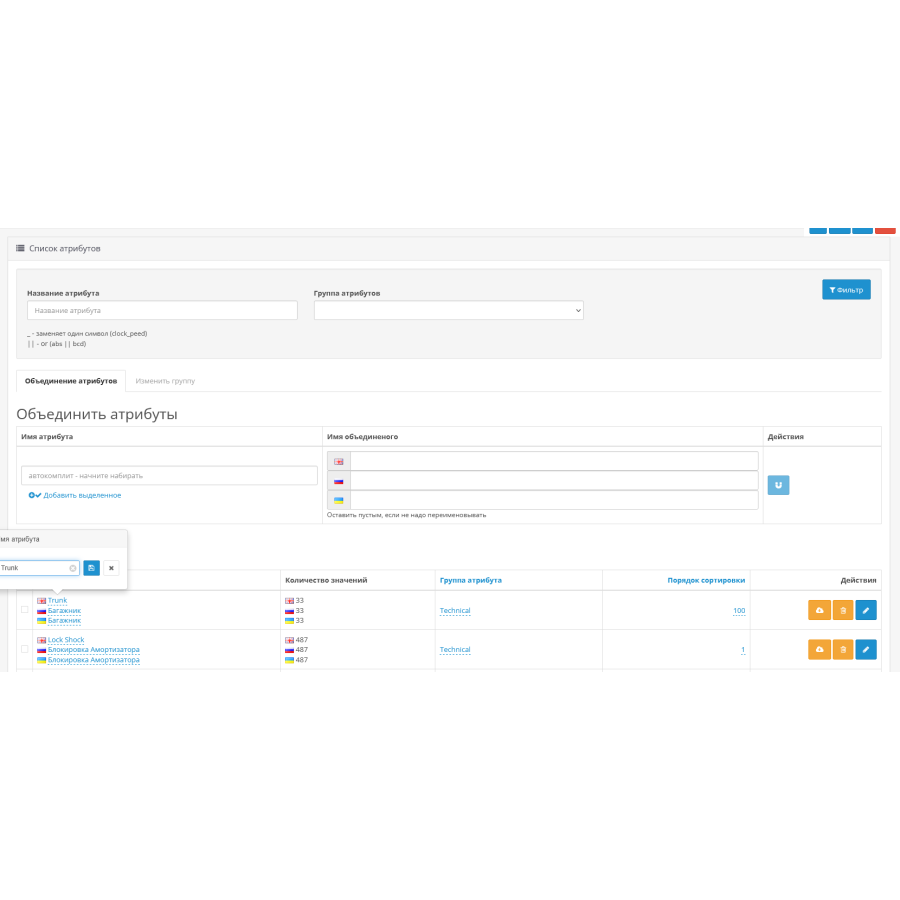
The extension greatly simplifies the work with attributes, providing the possibility of quick editing through the admin panel. You get features like filtering by name, ID, and attribute group.
Main features:
- Quick editing of attribute names
- Easy reordering of attributes in lists
- Change attribute group
- Moving attributes between groups
- Removing attributes along with removing their values from products
- Combining attributes
- Import and export attribute values
How is the combination of attributes?
When you work with attributes that have similar values, for example:
- Power W
- Power, kW
- Power
These attributes often appear when importing goods from different sources, and although they are synonymous, they should be combined into one.
Merger procedure:
- Select Attributes: Select the attributes you want to combine.
- Defining the main attribute: Select the attribute that will be the main one.
Examples:
Example 1: If attributes are attached to the product:
- Power, kW
- Power
and you selected "Power" as the main attribute, then the attributes "Power W" and "Power kW" will be removed.
Example 2: If one product has the attribute "Power W" and the other has the attribute "Power kW", then the attribute will be changed to the main "Power".
Result:
Combining allows you to save a single, optimal option of attributes for all products.
Сами характеристики создаю и распределяю руками, потому их объединение не интересует.
No questions about this product, be the first and ask your question.
Module installation instructions:
- Before performing any actions related to installing an add-on in Opencart, we recommend creating a backup copy of all site files and the store database ;
- Install the localcopy fix (if you don't have it installed yet)
- Download the module file for the desired Opencart version from our website ( Follow the installation instructions if there are any in the module archive );
- Then go to the "Installing add-ons/extensions" section and click on the " Download " button;
- Select the downloaded file and wait for the module to be fully installed and for the text "Application installed successfully" to appear;
- After that, go to " Application Manager " and update the modifiers by clicking the " Update " button;
- After these actions, you need to add the rights to view and manage the module in the " User Groups " section for the administrator or other users you select by clicking " Select All ".