





Module Advanced Options "Product options" for OpenCart
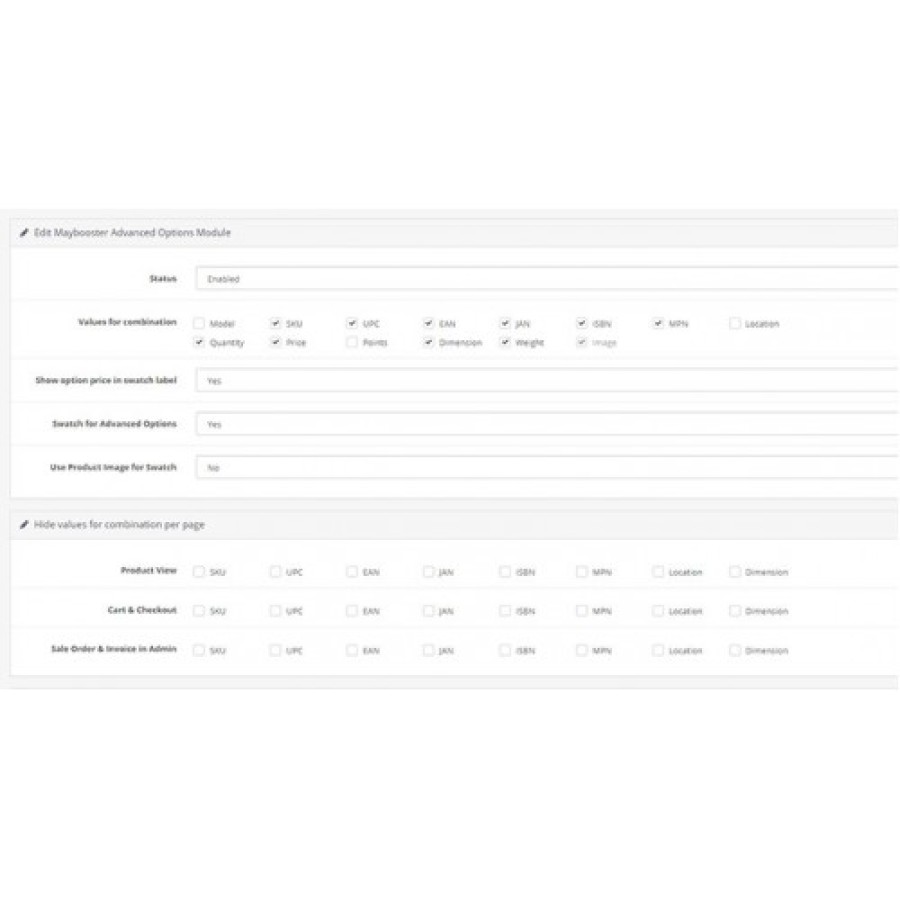
Live Update with Options: Image, Price, Stock Availability, Model, Sku, UPC, EAN, JAN, ISBN, MPN, Location, Dimension, Weight, Point
Search by Option Model, Sku, UPC, EAN, JAN, ISBN, MPN:
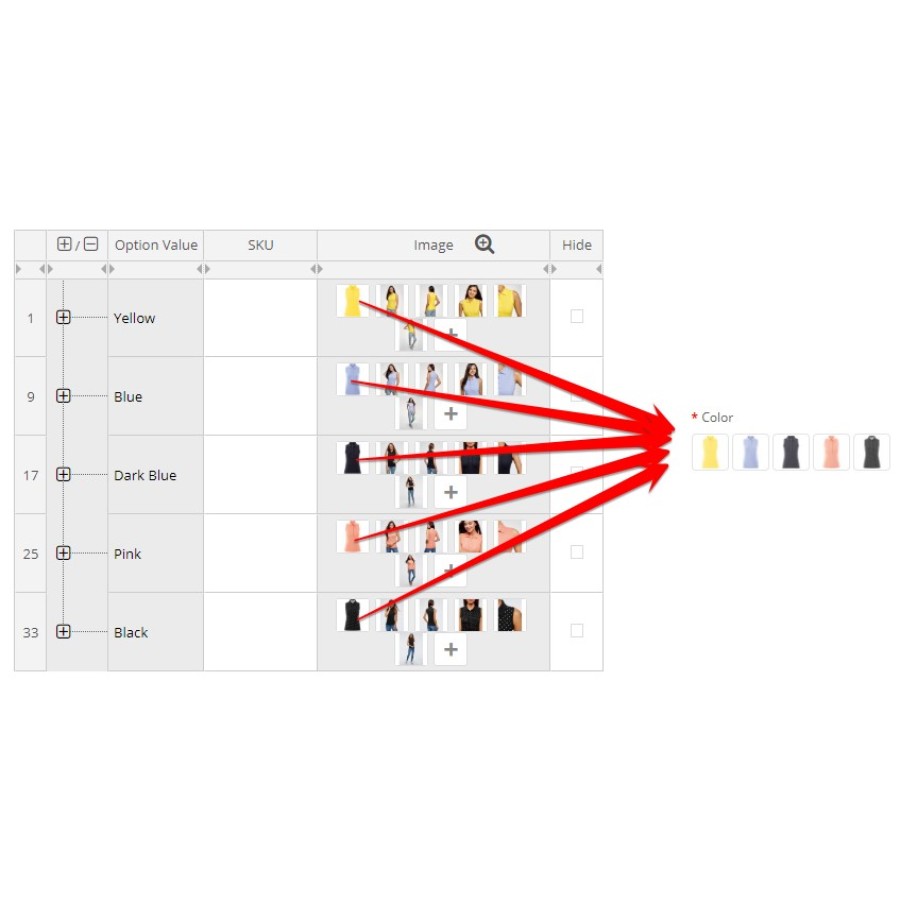
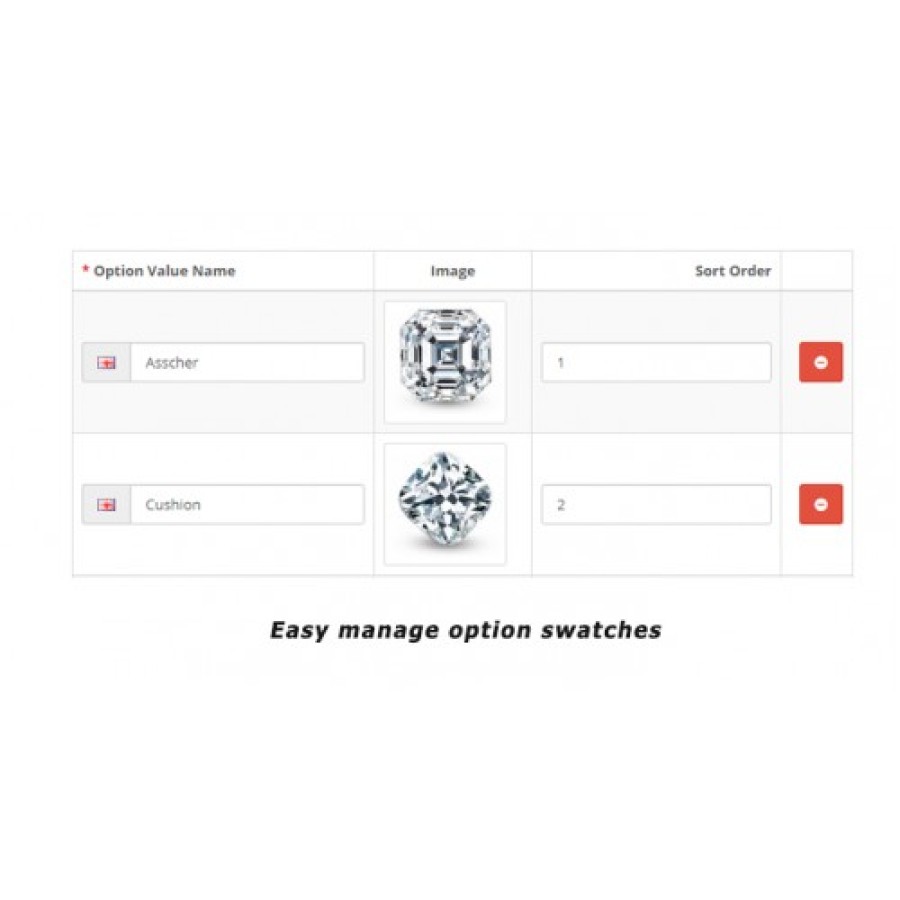
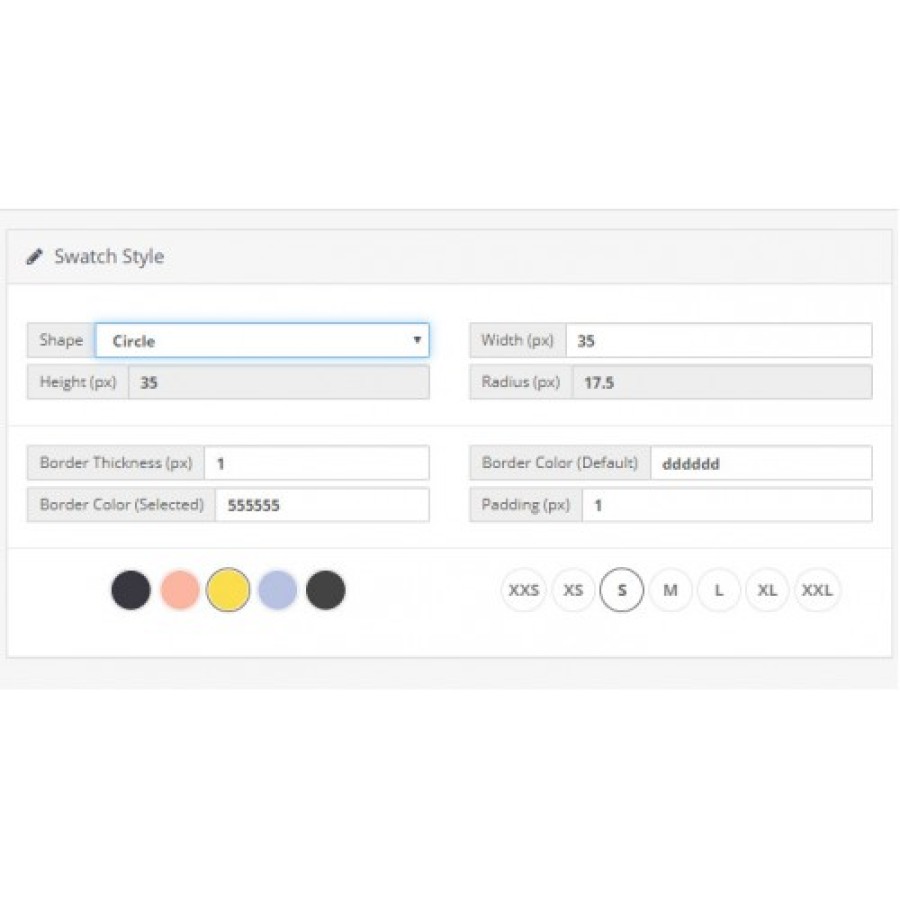
Swatch Types : Options images / Product images / Text
Show/Hide Option in Category Page
Show/Hide Option Price Differences
Show/Hide Out of Stock Option
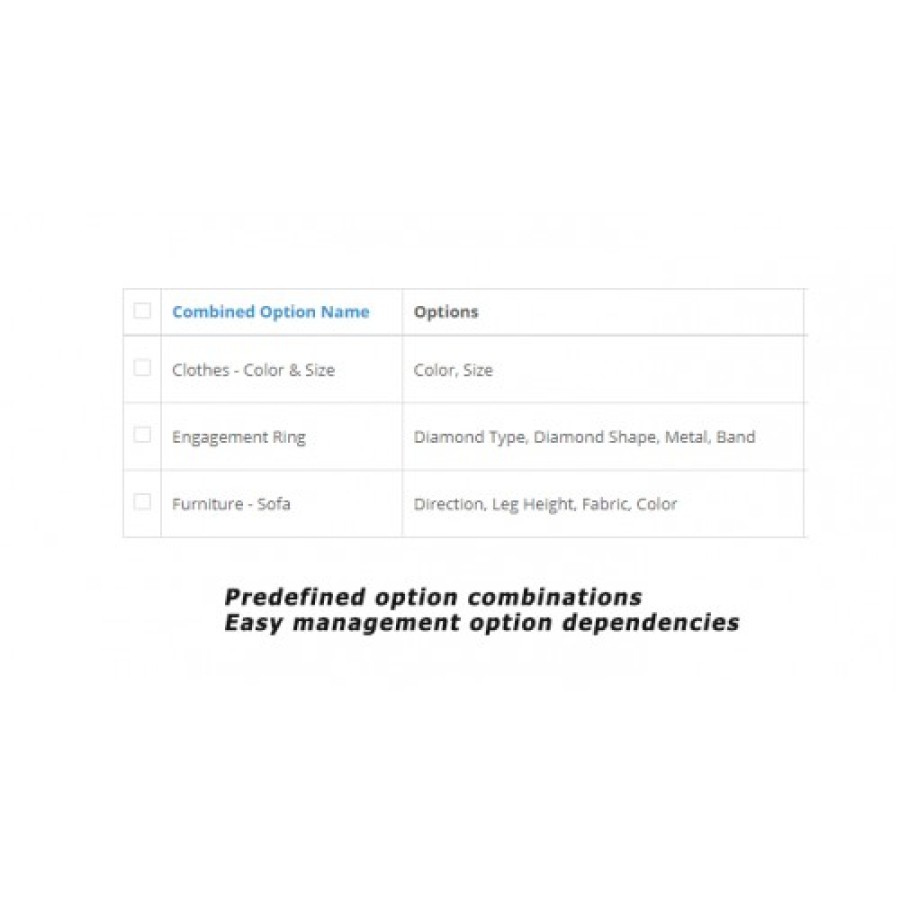
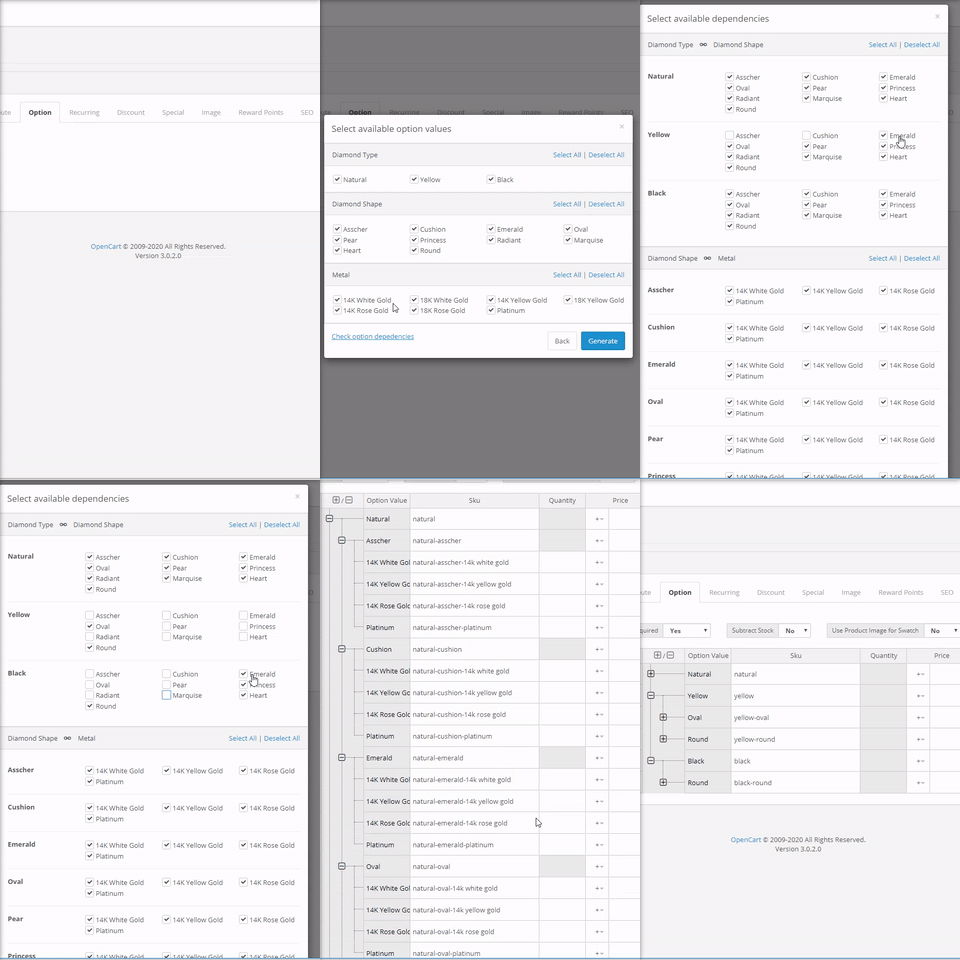
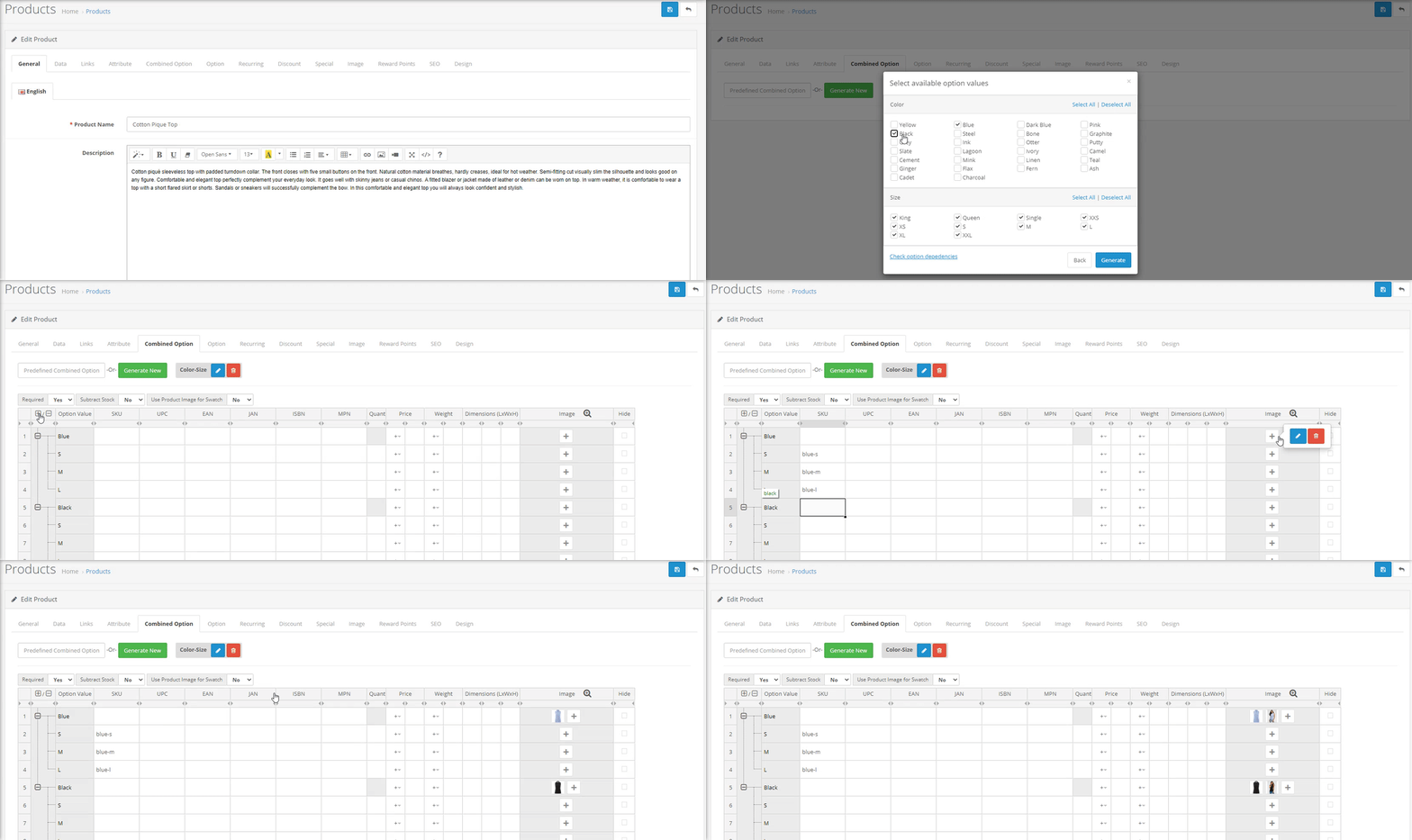
Easy Generation : Create all variable options(combined options) by simple click or predefined combinations.
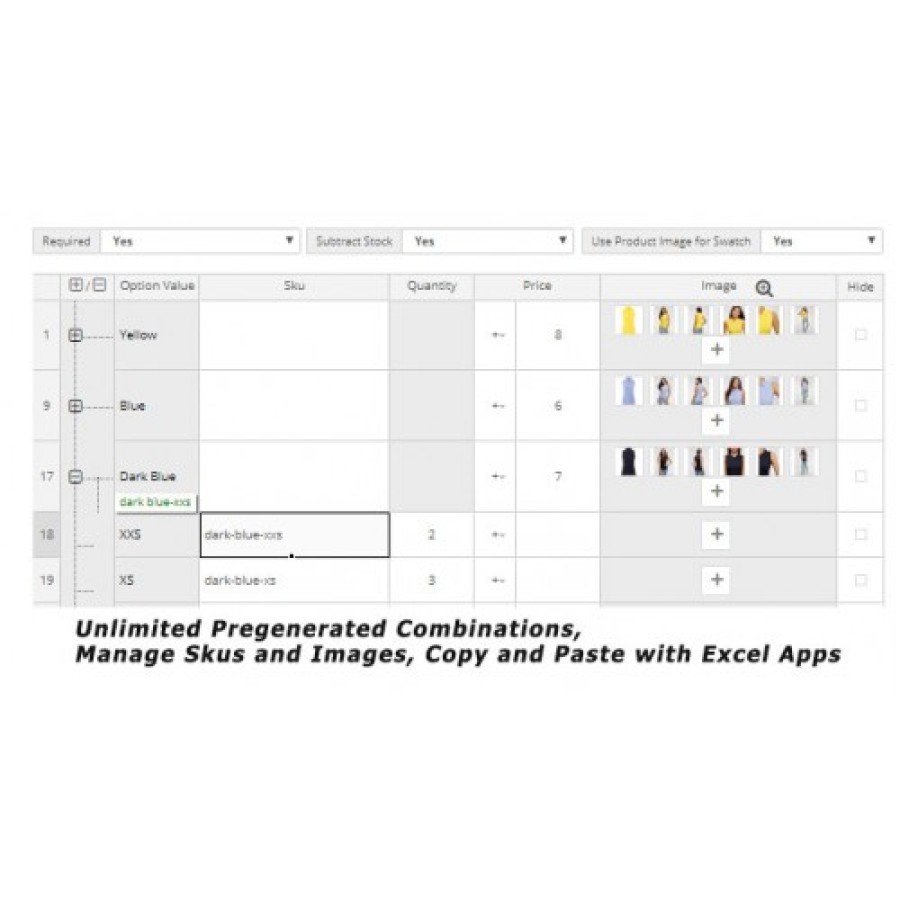
Easy edit with Excel view : Image, Price, Quantity, Model, Sku, UPC, EAN, JAN, ISBN, MPN, Location, Dimension, Weight, Point (You can choose data you only need to manage in extension configuration.)
Set option price with : =, +, -
Unlimited combinations with complex dependencies
Language: English, Russian, Ukrainian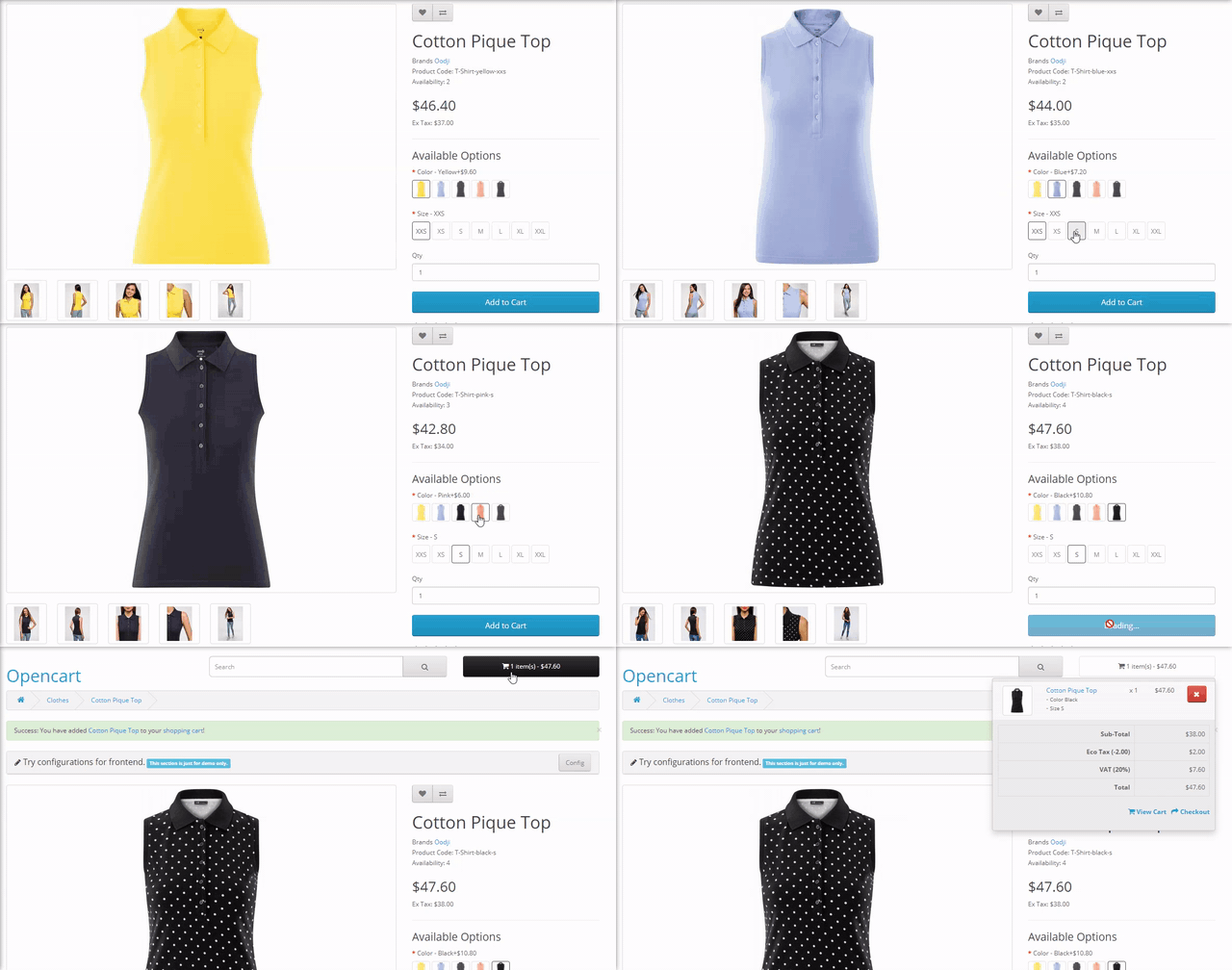
There are no reviews for this product, be the first to leave your review.
No questions about this product, be the first and ask your question.
Module installation instructions:
- Before performing any actions related to installing an add-on in Opencart, we recommend creating a backup copy of all site files and the store database ;
- Install the localcopy fix (if you don't have it installed yet)
- Download the module file for the desired Opencart version from our website ( Follow the installation instructions if there are any in the module archive );
- Then go to the "Installing add-ons/extensions" section and click on the " Download " button;
- Select the downloaded file and wait for the module to be fully installed and for the text "Application installed successfully" to appear;
- After that, go to " Application Manager " and update the modifiers by clicking the " Update " button;
- After these actions, you need to add the rights to view and manage the module in the " User Groups " section for the administrator or other users you select by clicking " Select All ".





