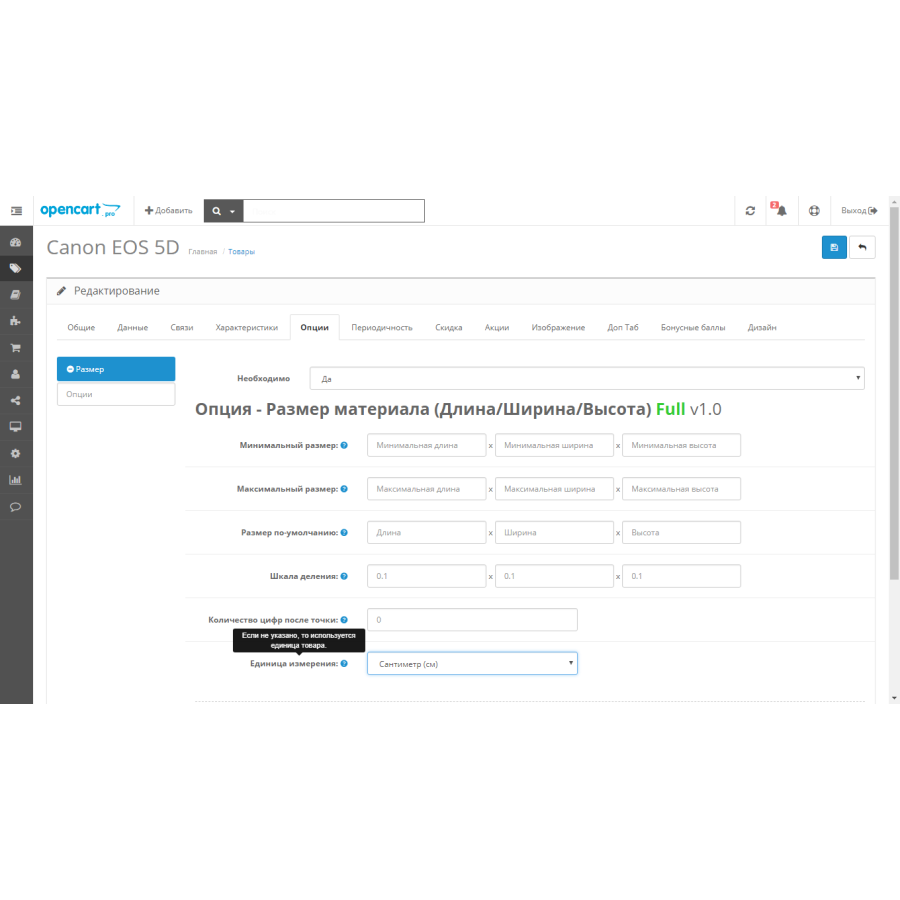
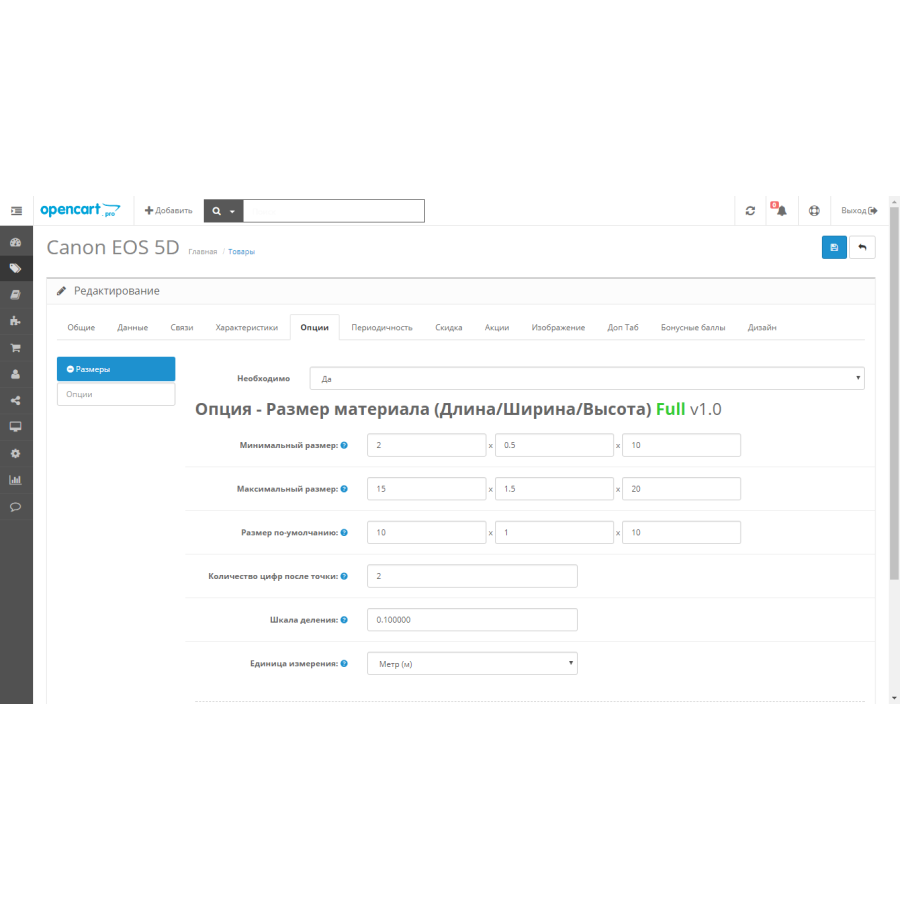
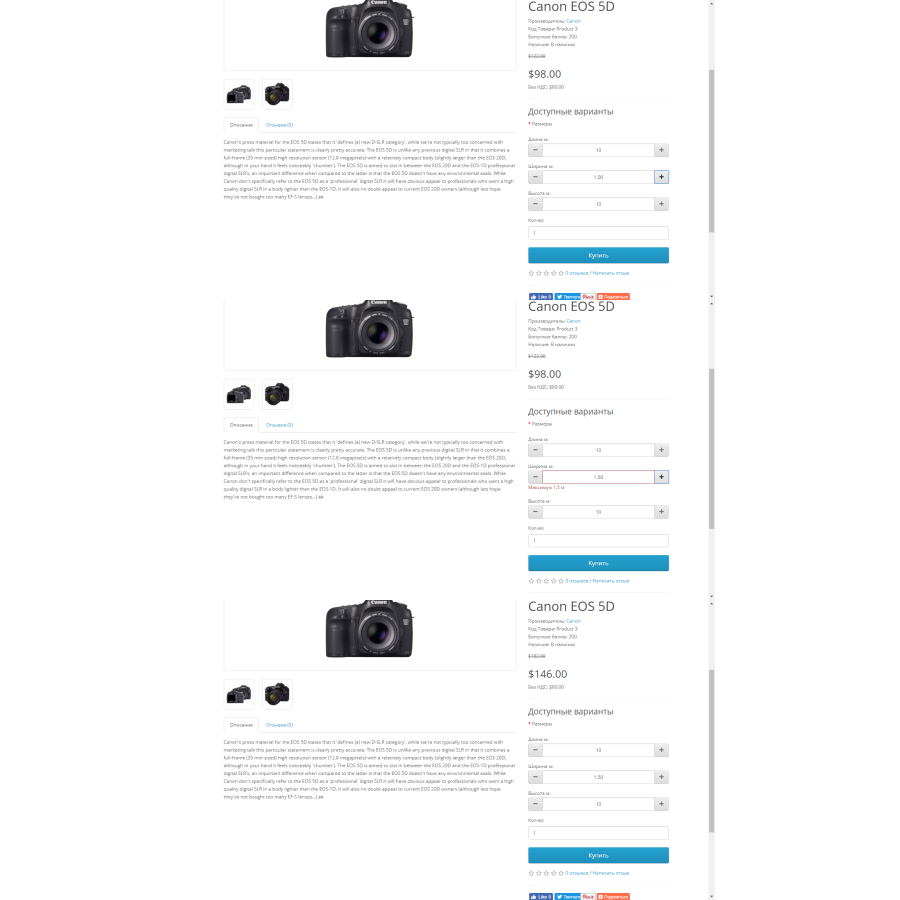


Option - Material size / Option - Material size
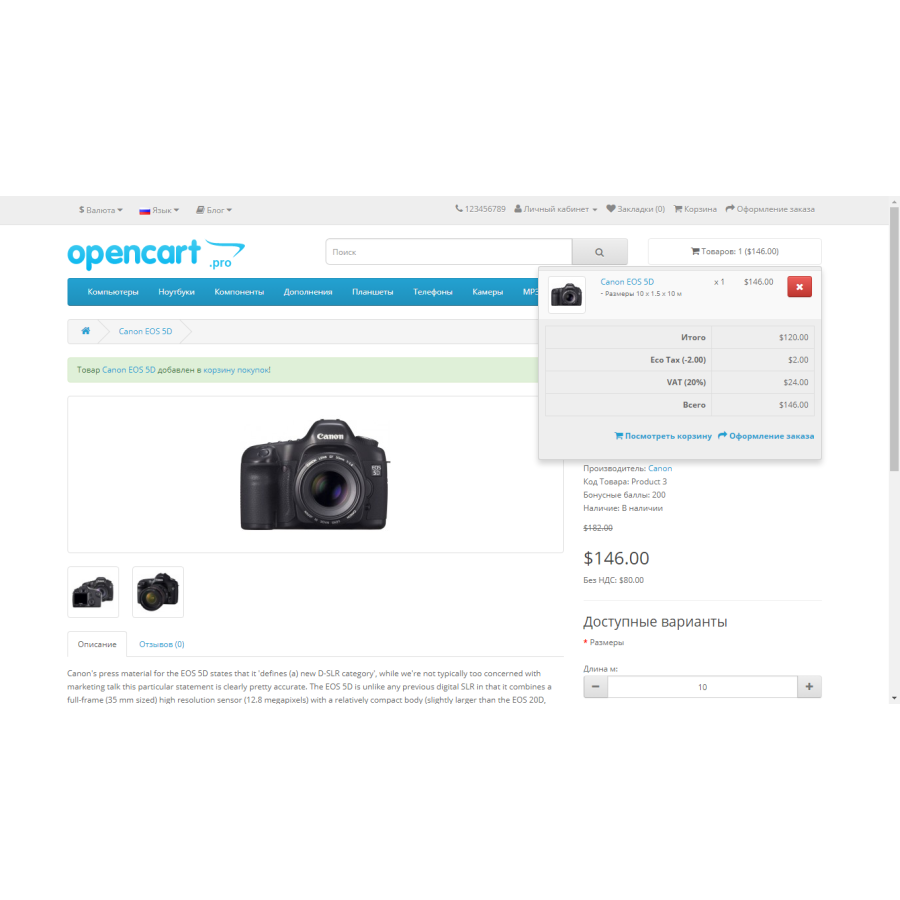
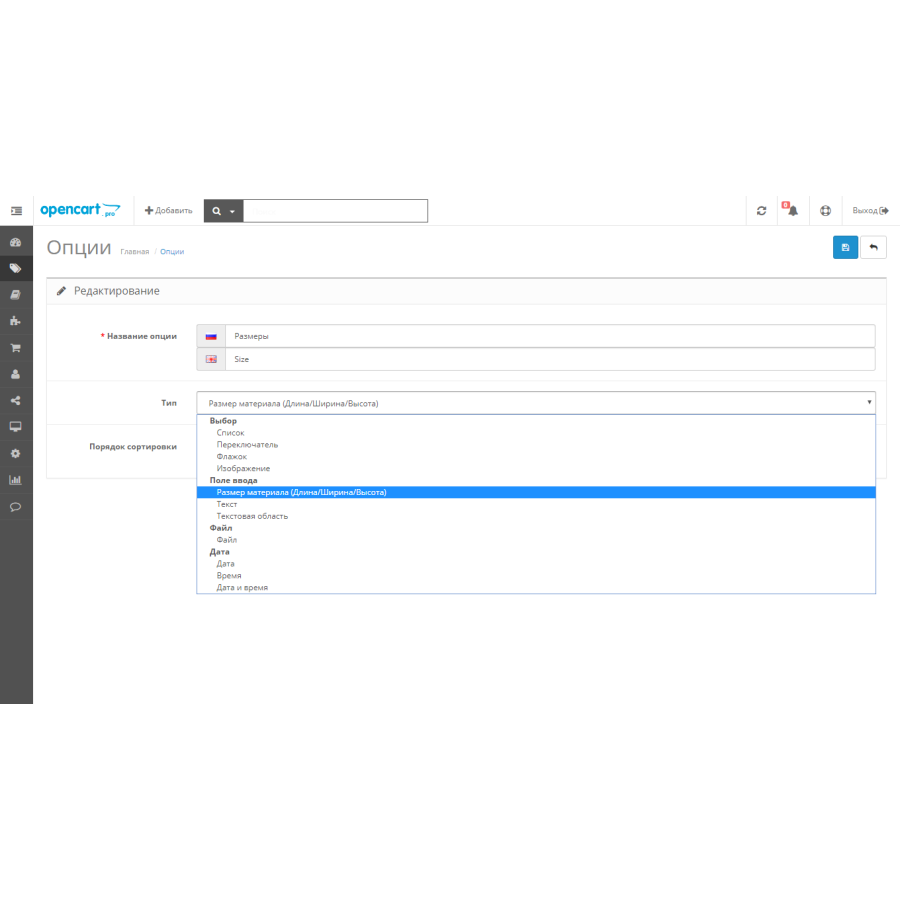
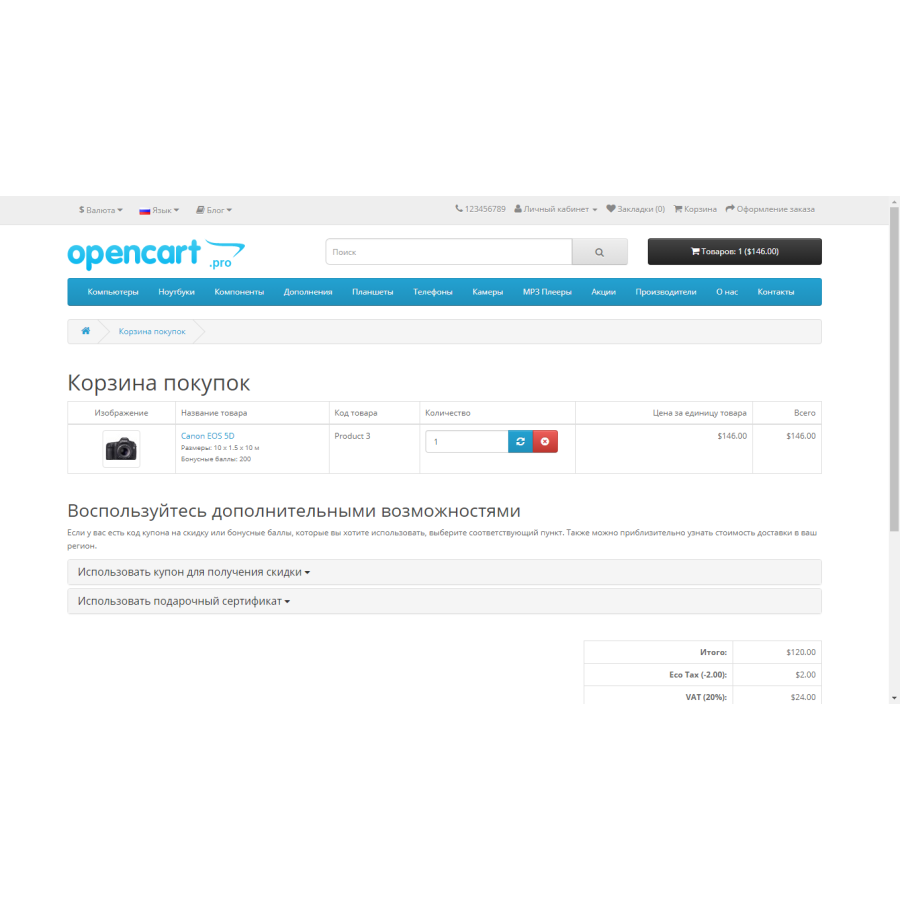
The modifier is designed to change the price depending on the dimensions of the material (goods). It includes the following features:
Price calculation by length, width and height.
Set a size range for sale.
Enter values manually and/or using a button.
Set the number of digits after the decimal point.
Setting the division scale (adjusting the steps for addition or subtraction).
Selection of the unit of measurement (millimeters, centimeters, decimeters, meters).
It is forbidden to enter characters other than numbers and periods, which eliminates the possibility of erroneous data entry.
Possibility of calculating the promotional price.
Support for two languages (Russian, English).
Important note:
Adaptation to the live price is not possible without changing the module script, a separate method for updating the price will be developed. The module is not related to the "related options" function, but can work in parallel with it. The original store files are not replaced.
The modifier "makes changes" to the following files:
admin/controller/catalog/option.php
admin/controller/catalog/product.php
admin/language/{english,en-gb}/catalog/option.php
admin/language/{english,en-gb}/catalog/product.php
admin/language/{russian,ru-ru}/catalog/option.php
admin/language/{russian,ru-ru}/catalog/product.php
admin/model/catalog/product.php
admin/view/template/catalog/option_form.{tpl,twig}
admin/view/template/catalog/product_form.{tpl,twig}
catalog/controller/product/product.php
catalog/language/{english,en-gb}/product/product.php
catalog/language/{russian,ru-ru}/product/product.php
catalog/model/catalog/product.php
catalog/view/theme/*/template/product/product.{tpl,twig}
system/{library,library/cart}/cart.php
The module is sold "AS IS" without warranty or support. It was developed and tested on a pure open source platform.
License - 1 domain - 1 purchase.
No questions about this product, be the first and ask your question.
Module installation instructions:
- Before performing any actions related to installing an add-on in Opencart, we recommend creating a backup copy of all site files and the store database ;
- Install the localcopy fix (if you don't have it installed yet)
- Download the module file for the desired Opencart version from our website ( Follow the installation instructions if there are any in the module archive );
- Then go to the "Installing add-ons/extensions" section and click on the " Download " button;
- Select the downloaded file and wait for the module to be fully installed and for the text "Application installed successfully" to appear;
- After that, go to " Application Manager " and update the modifiers by clicking the " Update " button;
- After these actions, you need to add the rights to view and manage the module in the " User Groups " section for the administrator or other users you select by clicking " Select All ".
-
How does Option - Material size / Option - Material size work?
-
What is Option - Material size / Option - Material size for in OpenCart?
-
What are the benefits of Option - Material size / Option - Material size?