
All about product
Description
Specification
Reviews
0
Questions0
Installing the module
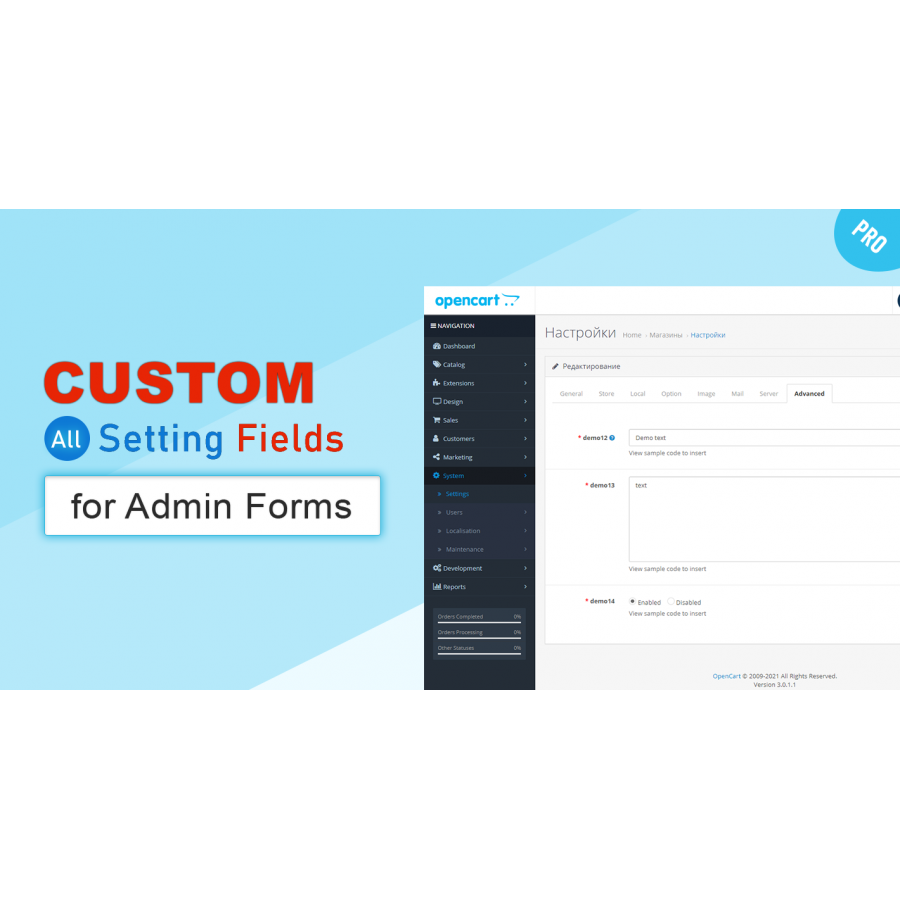

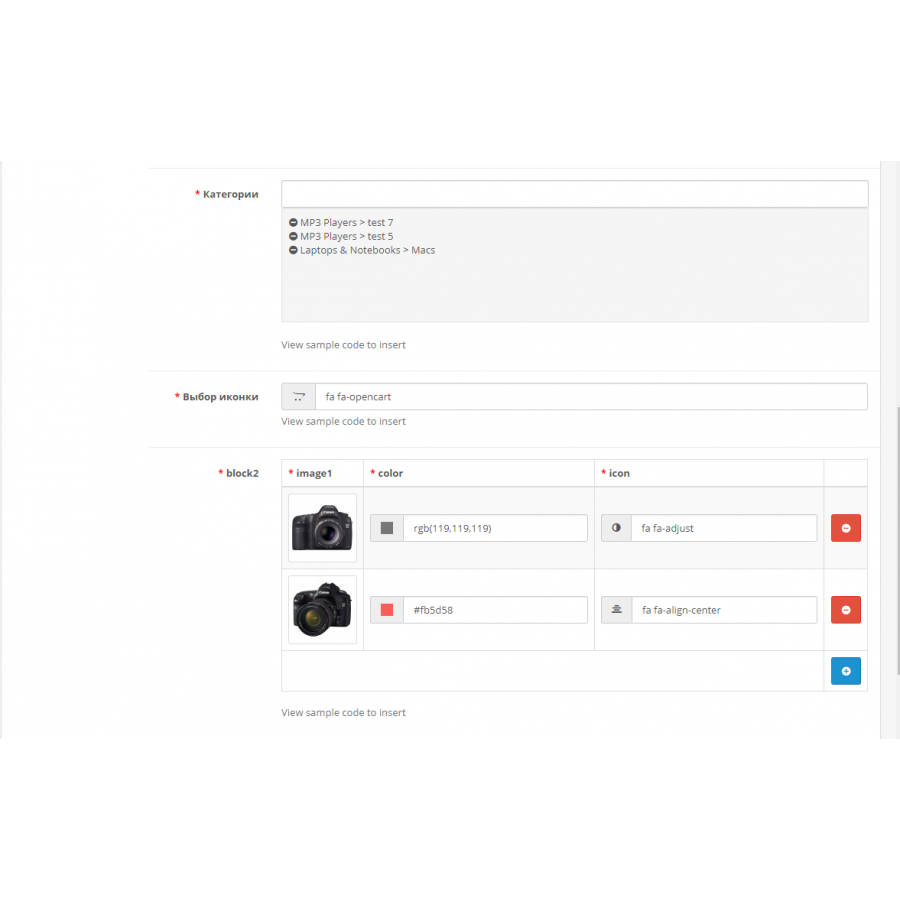
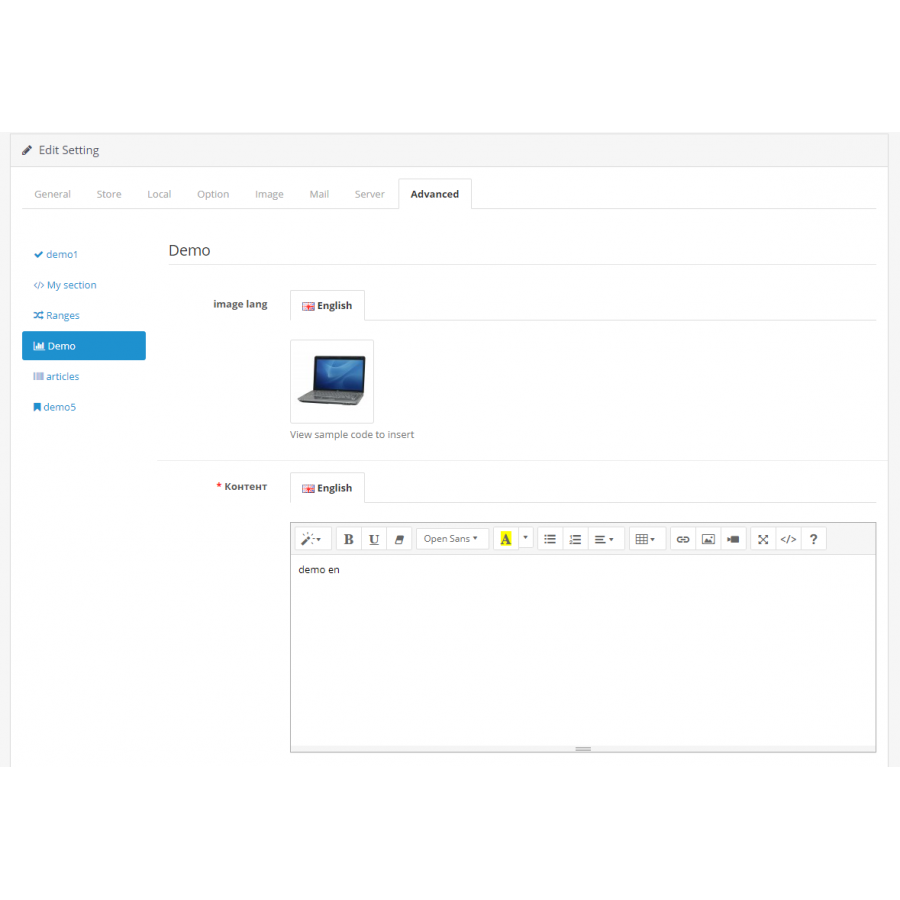
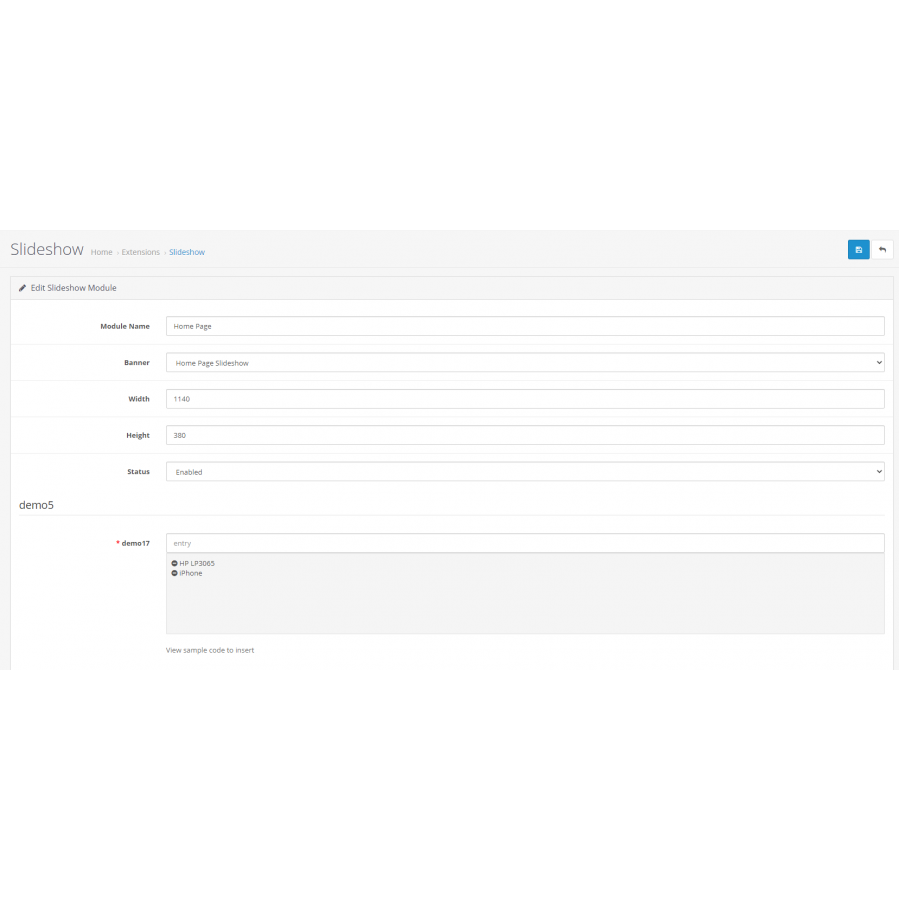
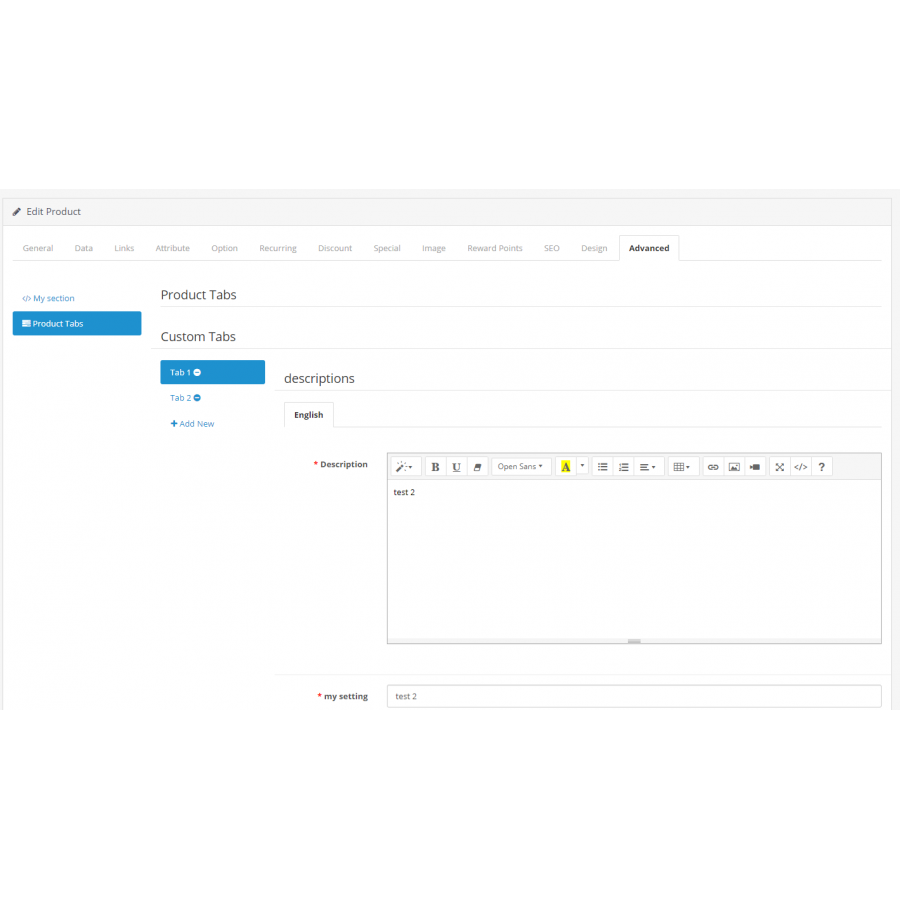
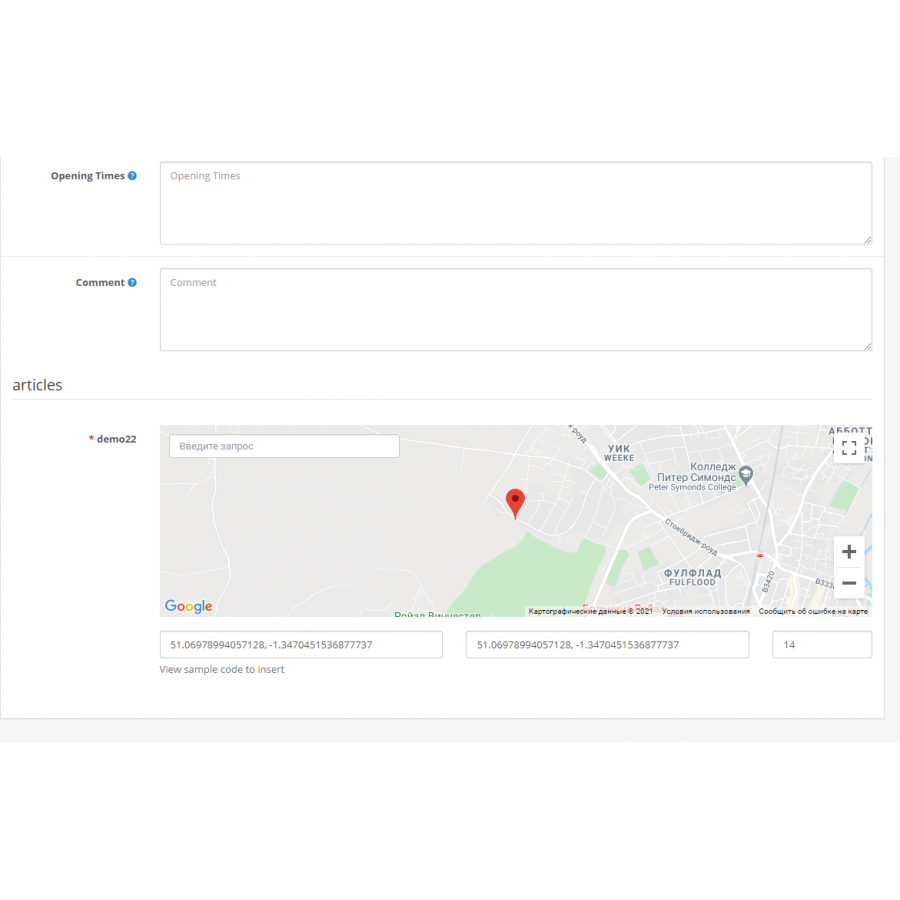


Custom fields module in the admin for Opencart
Product Code: 301
Version: 3.0
In Stock
450 грн
Main specifications
PHP:
7.2-7.4
Compatibility:
OpenCart 2.3, OpenCart 3.0, OCStore 2.3, OCStore 3.0
Localization:
Russian, English
Adaptation to your store:
Paid
All specifications
Description
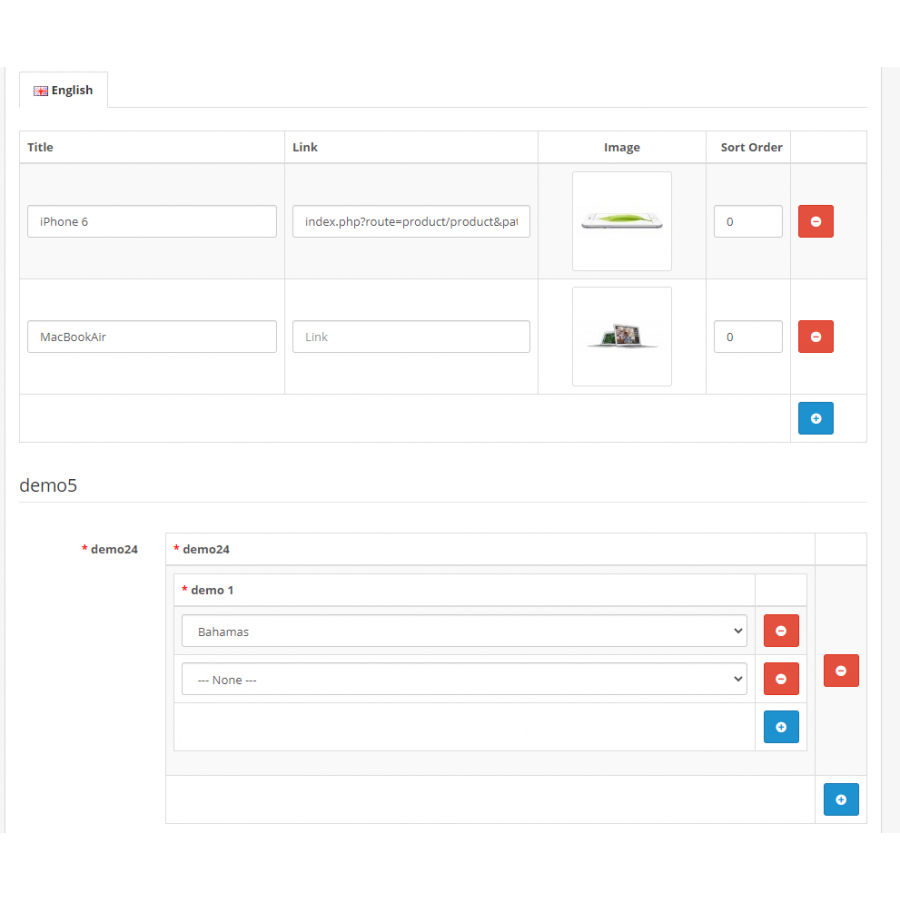
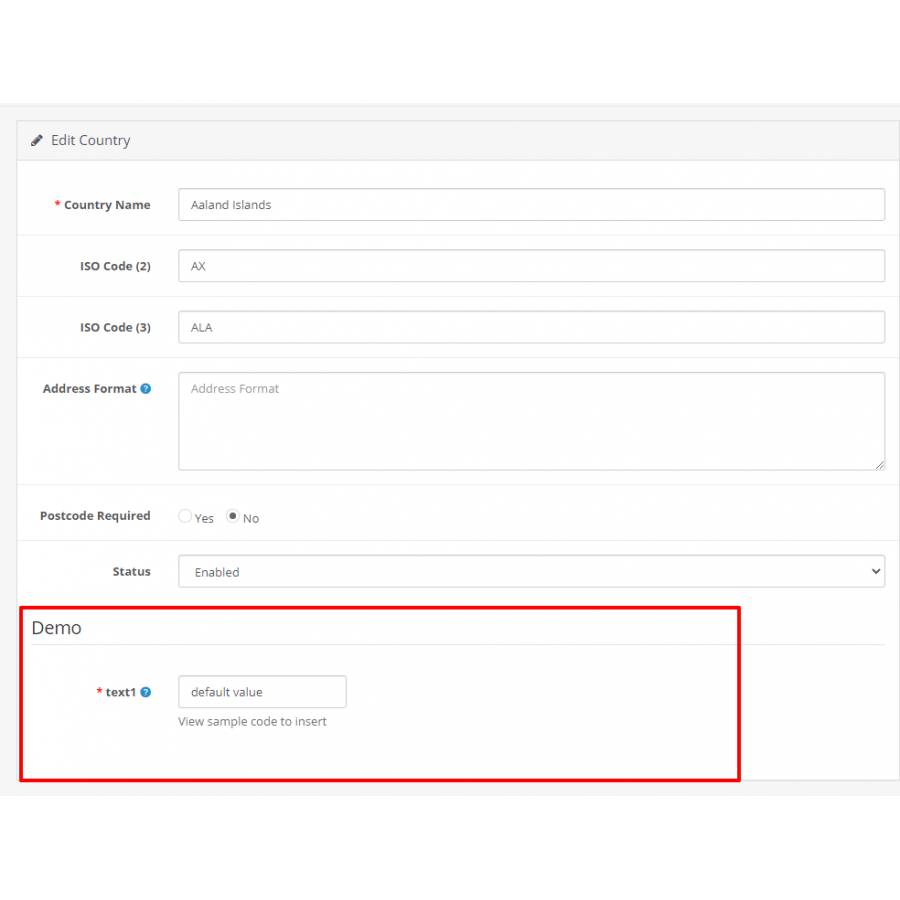
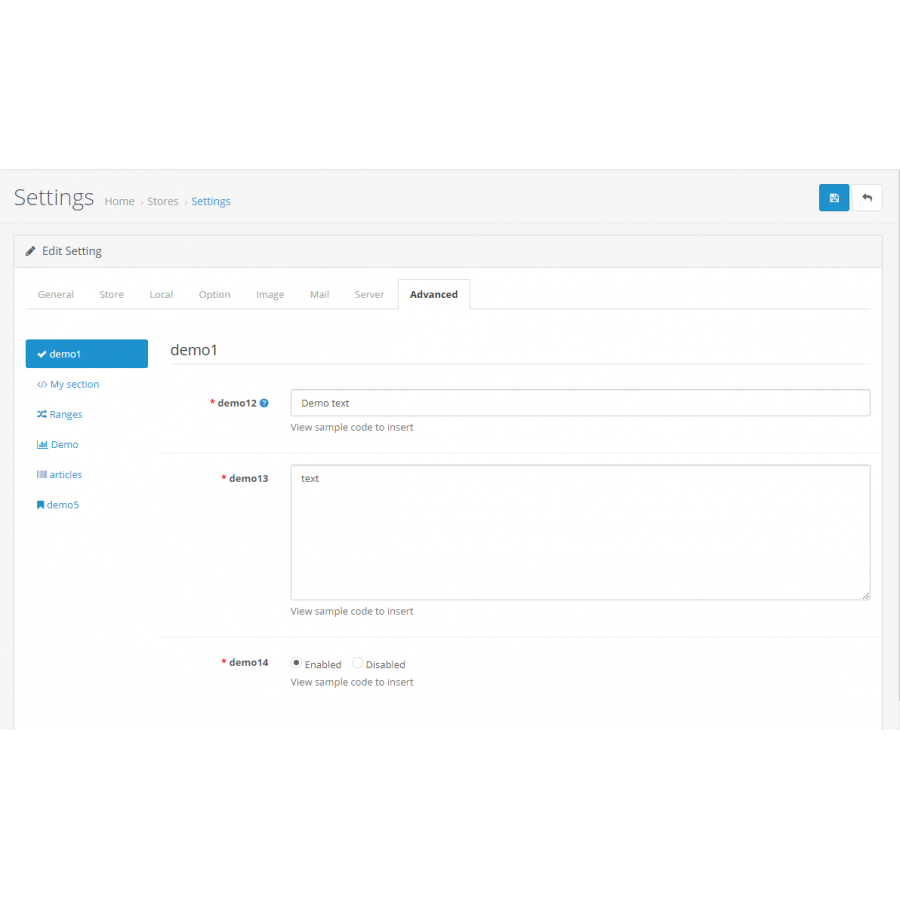
The module displays new additional fields in any admin panel forms that you specify.
WARNING! The module is only for developers because you will need your own ocmod or edit controllers to get the field values.
In the developer mode, you can download the installation of fields in php format and insert it into your module with 1 click.
This is the only module on the market that allows you to do this.
List of fields that can be added
- Text field
- Language text
- Large text
- Large language text
- Language text editor
- Language image
- Numeric
- Password
- Checkbox
- Radio buttons
- Radio buttons (Old)
- Drop down list
- Image
- Language image
- Text Editor
- Code editor
- Color
- Date
- Badge
- Range
- Autofill
- Multiple autocomplete
- Block with fields
- Tabs with margins
- Adding tabs
- Title
- message
- An array of values
- Comparison
- Coordinates (map)
- Drop-down list (Value of another field)
- Html
- Accordion
- Controller
There is something to protect you as much as possible from getting into files
- Mandatory check
- PHP regex validation,
- Specifies any data types such as values, items, categories, options, etc.
- Creating blocks with other fields, as in product attributes, as a block, can also be another block
- Regex field mask, phone, email, etc.
- The ability to specify a viewing field in absolutely any form in the admin panel, including any module
What else can be done?
- Specify Placeholder
- Specify the width
- Specify the help field
- Specify sorting
- Specify the error text
- And additionally for each field, there are different options
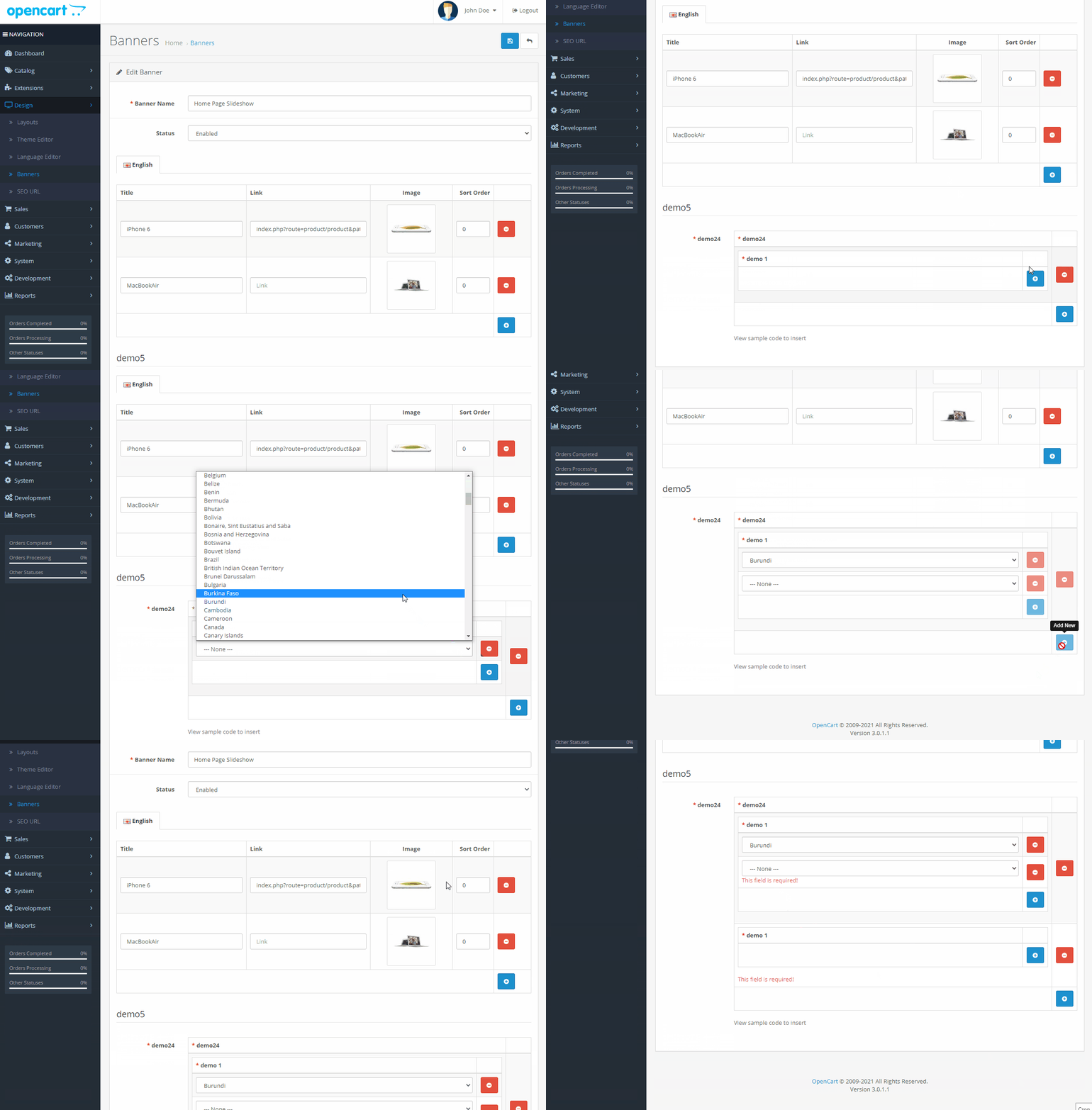
In developer mode
- You can integrate the field so that it cannot be deleted and edited, the field is glued to the CMS
- View the code to set the field through your component (installer)
- See an example of the code to insert into the controller, ocmod and twig, to display information on the site
Query the field values in the controller
 // We get the value of the categories field from the section my_section
$setting_value = $this->load->controller('custom/setting/getValue', array(
    'section' => 'my_section', // Unique indicator of the section, which is specified when creating in the admin panel
    'setting' => 'categories', // Unique indicator of the field, which is specified when creating in the admin panel
    'page' => 'setting' // Form code in the admin panel, for example setting, product, module
    'id' => '23' // id, for example the id of a product, category, module, etc
));

// Initialize the received data
$data['setting_value'] = $setting_value;
in the current twig template, display and process the information {{ setting_value }}
As you can see, it only takes a few lines to implement a field in opencart, which you can insert using ocmod
At the same time, if you integrate the field, in developer mode, it will not be possible to delete it, which certainly makes sense
When might this module be needed?
- When entering additional information on the site
- If necessary, specify additional values of any object, product, store, category.
- When developing your theme
- During add-on development
- If you are developing a store on opencart, this module will replace most paid modules for you with minimal knowledge of php and twig
- Speed up your work times
- Expand opencart
Specifications
Characteristics
PHP
7.2-7.4
Compatibility
OpenCart 2.3, OpenCart 3.0, OCStore 2.3, OCStore 3.0
Localization
Russian, English
Adaptation to your store
Paid
There are no reviews for this product, be the first to leave your review.
No questions about this product, be the first and ask your question.
Installing the module
Module installation instructions:
- Before performing any actions related to installing an add-on in Opencart, we recommend creating a backup copy of all site files and the store database ;
- Install the localcopy fix (if you don't have it installed yet)
- Download the module file for the desired Opencart version from our website ( Follow the installation instructions if there are any in the module archive );
- Then go to the "Installing add-ons/extensions" section and click on the " Download " button;
- Select the downloaded file and wait for the module to be fully installed and for the text "Application installed successfully" to appear;
- After that, go to " Application Manager " and update the modifiers by clicking the " Update " button;
- After these actions, you need to add the rights to view and manage the module in the " User Groups " section for the administrator or other users you select by clicking " Select All ".





