



Pop-up module Pop-up windows for Opencart
Distribution according to the principle of 1 purchase - 1 domain
A universal module for pop-ups, confirmations and notifications.
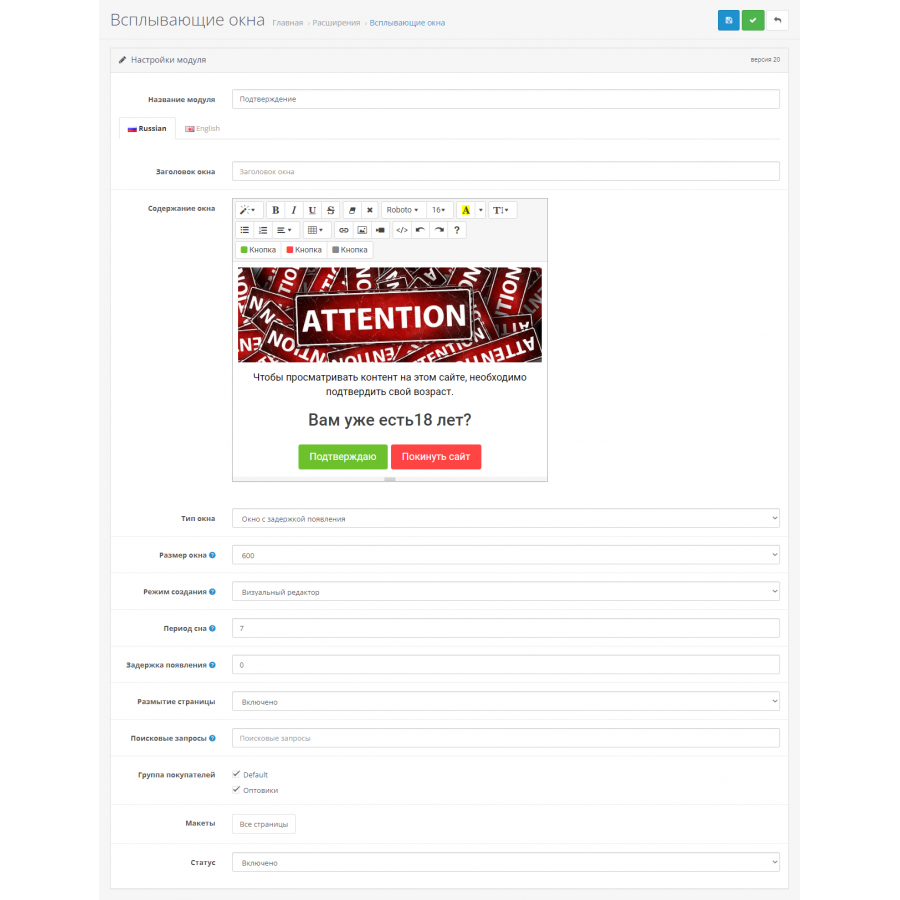
You can design and fill windows with information through the visual editor or in HTML code mode.
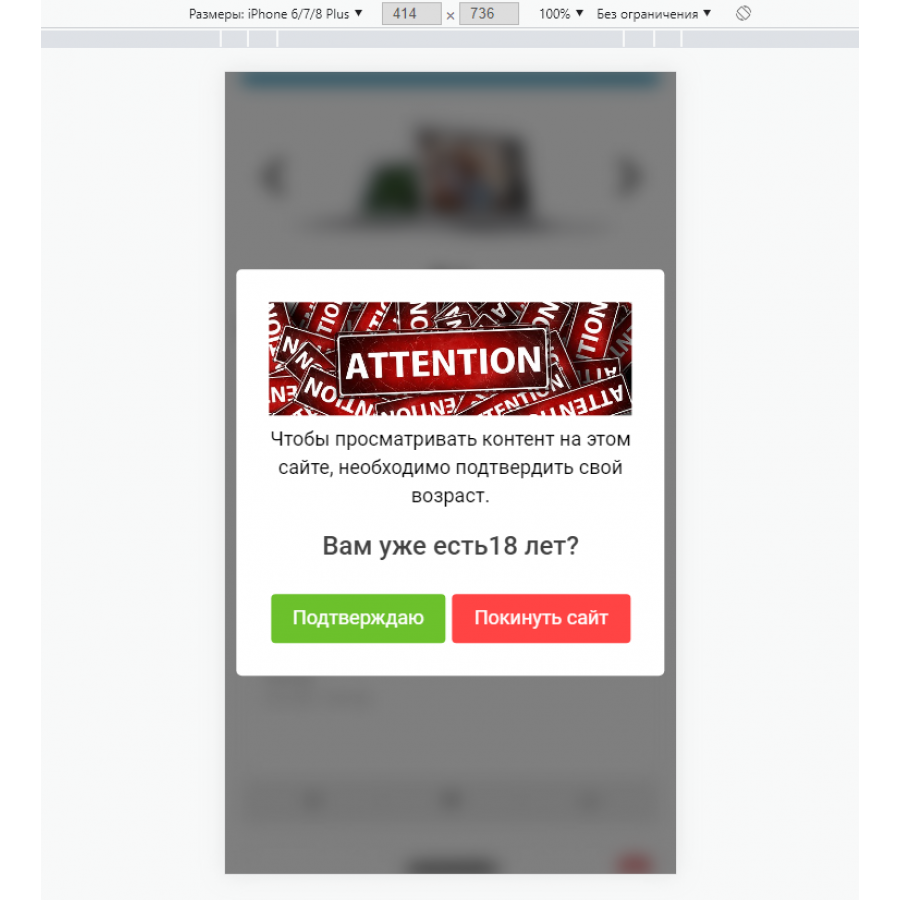
Windows are adaptive, adjust to any screen resolution.
You can create many windows in the same or different layouts, each with its own content and settings.
Including the possibility to show the module only in certain categories, products, pages, if you create a separate layout.
In the window settings, you can also specify site searches and display or not display the window depending on them.
Also, a modifier is added to the module for free to create a general layout, when using which the module can be immediately displayed on all pages of the site.
Examples of use:
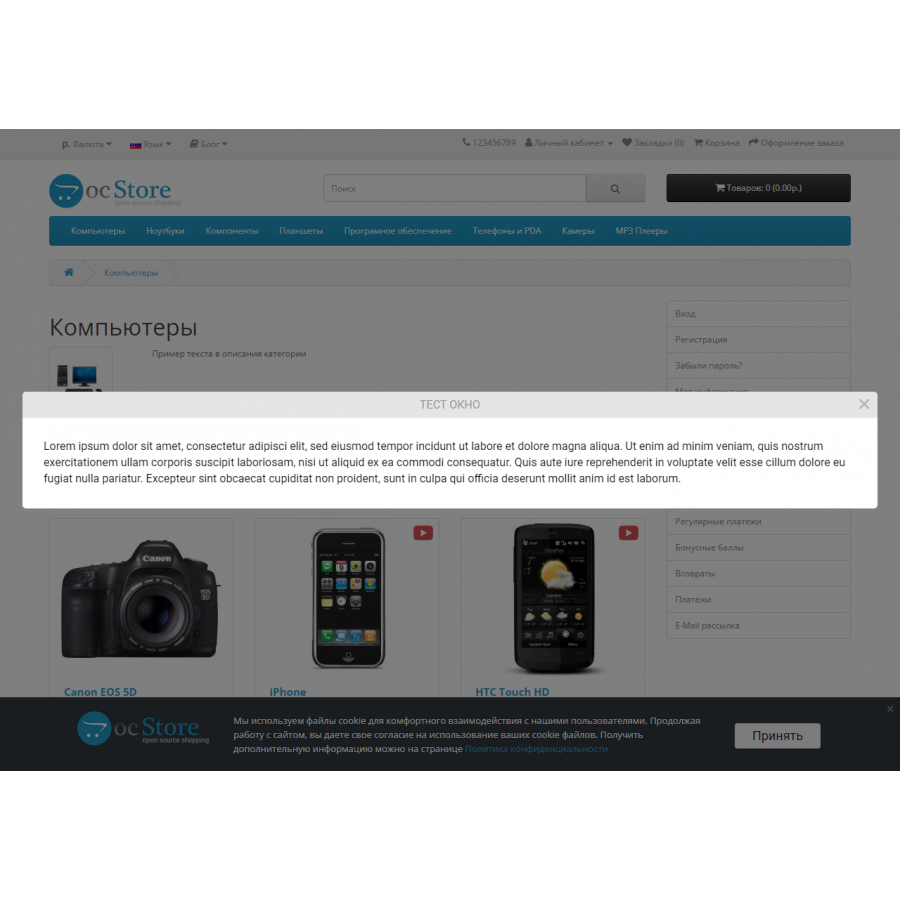
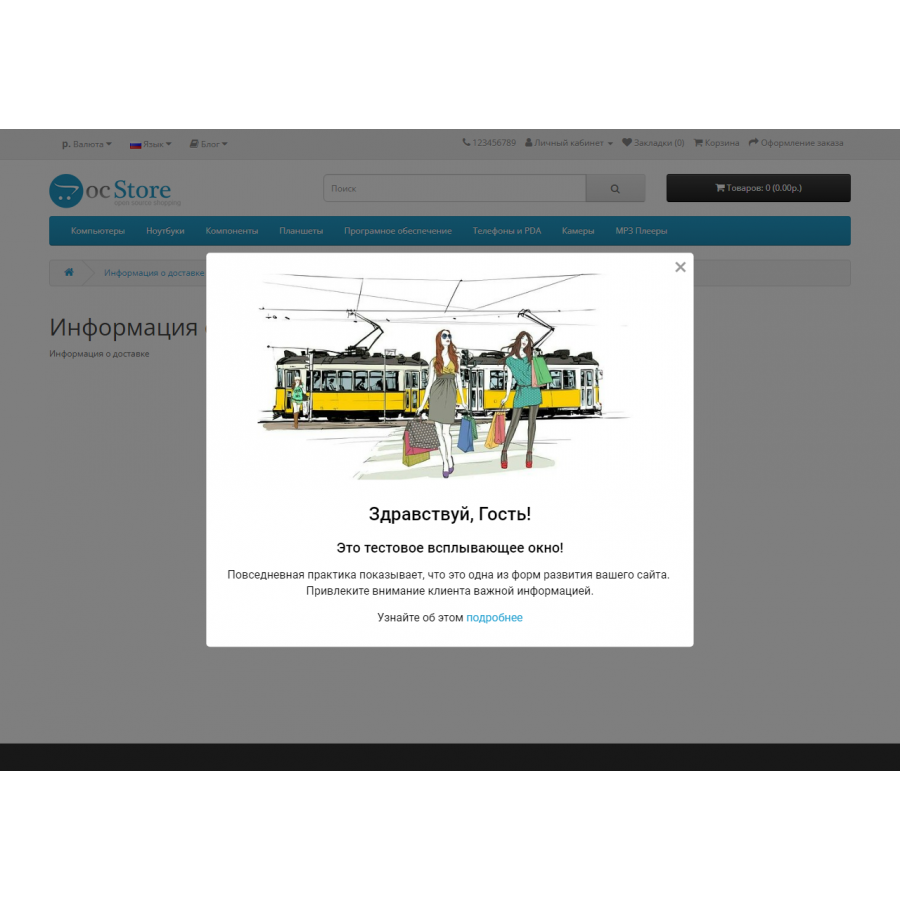
- information windows
- windows with shares
- age confirmation or acceptance windows
- bottom cookie notification banner
- window when the visitor leaves the site (in the desktop version)
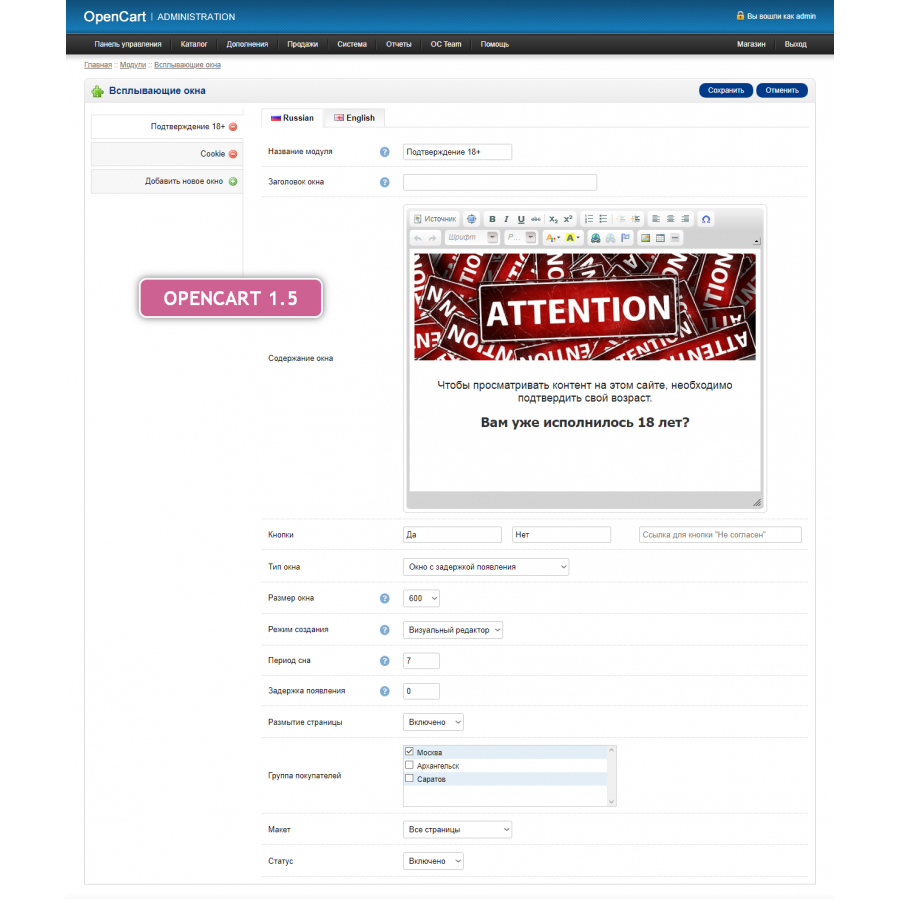
- window type: delayed / in care / cookie notification
- window size: 300-1000px
- creation mode: WYSIWYG / HTML
- sleep time in days
- appearance delay in seconds
- blur page
- search queries
- selection of a group of buyers
- click on the closing cross
- after clicking on any link contained therein
- after positive acceptance of the conditions with the button
The module may not work on sites that use third-party page caching modules.
These are the cases when the old content of the page continues to be displayed for some time even after the information on it has been changed.
There are no reviews for this product, be the first to leave your review.
No questions about this product, be the first and ask your question.
Module installation instructions:
- Before performing any actions related to installing an add-on in Opencart, we recommend creating a backup copy of all site files and the store database ;
- Install the localcopy fix (if you don't have it installed yet)
- Download the module file for the desired Opencart version from our website ( Follow the installation instructions if there are any in the module archive );
- Then go to the "Installing add-ons/extensions" section and click on the " Download " button;
- Select the downloaded file and wait for the module to be fully installed and for the text "Application installed successfully" to appear;
- After that, go to " Application Manager " and update the modifiers by clicking the " Update " button;
- After these actions, you need to add the rights to view and manage the module in the " User Groups " section for the administrator or other users you select by clicking " Select All ".





