


Popular products in categories for OpenCart
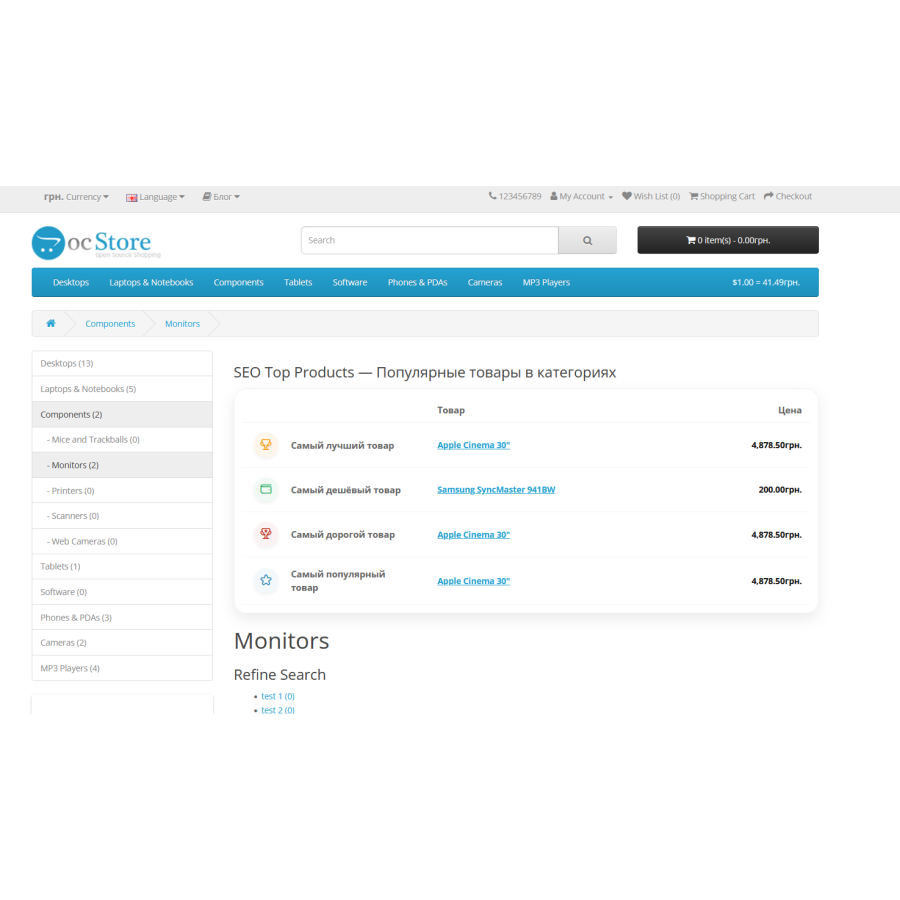
Popular Products in Categories is a module for OpenCart that helps to highlight the best products in the categories of your online store. It analyzes orders, views, and reviews to show buyers the most relevant and popular items. This approach increases customer trust and stimulates sales without additional administrator effort.
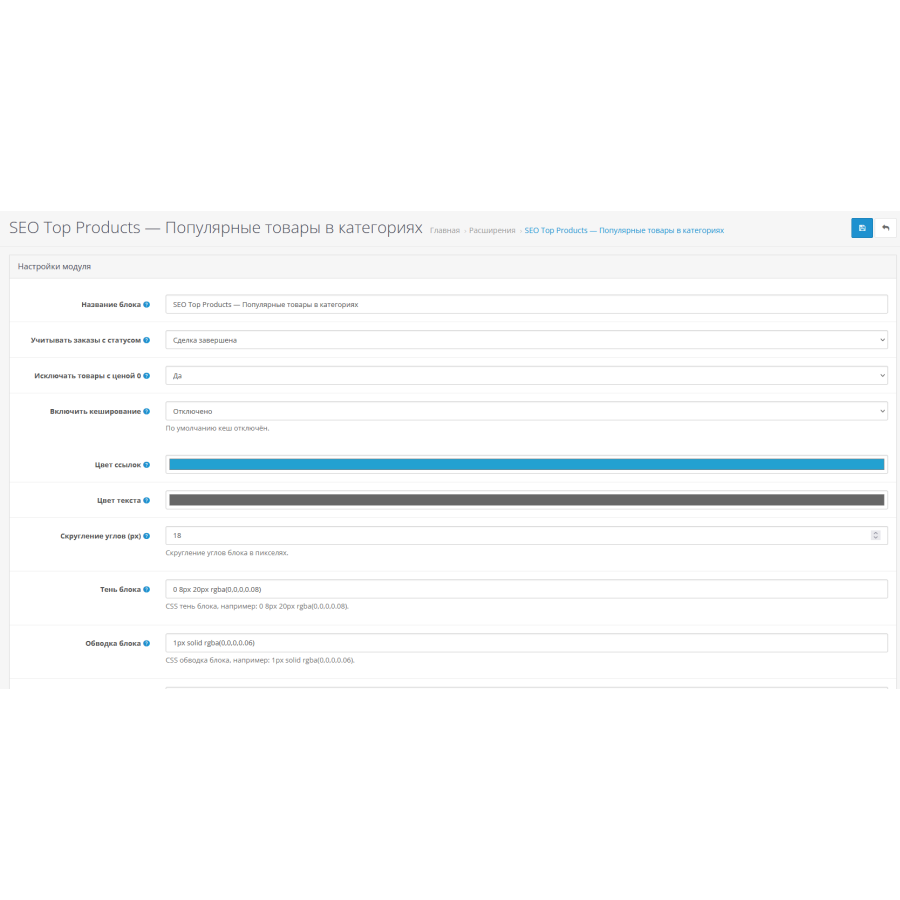
The module works based on real sales and user activity data. You can set up filters, exclude zero-priced products, and manage the appearance of the block. The module works stably and is suitable for any store templates and categories.
Main features of the module:
Selection of the best selling products.
Priority of popular products based on reviews and views.
Ability to consider only orders with the required status.
Excluding products with a zero price.
Caching support for fast display.
Flexible block design customization (colors, shadows, frames, rounding).
Full compatibility with OpenCart 2.3 and above.
Module installation instructions:
Go to the "Installing add-ons/extensions" section and click the "Download" button;
Select the downloaded file and wait for the message "Add-on installed successfully."
Module languages: Ukrainian, English, Russian.
There are no reviews for this product, be the first to leave your review.
No questions about this product, be the first and ask your question.
Module installation instructions:
- Before performing any actions related to installing an add-on in Opencart, we recommend creating a backup copy of all site files and the store database ;
- Install the localcopy fix (if you don't have it installed yet)
- Download the module file for the desired Opencart version from our website ( Follow the installation instructions if there are any in the module archive );
- Then go to the "Installing add-ons/extensions" section and click on the " Download " button;
- Select the downloaded file and wait for the module to be fully installed and for the text "Application installed successfully" to appear;
- After that, go to " Application Manager " and update the modifiers by clicking the " Update " button;
- After these actions, you need to add the rights to view and manage the module in the " User Groups " section for the administrator or other users you select by clicking " Select All ".





