

Module Preloader Pro - beautiful loading of your store for OpenCart
Buyers will see an animated image while your site loads. Increases store trust and quality.
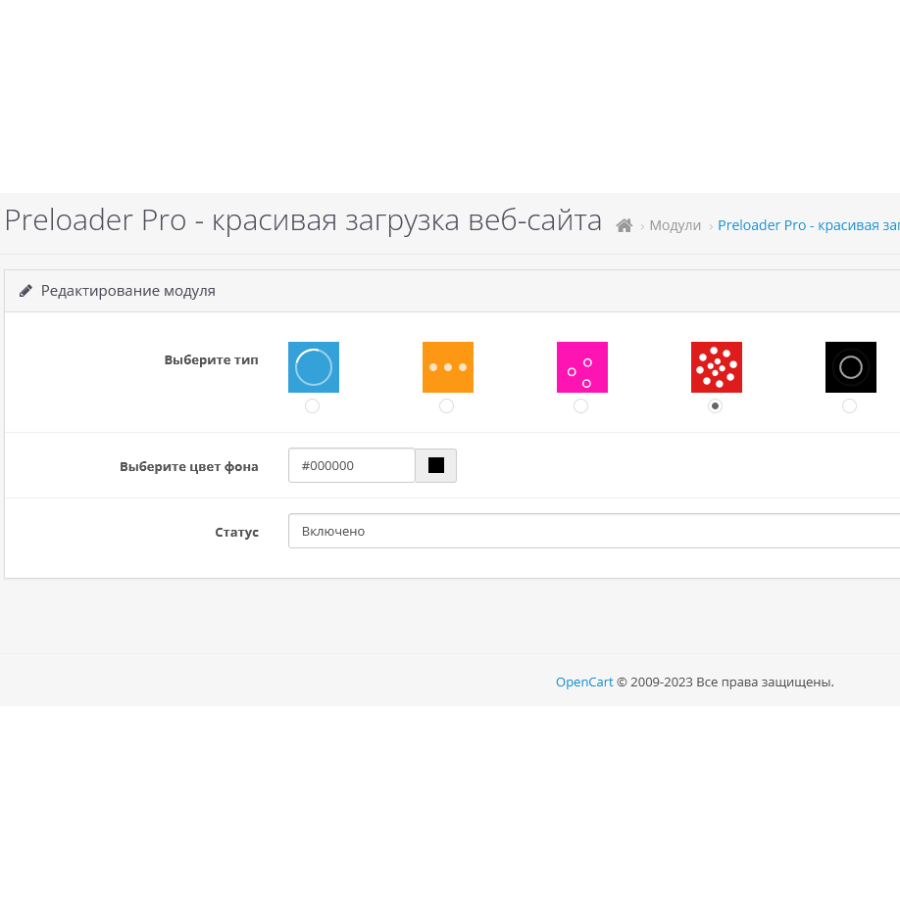
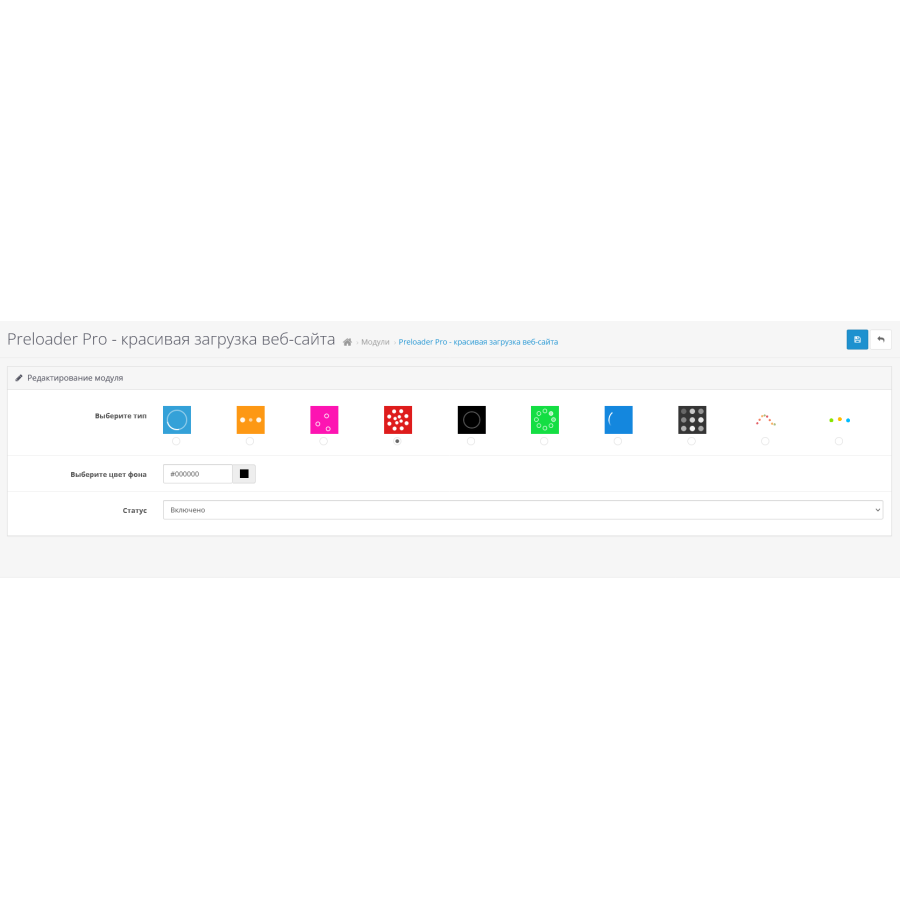
• 10 types of the most popular animations
• 8 animations in SVG format (images consist of code and do not load your site), 2 options for complex animations in GIF
• Possibility to set any background color
License:
The module is sold with a website license. One purchase = one domain
By purchasing a copy of the module you receive the right to use it. Distributing the module for a fee or free of charge violates the terms of the license and threatens cancellation of the purchase, as well as criminal liability under Article 146 of the Criminal Code of the Russian Federation (Violation of copyright and related rights). The author reserves the right to change the license terms, price changes and license renewal costs.
All modifications, modifications and modifications are not included in the price of the module and are paid separately by written agreement with the author. Possibility to set any background color
Жаль налаштовувати через адмінку не все можна, хотілося б колір анімації, розмір редагувати. Але це вирішується у файлі preloadpro.css.
Загалом, що заявлено, то й одержуємо. )
No questions about this product, be the first and ask your question.
Module installation instructions:
- Before performing any actions related to installing an add-on in Opencart, we recommend creating a backup copy of all site files and the store database ;
- Install the localcopy fix (if you don't have it installed yet)
- Download the module file for the desired Opencart version from our website ( Follow the installation instructions if there are any in the module archive );
- Then go to the "Installing add-ons/extensions" section and click on the " Download " button;
- Select the downloaded file and wait for the module to be fully installed and for the text "Application installed successfully" to appear;
- After that, go to " Application Manager " and update the modifiers by clicking the " Update " button;
- After these actions, you need to add the rights to view and manage the module in the " User Groups " section for the administrator or other users you select by clicking " Select All ".