

Module Product filter Dream Filter for OpenCart
For any online store, one of the most necessary modules is the product filter. The filter allows customers not to get lost among a variety of products and choose the right item according to all the necessary parameters. For store owners, this is a good chance to increase sales - it will become easier for the buyer to make a choice and make a purchase.
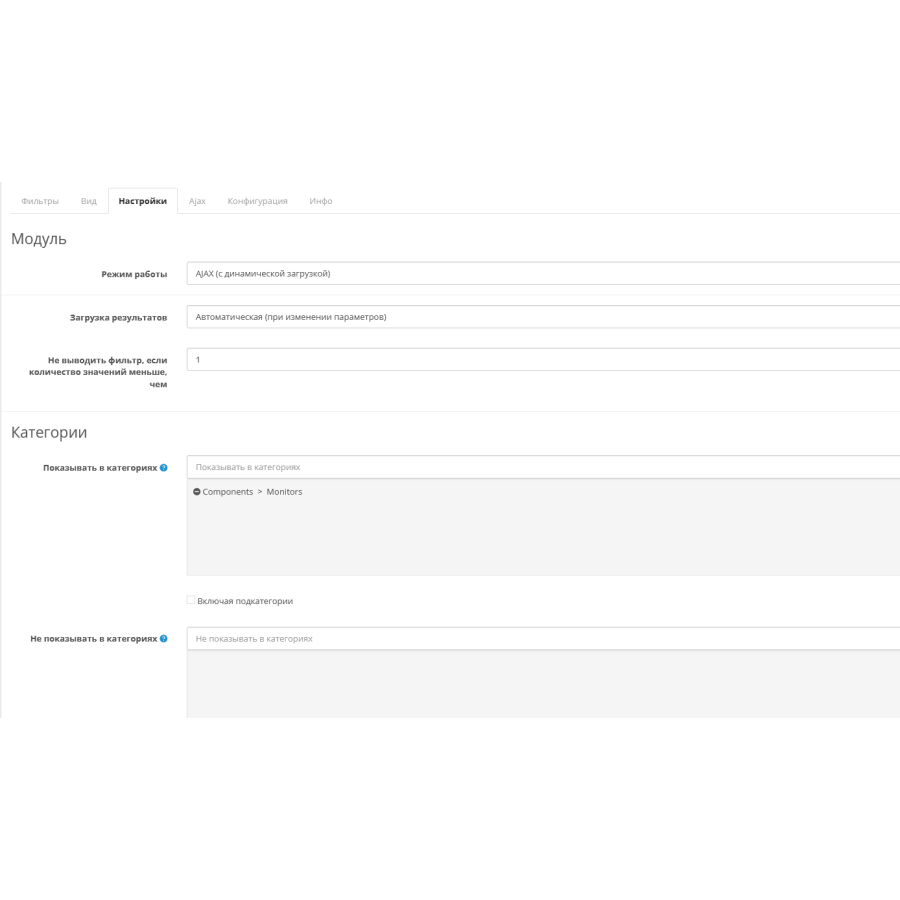
Dream Filter is ready to use in your store. We have done a lot of work in order to satisfy the needs of most online store owners and automate the entire setup routine - only the most necessary and understandable things remain in the filter configuration. The interface is as simple and intuitive as possible, and many parameters contain supporting images for a complete understanding of the changes being made.
Filtering is available on the pages of categories, manufacturers, search and discounted products
- 23 filtering methods - By price, brand, stock availability, attributes, options, weight, etc.
- 8 types of filters - sliders, checkboxes, etc.
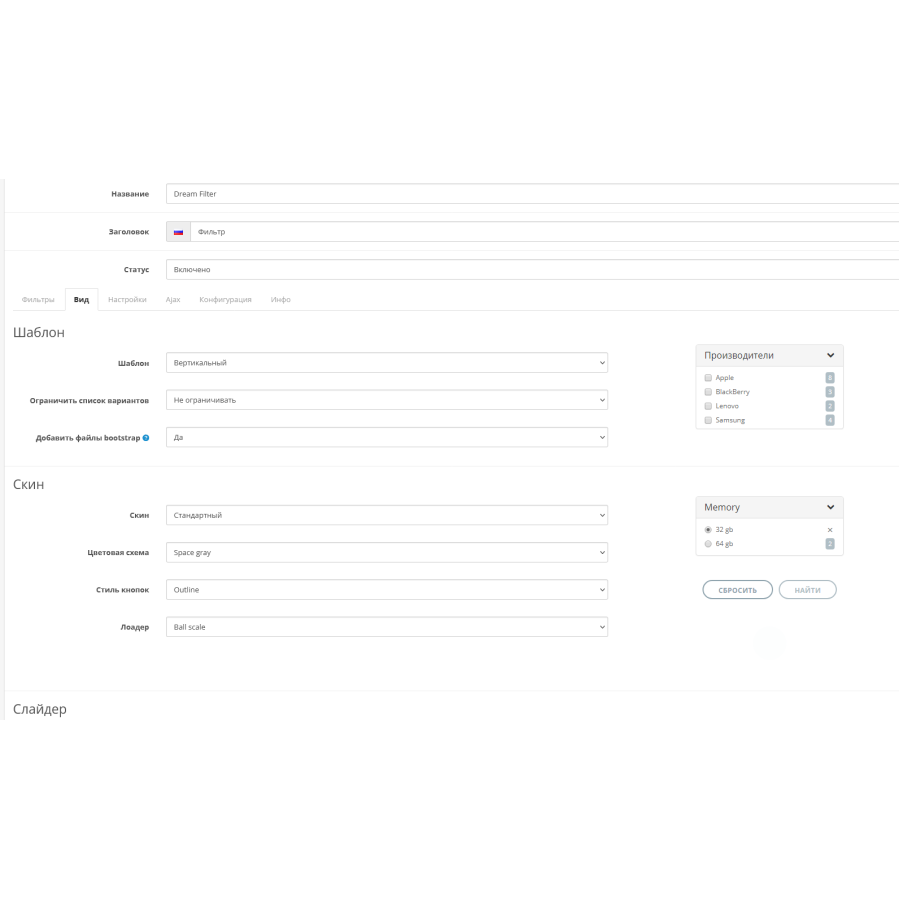
- 9 skins
- 9 color schemes and 29 loaders for every taste
- 2 templates - vertical and horizontal
- 2 filtering methods - with and without page reload
Main advantages of the filter:
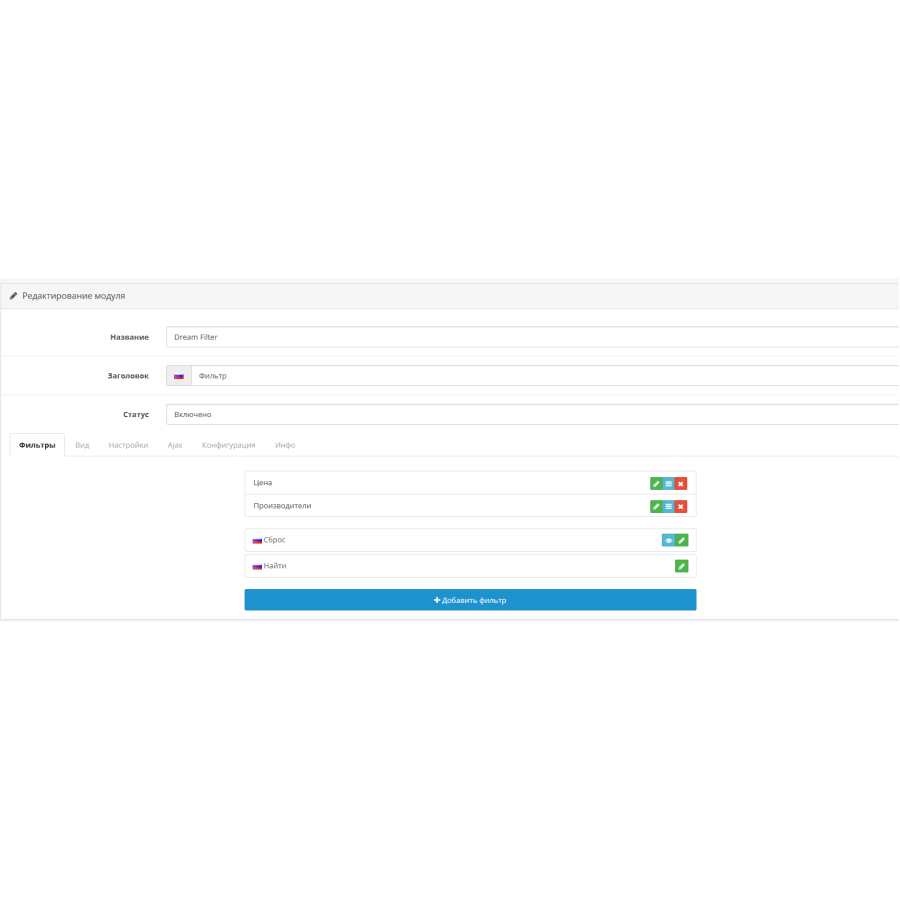
- The most convenient and understandable control panel. All existing options, attributes, filters, categories and manufacturers are pulled up automatically, configuration is done in a couple of clicks
- Highest operating speed. All methods and queries are optimized for maximum speed. In a store with more than 10,000 products, filtering takes on average 0.4 seconds.
- Convenient mobile version in 2 versions
- Convenient “slider” filter for both numeric and text values. For example "XS - S - M - L - XL - XXL"
- Compatible with all templates. Adaptation is only necessary in rare cases
- Ability to create different filter configurations for different pages
- Working with multilingual and multicurrency websites
- Working with multi-stores. ATTENTION! a license is purchased for one domain and its subdomains. For additional domains in a multi-store, additional licenses must be purchased
- The filter takes into account discounts and taxes in the only correct way. If a product has a discount or tax, the filter will take this into account automatically
- 2 methods of loading results - with page reload and “in real time”, via ajax
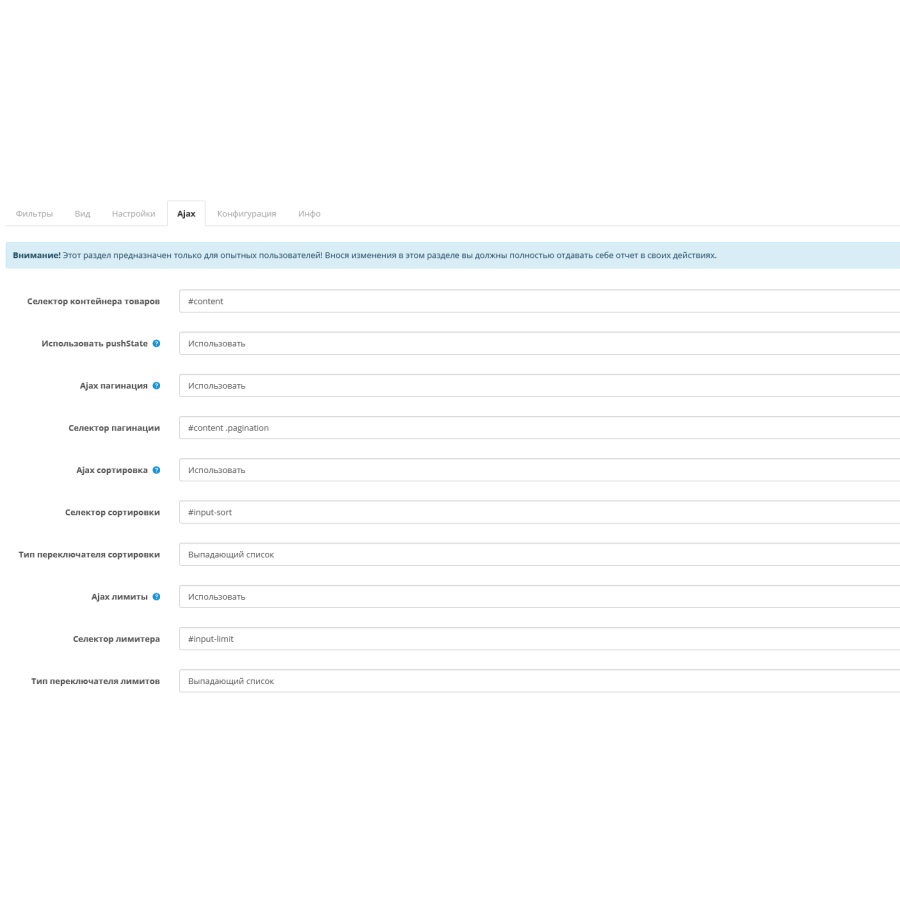
- Built-in additional functionality in the form of page navigation, sorting results and changing the number of products on the page without reloading
- 8 types of filters:
- Entry field
- single choice
- checkbox
- radio button
- list
- image
- image (multiple selection, similar to checkboxes with images)
- slider
- Full display customization:
- Vertical or horizontal pattern
- 9 different skins for every taste
- 9 carefully selected vibrant color schemes
- 29 cool loaders
- Limiting the height of the list both by height and by the number of elements
- Block with selected parameters
- Displaying the number of products for each parameter
- Much more
Filtering methods:
- By price
- By manufacturer
- By name
- By model
- According to availability
- By attributes
- By options
- By built-in OpenCart filters
- By category
- By rating
- By new items (+ the ability to set how many days the product will be considered new)
- By promotions (both by the presence of a discount on the product and by the amount of the discount)
- By tags (both with an input field and a selection of existing tags)
- By SKU, UPC, EAN, JAN, ISBN and MPN
- By lenght
- Width
- By height
- By weight
System requirements:
For OpenCart 3.x:- Php not lower than 5.6
- ionCube Loader no lower than 10
Installation procedure:
Attention! Before installation, you must disable or remove modifiers of other third-party filters!- Upload all files from the "upload" folder to the root folder of the site
- Update the modifier cache in the add-on manager (in vqmod it is updated automatically)
- Go to the filter settings and request a license. If you specified the correct domain when purchasing, the key will be issued automatically
- Set up filter
- Add a filter to a diagram (Design > Diagrams or Design > Layouts)
There are no reviews for this product, be the first to leave your review.
No questions about this product, be the first and ask your question.
Module installation instructions:
- Before performing any actions related to installing an add-on in Opencart, we recommend creating a backup copy of all site files and the store database ;
- Install the localcopy fix (if you don't have it installed yet)
- Download the module file for the desired Opencart version from our website ( Follow the installation instructions if there are any in the module archive );
- Then go to the "Installing add-ons/extensions" section and click on the " Download " button;
- Select the downloaded file and wait for the module to be fully installed and for the text "Application installed successfully" to appear;
- After that, go to " Application Manager " and update the modifiers by clicking the " Update " button;
- After these actions, you need to add the rights to view and manage the module in the " User Groups " section for the administrator or other users you select by clicking " Select All ".