

Product Series (Product Variations) module for OpenCart
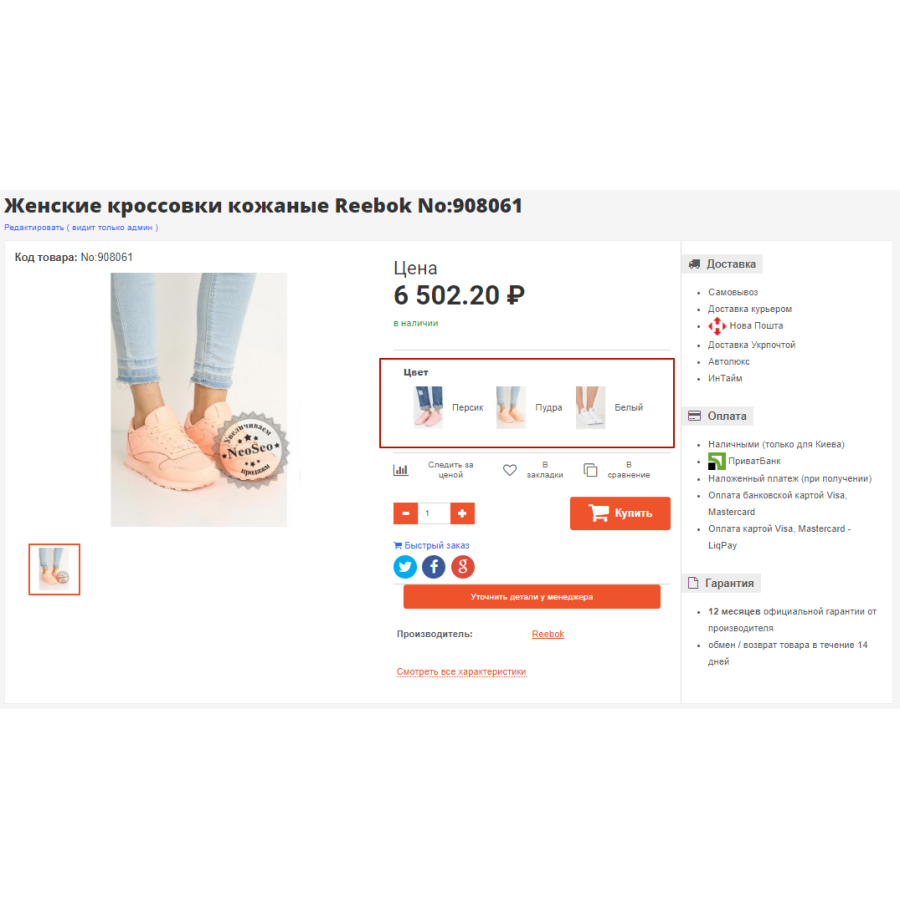
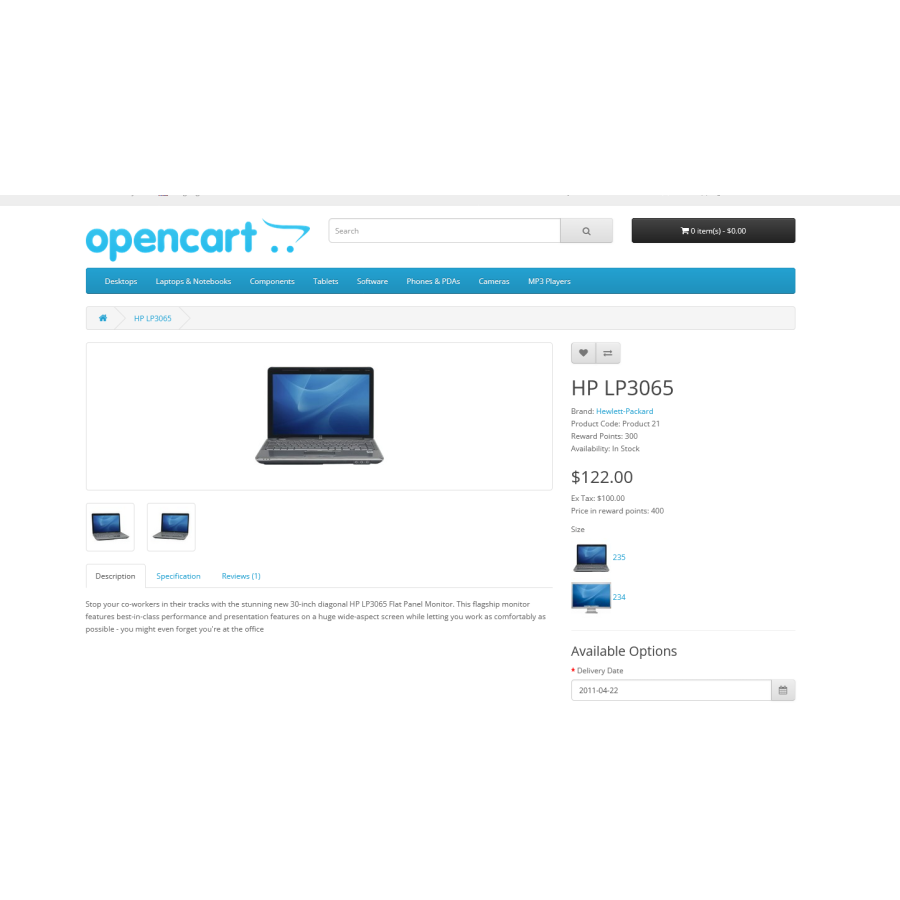
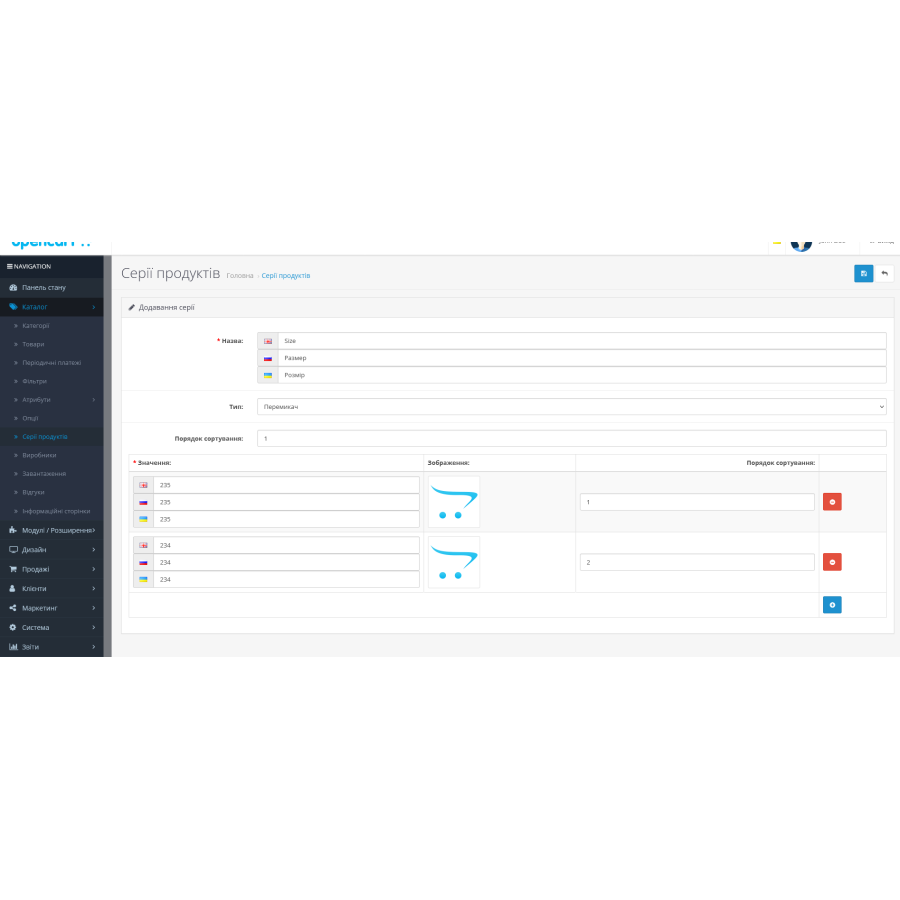
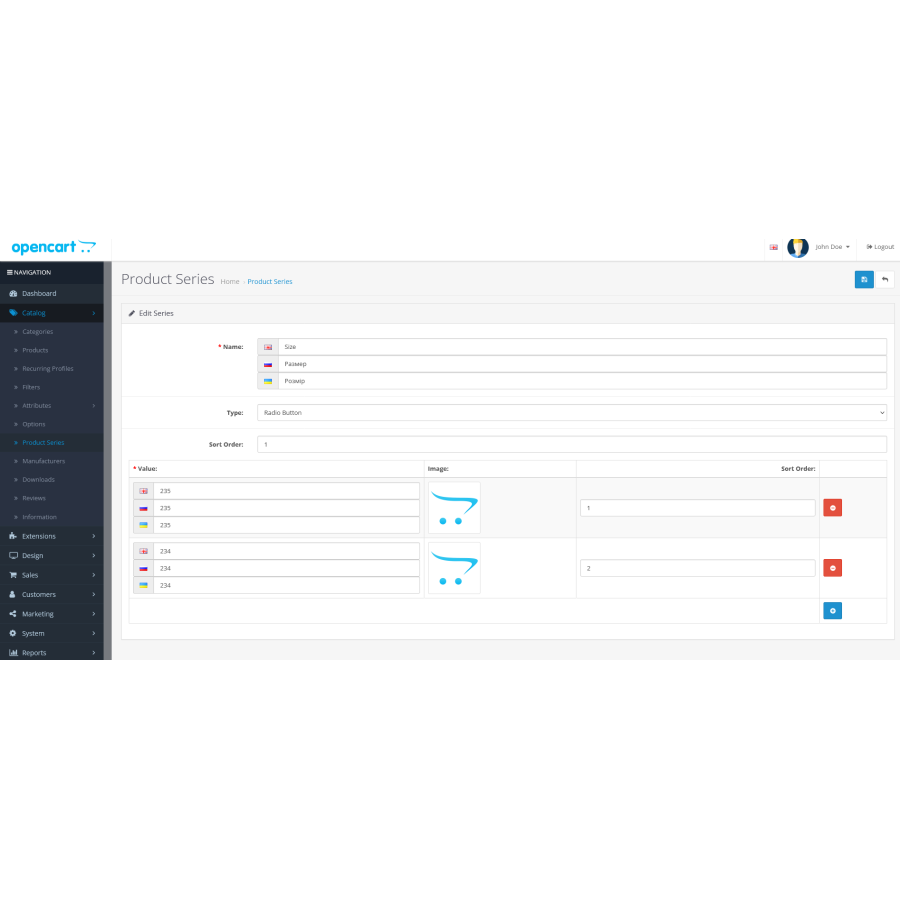
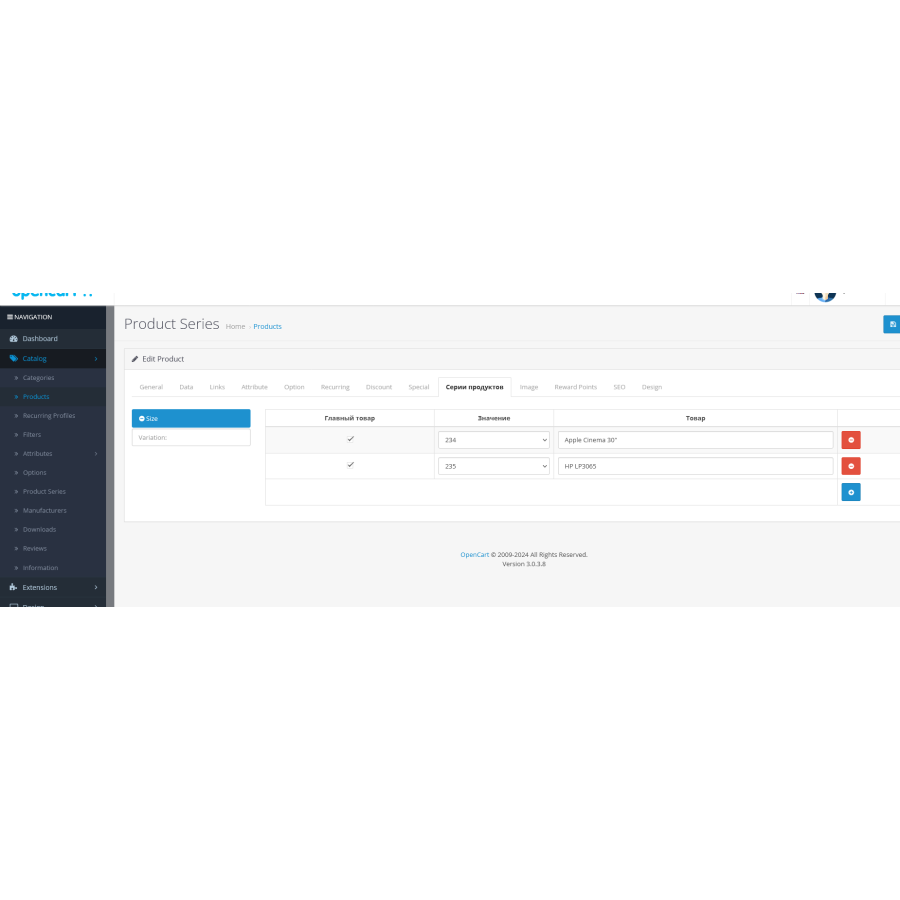
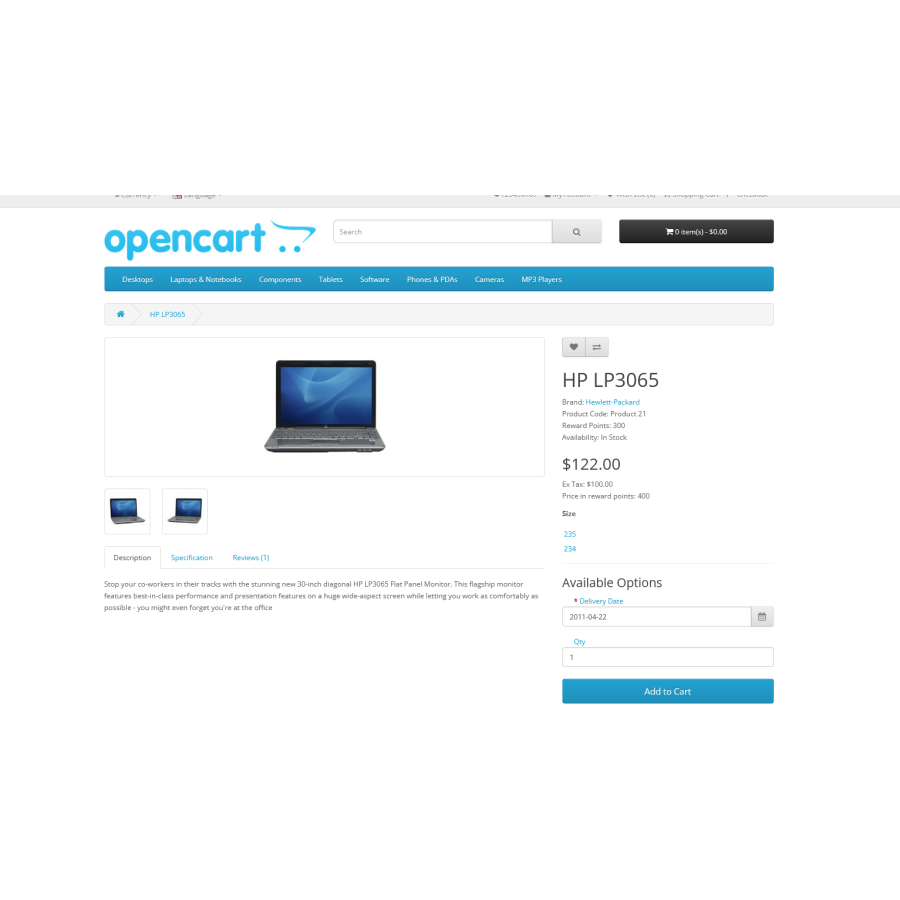
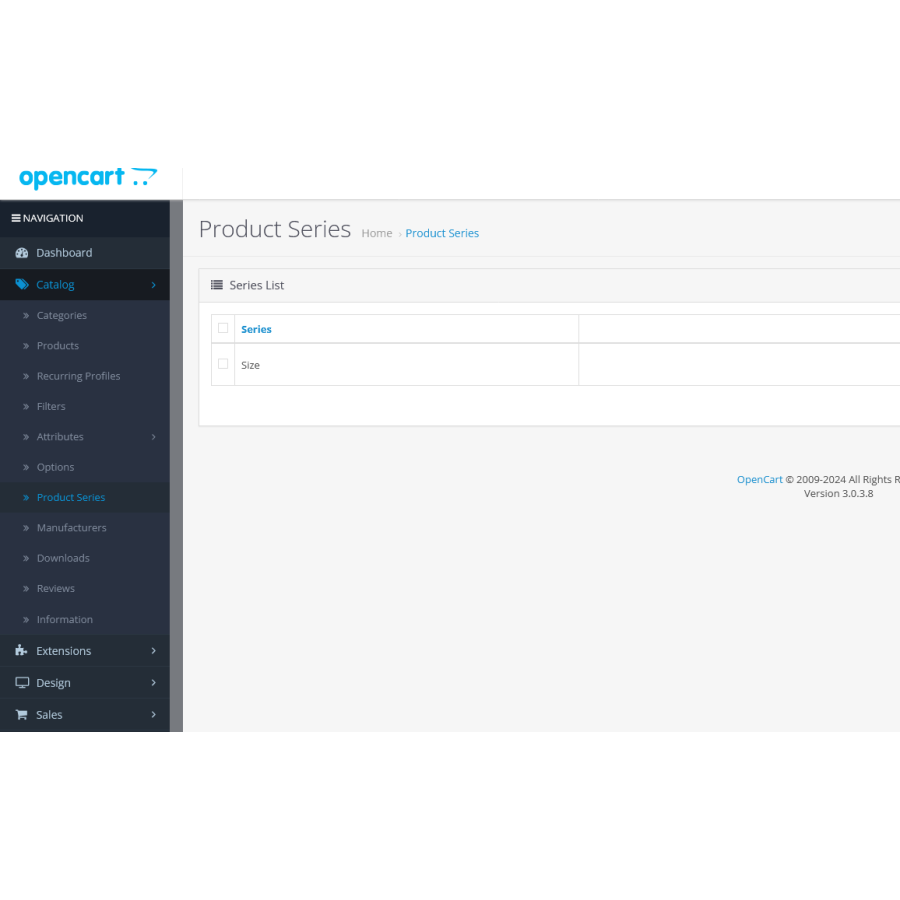
This module is designed to facilitate the product selection process for your customers, giving them the opportunity to quickly find the desired product among different variations. The module allows you to link products according to various characteristics, such as color, size, material and other parameters. This is especially useful for stores that offer products with different options, allowing customers to easily choose the ones that best suit their needs.
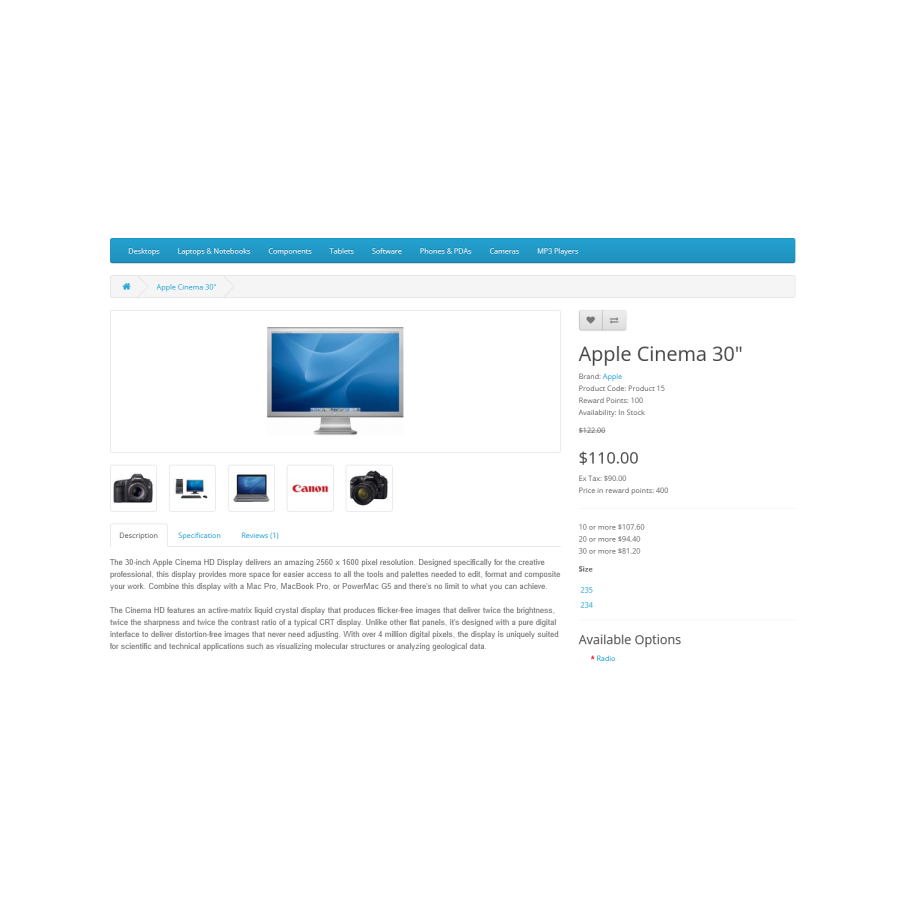
The functionality of the module provides grouping of similar products in a series, which simplifies navigation on the site and increases the convenience of use for buyers. With this module, your customers can easily navigate between product variations on a single page, without having to browse through dozens of separate pages.
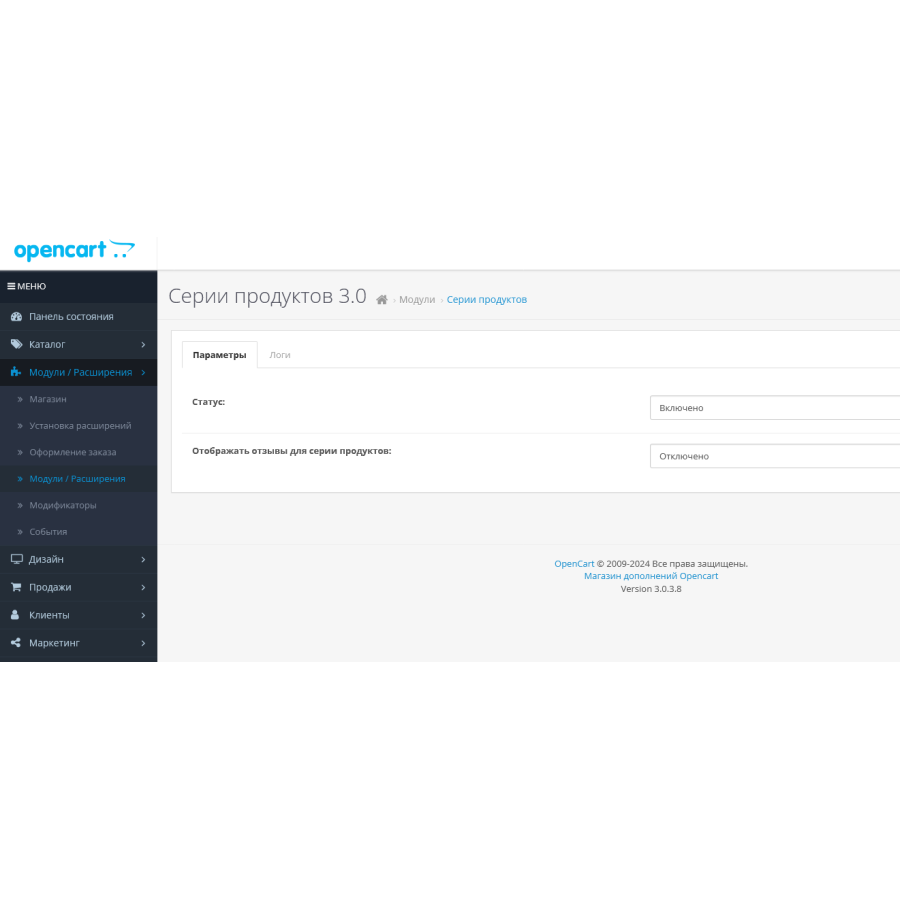
The module also supports flexible settings for different types of products, allowing sellers to fully adapt it to their needs. From now on, your products will be grouped and presented in the most convenient way, which will positively affect sales and customer satisfaction.
Use this module to make your online store more functional and attractive to customers!
The module is developed and adapted to the standard opencard template. Adaptation is not included in the price of the module. You are also responsible for implementing the module yourself and adapting it to your design. The module is distributed on an "As Is" basis, and there are no returns or exchanges if you don't like something.
There are no reviews for this product, be the first to leave your review.
No questions about this product, be the first and ask your question.
Module installation instructions:
- Before performing any actions related to installing an add-on in Opencart, we recommend creating a backup copy of all site files and the store database ;
- Install the localcopy fix (if you don't have it installed yet)
- Download the module file for the desired Opencart version from our website ( Follow the installation instructions if there are any in the module archive );
- Then go to the "Installing add-ons/extensions" section and click on the " Download " button;
- Select the downloaded file and wait for the module to be fully installed and for the text "Application installed successfully" to appear;
- After that, go to " Application Manager " and update the modifiers by clicking the " Update " button;
- After these actions, you need to add the rights to view and manage the module in the " User Groups " section for the administrator or other users you select by clicking " Select All ".