


Module Automatically recommended products for OpenCart
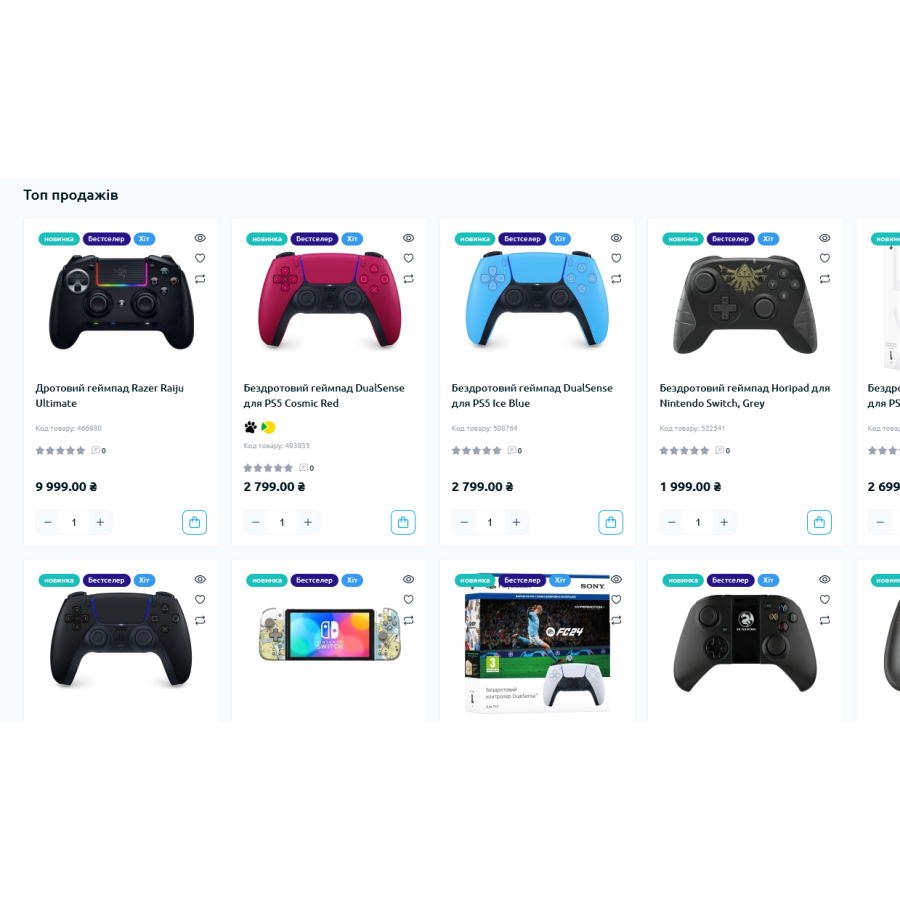
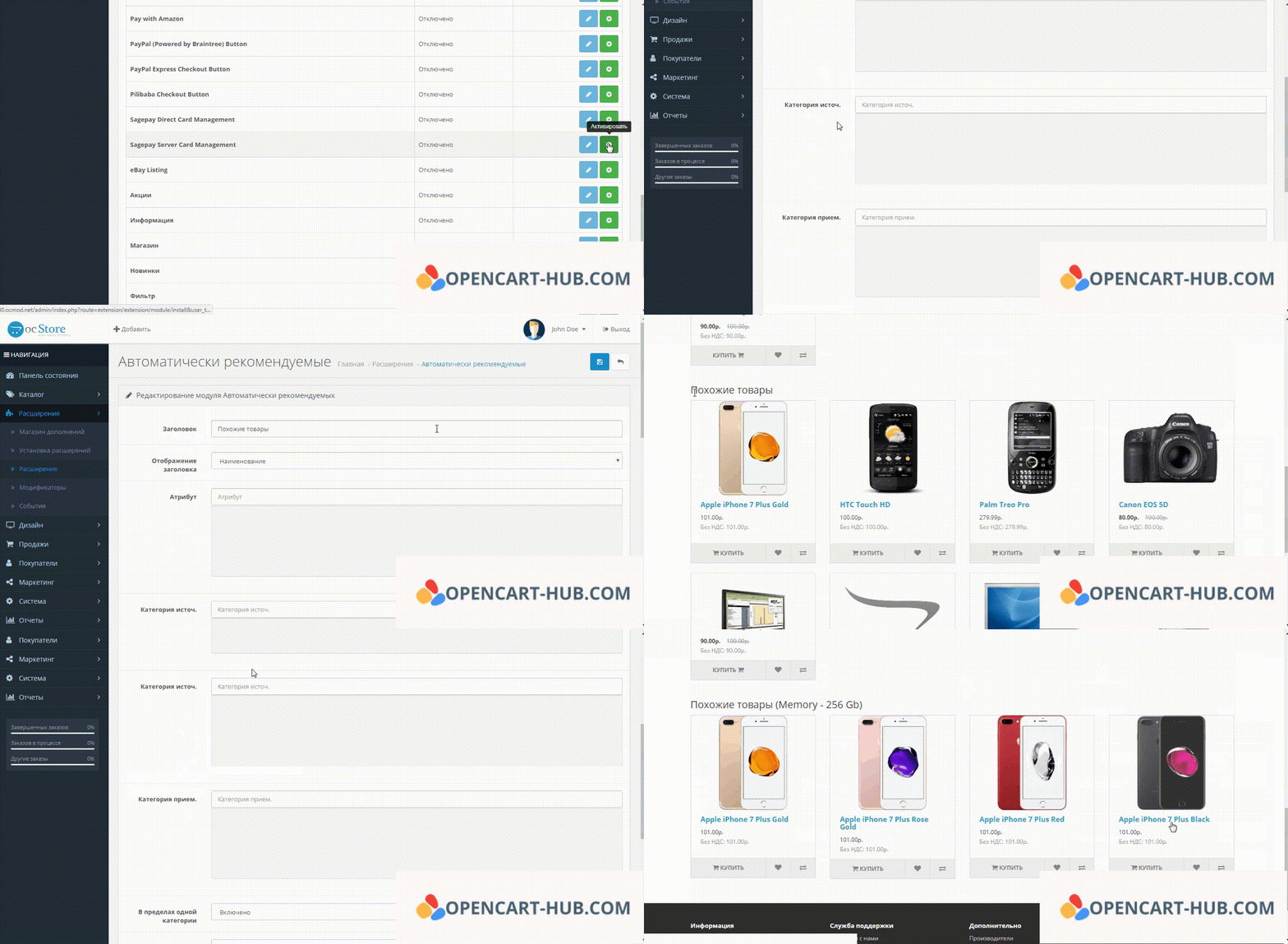
System of automatic selection of recommended products based on similar characteristics. The ability to display goods from one or different categories, filtering by availability of goods in stock, sorting by relevance. Ideal for cases, chargers and accessories for smartphones and other devices.
Recommended products from other categories can be displayed in any category. For example, in the phone category, accessories may appear that are compatible with certain models.
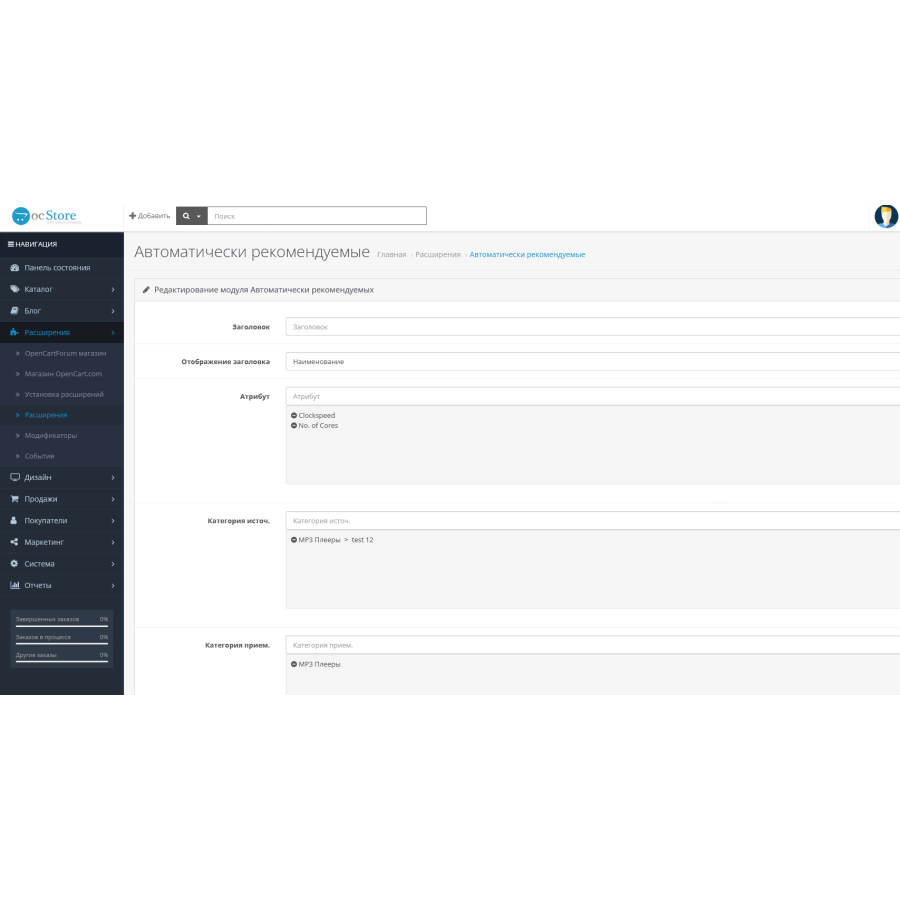
For each category, you can configure several options of the module. For example, for smartphones, you can display appropriate covers and nearby chargers or other accessories.
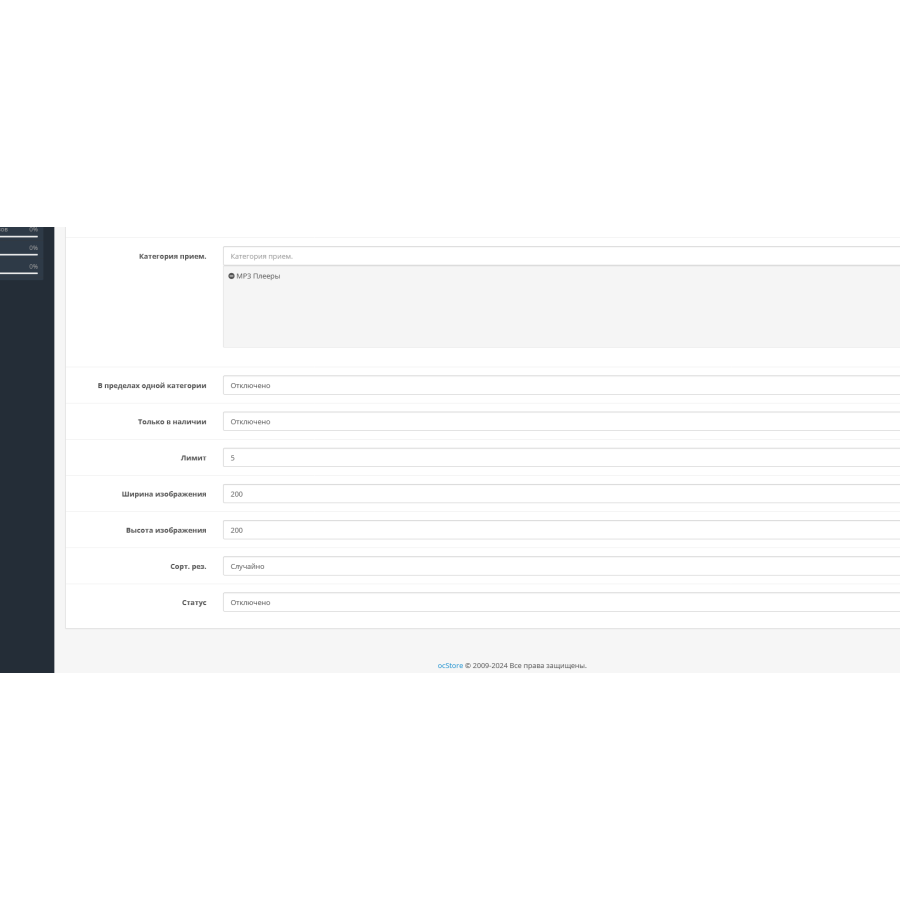
There is an option "Within one category" - if you do not want products from other categories to appear, just activate this option.
There is also an option "Only in stock" - if it is turned on, only those that are in stock (with available stock) will be displayed in the recommended products.
The module is not tied to specific product attributes and automatically selects similar products. However, it is possible to manually select the desired parameters to display.
Sorting by relevance has been added, thanks to which products with the most similar attributes appear at the beginning of the list.
There are no reviews for this product, be the first to leave your review.
No questions about this product, be the first and ask your question.
Module installation instructions:
- Before performing any actions related to installing an add-on in Opencart, we recommend creating a backup copy of all site files and the store database ;
- Install the localcopy fix (if you don't have it installed yet)
- Download the module file for the desired Opencart version from our website ( Follow the installation instructions if there are any in the module archive );
- Then go to the "Installing add-ons/extensions" section and click on the " Download " button;
- Select the downloaded file and wait for the module to be fully installed and for the text "Application installed successfully" to appear;
- After that, go to " Application Manager " and update the modifiers by clicking the " Update " button;
- After these actions, you need to add the rights to view and manage the module in the " User Groups " section for the administrator or other users you select by clicking " Select All ".





