All about product
Description
Specification
Reviews
2
Questions0
Installing the module
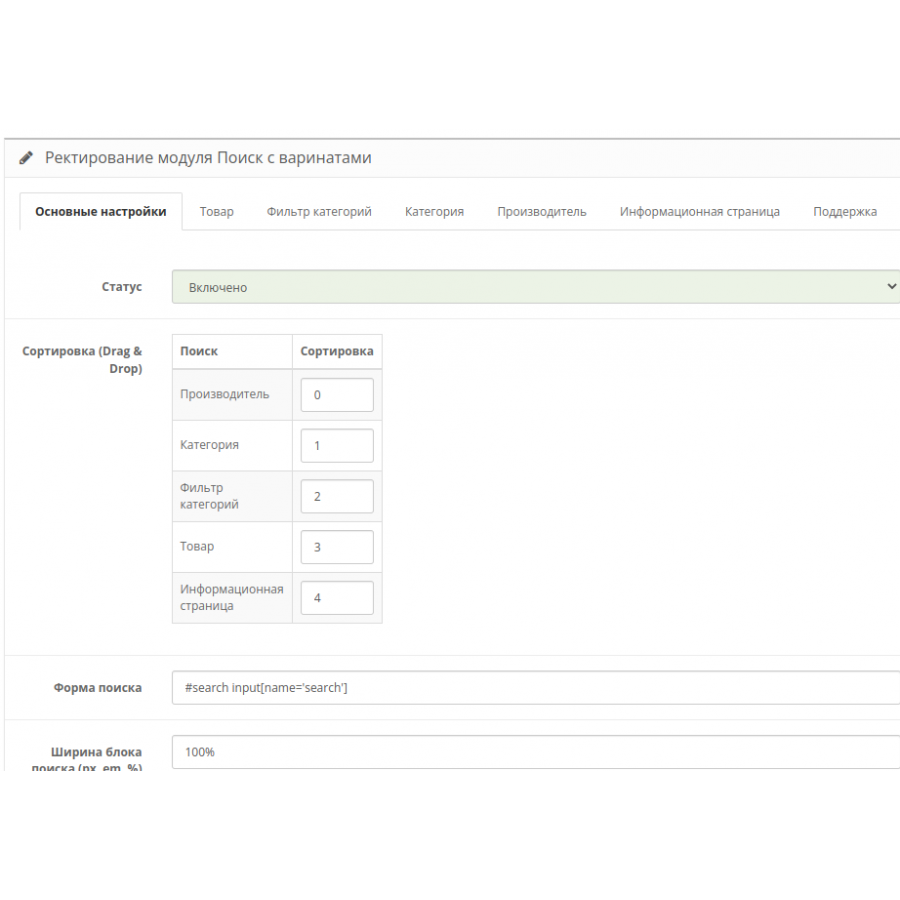
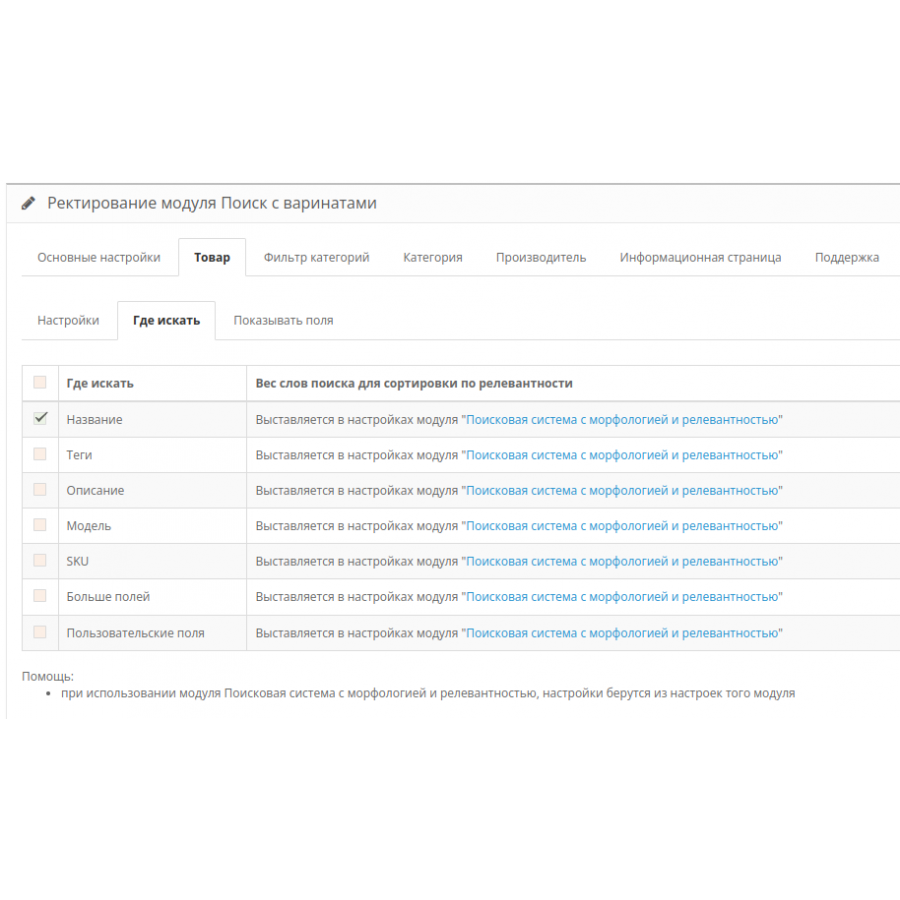
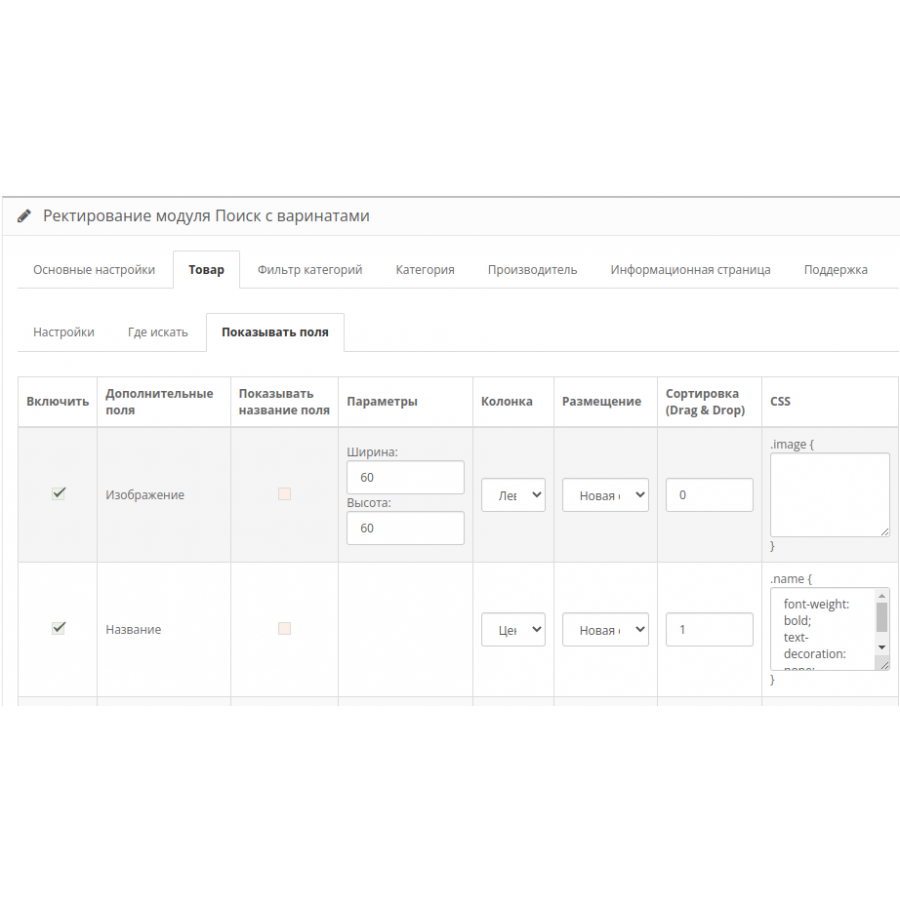


Search module - search with autocompletion PRO for Opencart
Product Code: 143
In Stock
450 грн
Main specifications
PHP:
7.2-7.4
Compatibility:
OpenCart 3, ocStore 3
Localization:
Ukrainian, Russian, English
Ocmod:
Yes
Adaptation to your store:
Paid
All specifications
Description
What does this module do?
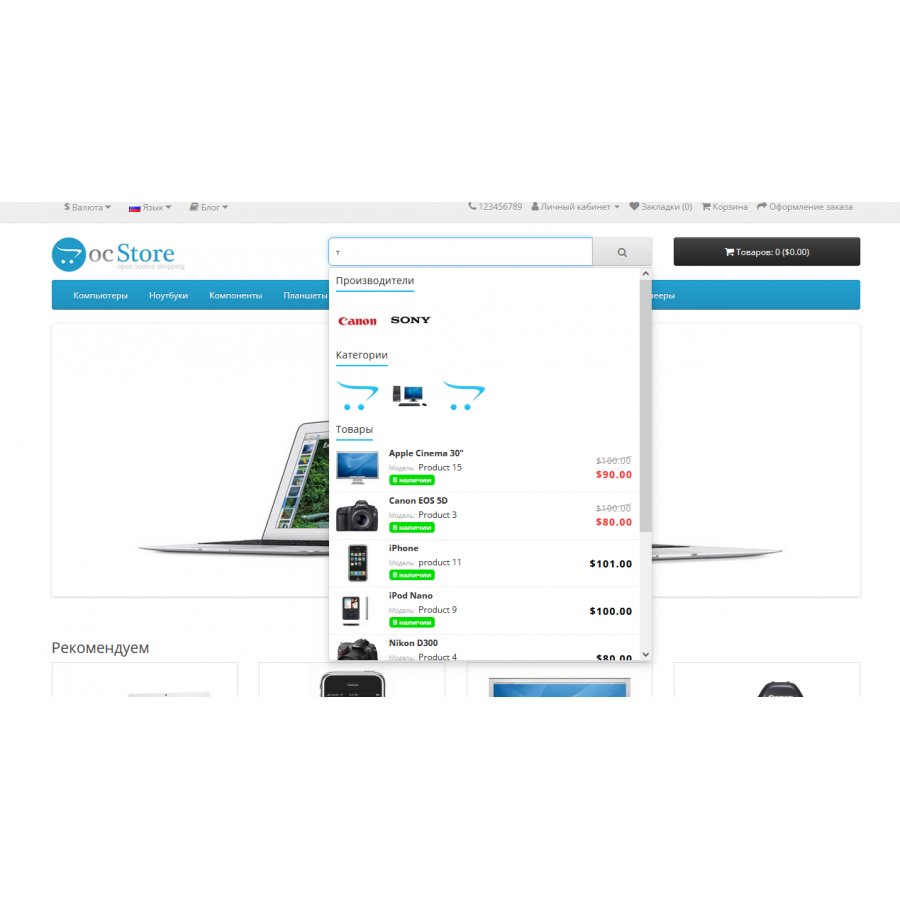
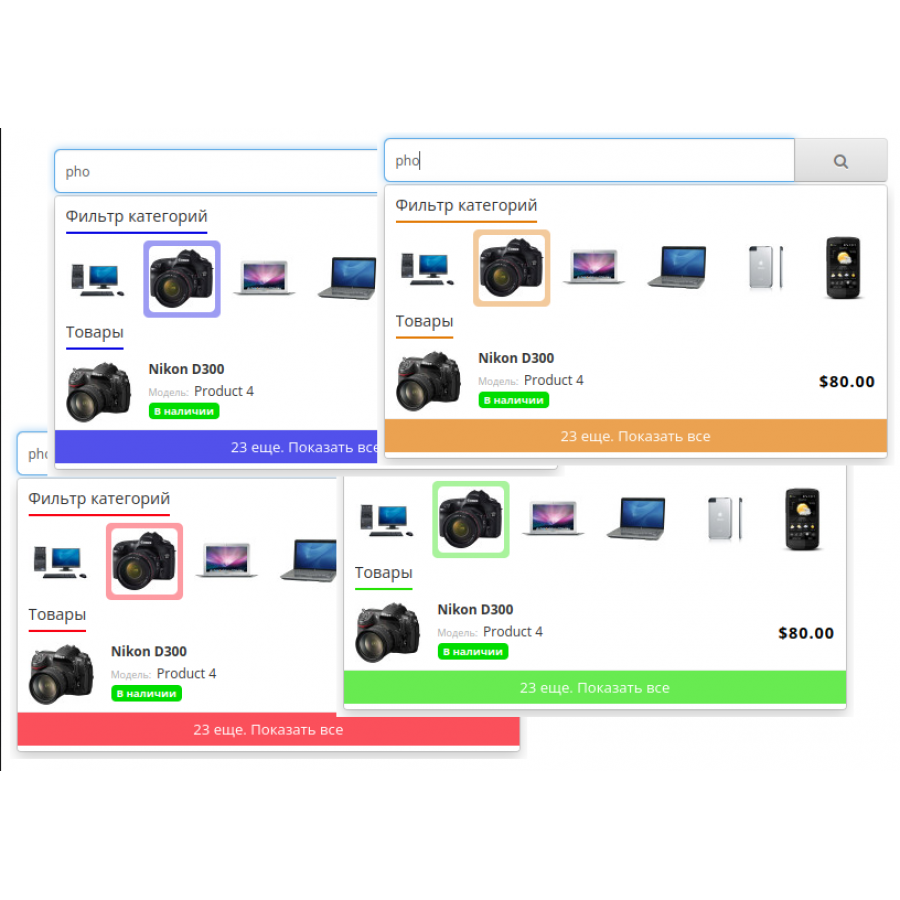
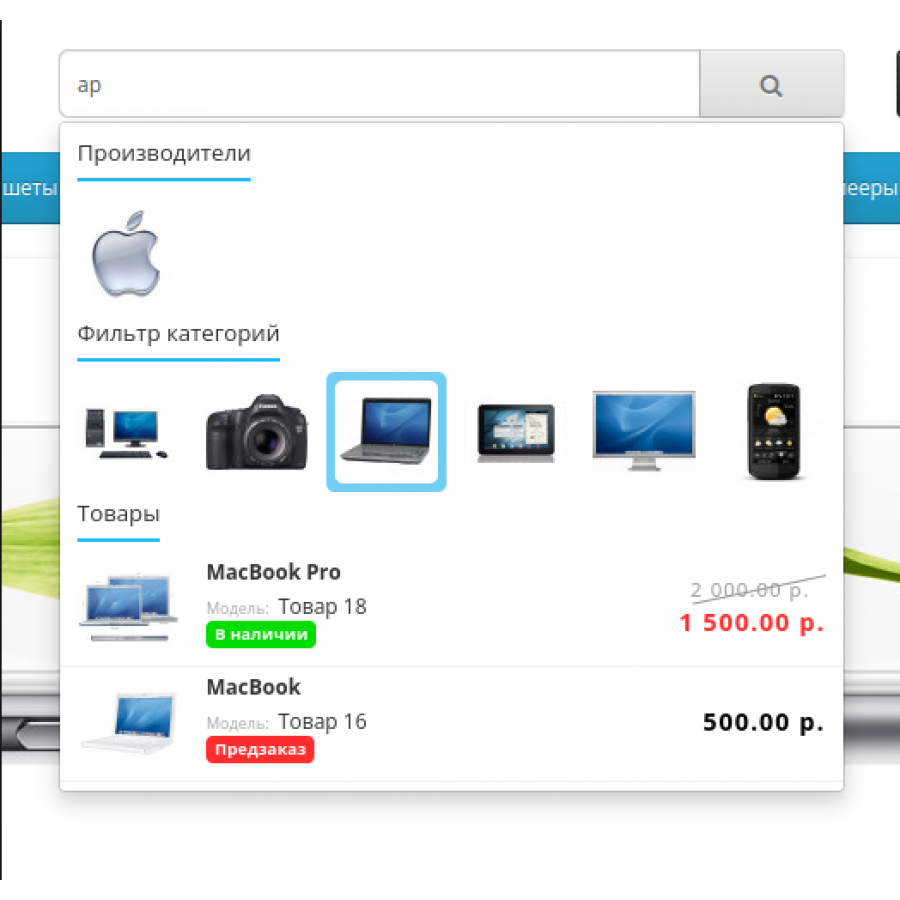
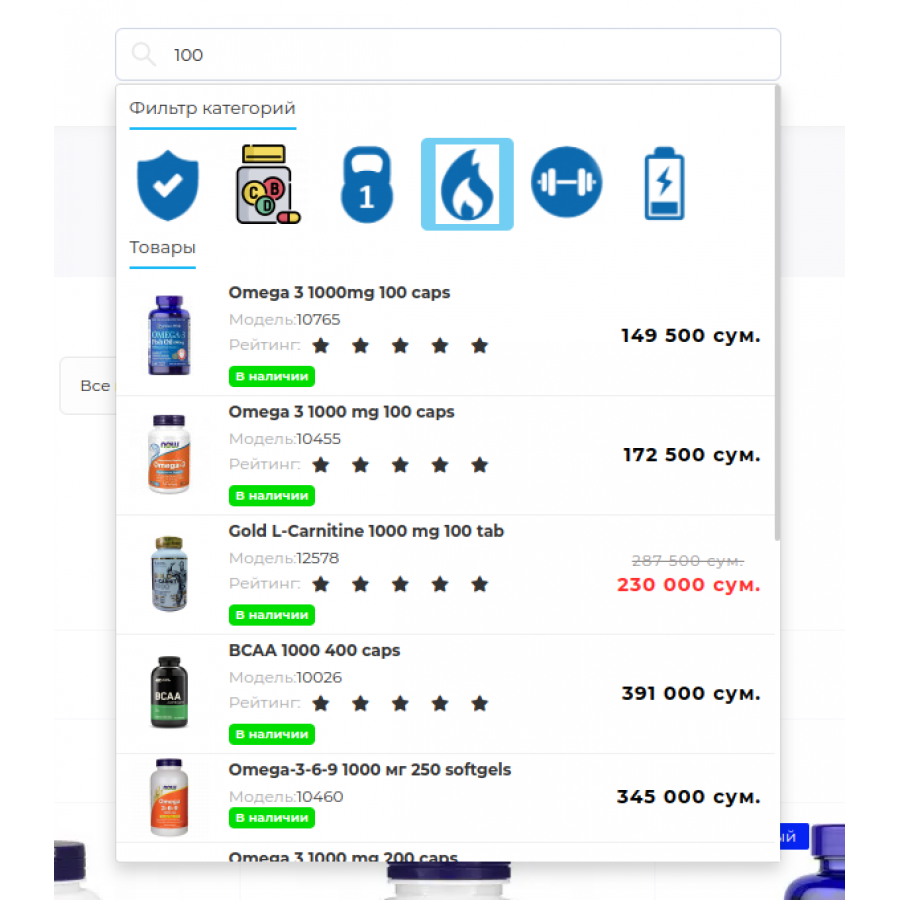
The module adds the functionality of autocomplete results to the standard search block in the site header. The user enters the first letters of the product and receives hints about the products available on the site, categories, manufacturers and information pages.
For what?
Finding the right product quickly is extremely important for an online store. Because if the user does not get such an opportunity, then he will not find the right product and will simply leave your site for your competitors. Therefore, such functionality is present, probably, in all, without exception, large online stores.
New in version 5
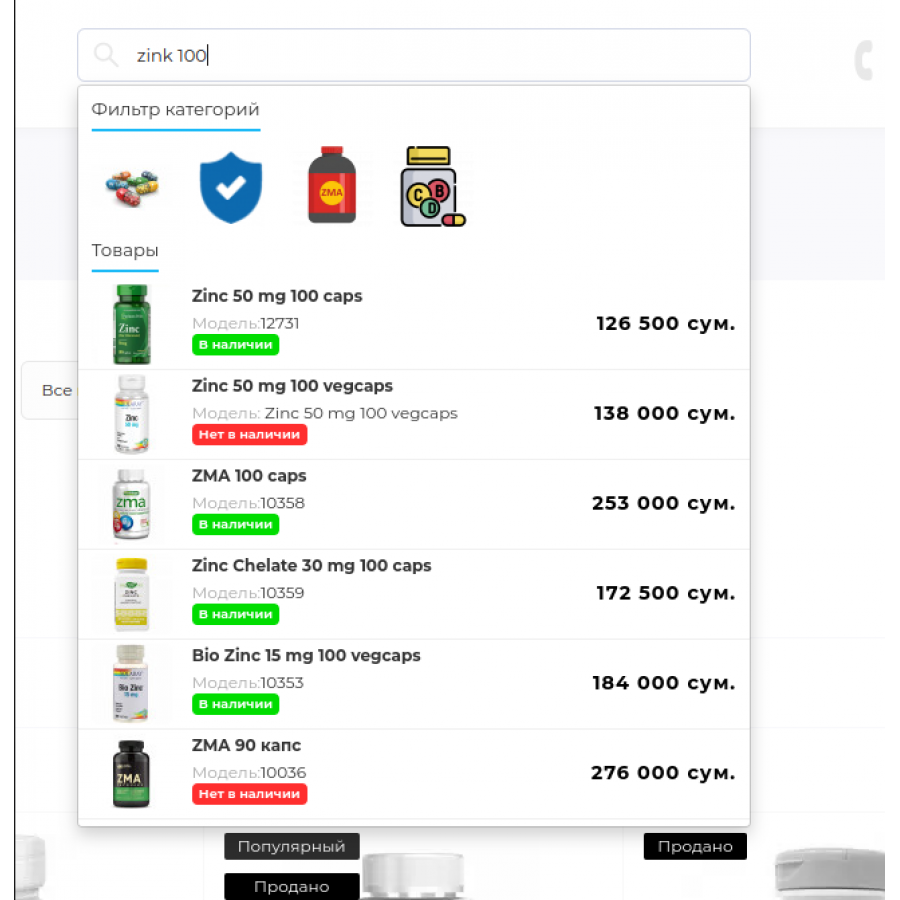
- Added filter by category. When
searching for products, the module also finds the categories of all
found products with the ability to filter the search result by any of
these categories.
Filtering can also work asynchronously via AJAX directly in the search block, it can also display the number of products found and sort the results by name or number of products found. - Added output mode in one line. It is available for all groups: products, categories, manufacturers, information pages and filter by category. It is convenient to display titles or images for categories, manufacturers or filters.
- Added a new field for the product - Availability status in the warehouse, before it was possible to display only the quantity of goods in stock.
- Added condition for product rating to not print empty ratings
- Module design changed
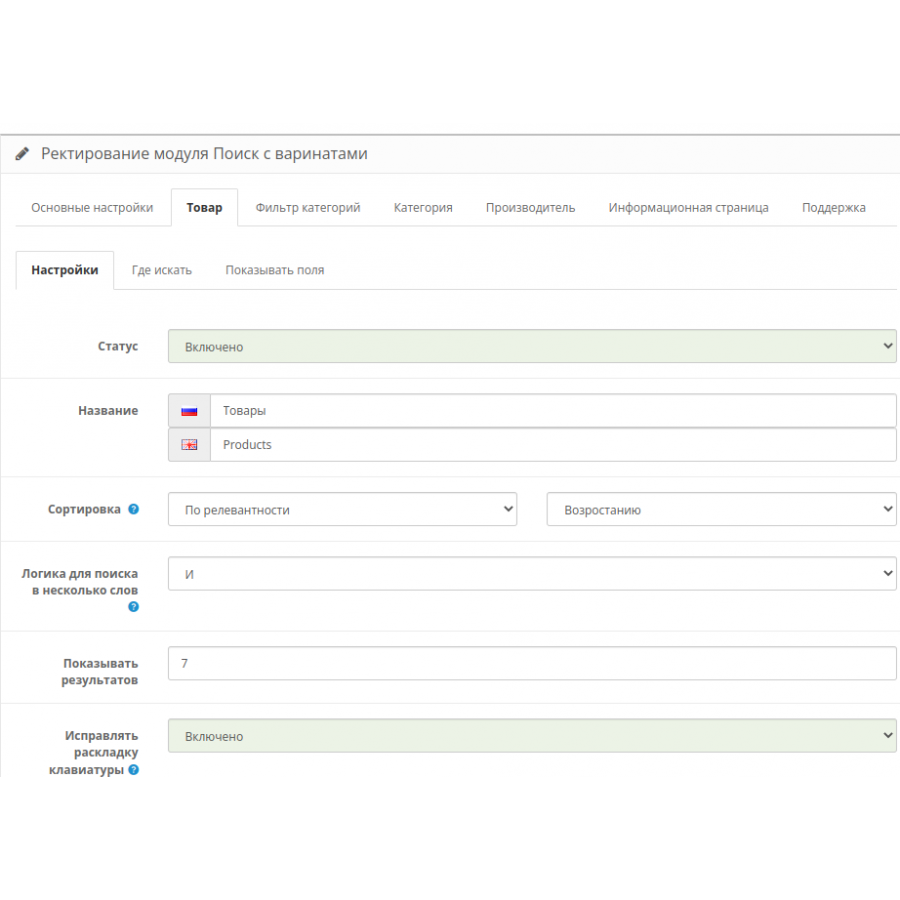
- Changed the design of the admin
- For convenient editing of CSS styles, an editor with syntax highlighting has been added.
- Fixed a bug in the search for categories and manufacturers during transliteration, before that the module found all values in some cases.
- Added Ukrainian language
- Other smaller fixes and improvements.
- Color schemes (since version 5.1). It is possible to easily, in 2 mouse clicks, change the color scheme of the module to match the color of the site.
Specifications
Characteristics
PHP
7.2-7.4
Compatibility
OpenCart 3, ocStore 3
Localization
Ukrainian, Russian, English
Ocmod
Yes
Adaptation to your store
Paid
Отличный поиск! То что надо для магазина, не сравнить с штатным и много настроек!
Is this review helpful?
0
Установили на свои 2 магазина, модуль работает отлично, поиск стал лучше намного
Is this review helpful?
0
No questions about this product, be the first and ask your question.
Installing the module
Module installation instructions:
- Before performing any actions related to installing an add-on in Opencart, we recommend creating a backup copy of all site files and the store database ;
- Install the localcopy fix (if you don't have it installed yet)
- Download the module file for the desired Opencart version from our website ( Follow the installation instructions if there are any in the module archive );
- Then go to the "Installing add-ons/extensions" section and click on the " Download " button;
- Select the downloaded file and wait for the module to be fully installed and for the text "Application installed successfully" to appear;
- After that, go to " Application Manager " and update the modifiers by clicking the " Update " button;
- After these actions, you need to add the rights to view and manage the module in the " User Groups " section for the administrator or other users you select by clicking " Select All ".