

SearchEase module – universal search with photos in the store for OpenCart
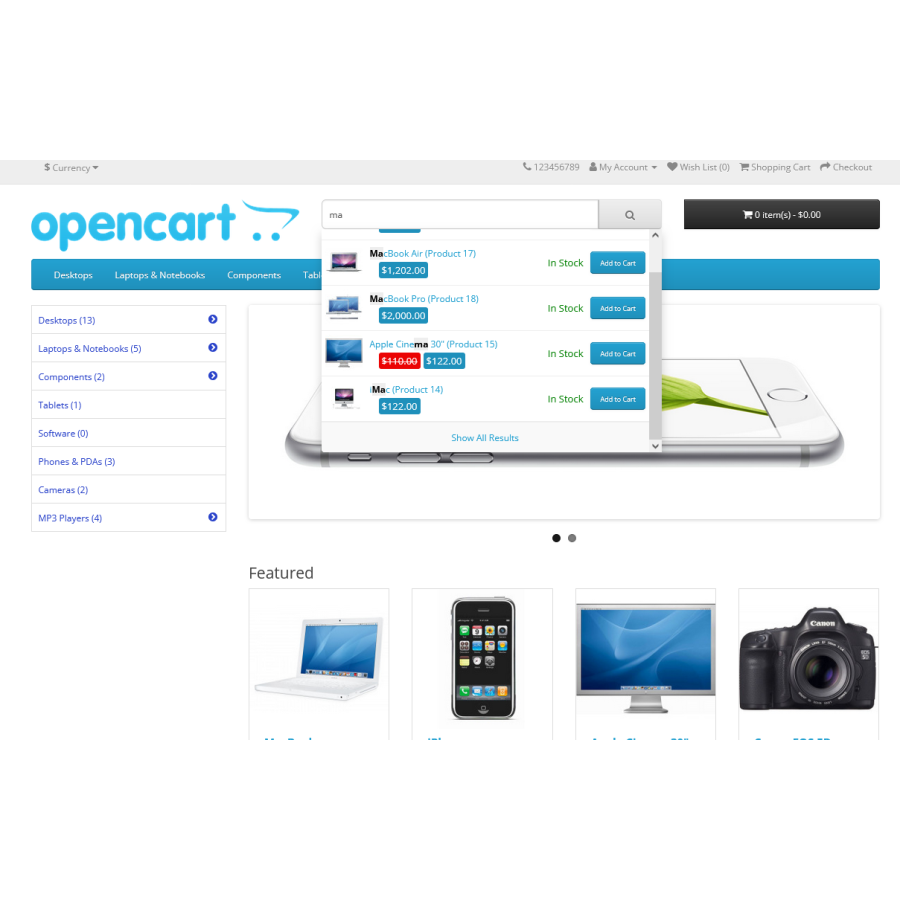
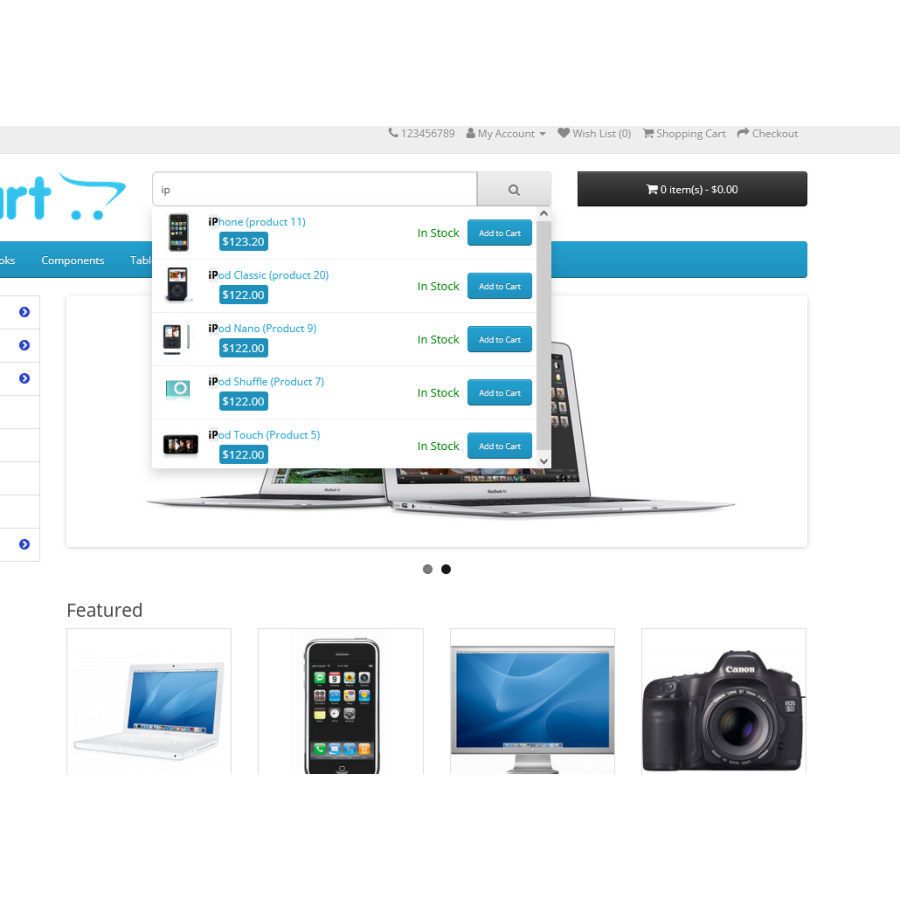
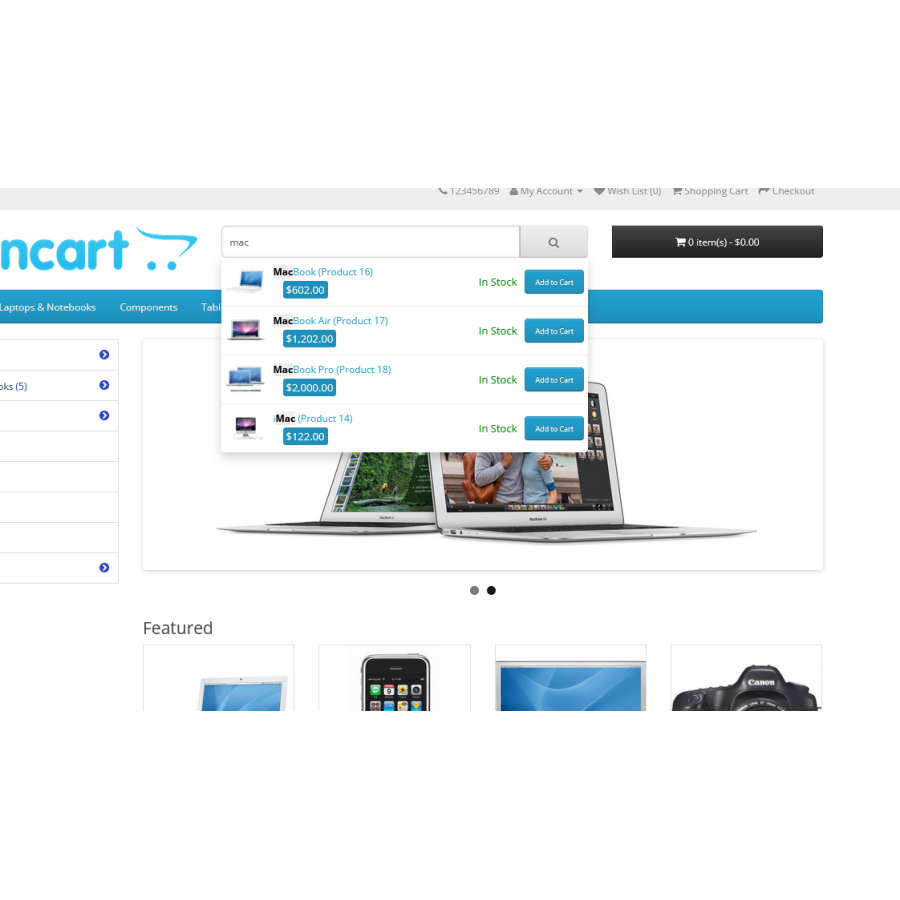
SearchEase is a module for quick and easy product search in OpenCart. This tool helps users easily find the products they need by displaying options immediately after entering a query. The module works with autocomplete and keyword highlighting, which makes searching easier even with typing errors, for example, with an incorrect keyboard layout.
Results are sorted by relevance, and caching speeds up product display. Support for multiple languages and compatibility with almost any template allow you to use the module on any site running on OpenCart.
Features of the module:
- Search by name, description, tags, models and codes (SKU, UPC, EAN, etc.).
- Highlighting keywords in results.
- Autocomplete function when typing a query.
- Automatic keyboard layout correction.
- Caching for quick access to results.
- Multilingual support.
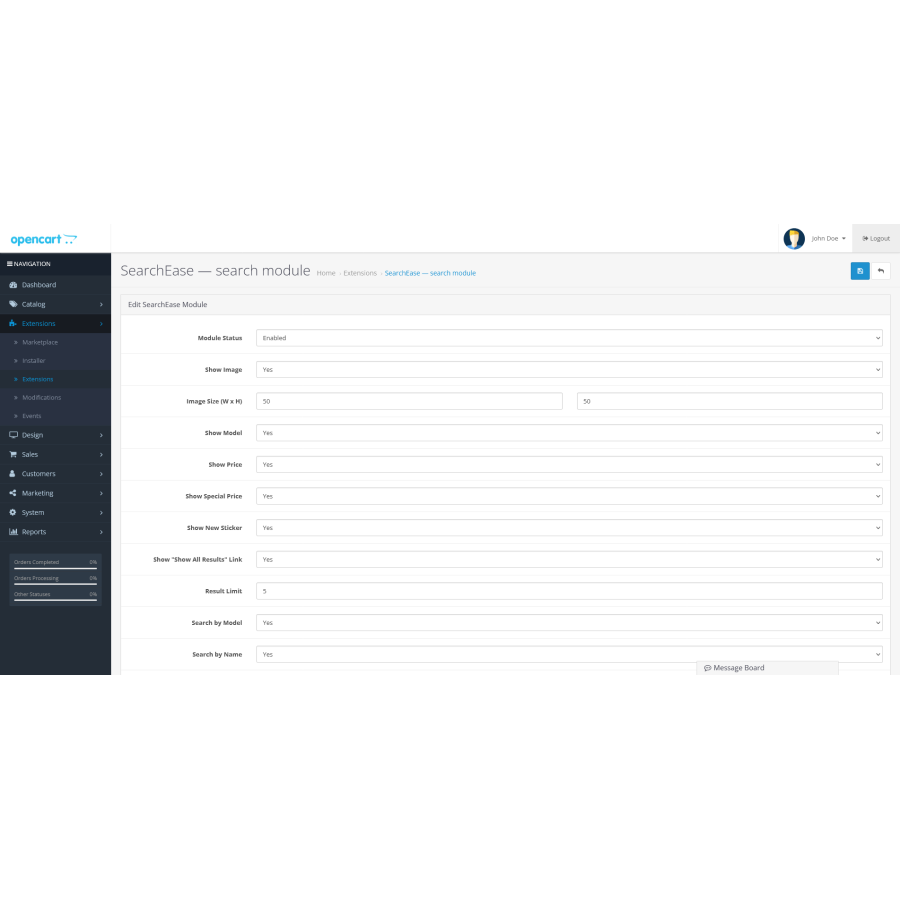
- Configure image and price display settings.
- New product marking and availability information.
Example of use:
- The query "iPhone XR" will show products with the specified name and model.
- When you enter iPhone red XR, the system will display options with the desired color and model.
- The query "MacBook Pro A1286" will return products with a match in name and code.
- The query "Wool jacket" will show products with the required characteristics in the name and description.
- The combined query "Samsung Galaxy black SM-G960F" will find products with the specified parameters.
Instructions for installing and configuring the module:
Installing the module:
- Go to the “Installing Add-ons/Extensions” section and click the “Download” button.
- Select the downloaded module file and wait for the text “Application installed successfully” to appear.
- Go to “Application Manager” and click the “Update” button.
Language: Russian, English, Ukrainian
There are no reviews for this product, be the first to leave your review.
No questions about this product, be the first and ask your question.
Module installation instructions:
- Before performing any actions related to installing an add-on in Opencart, we recommend creating a backup copy of all site files and the store database ;
- Install the localcopy fix (if you don't have it installed yet)
- Download the module file for the desired Opencart version from our website ( Follow the installation instructions if there are any in the module archive );
- Then go to the "Installing add-ons/extensions" section and click on the " Download " button;
- Select the downloaded file and wait for the module to be fully installed and for the text "Application installed successfully" to appear;
- After that, go to " Application Manager " and update the modifiers by clicking the " Update " button;
- After these actions, you need to add the rights to view and manage the module in the " User Groups " section for the administrator or other users you select by clicking " Select All ".
-
What is the SearchEase module for OpenCart?
-
What are the main features of the SearchEase module for OpenCart?
-
How to install the SearchEase module for OpenCart?