All about product
Description
Specification
Reviews
1
Questions0
Installing the module


SEO Module Search Landing Pages for Opencart
Product Code: 353
Version: 1.0
In Stock
450 грн
Main specifications
PHP:
7.2-7.4
Compatibility:
3.0.0.0, 3.0.1.1, 3.0.1.2, 3.0.2.0, 3.0.3.0, 3.0.3.1, 3.0.3.2, 3.0.3.3, 3.0.3.5, 3.0.3.6, 3.0.3.7, 3.0.3.8
Localization:
Russian, Ukrainian, English
Ocmod:
Yes
Adaptation to your store:
Paid
All specifications
Description
The "Search Pages SEO" module is designed to improve SEO optimization and personalize your own experience on your site.
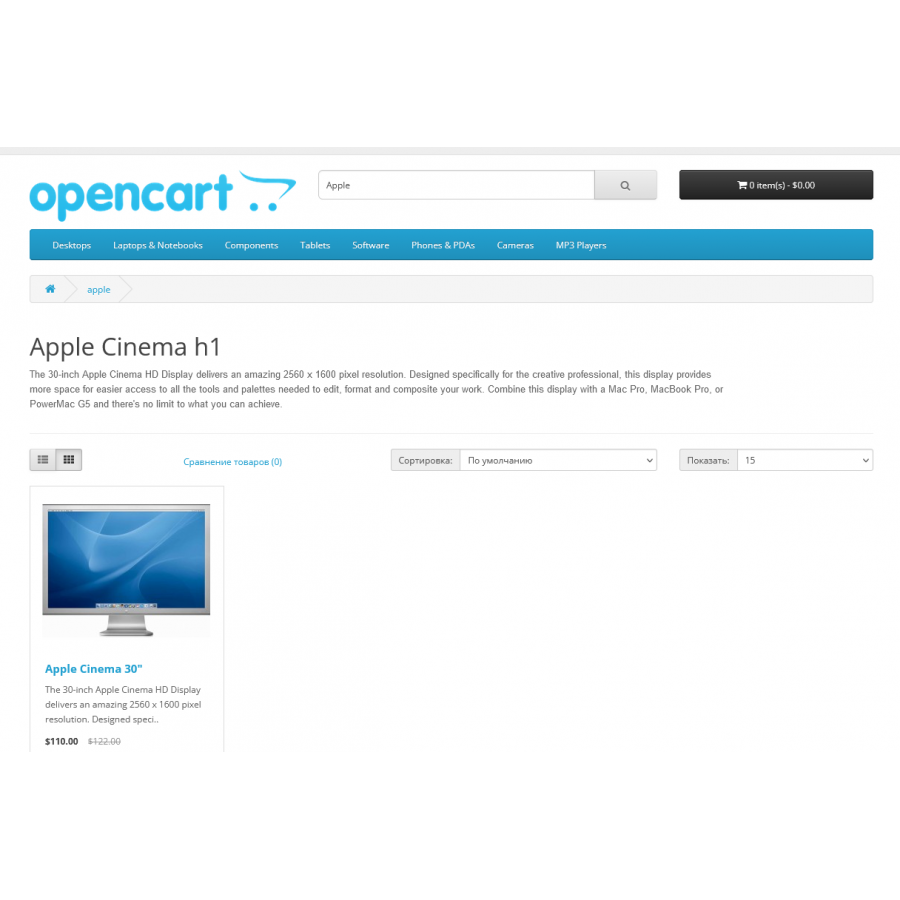
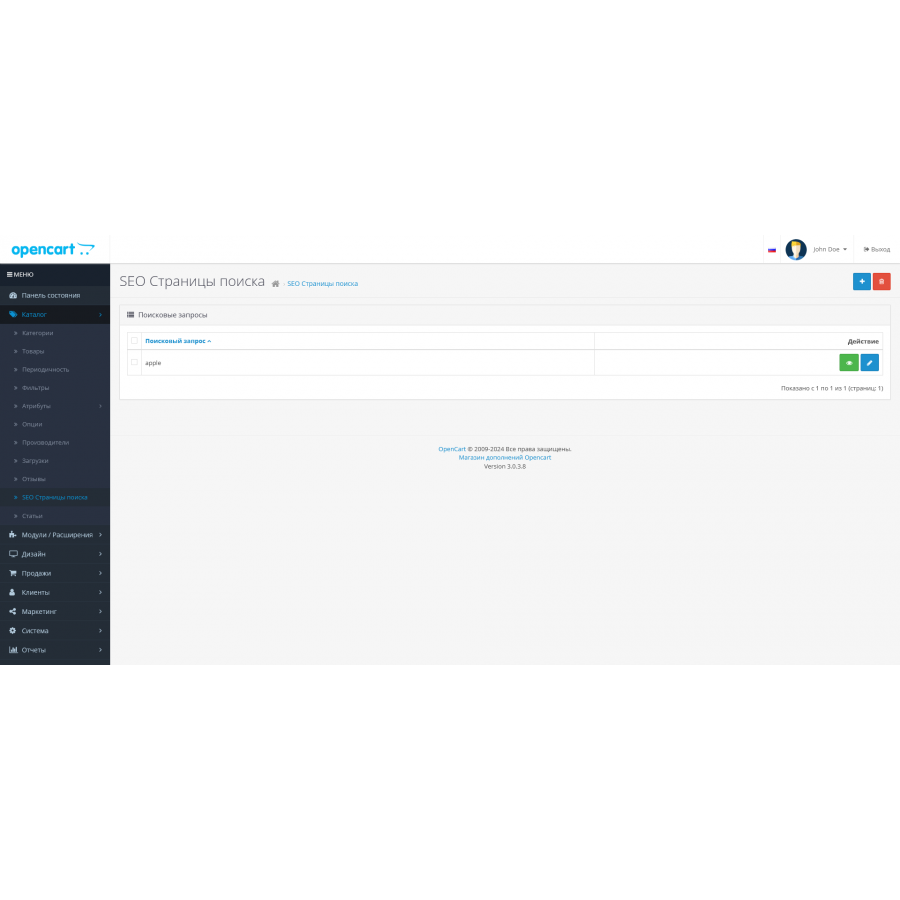
It allows you to create specialized landing pages for different search queries .
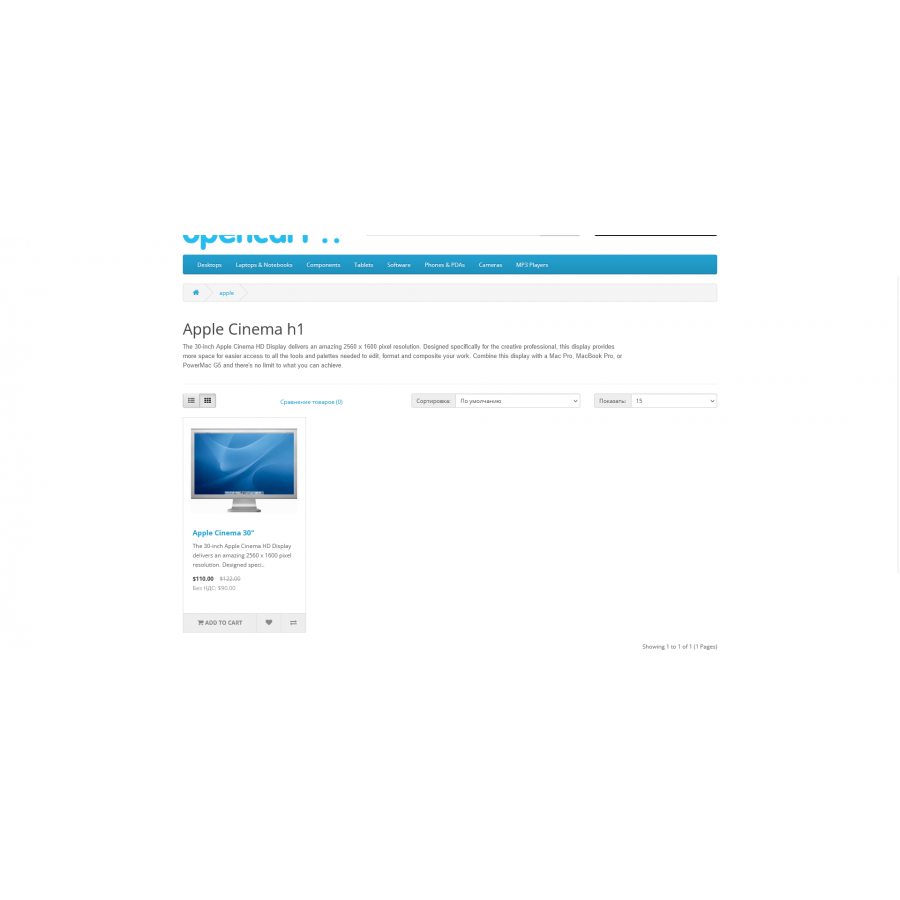
When searching your site, the module automatically checks if a landing page exists for the query. If such a page exists, the client will be redirected to it.
In the absence of a special page, the search request is processed in the standard way, and the usual search results are displayed.
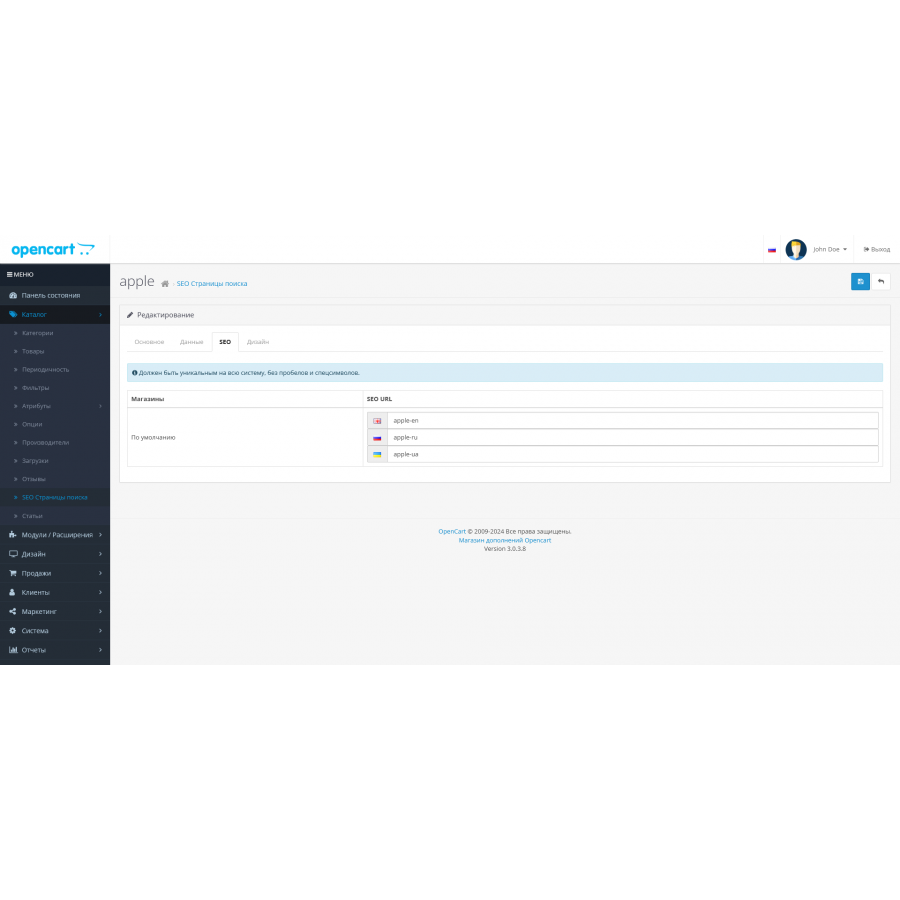
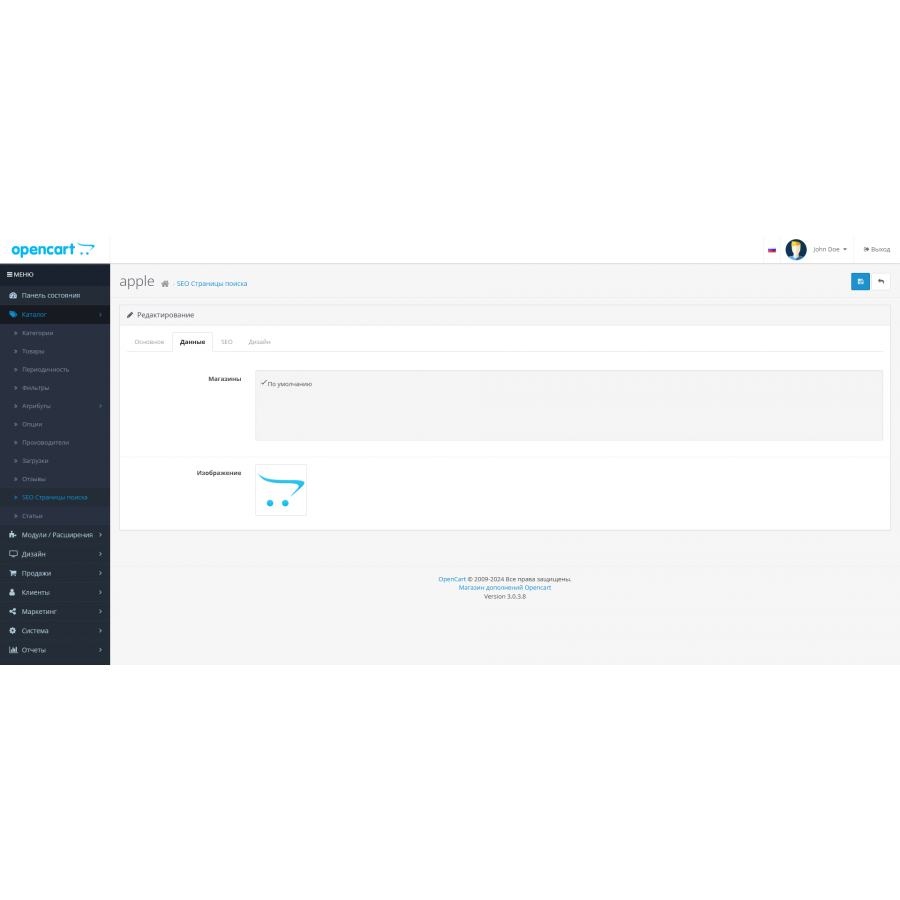
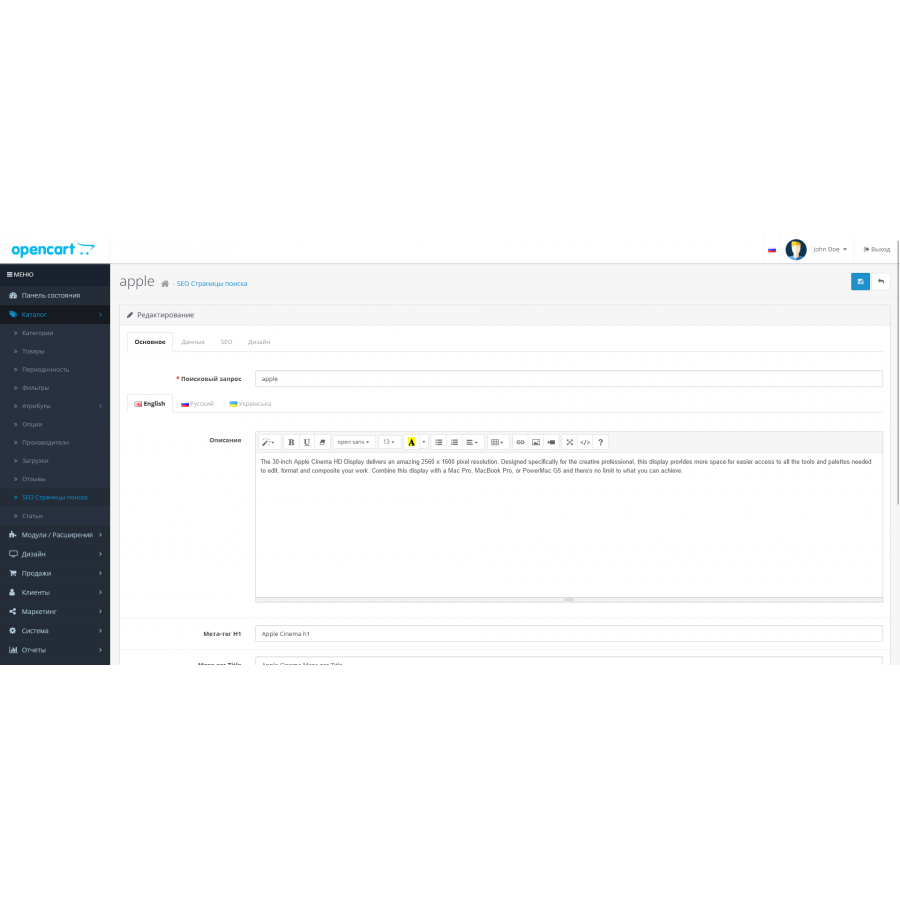
For each landing page, you can fill in a unique description, image, as well as key meta tags: H1, Title, Description and Keywords.
This provides a better understanding of the content of the page by search engines and helps increase its visibility in search results.
The module also provides the ability to customize the SEO URL for each page, making the links more user and search engine friendly.
You can set up a unique design scheme with a certain set of modules, which allows you to maximally adapt the page to the specific needs and preferences of users.
This module is ideal for websites looking to maximize their online presence and improve their SEO performance.
Templates may require customization.
There are ready adaptations for templates
It may need to be refined.
It allows you to create specialized landing pages for different search queries .
When searching your site, the module automatically checks if a landing page exists for the query. If such a page exists, the client will be redirected to it.
In the absence of a special page, the search request is processed in the standard way, and the usual search results are displayed.
For each landing page, you can fill in a unique description, image, as well as key meta tags: H1, Title, Description and Keywords.
This provides a better understanding of the content of the page by search engines and helps increase its visibility in search results.
The module also provides the ability to customize the SEO URL for each page, making the links more user and search engine friendly.
You can set up a unique design scheme with a certain set of modules, which allows you to maximally adapt the page to the specific needs and preferences of users.
This module is ideal for websites looking to maximize their online presence and improve their SEO performance.
Templates may require customization.
There are ready adaptations for templates
- default
It may need to be refined.
Specifications
Characteristics
PHP
7.2-7.4
Compatibility
3.0.0.0, 3.0.1.1, 3.0.1.2, 3.0.2.0, 3.0.3.0, 3.0.3.1, 3.0.3.2, 3.0.3.3, 3.0.3.5, 3.0.3.6, 3.0.3.7, 3.0.3.8
Localization
Russian, Ukrainian, English
Ocmod
Yes
Adaptation to your store
Paid
Супер модуль! для сео те що потрібно! на пошукові запити можна тонко налаштувати.... Правда робили самі адаптацію, бо в нас не стандартний шаблон
Is this review helpful?
0
No questions about this product, be the first and ask your question.
Installing the module
Module installation instructions:
- Before performing any actions related to installing an add-on in Opencart, we recommend creating a backup copy of all site files and the store database ;
- Install the localcopy fix (if you don't have it installed yet)
- Download the module file for the desired Opencart version from our website ( Follow the installation instructions if there are any in the module archive );
- Then go to the "Installing add-ons/extensions" section and click on the " Download " button;
- Select the downloaded file and wait for the module to be fully installed and for the text "Application installed successfully" to appear;
- After that, go to " Application Manager " and update the modifiers by clicking the " Update " button;
- After these actions, you need to add the rights to view and manage the module in the " User Groups " section for the administrator or other users you select by clicking " Select All ".