


Sitemap Pro for OpenCart 3 — automatic XML sitemap
Sitemap Pro is a professional module for OpenCart that creates an accurate XML sitemap according to search engine standards. Thanks to this, your online store is indexed faster and new pages are included in searches without delay.
The module automatically takes into account products, categories, manufacturers and articles , and can also include images for each product. Sitemap Pro supports key SEO tags
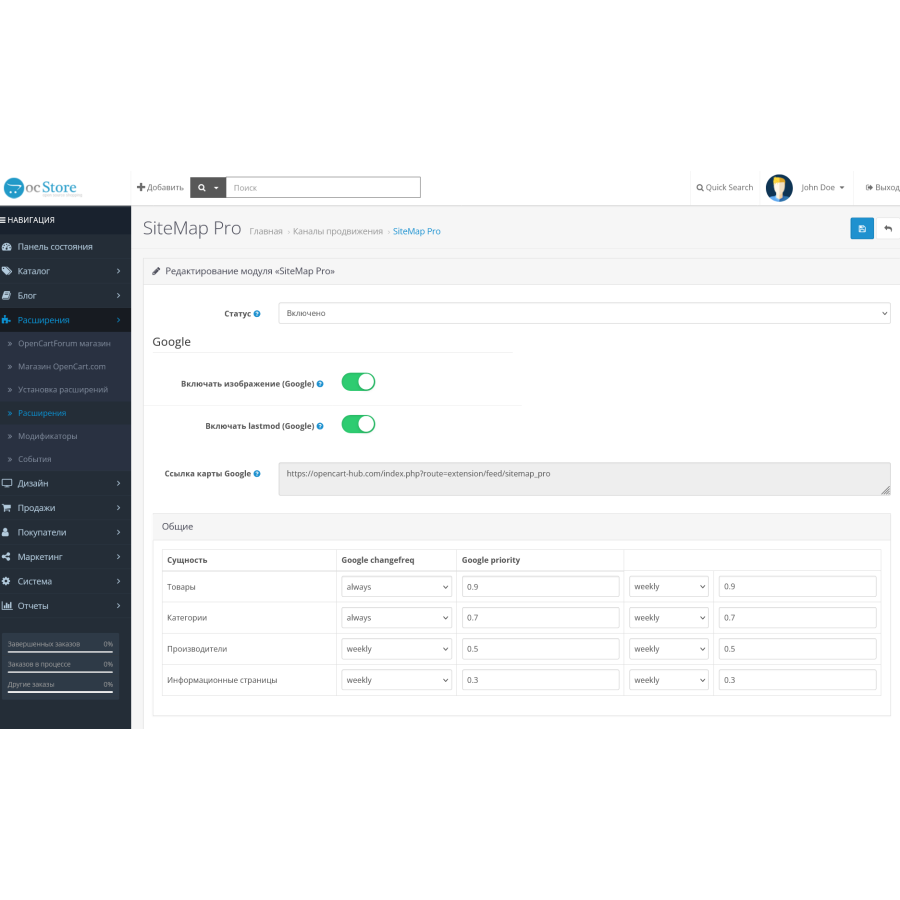
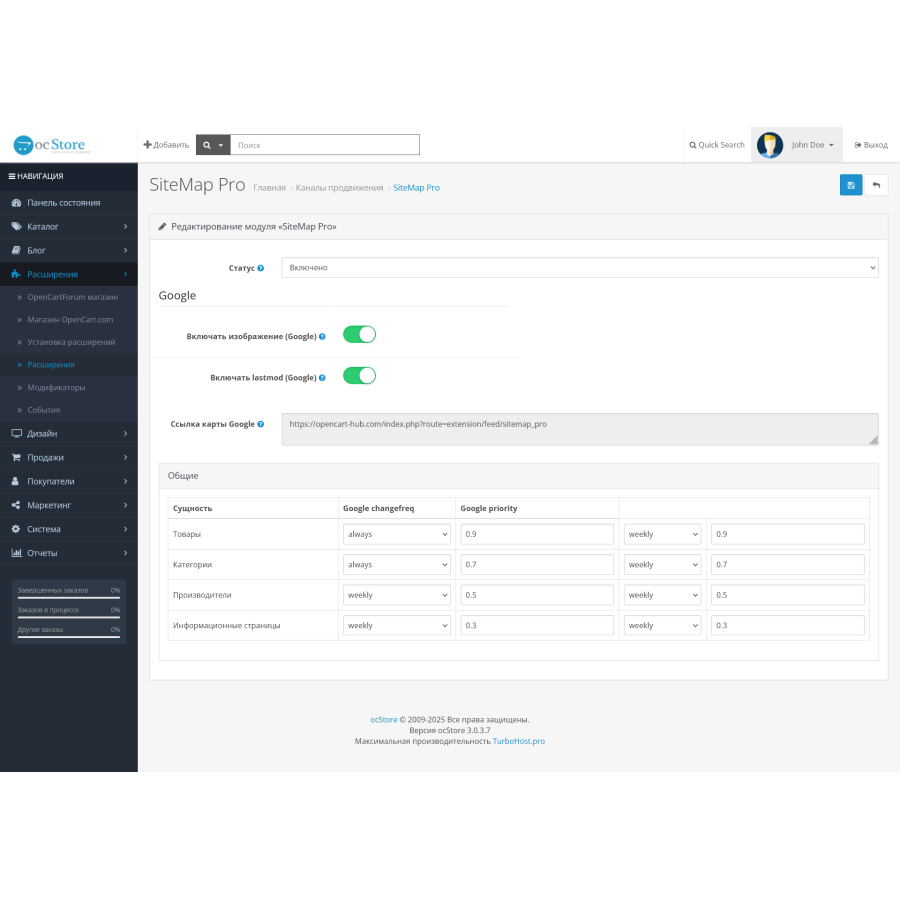
In the settings, you can define your own page priorities (for example, categories are more important than manufacturers), as well as the update frequency . The sitemap is generated automatically, supports Google , and is fully compatible with OpenCart 3.0 .
Main features
Automatic XML sitemap generation for Google
Support for
Ability to add product images to sitemap
Prioritizing products, categories, pages, and manufacturers
Easy management from the admin panel
Full compatibility with OpenCart 3.0
Installation instructions
Go to the "Extensions → Installation" section in the admin panel.
Click "Download" and select the module archive.
After successful installation, a message will appear: "Add-on installed successfully" .
The module is available in three languages - Ukrainian, Russian, and English .
There are no reviews for this product, be the first to leave your review.
No questions about this product, be the first and ask your question.
Module installation instructions:
- Before performing any actions related to installing an add-on in Opencart, we recommend creating a backup copy of all site files and the store database ;
- Install the localcopy fix (if you don't have it installed yet)
- Download the module file for the desired Opencart version from our website ( Follow the installation instructions if there are any in the module archive );
- Then go to the "Installing add-ons/extensions" section and click on the " Download " button;
- Select the downloaded file and wait for the module to be fully installed and for the text "Application installed successfully" to appear;
- After that, go to " Application Manager " and update the modifiers by clicking the " Update " button;
- After these actions, you need to add the rights to view and manage the module in the " User Groups " section for the administrator or other users you select by clicking " Select All ".





