

Slider Revolution Slider Module for Opencart
The most powerful slider module for Opencart 3.0 is Revolution Slider. You can create multi-layered slides with different animations, effects, timeline settings and more.
Our team has made this popular slider available to users of the new version of Opencart 3.0. This module is one of the so-called "must have" additions, without which it is difficult for a webmaster or the owner of a good online store.
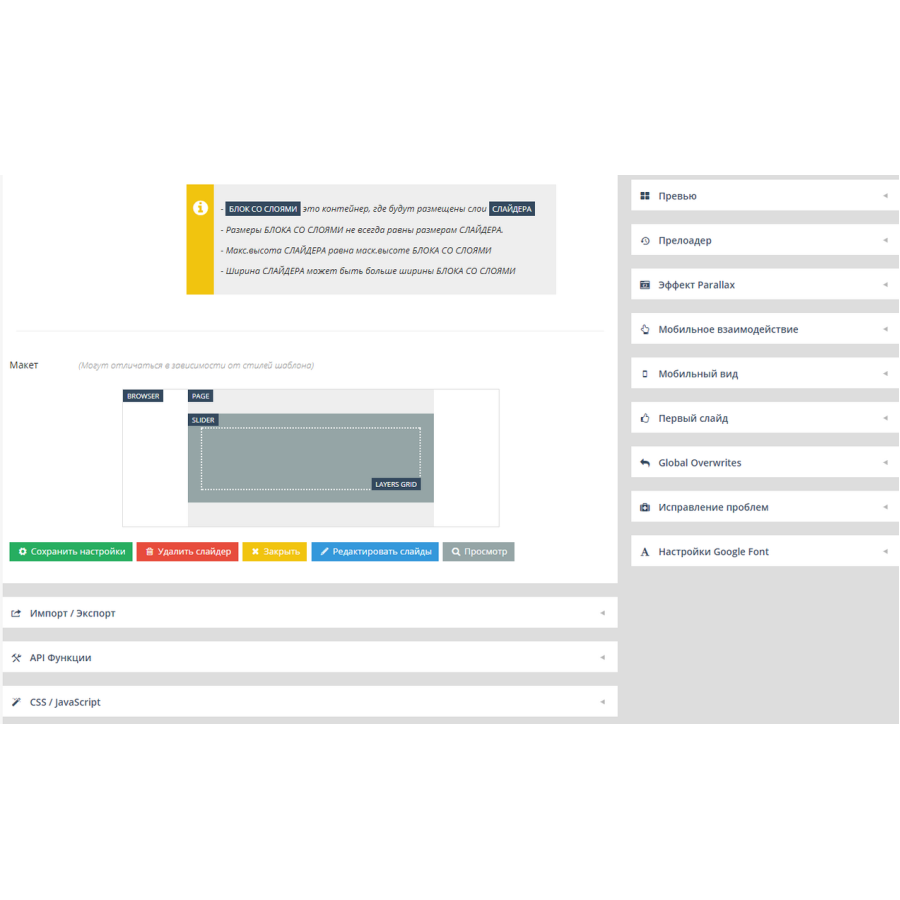
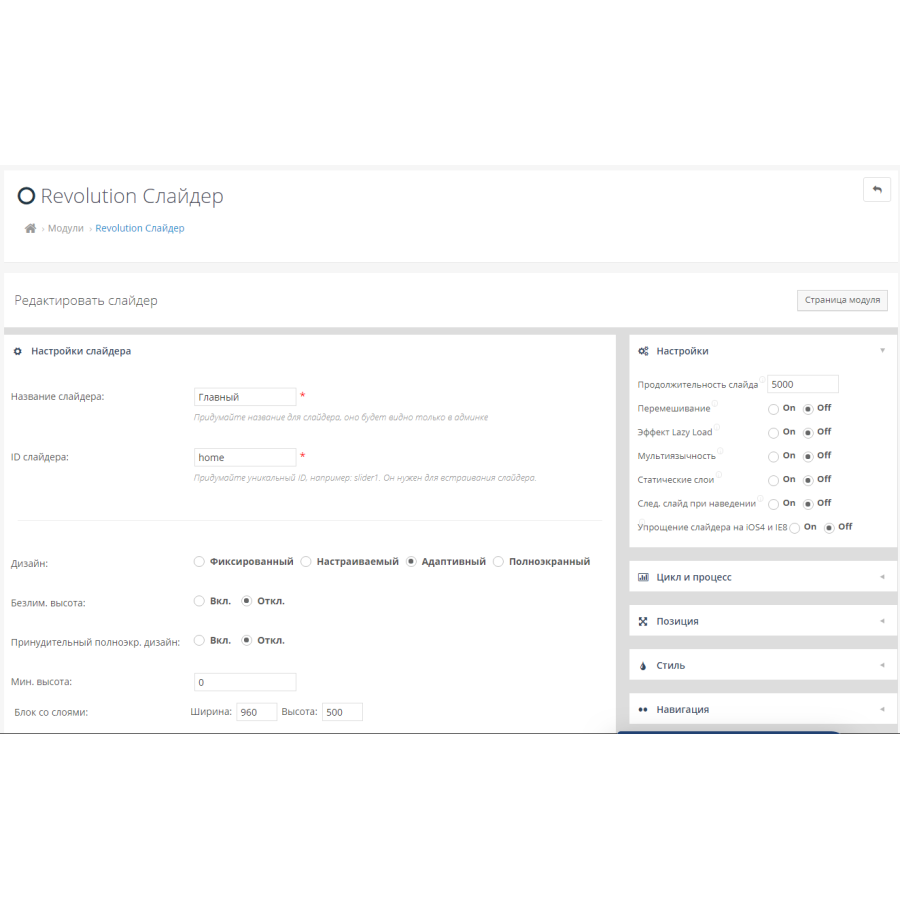
Revolution The slider can be displayed in one of 4 modes/sizes:- Fixed
- Adjusted
- Adaptive
- Full screen
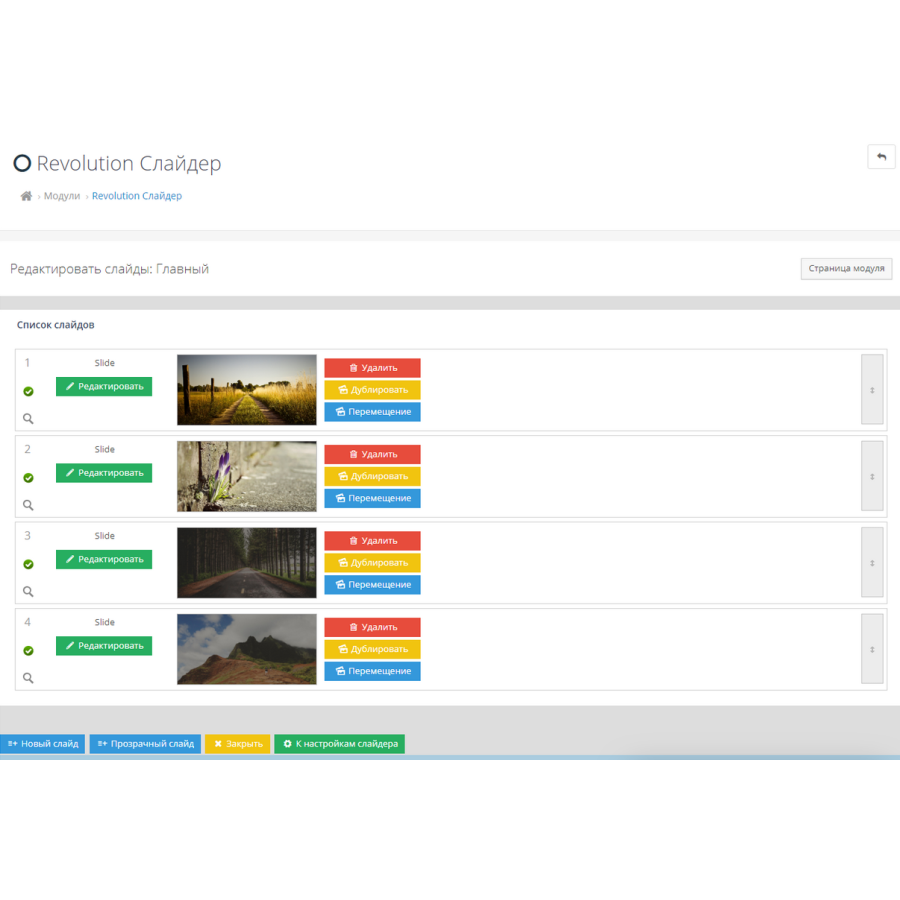
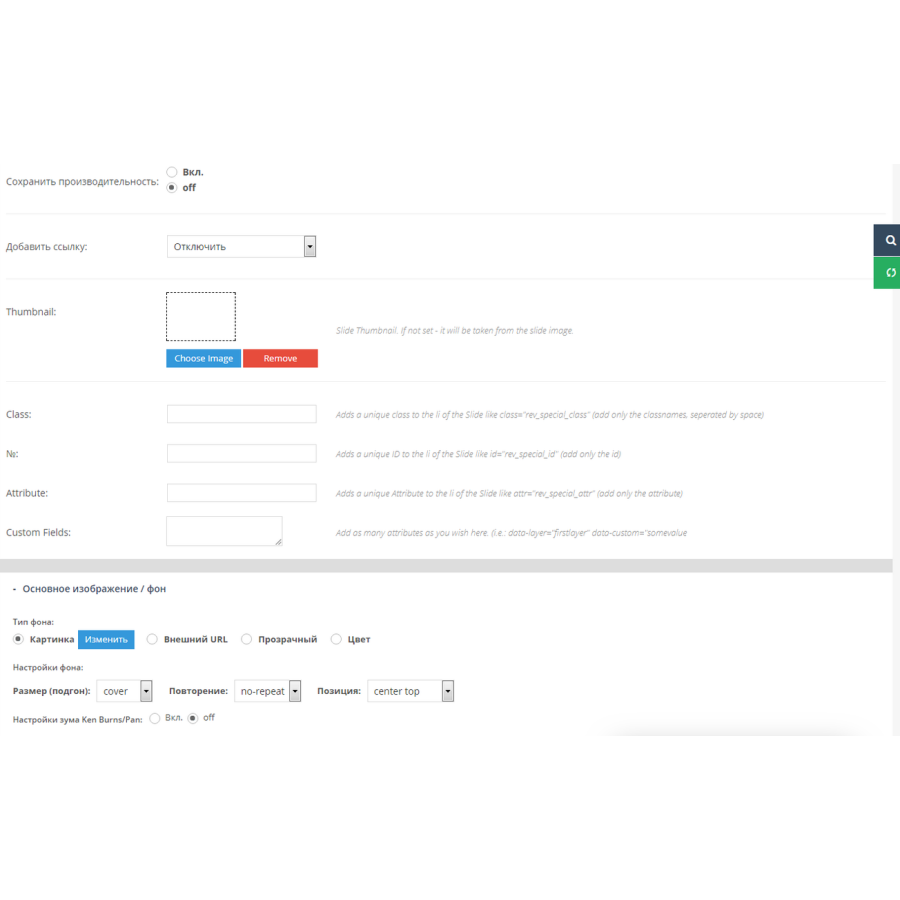
One slide in the slider can contain several layers - these are texts, buttons, icons, links, pictures, videos. You can set your own styles, appearance and disappearance time, appearance effects, animations, links to each layer. Layers can be positioned on the slide in visual mode by dragging them with the mouse. In this way, you can create a very dynamic slider in which you can display all your benefits or, for example, promotional offers.
The module is in Russian and English. There is support for multilingual site.
Installing the module:
1. You must have localcopy fix installed
2. Download the module through the admin - in the Module installation section, select the downloaded module archive.
3. Open the System > Users > User Groups > Administrators section, check all the boxes in the first two blocks.
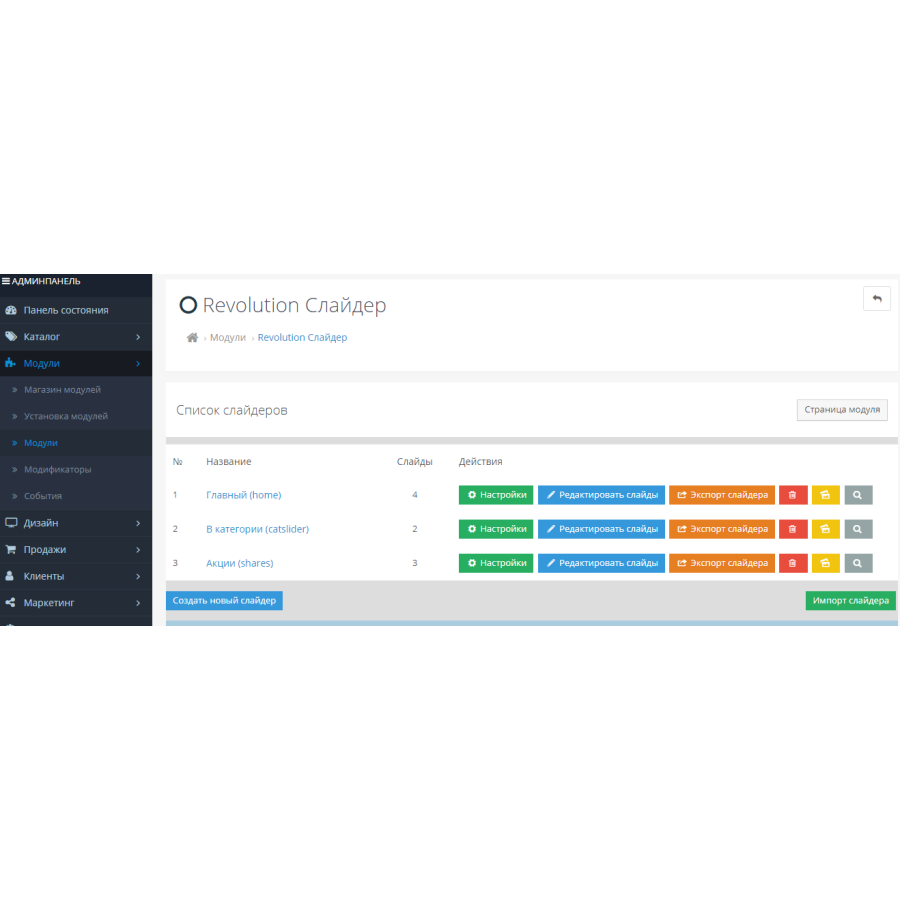
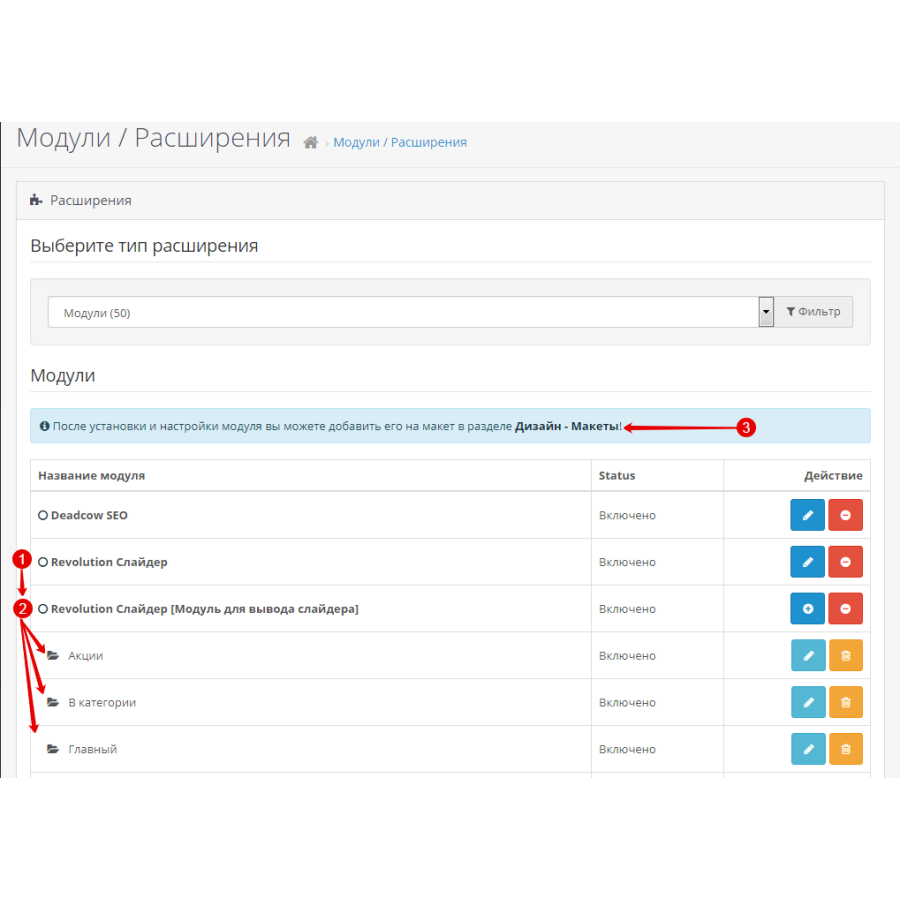
4. Open the section Modules > Modules, install two modules Revolution Slider and Revolution Slider [Slider output module]. The first module for creating sliders, the second for displaying these sliders on the site pages.
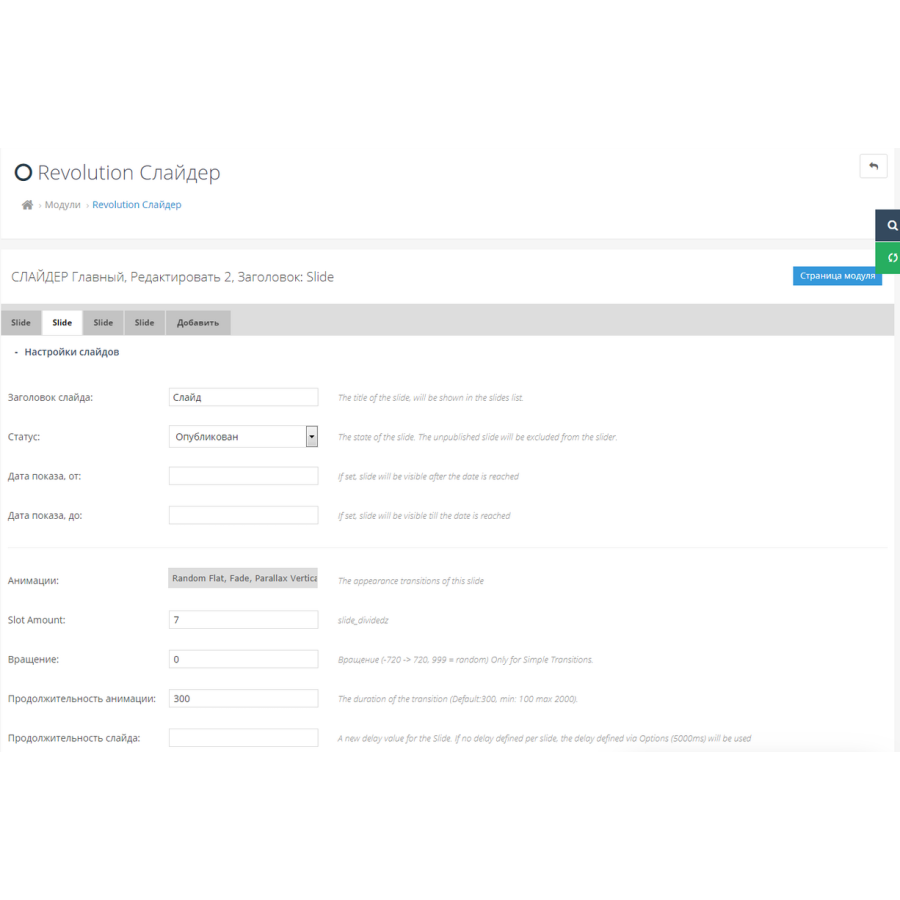
5. Create sliders in the Revolution Slider module
6. Edit the Revolution Slider module [Slider display module], select a slider to display on the site.
7. Open in admin Design > Layouts. Edit the desired layout, for example Home (Main) and select the created slider module in the desired position (note - you do not need to select the Revolution Slider)
The module is compatible with Opencart 3.0 and OcStore 3.0
There are no reviews for this product, be the first to leave your review.
No questions about this product, be the first and ask your question.
Module installation instructions:
- Before performing any actions related to installing an add-on in Opencart, we recommend creating a backup copy of all site files and the store database ;
- Install the localcopy fix (if you don't have it installed yet)
- Download the module file for the desired Opencart version from our website ( Follow the installation instructions if there are any in the module archive );
- Then go to the "Installing add-ons/extensions" section and click on the " Download " button;
- Select the downloaded file and wait for the module to be fully installed and for the text "Application installed successfully" to appear;
- After that, go to " Application Manager " and update the modifiers by clicking the " Update " button;
- After these actions, you need to add the rights to view and manage the module in the " User Groups " section for the administrator or other users you select by clicking " Select All ".