

Smart product filter module for Opencart
The "Smart Product Filter" application is part of the set of mandatory modules for CMS Opencart.
This is one of the most popular filters for the aforementioned online store system.
Products can be filtered by the following criteria:
- Price
- Category
- Producer
- Options
- Characteristics (attributes)
- Availability
How to correctly display filtered data?
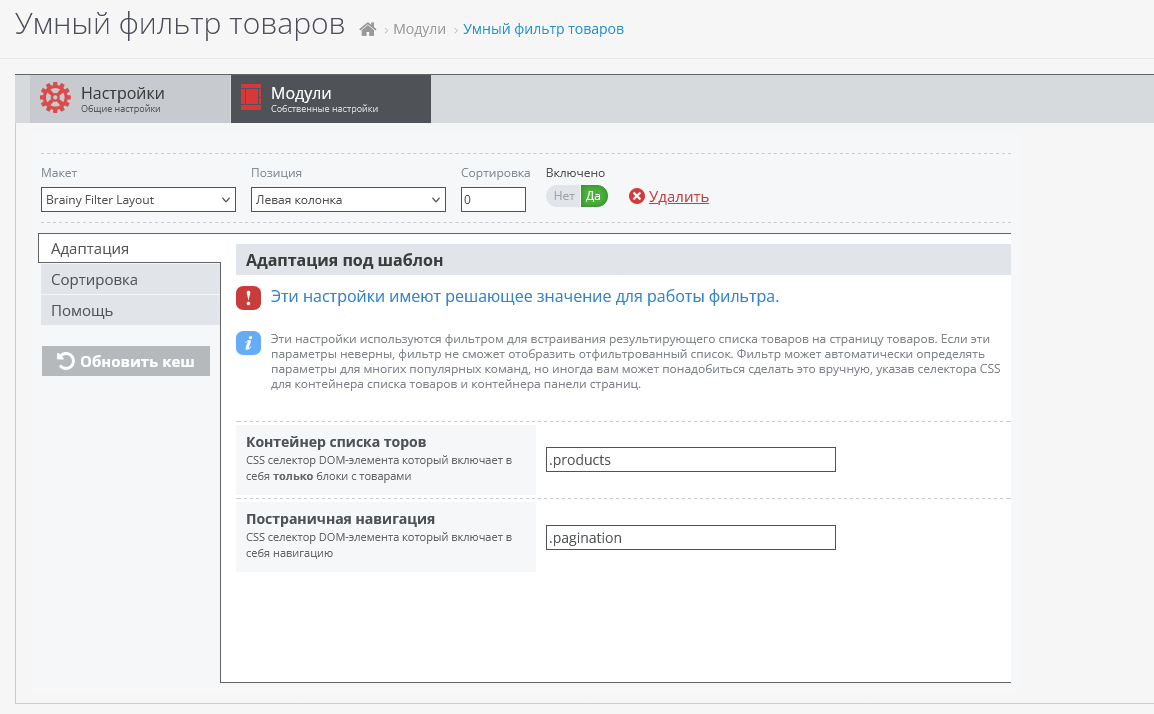
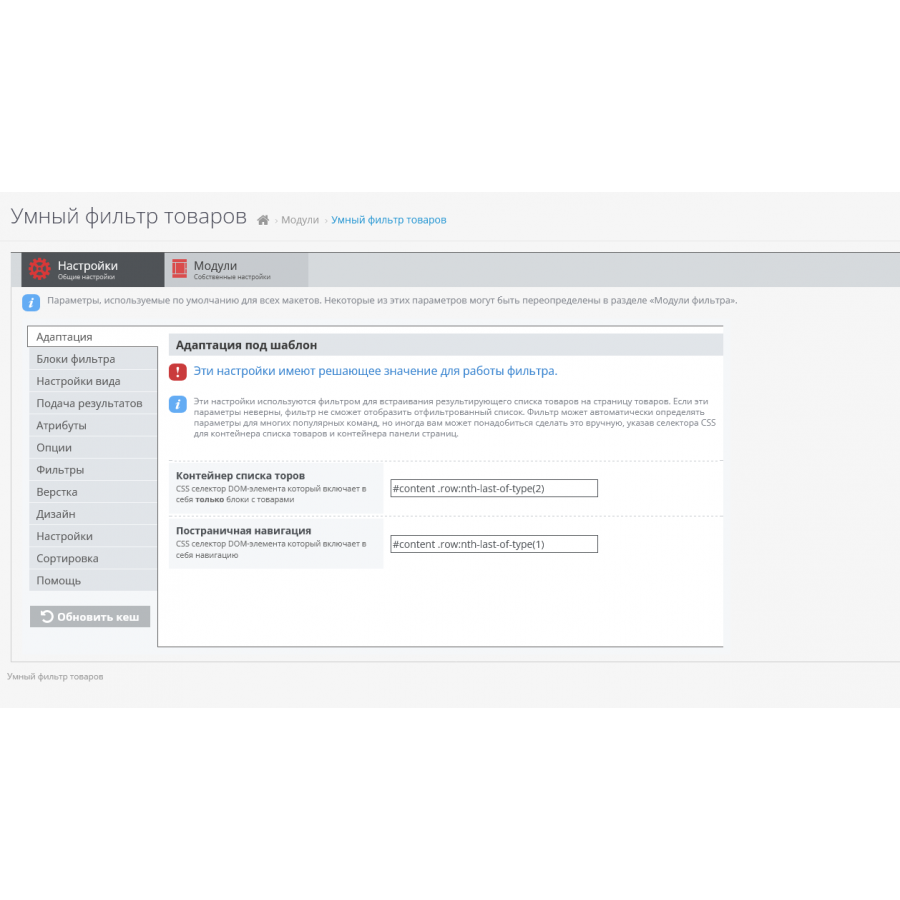
- 1. As indicated in the picture, in the "Adaptation" tab, you need to specify the parent class, or the id of the block in which your goods are located. If you just installed the CMS, everything will work by itself.
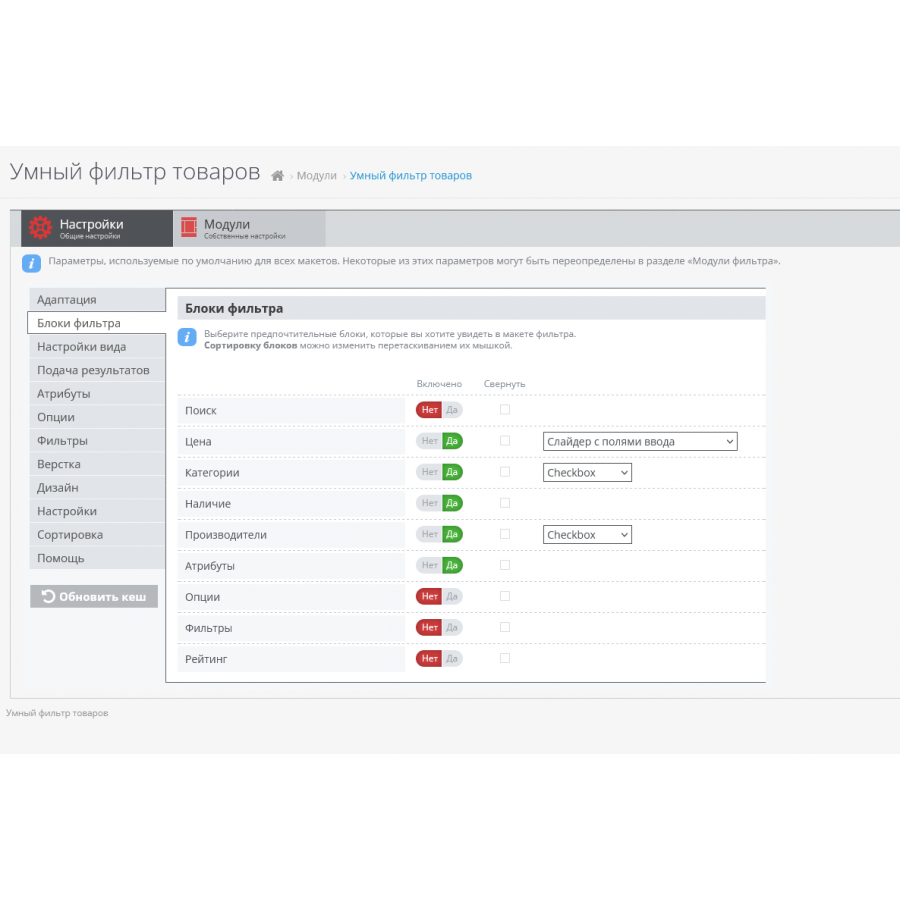
- 2. After that, you need to mark the filters you need in "Filter Blocks".
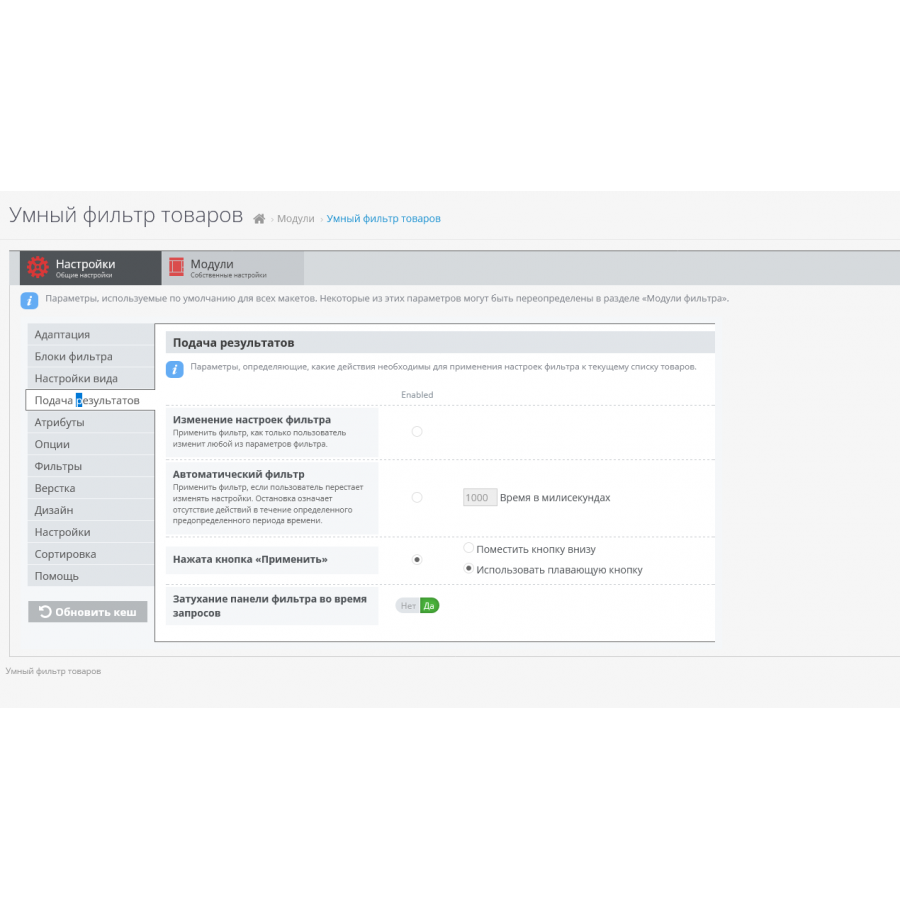
- 3. Go to "Submission of results" and enable the item "Change filter settings", then when you change the results in the product category, filtering will occur immediately, without delay and reloading the page.
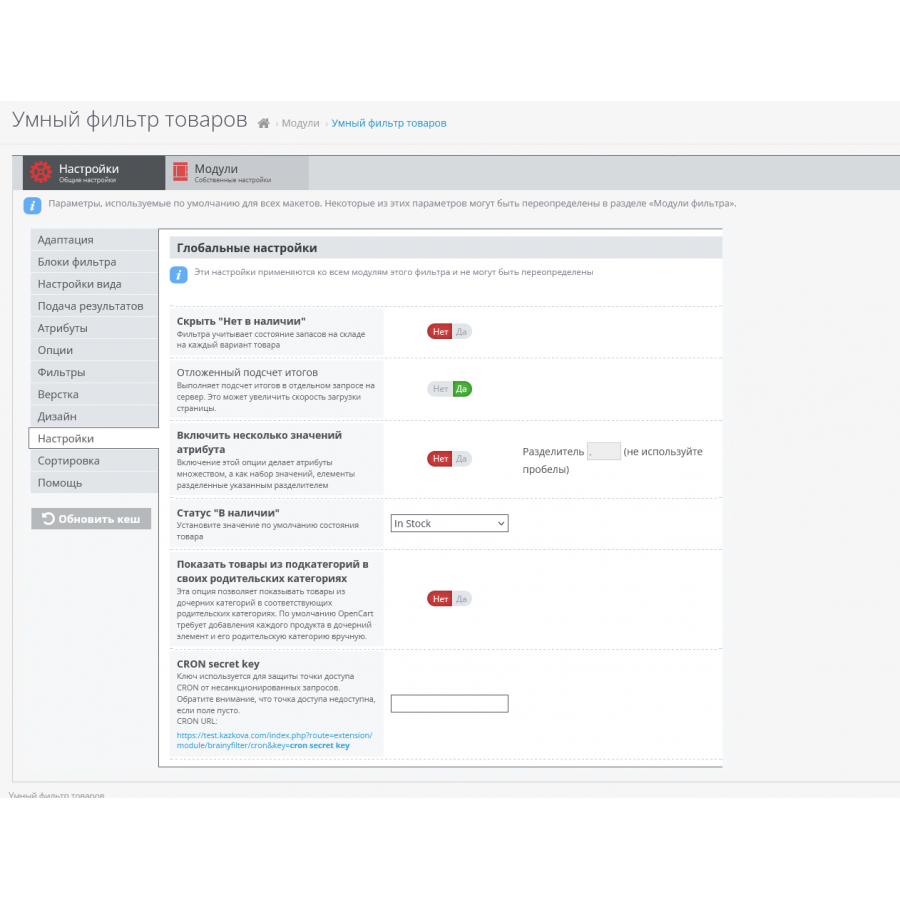
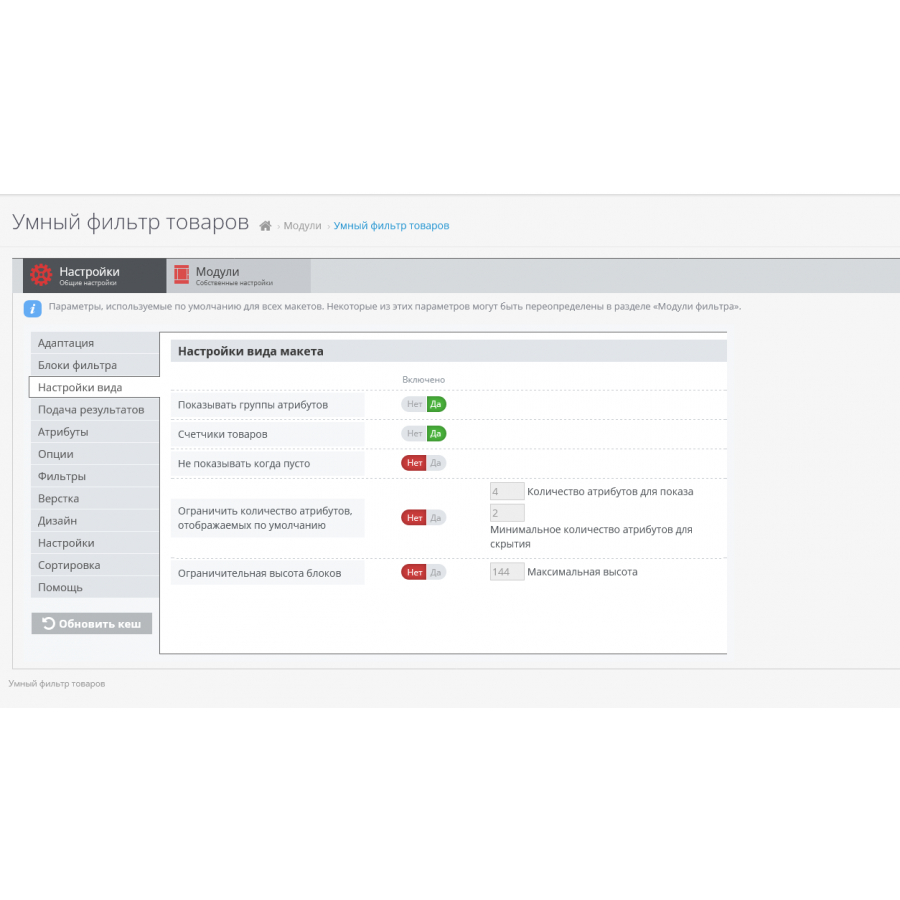
You can adjust other parameters based on your own preferences.
Why do you need a product filter?
It is most necessary for online stores with a large number of products. If you have more than 100 products in each category, then when scrolling through 10 or more pages in the navigation, your users will begin to feel discomfort and may even close your site.
To make it easier for your customers to navigate and find the right product, install a "Smart Product Filter" and display it, say, on the side of the template.
You should not neglect this idea, because it is better to spend time configuring the add-on and filling in the options in the products than losing a potential customer due to an inconvenient product catalog.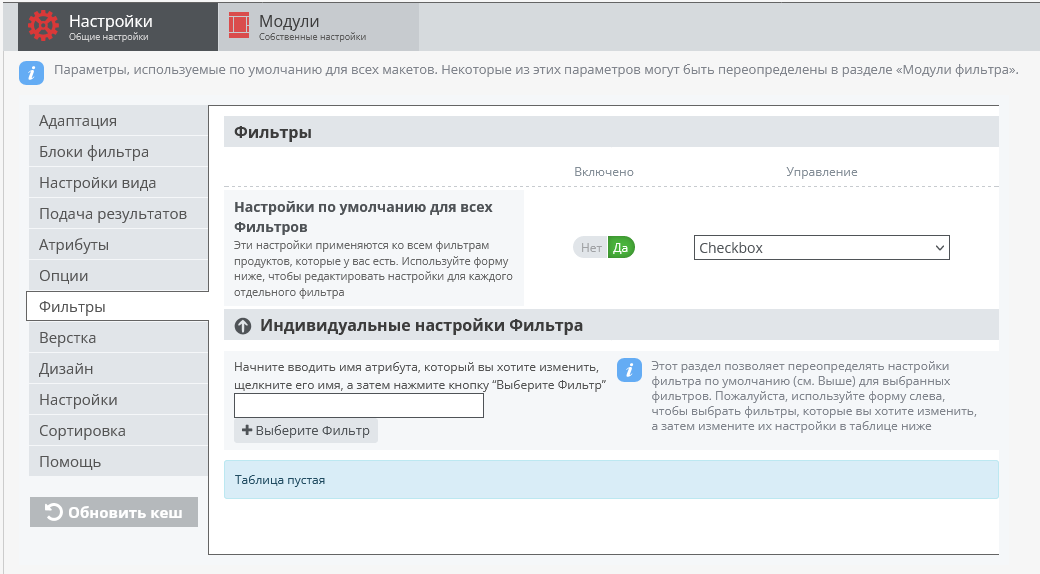
No questions about this product, be the first and ask your question.
Module installation instructions:
- Before performing any actions related to installing an add-on in Opencart, we recommend creating a backup copy of all site files and the store database ;
- Install the localcopy fix (if you don't have it installed yet)
- Download the module file for the desired Opencart version from our website ( Follow the installation instructions if there are any in the module archive );
- Then go to the "Installing add-ons/extensions" section and click on the " Download " button;
- Select the downloaded file and wait for the module to be fully installed and for the text "Application installed successfully" to appear;
- After that, go to " Application Manager " and update the modifiers by clicking the " Update " button;
- After these actions, you need to add the rights to view and manage the module in the " User Groups " section for the administrator or other users you select by clicking " Select All ".