
All about product
Description
Specification
Reviews
1
Questions0
Installing the module




Stripe Checkout Module for OpenCart
Product Code: 474
Version: 3.0
In Stock
850 грн
Main specifications
PHP:
7.2-7.4
Compatibility:
3.0.0.0, 3.0.1.1, 3.0.1.2, 3.0.2.0, 3.0.3.0, 3.0.3.1, 3.0.3.2, 3.0.3.3, 3.0.3.5, 3.0.3.6, 3.0.3.7, 3.0.3.8, 3.0. 3.9, 3.0.4.0
Localization:
English, Polish, Greek
Ocmod:
No
Adaptation to your store:
Paid
All specifications
Description
Overview
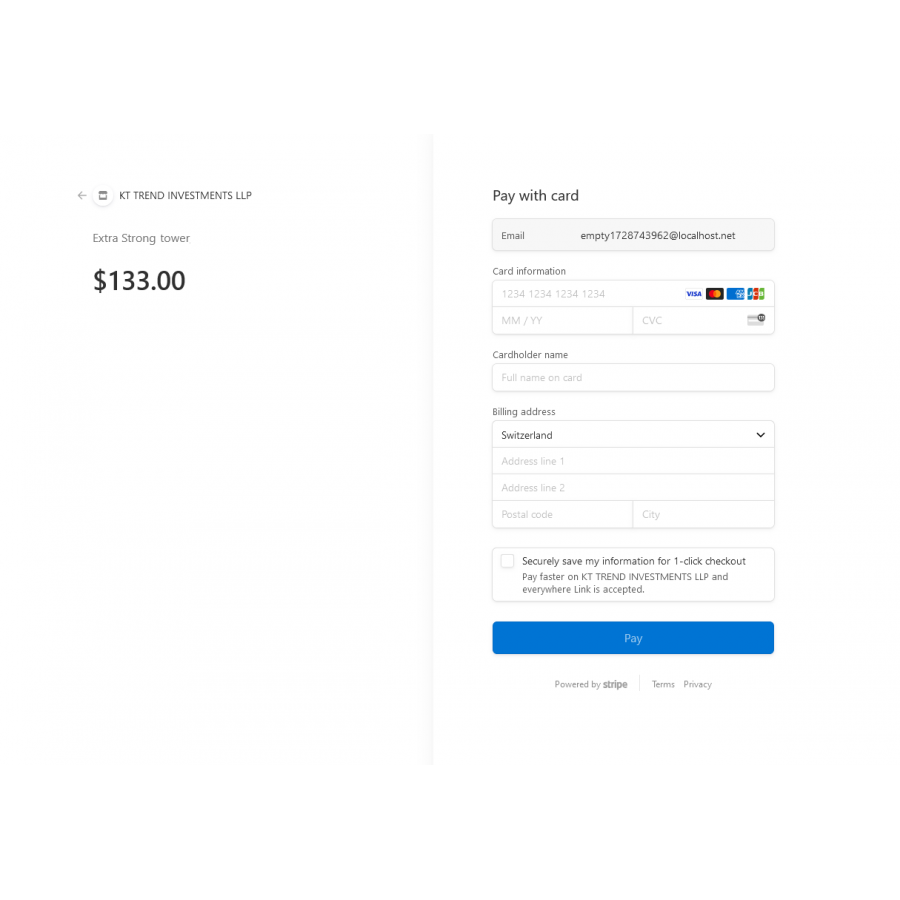
The Stripe Checkout module is designed for OpenCart, allowing you to seamlessly integrate Stripe's secure and user-friendly checkout experience into your OpenCart store, making payment acceptance effortless.
Note: This module offers basic functionality to create Stripe Checkout Sessions and does not support refunds or other advanced features.
Features
- Easy Integration: Integrates Stripe Checkout smoothly into your OpenCart store.
- Secure Payments: Utilizes Stripe's secure payment processing to protect both merchants and customers.
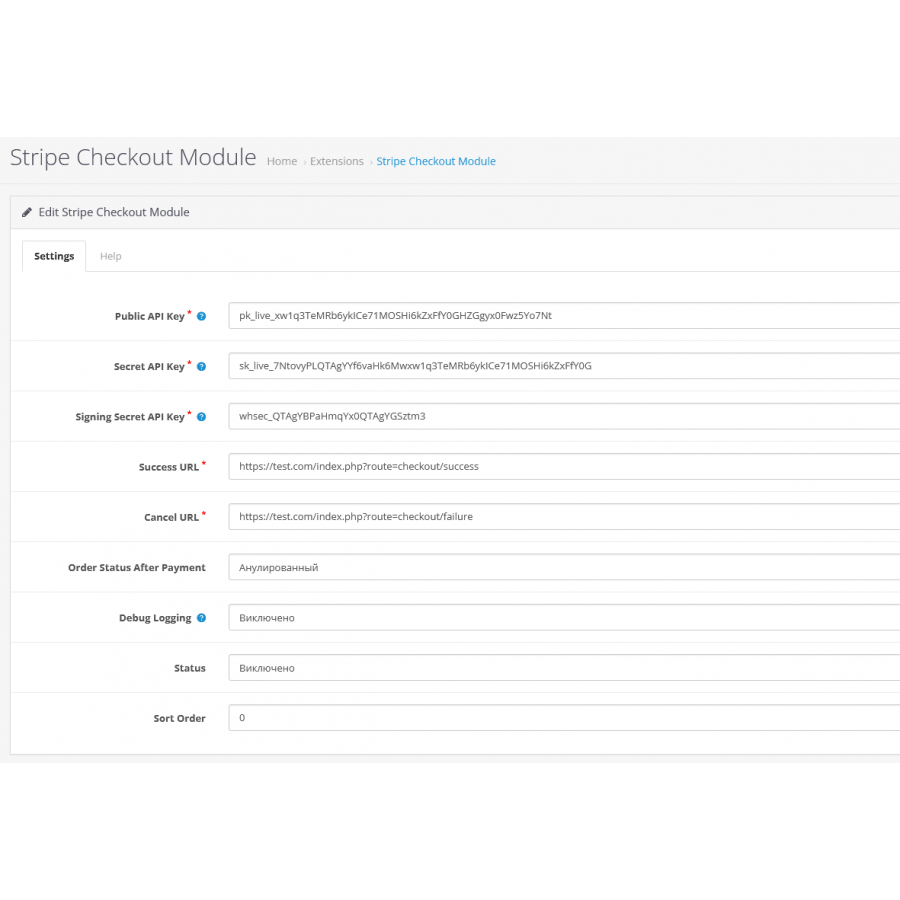
- Minimal Setup: Simply install the module, configure your Stripe API keys, and start accepting payments.
System Requirements
This module incorporates the "Stripe PHP Library."
Installation
To install the Striper module, just follow the same steps as you would for any other standard OCMOD module in OpenCart.
Help
For assistance with configuring the Striper module, please refer to the "Help" tab in the module’s settings within the OpenCart Admin panel.
Usage
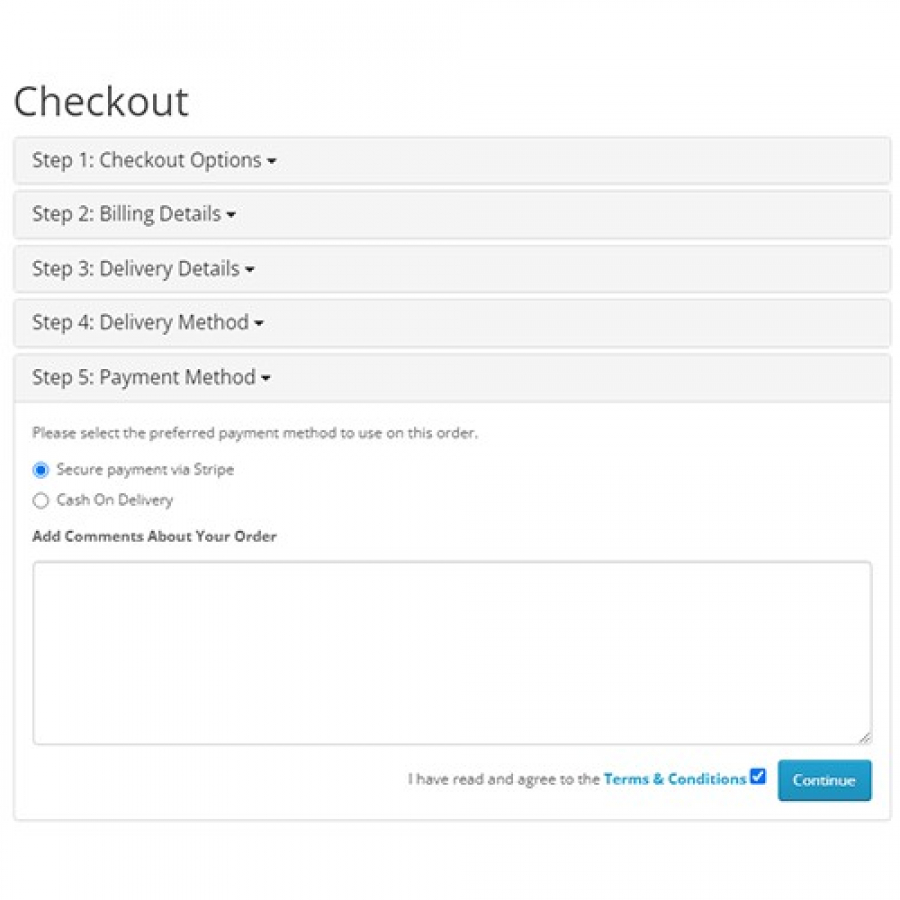
Once the module is installed and configured, customers will be able to use Stripe Checkout to complete their purchases in your OpenCart store. The checkout process will redirect them to Stripe's secure payment page, and upon successful payment, they will be redirected back to your store.
Limitations
- **No Refunds:** This module does not handle refunds; they must be processed manually through your Stripe Dashboard.
- **Basic Functionality:** This module is designed for minimal Stripe integration, focusing solely on creating Stripe Checkout Sessions.
Support
This module comes without special support. However, if you have any questions, you can refer to Stripe's official documentation or the OpenCart community forums. After purchasing a module, you cannot return it. The module supports installation on multiple domains.
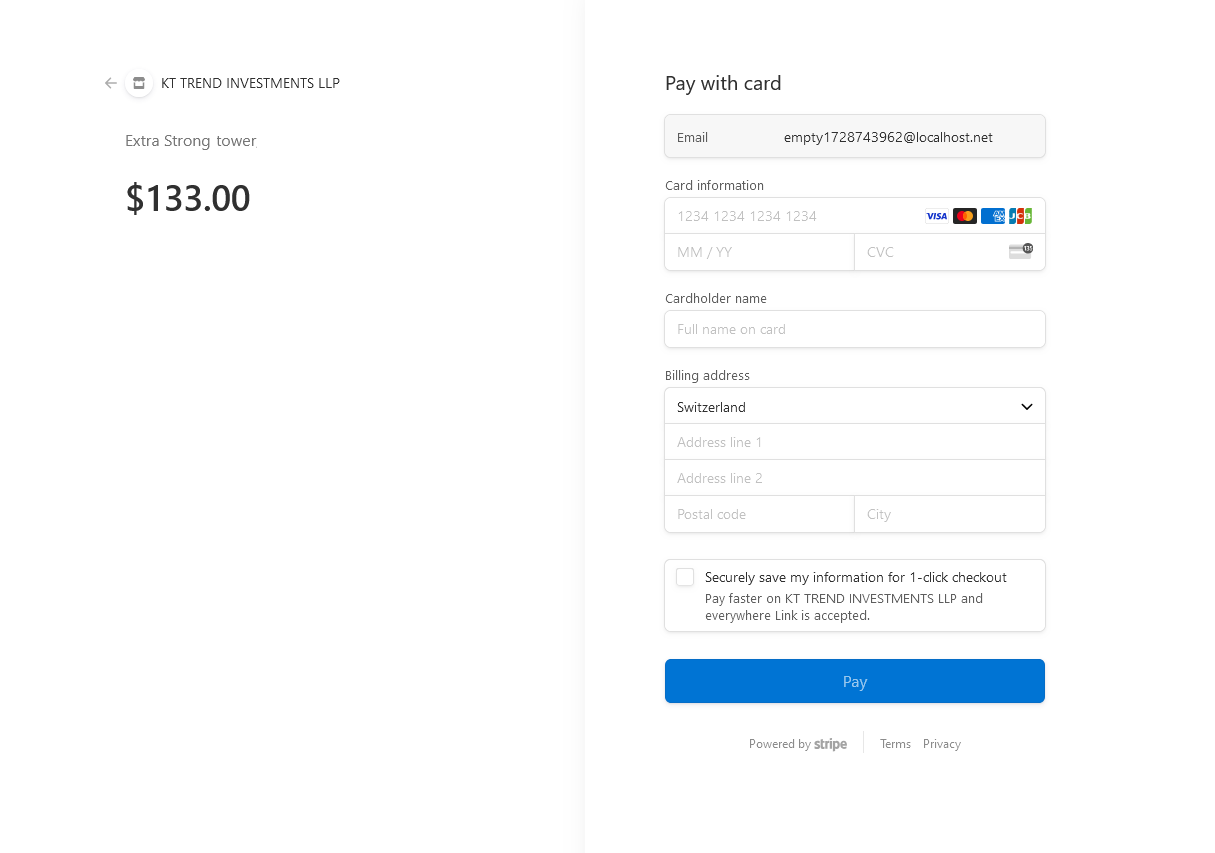
The Stripe Checkout module is designed for OpenCart, allowing you to seamlessly integrate Stripe's secure and user-friendly checkout experience into your OpenCart store, making payment acceptance effortless.
Note: This module offers basic functionality to create Stripe Checkout Sessions and does not support refunds or other advanced features.
Features
- Easy Integration: Integrates Stripe Checkout smoothly into your OpenCart store.
- Secure Payments: Utilizes Stripe's secure payment processing to protect both merchants and customers.
- Minimal Setup: Simply install the module, configure your Stripe API keys, and start accepting payments.
System Requirements
This module incorporates the "Stripe PHP Library."
Installation
To install the Striper module, just follow the same steps as you would for any other standard OCMOD module in OpenCart.
Help
For assistance with configuring the Striper module, please refer to the "Help" tab in the module’s settings within the OpenCart Admin panel.
Usage
Once the module is installed and configured, customers will be able to use Stripe Checkout to complete their purchases in your OpenCart store. The checkout process will redirect them to Stripe's secure payment page, and upon successful payment, they will be redirected back to your store.
Limitations
- **No Refunds:** This module does not handle refunds; they must be processed manually through your Stripe Dashboard.
- **Basic Functionality:** This module is designed for minimal Stripe integration, focusing solely on creating Stripe Checkout Sessions.
Support
This module comes without special support. However, if you have any questions, you can refer to Stripe's official documentation or the OpenCart community forums. After purchasing a module, you cannot return it. The module supports installation on multiple domains.
Specifications
Characteristics
PHP
7.2-7.4
Compatibility
3.0.0.0, 3.0.1.1, 3.0.1.2, 3.0.2.0, 3.0.3.0, 3.0.3.1, 3.0.3.2, 3.0.3.3, 3.0.3.5, 3.0.3.6, 3.0.3.7, 3.0.3.8, 3.0. 3.9, 3.0.4.0
Localization
English, Polish, Greek
Ocmod
No
Adaptation to your store
Paid
Great module for integrating Stripe on my website. It's user-friendly and offers all the necessary features for smooth payment processing. The setup was quick and straightforward, and everything works flawlessly. Highly recommend this module for anyone looking to add Stripe payment options to their site
Is this review helpful?
0
No questions about this product, be the first and ask your question.
Installing the module
Module installation instructions:
- Before performing any actions related to installing an add-on in Opencart, we recommend creating a backup copy of all site files and the store database ;
- Install the localcopy fix (if you don't have it installed yet)
- Download the module file for the desired Opencart version from our website ( Follow the installation instructions if there are any in the module archive );
- Then go to the "Installing add-ons/extensions" section and click on the " Download " button;
- Select the downloaded file and wait for the module to be fully installed and for the text "Application installed successfully" to appear;
- After that, go to " Application Manager " and update the modifiers by clicking the " Update " button;
- After these actions, you need to add the rights to view and manage the module in the " User Groups " section for the administrator or other users you select by clicking " Select All ".





