Successful Order Page Customization Module (Thank You for Ordering) for OpenCart
Want to keep customers coming back to your store? Turn a standard, boring checkout page into a powerful marketing and service tool!
This module allows you to fully customize the final page, making it as informative, convenient and useful as possible for the buyer. The client will not just see the dry text "Order accepted", but will receive all the necessary information in one click.
What can this module do?
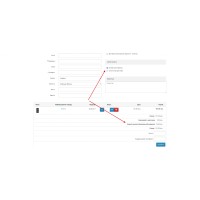
- All the details before your eyes: The customer immediately sees their unique order number, cart contents, total cost, as well as the selected address and delivery method.
- One-click document printing: Buyers can easily print an invoice or packing slip directly from the thank you page.
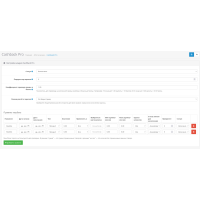
- Flexible Invoices: Customize your data output with convenient shortcodes. You can create different document templates for registered users and for those who purchased as a guest.
- Perfect visual style: You can independently control the size of product images and customize the display of columns in the table so that everything looks harmonious on any screen.
- Social Marketing: Integrated social media buttons (Facebook, Twitter, etc.) allow customers to share the joy of shopping with friends with one click.
- Full multilingualism: Rename any field, adapt texts to your brand, and speak to your customer in their language.
Tip for maximum conversion: Although the module works on its own, we recommend using it in tandem with the Simple quick checkout module to create the perfect customer experience.
Technical specifications
- OpenCart compatibility: 2.0, 2.1, 2.2, 2.3, 3.0
- Installation type: XML modifier (ocmod)
- Available languages: Ukrainian, English, Russian
Make the final purchase in your store professional and caring. This increases brand trust and encourages repeat sales!
There are no reviews for this product, be the first to leave your review.
No questions about this product, be the first and ask your question.
Module installation instructions:
- Before performing any actions related to installing an add-on in Opencart, we recommend creating a backup copy of all site files and the store database ;
- Install the localcopy fix (if you don't have it installed yet)
- Download the module file for the desired Opencart version from our website ( Follow the installation instructions if there are any in the module archive );
- Then go to the "Installing add-ons/extensions" section and click on the " Download " button;
- Select the downloaded file and wait for the module to be fully installed and for the text "Application installed successfully" to appear;
- After that, go to " Application Manager " and update the modifiers by clicking the " Update " button;
- After these actions, you need to add the rights to view and manage the module in the " User Groups " section for the administrator or other users you select by clicking " Select All ".